


The developers of Gearbox Software have now revealed what your PC must be capable of to play Borderlands 3 and with which system specs you can get the graphical maximum out of the game. Here are the official system requirements as well as possible graphic settings.

Can my PC handle Borderlands 3? This is a question many players may currently be asking ahead of the release of Borderlands 3 on September 13.
Until now, games in the Borderlands series have not necessarily been known for massive hardware requirements. And it looks like that will not change with the latest installment of the series. This is what your PC needs to handle to dive into the adventures of Borderlands 3 soon:
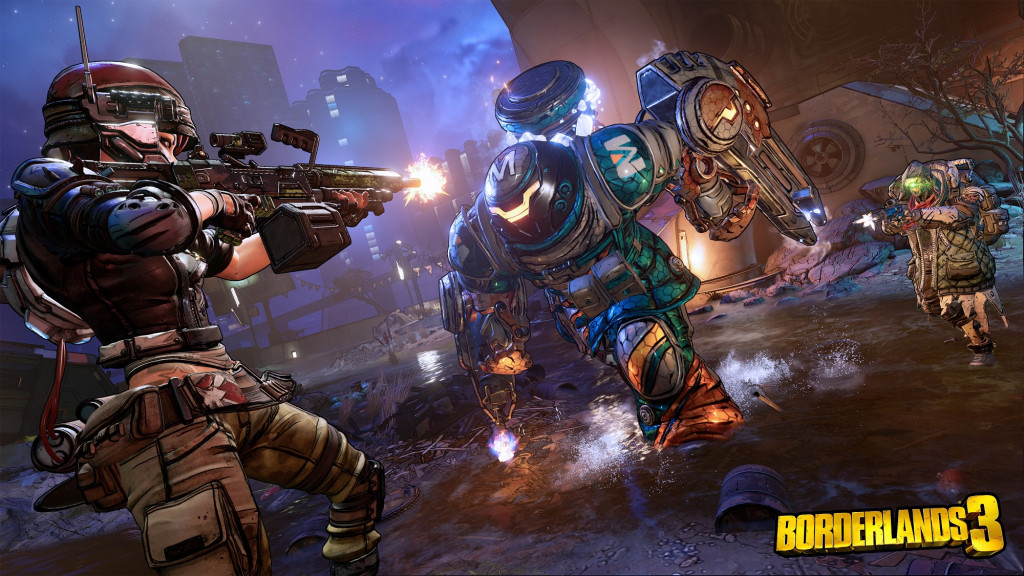
System Requirements for Borderlands 3 on PC
Minimum Hardware Requirements for 1080p Resolution
- Operating System: Windows 7/8/10 (with the latest service pack)
- Processor: AMD FX-8350 / Intel i5-3570
- RAM: 6GB
- Graphics Card: AMD Radeon™ HD 7970 / NVIDIA GeForce GTX 680 2GB
- Hard Drive Space: 75 GB
Recommended Hardware Specs for 1440P Resolution
- Operating System: – Windows 7/8/10 (with the latest service pack)
- Processor: – AMD Ryzen™ 5 2600 / Intel i7-4770
- RAM: 16GB
- Graphics Card: AMD Radeon™ RX 590 / NVIDIA GeForce GTX 1060 6GB
- Hard Drive Space: 75 GB


Graphics Options for Borderlands 3 on PC
To further optimize the performance of your PC, you have various graphical options at your disposal to play around with. Here is a list of all your options:
General Settings:
- Graphics API: DirectX 11, DirectX 12
- Display: varies by setup
- Display Modes: Fullscreen, Window (borderless), Window
- Resolution: varies by setup
- Vertical Sync: on, off
- Resolution Scale: 50% – 200% in 25% increments
- Frame Rate Limiting: Smooth 22-62 FPS, Capped 30 FPS, Capped 50 FPS, Capped 60 FPS, Capped 72 FPS, Capped 120 FPS, unlimited, custom setting
- Custom FPS Limit: Default 90, minimum 15, maximum 300
- Display Calibration: Brightness and HDR
- Safe Area Calibration: Adjust UI boundaries
- Field of View: Default 90, minimum 70, maximum 110
- Field of View for Vehicles: Default 90, minimum 70, maximum 110
- HUD Scale: Default 1, minimum 0.6, maximum 1.3
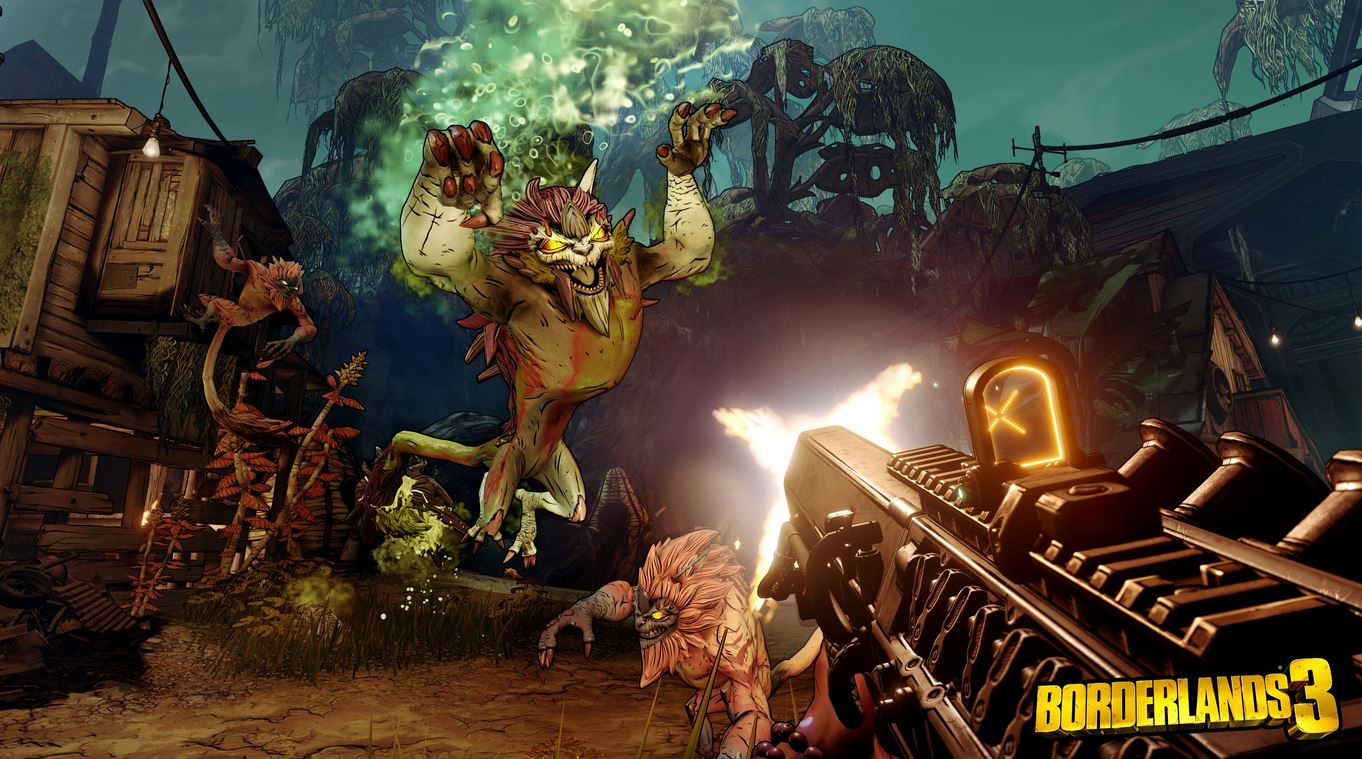
Advanced Settings:
- Display Stats: off, FPS, all (FPS, CPU, GPU)
- Anti Aliasing: off, FXAA, Temporal
- FidelityFX Sharpening: on, off
- Camera Motion Blur: on, off
- Object Motion Blur: on, off
- Graphics Quality: low, medium, high, ultra
- Texture Streaming: low, medium, high, ultra
- Anisotropic Filtering: 2x, 4x, 8x, 16x
- Material Quality: low, medium, high, ultra
- Shadows: low, medium, high, ultra
- Object View Distance: low, medium, high, ultra
- Ambient Texture Details: low, medium, high, ultra
- Ambient Details: low, medium, high, ultra
- Landscape Details: low, medium, high, ultra
- Foliage Details: low, medium, high, ultra
- Character Texture Details: low, medium, high, ultra
- Character Details: low, medium, high, ultra
- Ambient Occlusion: low, medium, high, ultra
- Volumetric Fog: off, medium, high, ultra
- Screen Space Reflections: off, medium, high, ultra
What do you think? Will your PC meet these requirements? Can you play with maxed-out settings? Or will you possibly need to upgrade your machine?


Your opinion is important to us!
Do you like the article? Then let us know!