


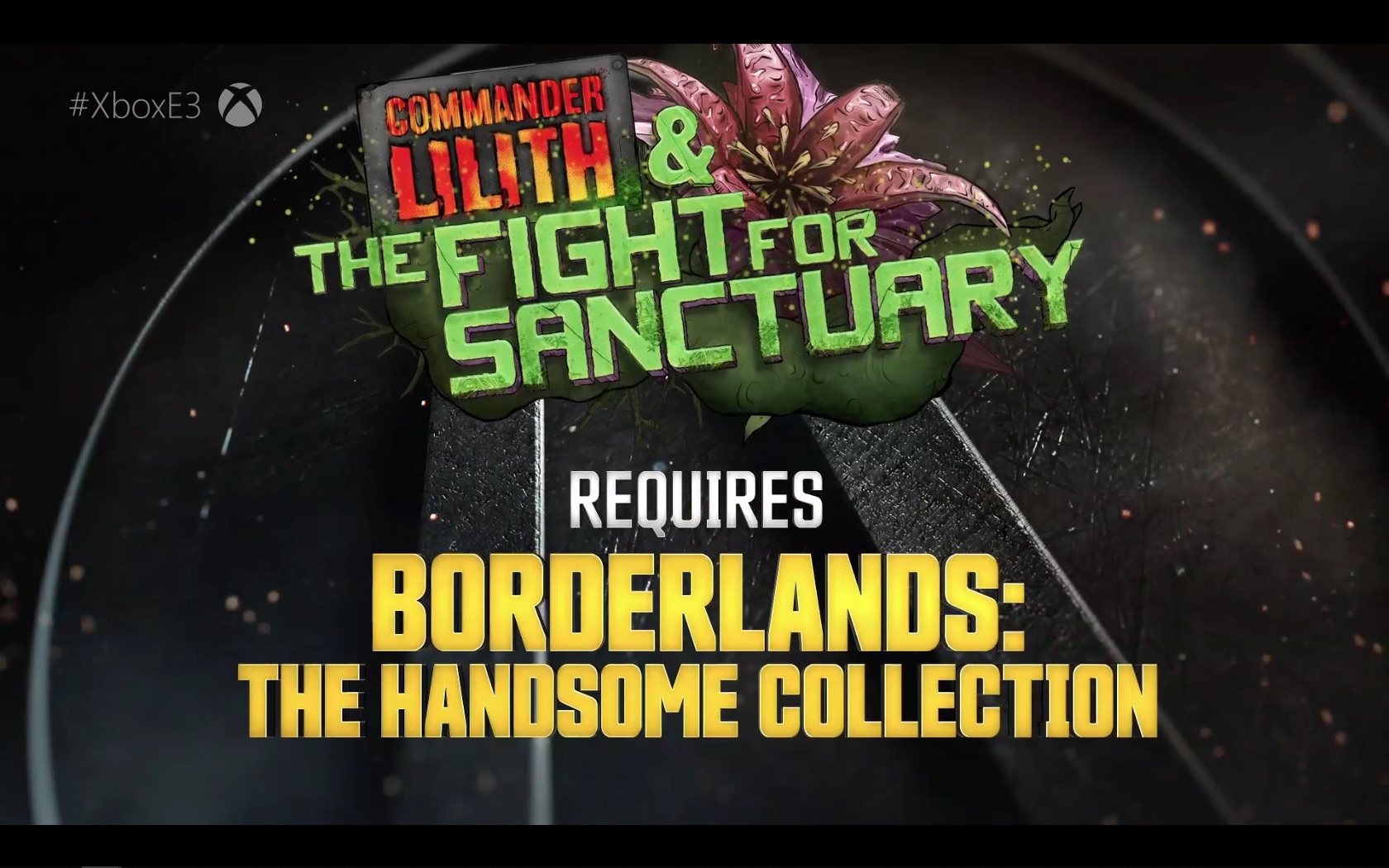
At the E3 2019 , a new DLC for Borderlands 2 titled “Commander Lilith and the Fight for Sanctuary” was announced and released. We will tell you how to download and start playing immediately on PC, PS4, and Xbox One.

For fans of the Borderlands series, there was a special highlight at Microsoft’s press conference. In addition to a brand new trailer for Borderlands 3, a new content for Borderlands 2 was announced. “Commander Lilith and the Fight for Sanctuary” is a completely new DLC for Borderlands 2 that has been released immediately.
What are the requirements? To download and play the DLC for Borderlands 2, you must own at least the base game Borderlands 2 on PC or the “Handsome Collection” on PS4 and Xbox One.
How can you download the DLC? It works very simply via Steam (PC). Just select Borderlands 2 from the menu and check the downloadable content. The new DLC should be listed there for you to install – if it hasn’t been installed automatically already.
On PlayStation 4 and Xbox One, you just need to open the respective store and search for the DLC. Since it is free, you don’t have to pay anything for it.
How do you start the DLC? To begin the adventure “Commander Lilith and the Fight for Sanctuary”, you simply need to visit a fast travel station in the game and can directly enter the new DLC area.
However, you should ensure that your character has reached at least level 30, otherwise the enemies are likely too strong. Alternatively, you can also create a new character directly at level 30 in the main menu, which will start in the DLC area directly.
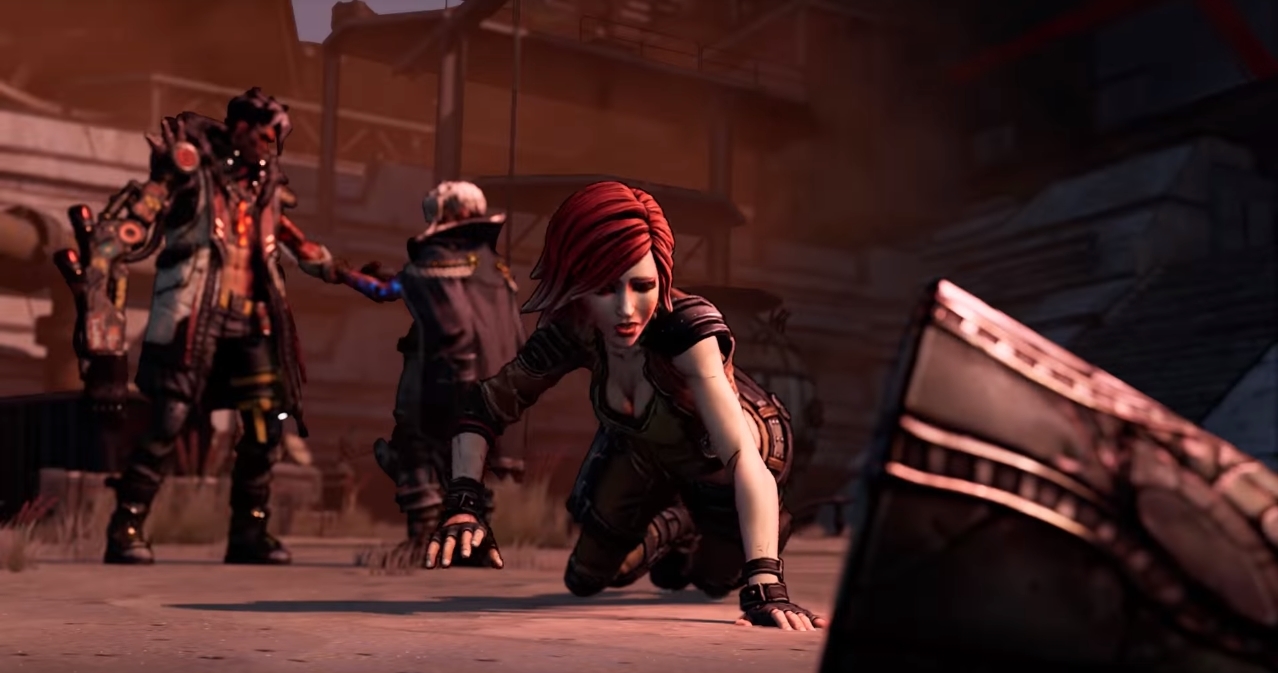
What is the DLC about? In the DLC, you accompany the Siren Lilith and experience, as the name suggests, the battle for the capital Sanctuary. The DLC serves as a “bridge” between Borderlands 2 and Borderlands 3, which will be released later this year. The DLC is meant to tease fans for the upcoming sequel.
It is also recommended to have completed the main story of Borderlands 2, as there could otherwise be massive story spoilers.

Your opinion is important to us!
Do you like the article? Then let us know!