

With the release of Battlefield 5 the Battlefield series is taking new paths. In this guide, we provide you with numerous tips and tricks to become better and more efficient, making the beginning much easier for you.

Battlefield 5 does quite a few things differently than its predecessors and brought numerous new features and gameplay mechanics. However, much of this is not explained in the game or only partially covered.
With this guide, newcomers to the series should find it easier to get into the latest Battlefield installment. But even veterans should find it faster to get oriented and can certainly take away some valuable tips.
In Battlefield 5 you can throw back and shoot grenades
What you need to know about throwing back: If an enemy grenade lands at your feet and you react quickly enough, you can pick it up and throw it back. To do this, you need to interact with the grenade. You can also determine the throwing direction, allowing you to use the explosive device strategically.
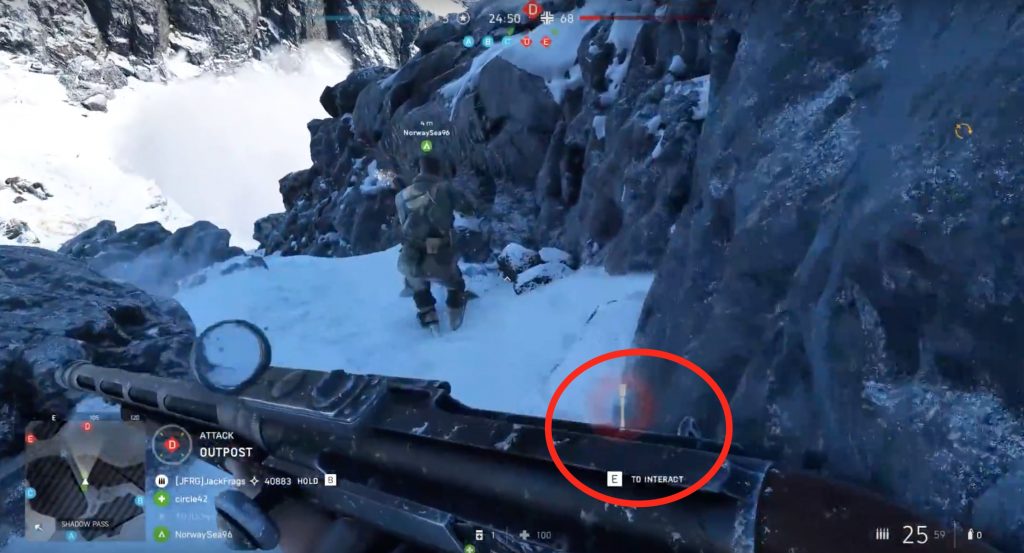
If you throw back an enemy grenade, you will be credited with any points for kills or damage to enemy soldiers.
What you need to know about shooting: You can also shoot enemy and friendly grenades – even while they are in the air. With some practice, you can use this to your advantage in numerous situations. This way, you can detonate grenades prematurely when the enemy isn’t expecting it and surprise them.
If an enemy is hiding behind cover, throw the grenade at their feet. If they try to escape the grenade timer, you can detonate the explosive with a precise shot.
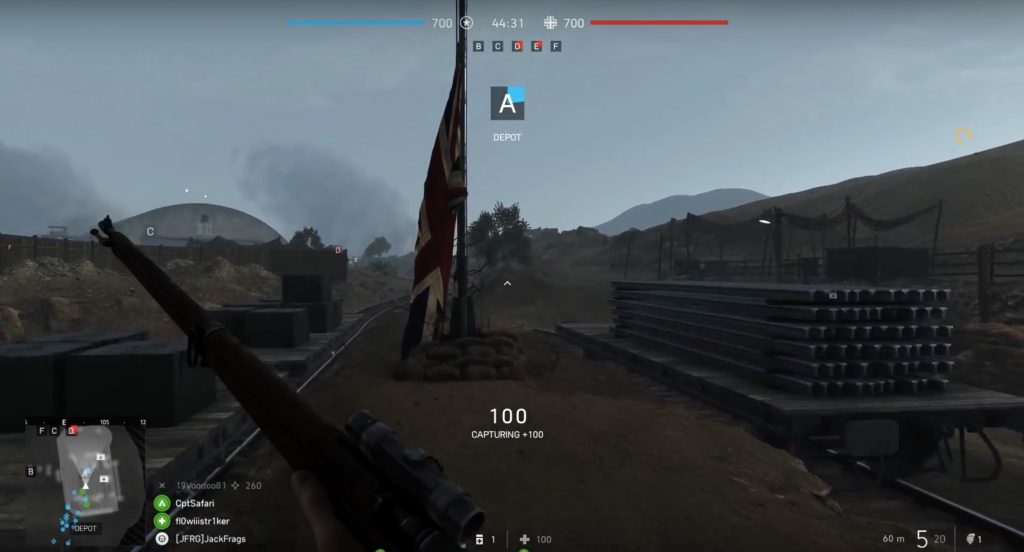
Distance to the flag is crucial when capturing points
This is why distance is important: Strategic points that you can capture in Battlefield 5 are indicated in the game by a flag, among other things. When capturing, the distance to the flag plays an important role. The closer you are to the flag, the faster the point is captured.
Especially when trying to capture a point solo, the distance is noticeably important. But even when playing in a team, you should share this information with your comrades. The more people are at a point, the faster it will be captured. The distance of other teammates can significantly reduce the time as well.
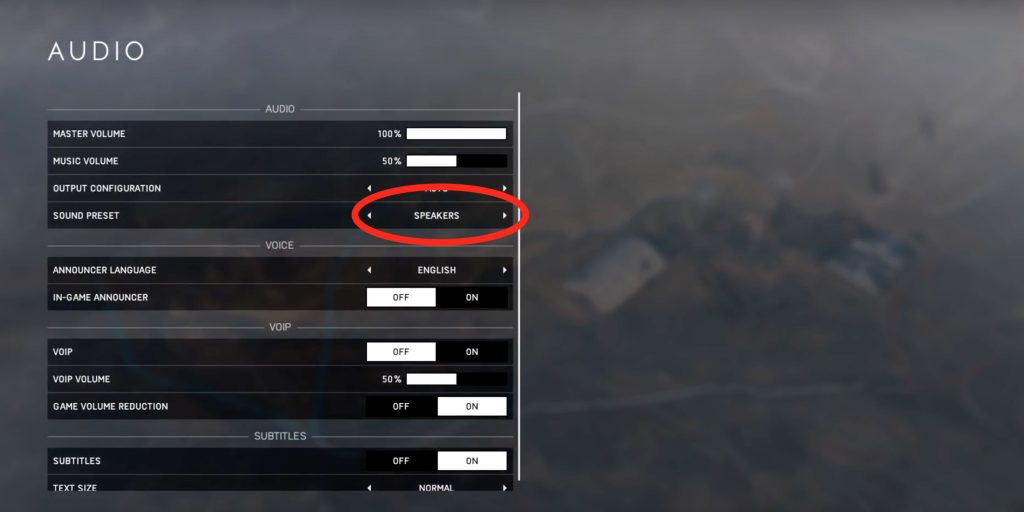
Utilize the 3D headphone setting
3D sound even with stereo headphones: If you play with headphones, you should definitely use the 3D headphone setting in the audio options, regardless of whether your headphones support 3D sound or not. Every stereo headphone supports this mode.
This setting was specifically developed by DICE for Battlefield 5. With this, it’s significantly easier to hear enemy footsteps and recognize their direction – not just around you, but even below or above you. The option makes a huge difference compared to the regular setting.
In Battlefield 5, every class can revive injured teammates
What you need to know about reviving: This role is not only reserved for the medic, although they perform it better than almost any other class. Look out for the appropriate symbols and revive your teammates if possible. This not only grants additional points but often gives you a strategic advantage.
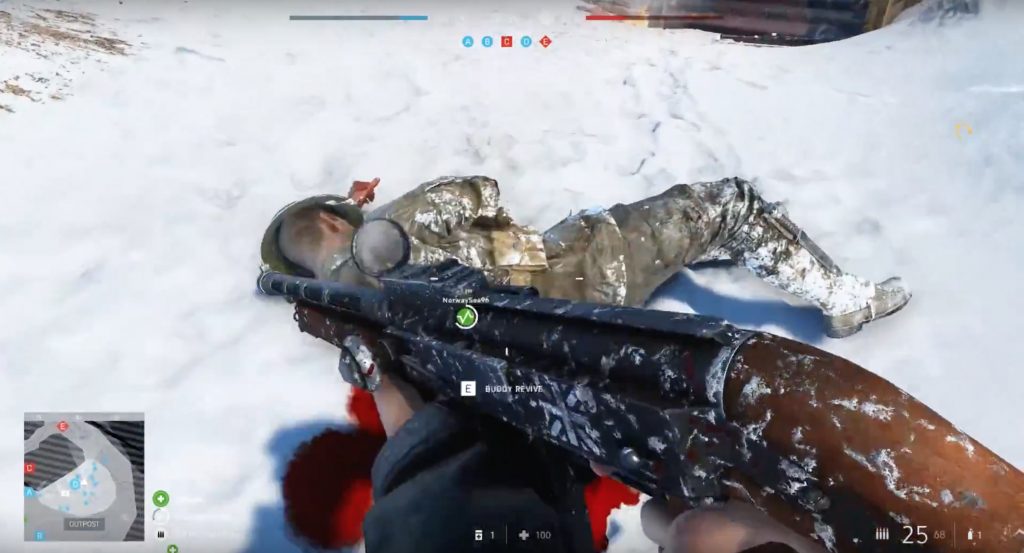
If you are shot during the revival process, you can interrupt it with the interaction key. This gives you the opportunity to eliminate the enemy and then continue the revival if you manage to do so in time.
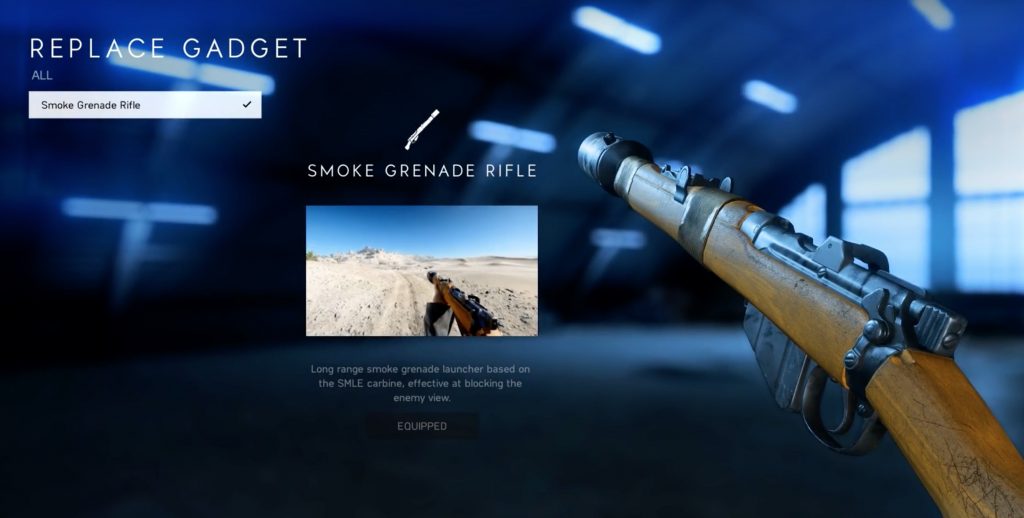
By the way: Medics can equip the smoke grenade launcher. If you use this grenade tactically, you can quietly and hidden from the enemy’s view revive your teammates – especially when several have fallen at once. To do this, shoot the smoke grenade at the body of the comrade you want to revive.
This is how you prevent reviving enemies: If you want to deny the enemy a revival, throw a fire grenade at the fallen opponent. This causes them to bleed out faster, making it harder for their teammates to reach them. This way, you can force a whole squad wipe among multiple fallen enemies, costing the enemy important points.
In Battlefield 5, projectiles can penetrate surfaces
Shoot through cover: Most thin surfaces, such as wood, can be easily penetrated in Battlefield 5 by high-caliber rounds from sniper rifles or machine guns. A MG42 is even capable of shooting through sandbags.
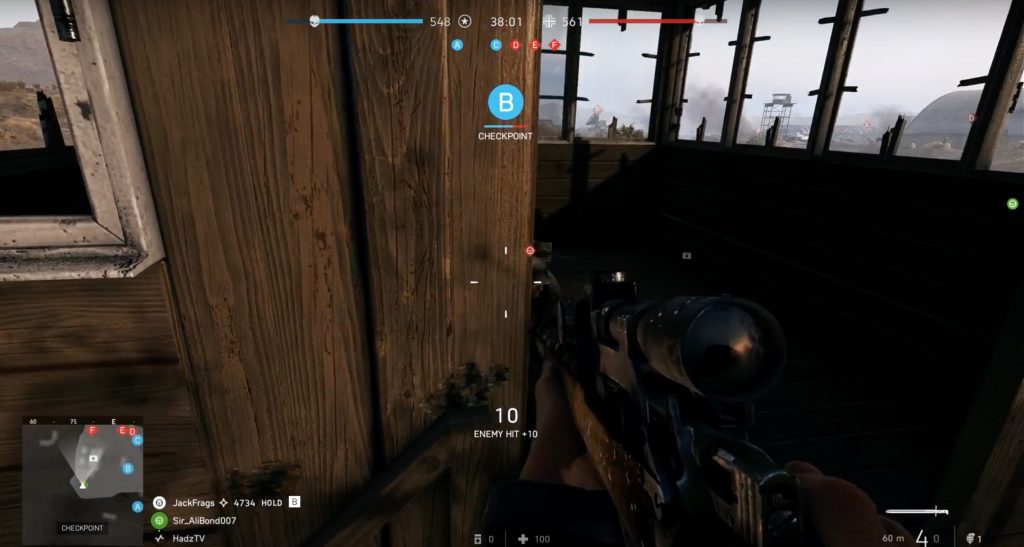
If an enemy is behind a thin cover and you have no grenades available, shoot with the appropriate weapons at the location where you suspect the opponent to be. The damage taken will be reduced, but it is still possible to significantly injure or even eliminate the opponent in this way.
You can destroy the flares of the signal pistol in Battlefield 5
This is what the signal pistol can do: The signal pistol with its flares is a powerful spotting tool in Battlefield 5. When you fire a flare, it pings all enemies within a certain radius.
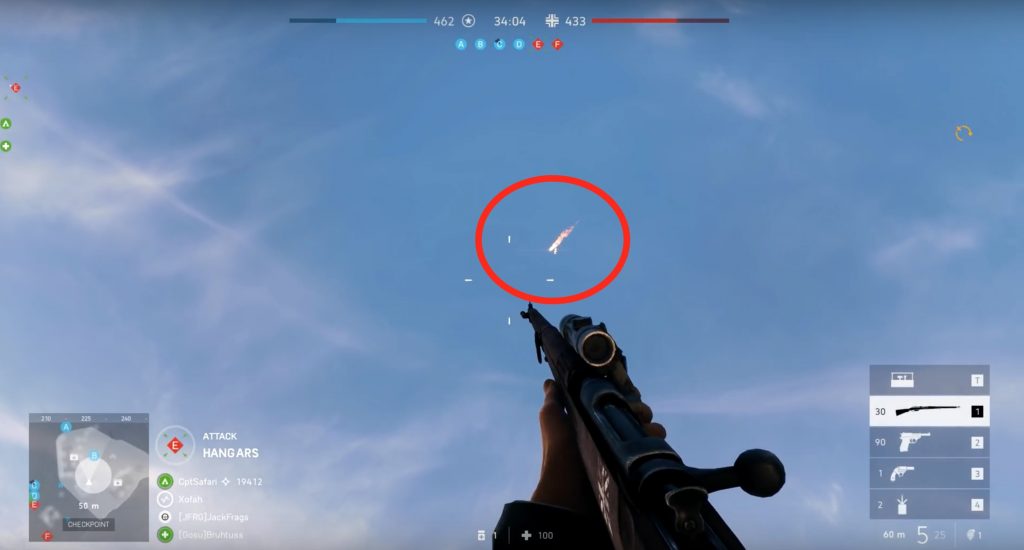
This is how you counter it: However, you can also easily counter it. If you see an enemy flare hovering in the sky, simply shoot it down. This way, the enemy loses valuable information about the positions of your teammates. The easiest way to do this is with a sniper, but it can also be done with other weapons without much trouble.
This is how you activate the kill log in Battlefield 5
Kill log is initially disabled: If you have started with Battlefield 5 and wonder where the kill log has gone, here is the answer. For some reason, this feature is disabled by default. To activate it, you need to select the appropriate setting under gameplay options.
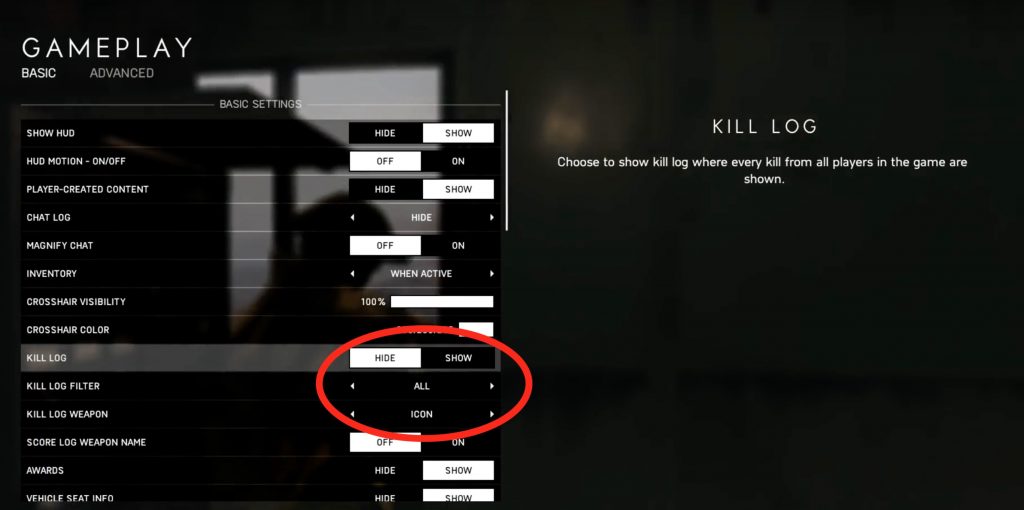
More options for the kill log: You can also set in that menu what the kill log should show you – all kills, those of the team, squad, or nearby players. You can also choose whether the name or the symbol of the kill weapon should be displayed. Both options are also possible. This way, you always have an overview of who eliminated you with what.
In Battlefield 5, there is no automatic health regeneration
This is what you need to know about health regeneration: You spawn with a bandage kit, regardless of your class. So if you get injured and there are no medics nearby, press the corresponding key (C on PC or Up on the D-Pad of consoles) to heal yourself. However, this will not fully restore your health in most situations.
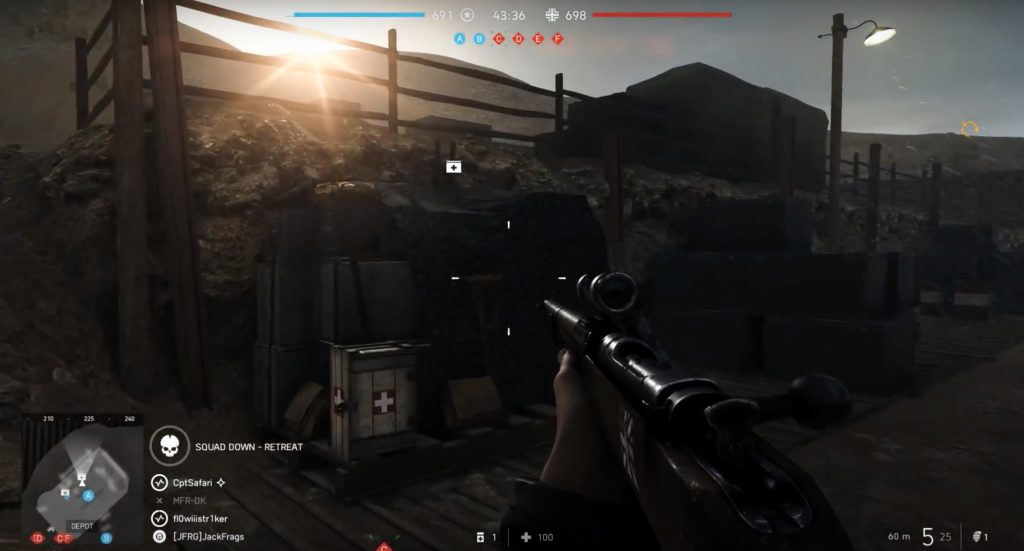
More health at supply points: You can get more health either from medics or at supply points. You can find supply points at flags that are closest to your base. However, you can also build them yourself.
If you are at a farther flag, press the corresponding key (T on PC, Down on the D-Pad of consoles) to pull out your toolbox. Select the supply point from there and hold down the fire button to complete it. This way, you can stock up on bandages again.
Regularly stock up on ammunition
In Battlefield 5, you only have limited ammunition supplies: Luckily, eliminated enemies drop ammunition. So be on the lookout for the appropriate symbols and collect the ammunition. You just need to walk over it. Additionally, you can also replenish your ammunition at supply points. This works just like with bandages.
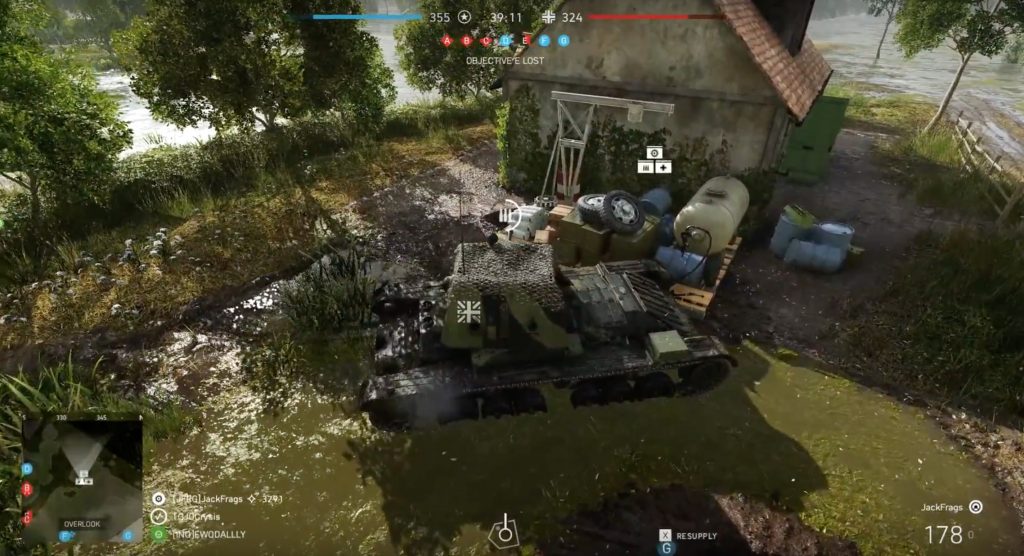
Ammunition for vehicles: There are also supply points for vehicles where you can supply your war technology with ammunition and health. These are just as important as the infantry supply points and can also be built by yourself.
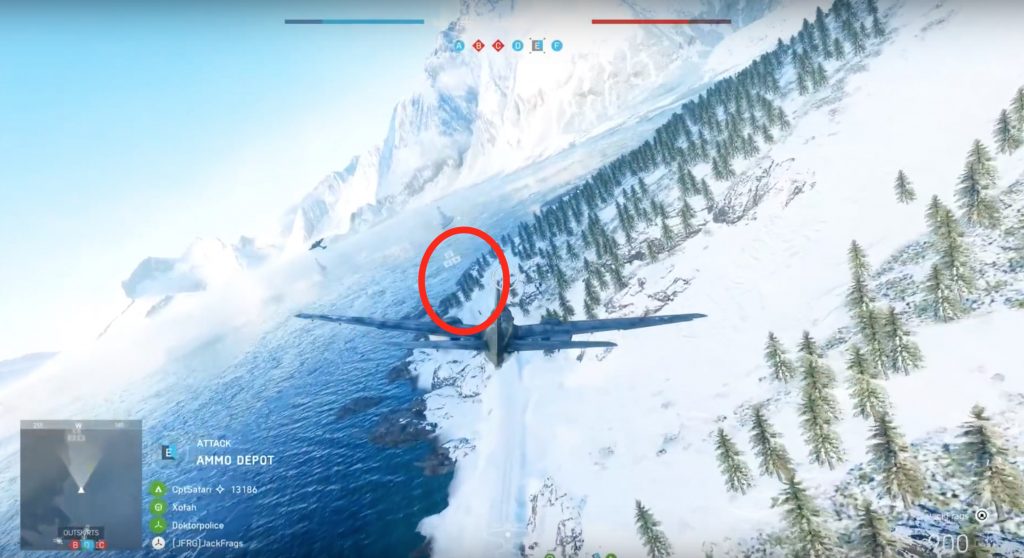
By the way: Planes can be resupplied directly in the air. They just need to fly through the corresponding symbol above a type of small beacon.
There are new movement options in Battlefield 5
This is new in movement in Battlefield 5: You can now throw yourself sideways or even backward to the ground by pressing the crouch button and a direction simultaneously. In these positions, you can stay on the ground and fire – even while lying on your back.
This can often save your life because it will sometimes look like you are dead, causing the enemy to stop firing. During this time, you can engage the enemy from all possible positions and possibly eliminate them.
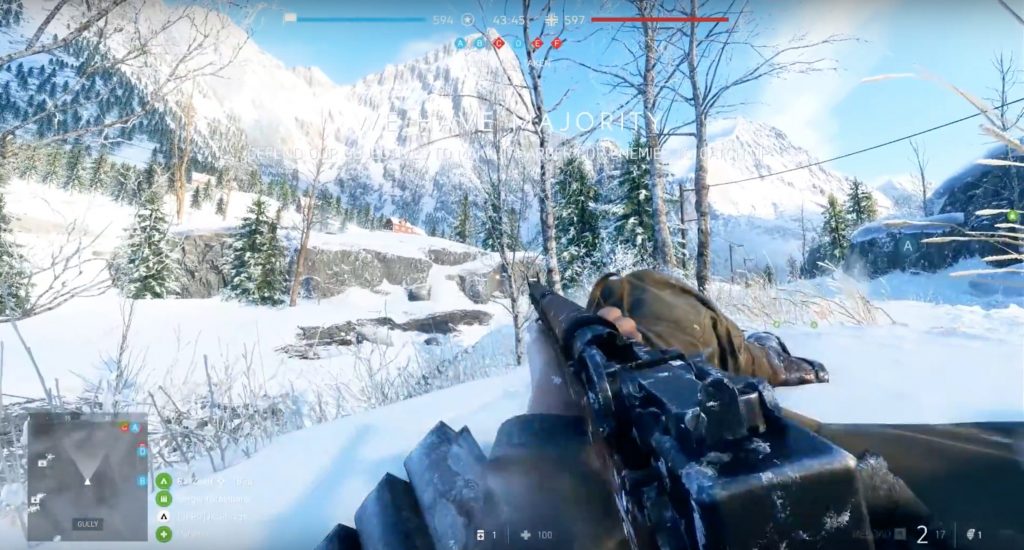
Additionally, in Battlefield 5, you are capable of sliding. To do this, press the crouch button twice in quick succession while sprinting. This allows you to quickly cover the last few meters to cover.
It is also possible to sprint while crouching. Hold down the crouch button during your sprint. This way, you stay relatively low but can still move relatively quickly. This allows you to quickly make your way from cover to cover.
Utilize squad points
Teamplay is rewarded in Battlefield 5: If you play well as a squad, revive each other, supply each other with ammunition, or follow your squad leaders’ orders, the game rewards you with something called squad points. With these, you can unlock powerful rewards during a match.
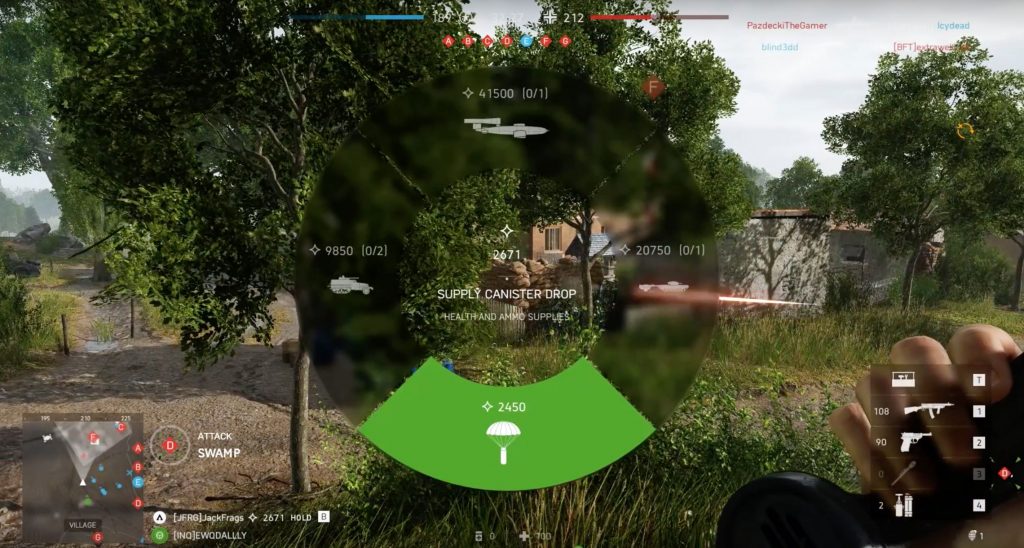
From the squad reinforcement menu (B on PC, both shoulder buttons simultaneously on consoles), you can request supply drops, special vehicles, or even a V1 rocket to incinerate entire areas. This way, you can gain enormous tactical advantages in crucial moments.
By the way: If you land in a team where the squad leader is passive and doesn’t give orders, you will receive fewer squad points accordingly.
You can circumvent this by either creating your own squad and leading it better or by requesting an order from the current squad leader. If there is no order within a minute, you will automatically be promoted to squad leader. If you do not want to be a leader anymore, you can also simply relinquish this role in the squad menu.


Your opinion is important to us!
Do you like the article? Then let us know!