

The Portal Mode is one of three major parts of the multiplayer of Battlefield 2042. MeinMMO summarizes the most important information about the game mode and provides an overview.
What is Battlefield Portal? The mode is being developed by Ripple Effect Studios (formerly DICE LA). Portal is a community-driven mode where players can access content and maps from three Battlefield classics and create their own game modes. Upon release, these are:
- Battlefield 3
- Battlefield: Bad Company 2
- Battlefield 1942
From these three titles, players can use and absurdly combine vehicles, weapons, tools, and even factions. For example, you can set soldiers from World War II against the US troops from Battlefield 3.
How is the mode supposed to work? Players can utilize extensive tools to create custom game modes and make additional settings.
Tools are available that until now could only be used by developers.
Here you can watch the trailer:
Create your own game types with the editor and set the rules
This will be your tool: The Builder will be your most important tool in Battlefield Portal. With it, you can edit basic settings for weapons and maps in the Portal mode.
It is essentially a type of editor that allows you to influence and change a variety of things in the game.
- Thanks to the Builder, you can, for example, place vehicles and aircraft on more modern maps such as Orbital from Battlefield 2042.
- You can determine how many players on which team with what equipment will compete against each other.
- Players are meant to have all freedoms and can create matches where, for example, you must fight against each other with knives and defibrillators, or face the factions from 1942 against those from 2042.
The editor is web-based and can be used on various devices such as tablets or smartphones via a browser. You don’t even have to purchase Battlefield 2042 to use the Builder.
You can select the desired era and map in the editor. If you want, you can even restrict the usable area of the map. The editor provides you with numerous options to modify every aspect. The link to the corresponding website can be found here: portal.battlefield.com
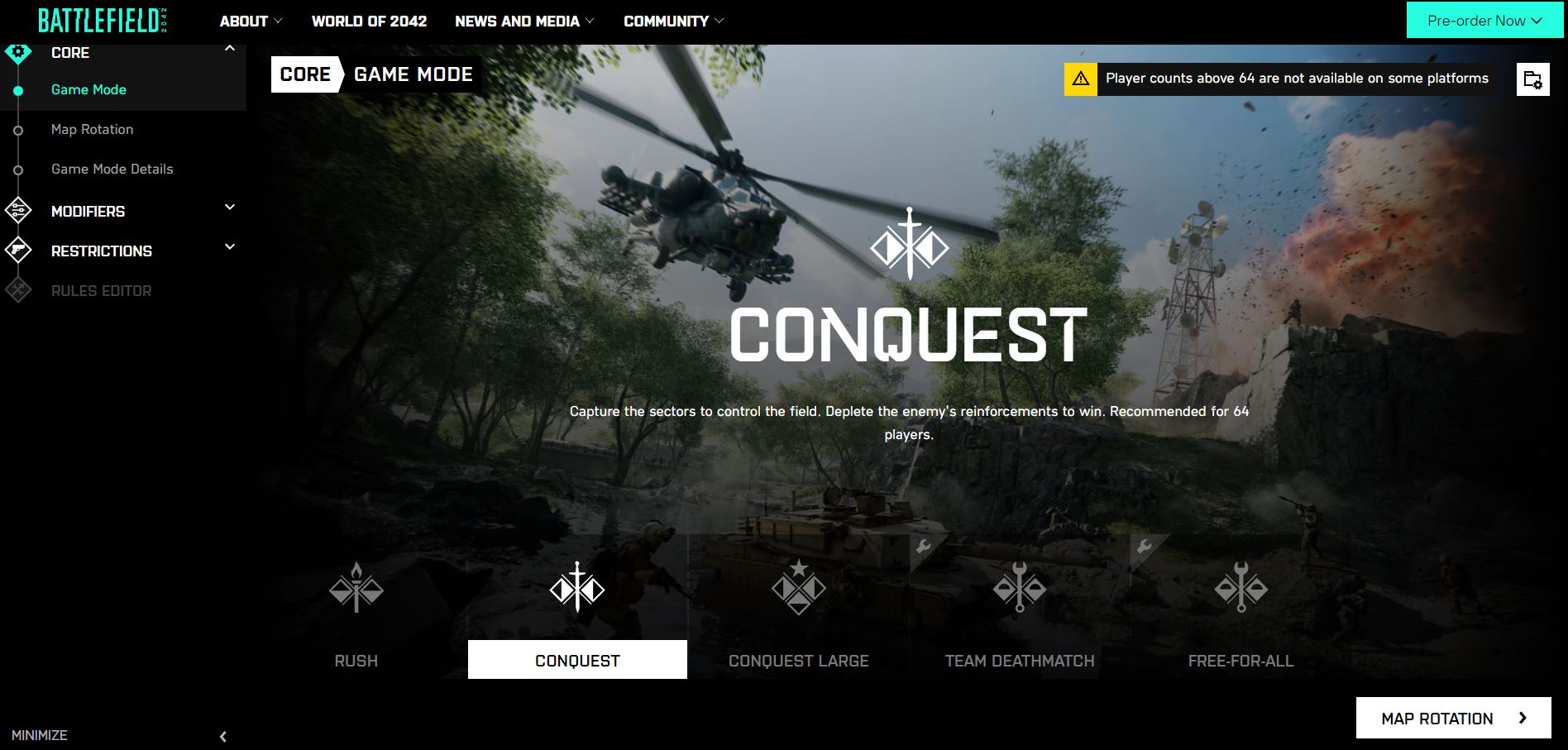
How do I create my own modes? Through the website, a sort of builder guides you through the creation of your own mode. This works as follows:
- first you select a game mode – such as Conquest, Free-for-all, or Deathmatch
- then you can add any number of the 13 available maps to the rotation
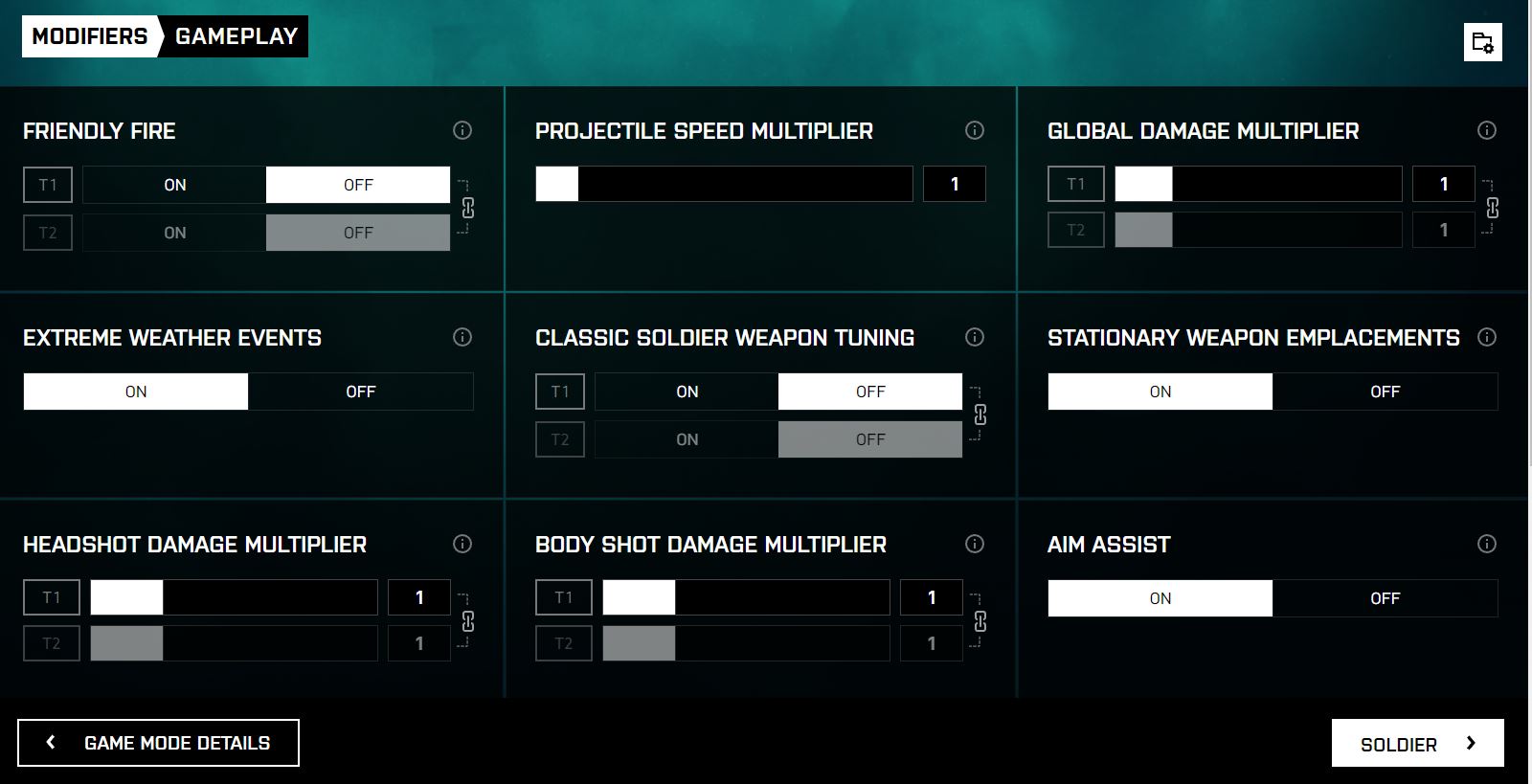
- after that, you can adjust the rules for the mode – such as activating Friendly Fire, increasing projectile speed, or damage
- you can even set vehicles, features like lying down, or UI elements like minimaps and HUDs
With these options, you can create PvE missions, wild deathmatches, or even simply smaller modes without vehicles, like those known from Call of Duty. While maps cannot be changed, you can choose smaller parts from them.
Once the mode is created, you can adjust the restrictions on which team has access to which content. You can set it for both teams together or separately:
- from which era their soldiers, weapons, and vehicles originate
- which weapons, vehicles, and soldiers players have access to
- with which attachments the weapons can be upgraded
In total, 77 weapons are available for Portal. However, these cannot be mixed and are currently (still) tied to the selected era. So you can’t give a World War II soldier a modern rifle. A soldier from Bad Company 2 also cannot call in Stukas. However, if they are on the map, they can be looted.
Afterwards, you can create special rules. This gets complicated. With various loops, commands, and conditions, you can decide when exactly what should happen. This requires a bit of tinkering or programming experience. However, this gives you even more possibilities to customize your own modes.
How can I play my own modes? After creation, the modes are saved and receive a unique code. This can then be directly entered in the game and retrieved to start the corresponding mode.
You can host your own modes or choose from modes provided by the developers as well as from open community games. In your games, you can also decide to kick players, send a message to everyone, or change maps, just like an admin.
Battlefield Portal is already very well received:
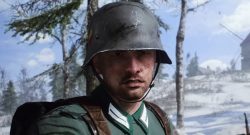
Map classics from old Battlefield titles are being revamped
In addition to all the new features like maps, weapons, and vehicles that will be included in Battlefield 2042, the mode also brings back numerous contents from previous classics.
What maps can we expect? For each title, you can expect two maps. Veterans of the respective games are surely already familiar with them:
Battlefield 1942
- El Alamein
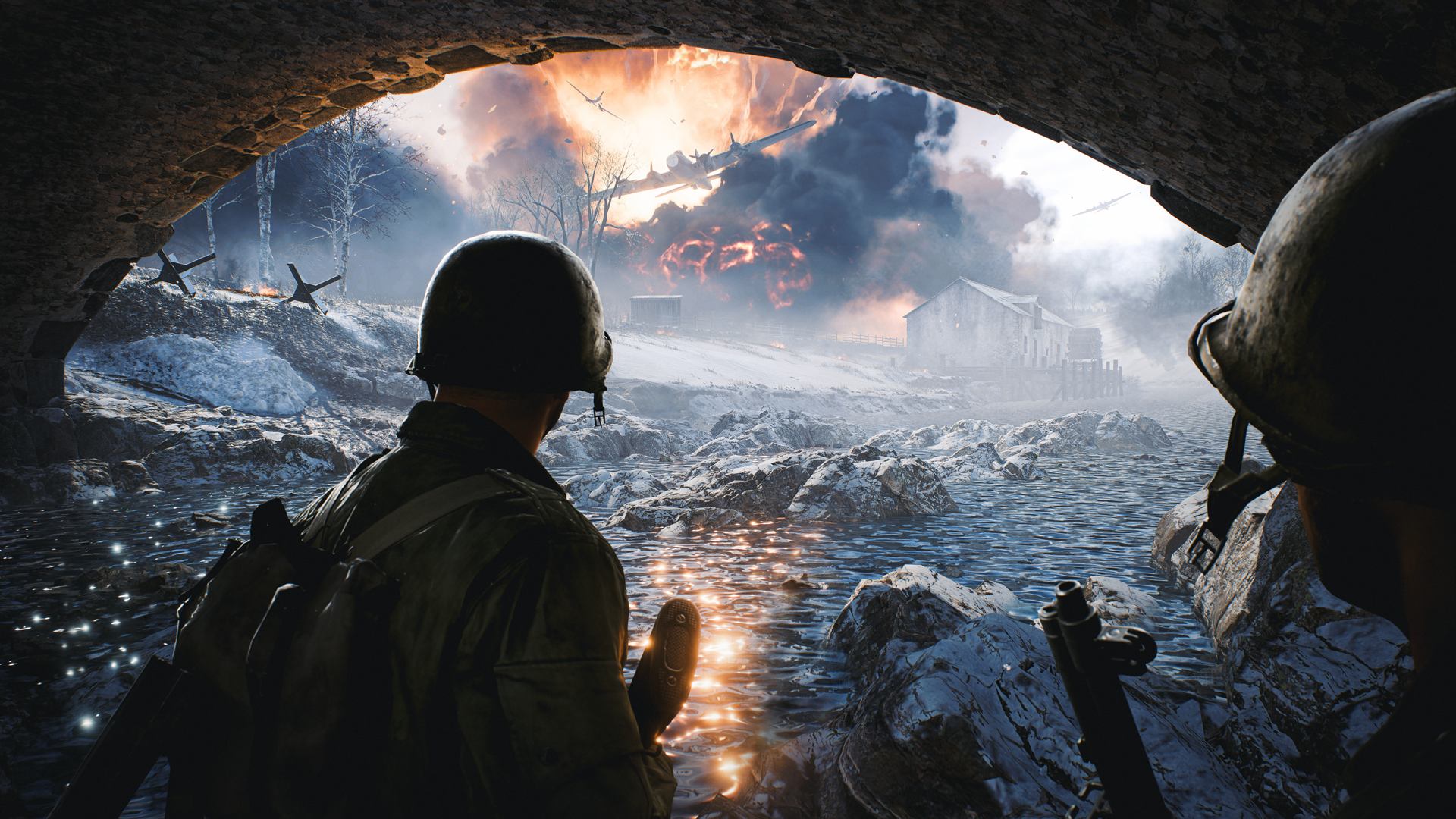
- Battle Of The Bulge
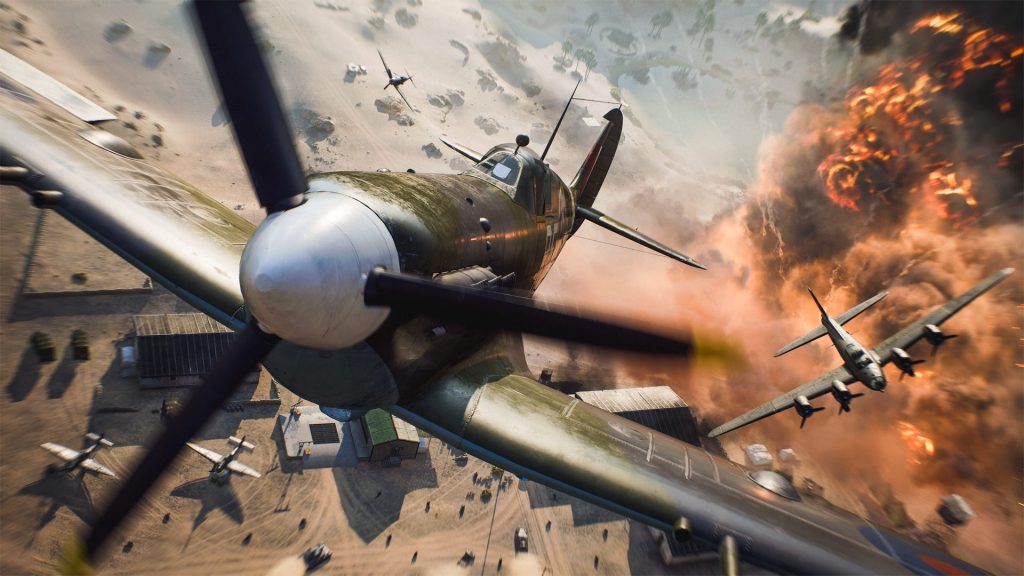
El Alamein 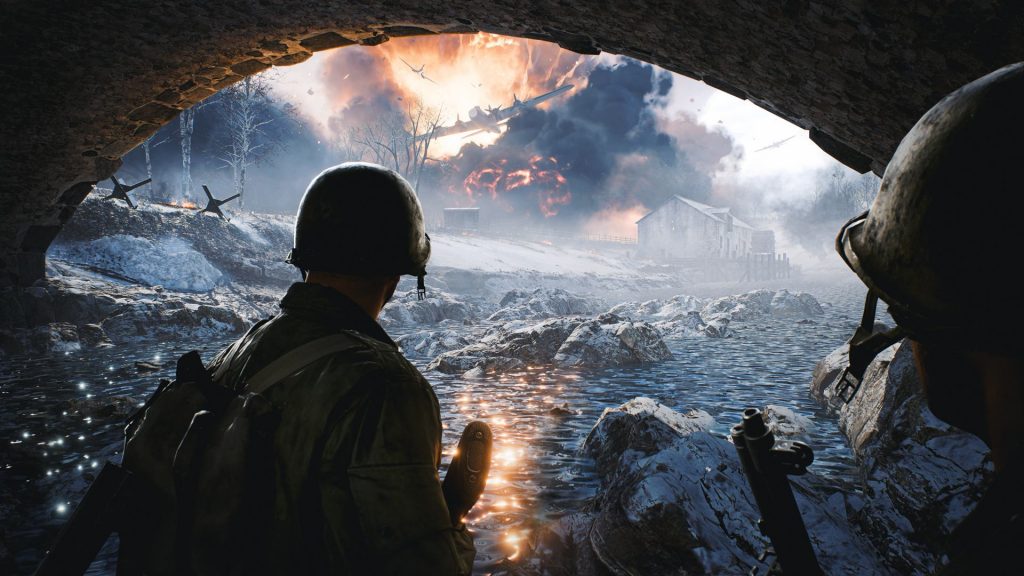
Battle Of The Bulge

Battlefield: Bad Company 2
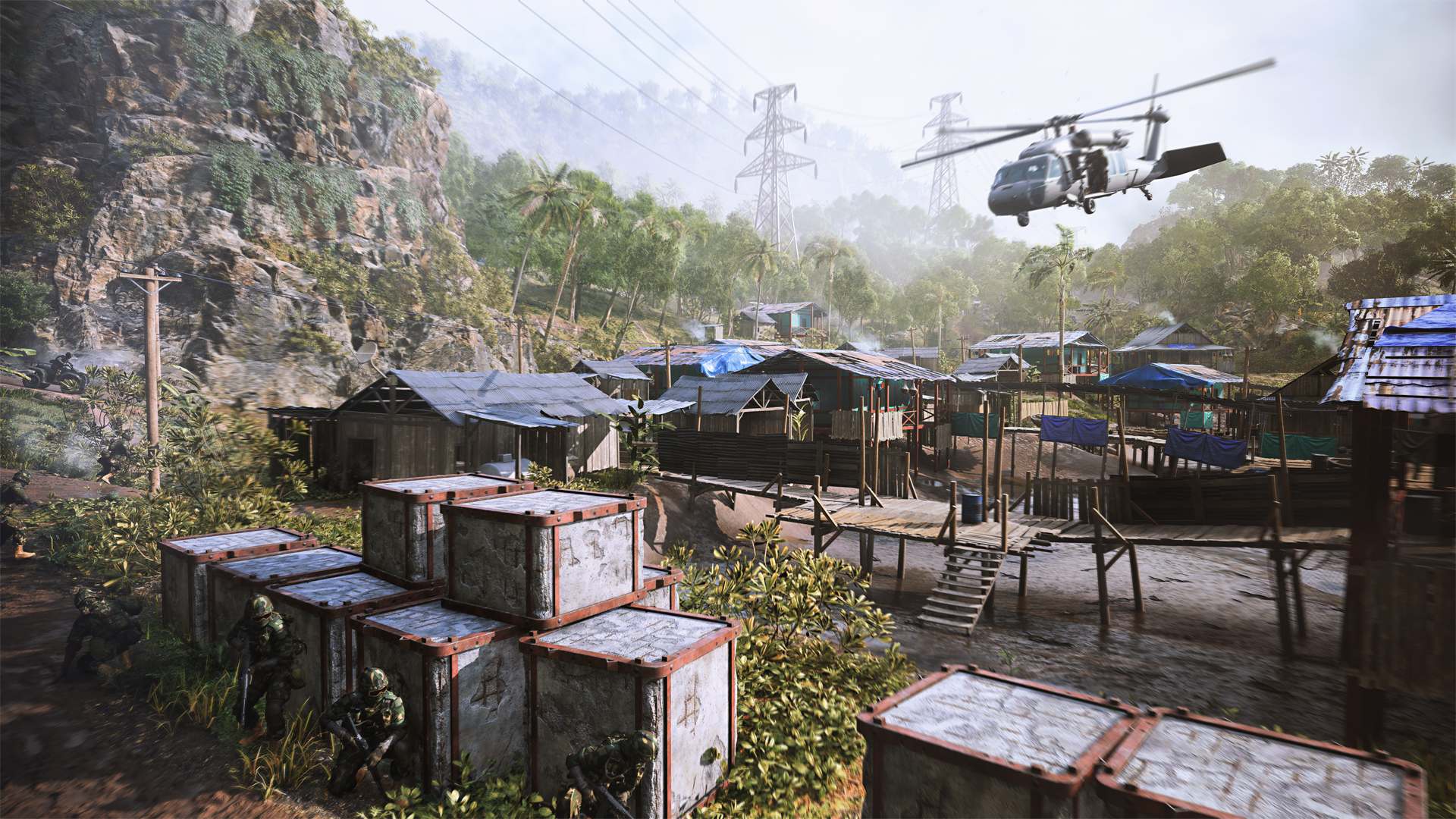
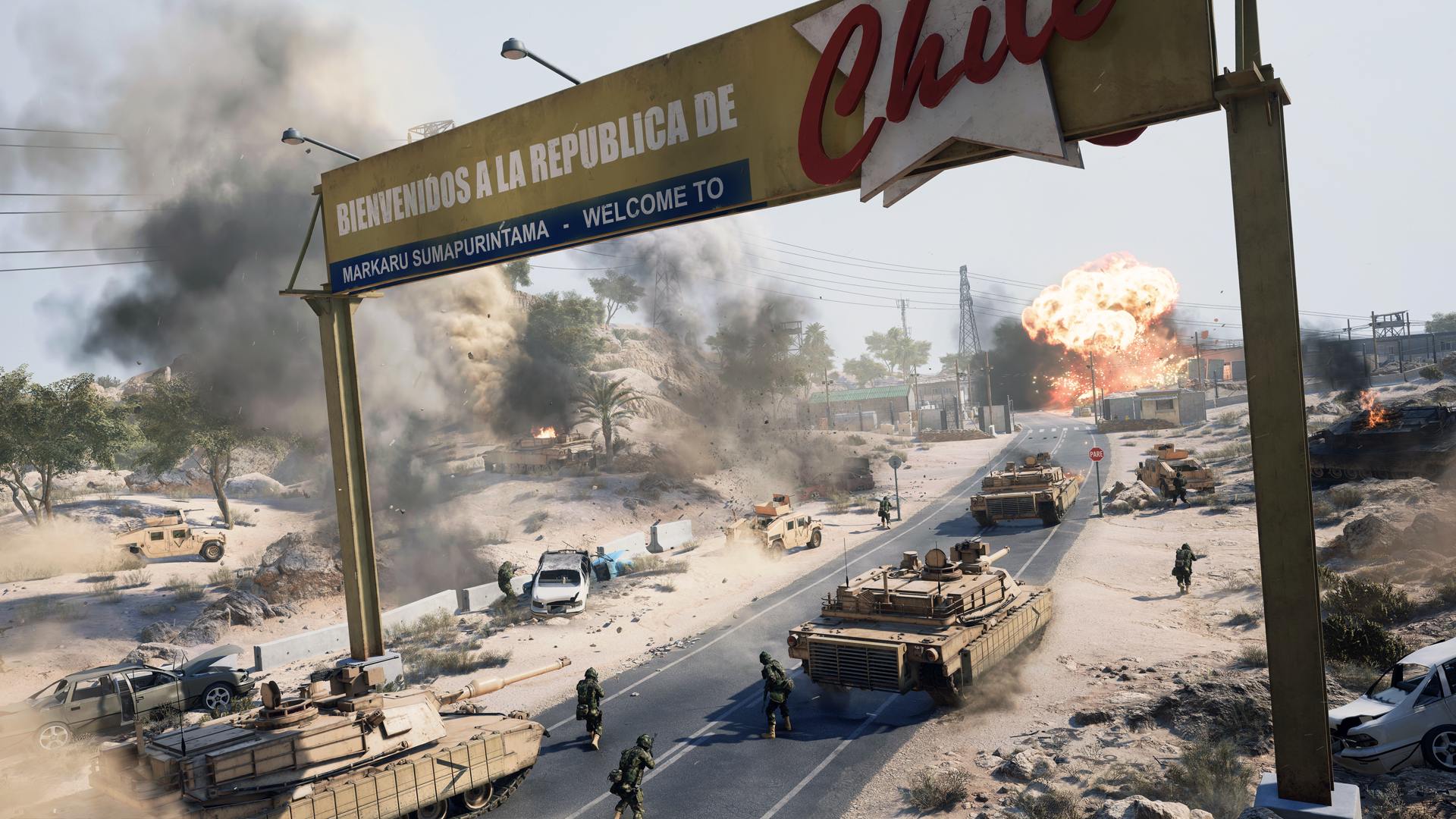
- Arica Harbor
- Valparaiso
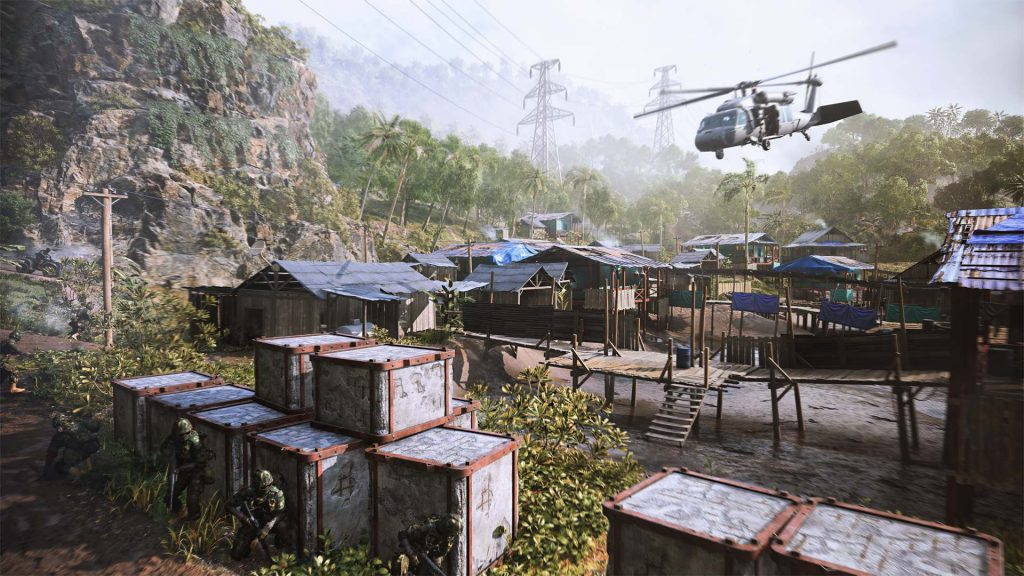
Valparaiso 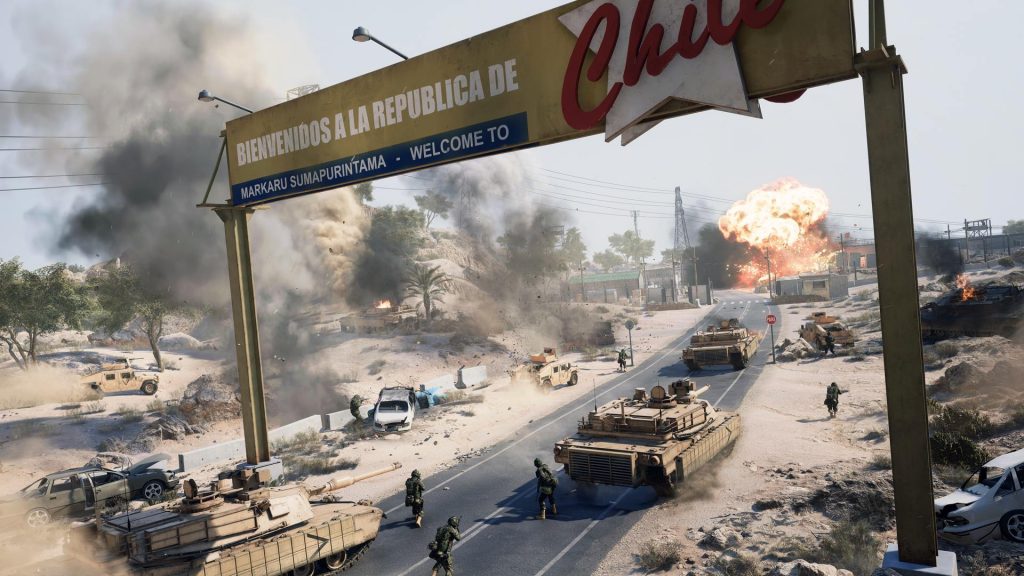
Arica Harbor
Battlefield 3
- Caspian Border
- Noshahr Canals
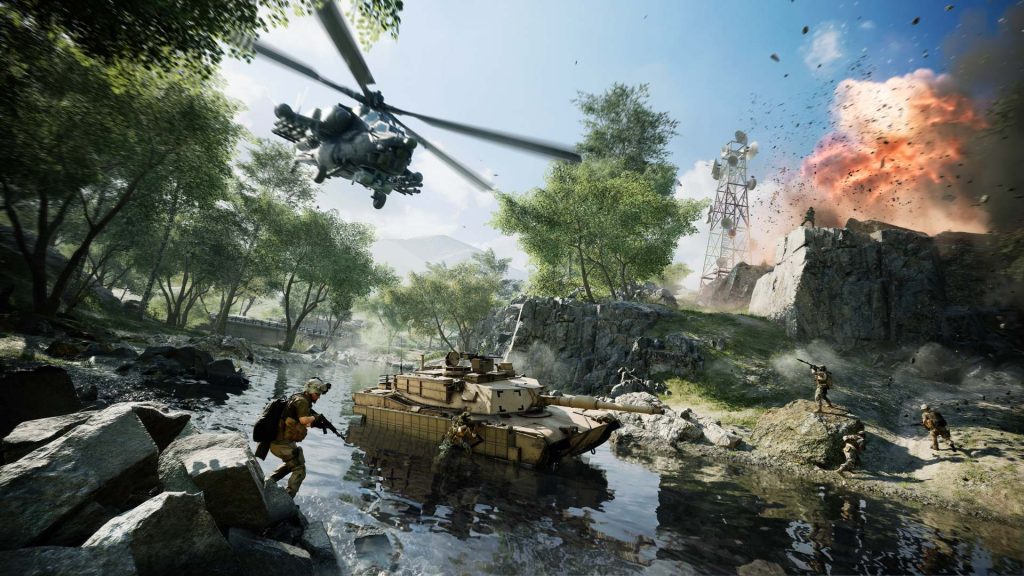
Caspian Border 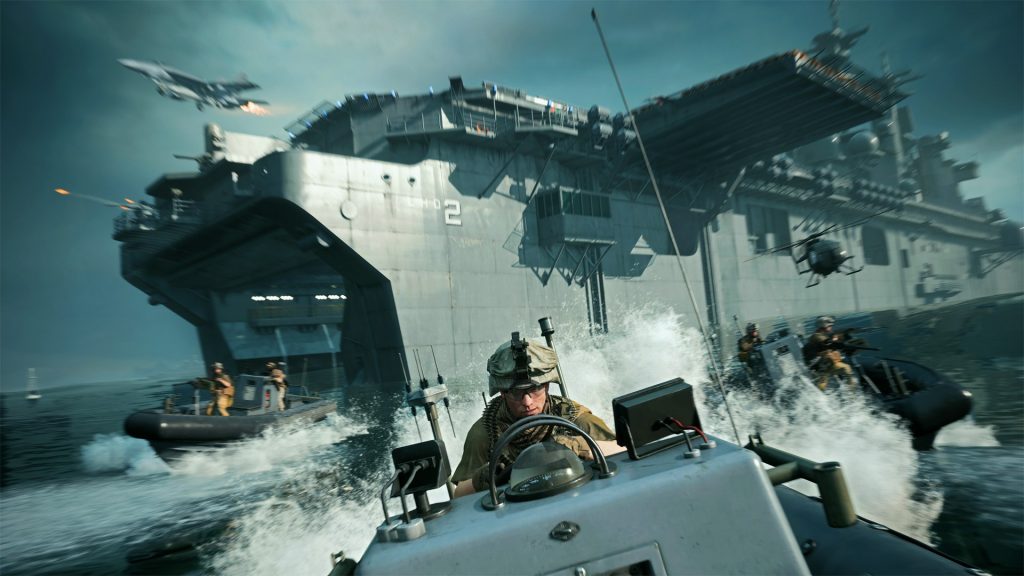
Noshahr Canals
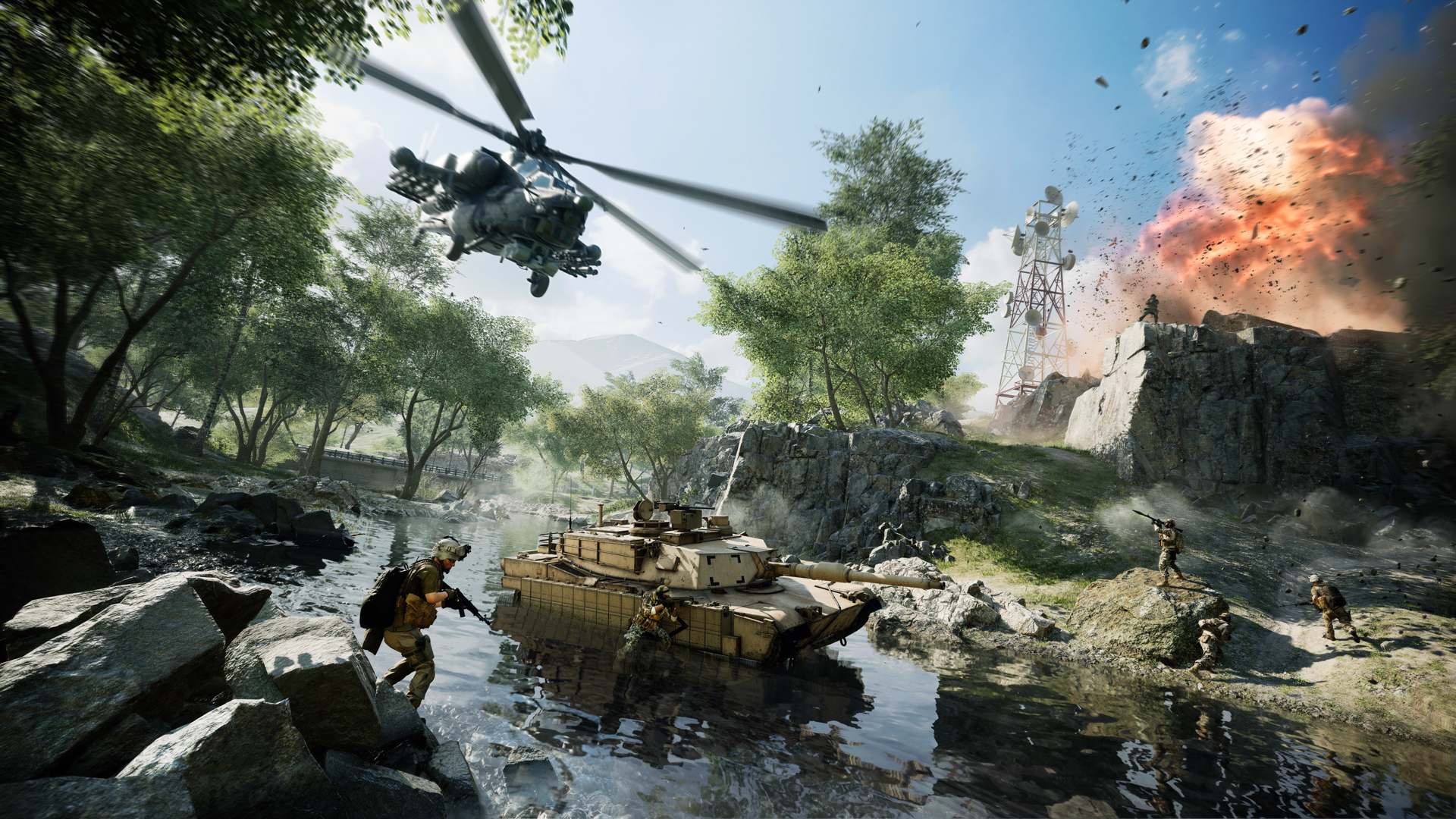
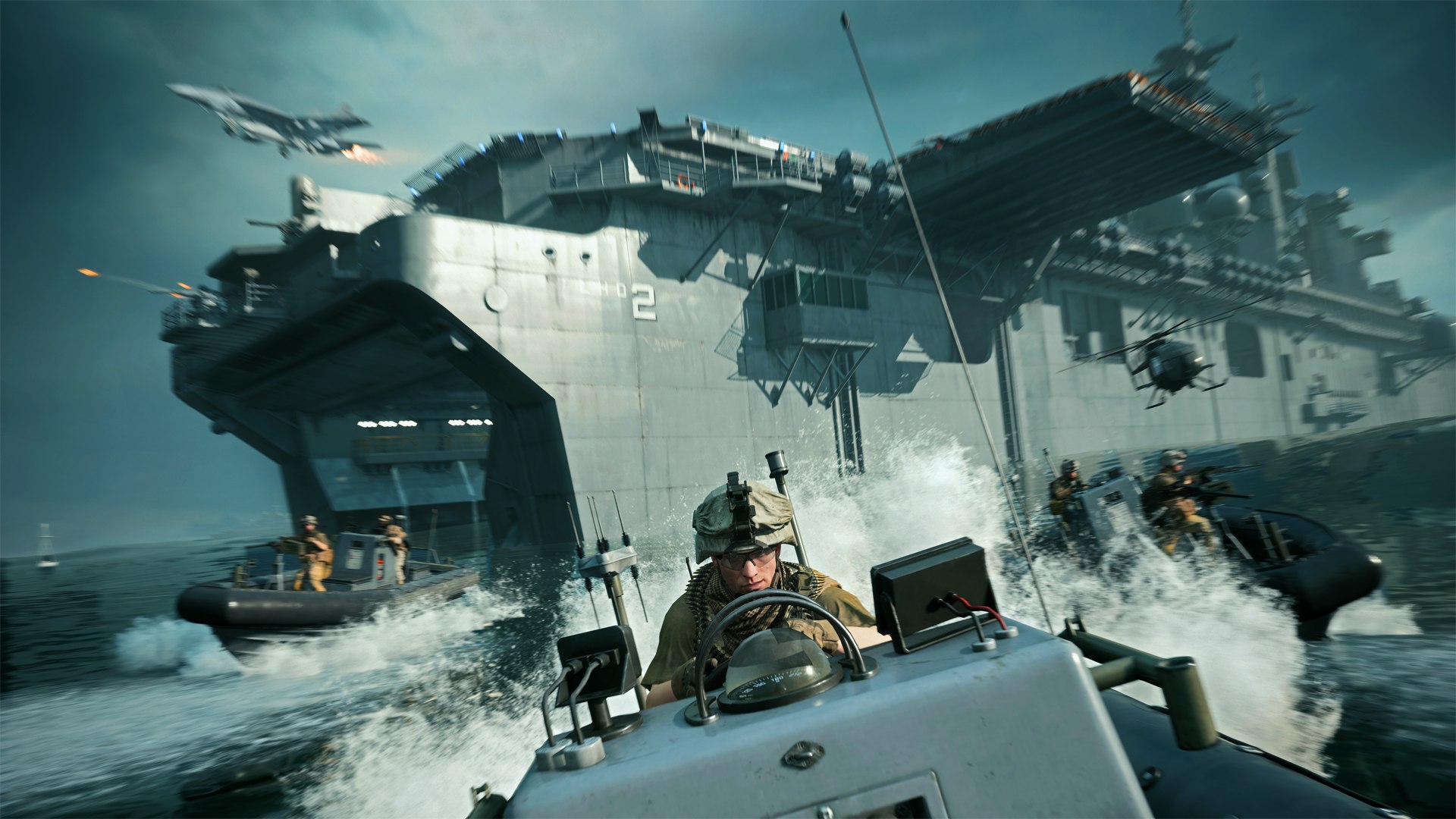
All maps will be brought up to date and adapted to Battlefield 2042.
What about additional maps? In addition to the 6 Portal-exclusive maps, there are also the 7 new maps from the All-Out Warfare of Battlefield 2042:
- Orbital
- Hourglass
- Kaleidoscope
- Manifest
- Discarded
- Breakaway
- Renewal
In total, there are 13 maps in Portal. More maps are set to follow after release.
Factions, classes, weapons, and other content from Battlefield Portal
What else is in Battlefield Portal? In addition to the maps, numerous weapons from the three titles will also be included, along with the arsenal from Battlefield 2042. Additionally, several gadgets from the games will also be part of it.
The YouTuber jackfrags has listed all known content (via YouTube.com).
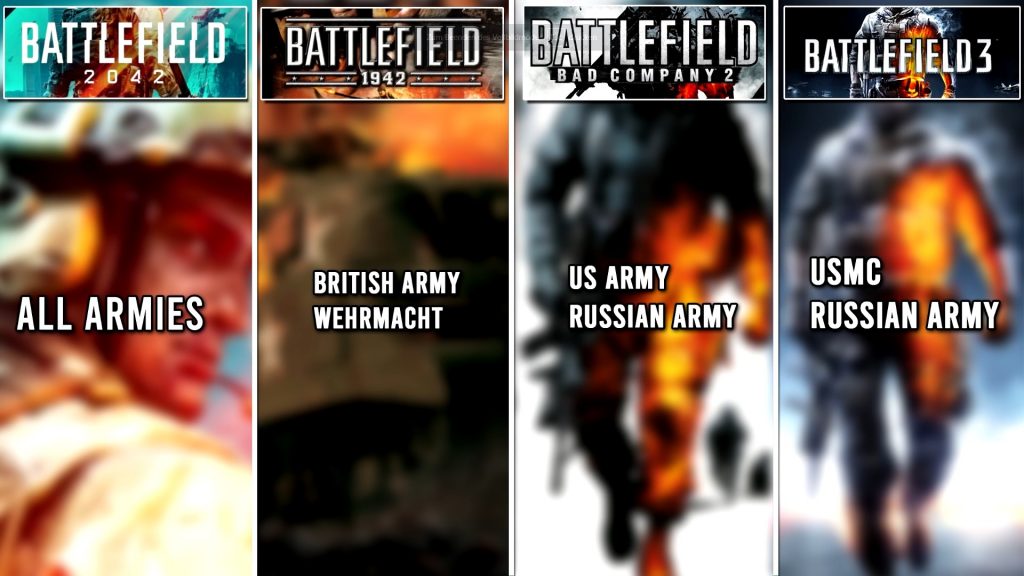
Factions 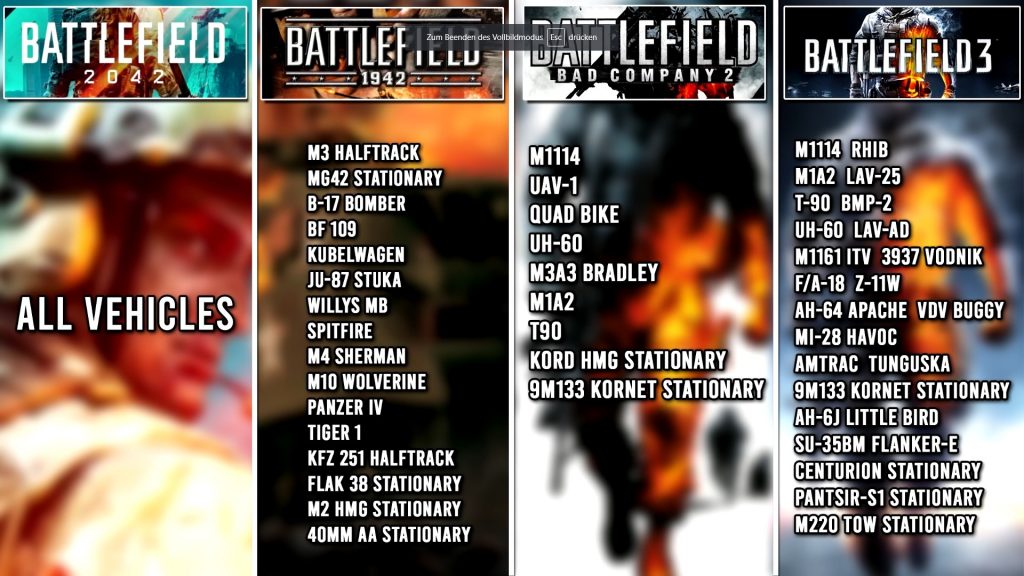
Vehicles and aircraft 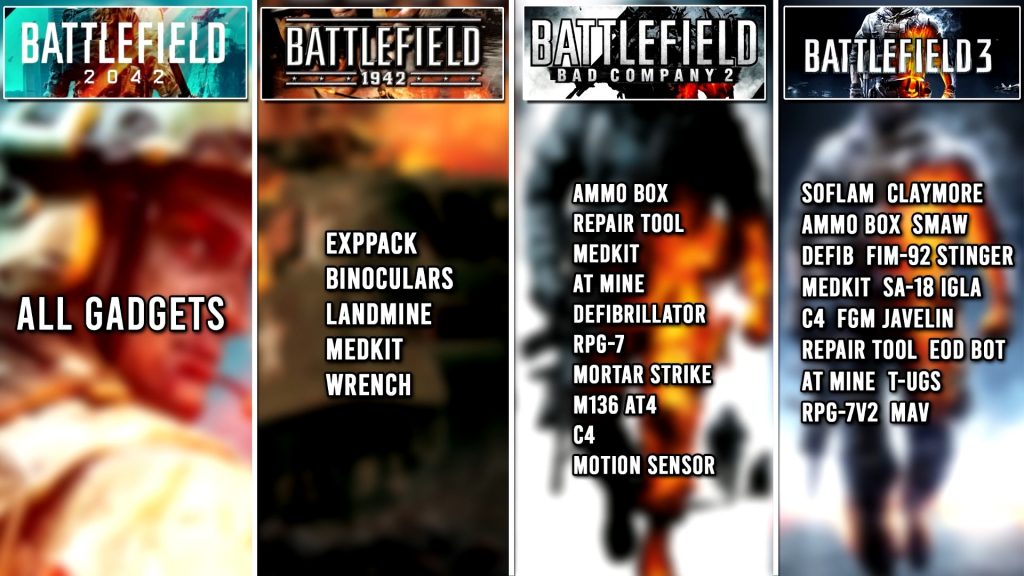
Gadgets
Especially the classes could be exciting for many veterans. Because the new specialists from Battlefield 2042 are criticized by many players.
The Portal mode will continue to be supplied with new content after the release of Battlefield 2042 and is part of the game’s live service model.
What about servers? For Portal, you can simply use a Portal server from DICE. Rentable servers are currently not planned.
By the way: You can also have the modes edited by other players. All you need to do is send them the corresponding code.
All important information can be found in our overview of Battlefield 2042: Beta, release, crossplay, and requirements – All info about the multiplayer shooter

Your opinion is important to us!
Do you like the article? Then let us know!