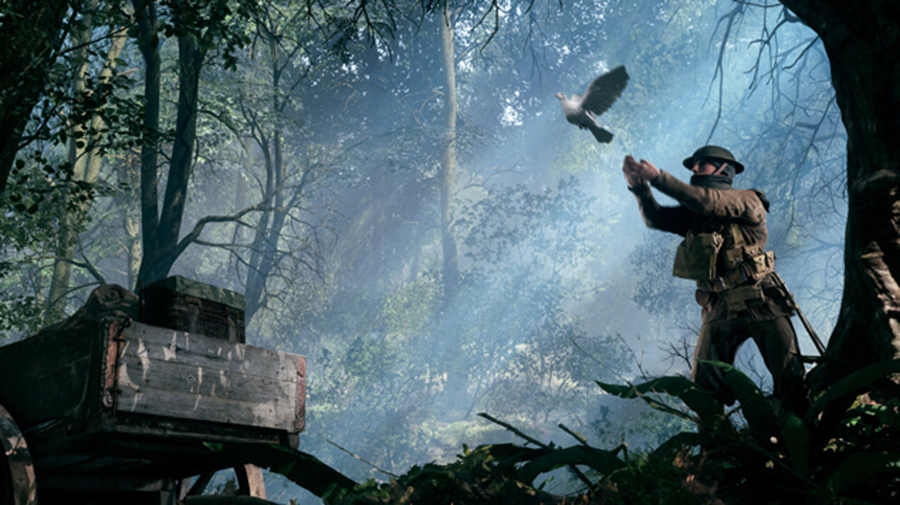
The developers of Battlefield 1 have now addressed the graphics issues that players have noticed since the last patch.
The major November update of Battlefield 1 brought several changes to the game. In addition to a Battlefest, there were several balance and gameplay changes that you can read about in the patch notes for patch 1.04. However, this update also introduced some issues that were likely not planned. Players of the PS4 and PC versions of Battlefield 1 are noticing a graphics downgrade. Ultra settings feel like medium settings. Now the developers are addressing the issue.
There were performance adjustments
The visible graphics downgrade in Battlefield 1 is troubling players. On Twitter and in other social networks, players are contacting the developers asking why there was a downgrade in graphics on PC and PS4. Now David Sirland, producer at DICE LA, has commented on the problems.
David Sirland says that there has been no downgrade. However, he adds in another tweet that changes to textures and their streaming have been made. This can lead to different textures being loaded in a lower resolution depending on the situation. This addresses issues such as holes in the environment, missing weapons at spawn, and similar problems.
FPS issues in Battlefield 1
Many players are also reporting FPS issues since the release of the last Battlefield 1 patch. However, this is said to have nothing to do with the aforementioned changes to the textures. According to Sirland, this is a completely different issue.
Fixing graphics issues in Battlefield 1 – Workaround (Downgrade)
In the Battlefield forums, solutions have already been offered that can supposedly fix the downgrade issue. The player cdub4784 writes that he has “restored” the “correct” graphics in Battlefield 1 with this trick.
He uses the latest Nvidia driver and sets the graphics settings to “automatic” for about 20 seconds. Then he resets them to the settings he wants to play with. After making these adjustments, he has achieved the desired graphics.
If this trick doesn’t work, the user also offers another workaround:
- Open the Battlefield 1 folder in your Documents
- Open the Settings folder
- Delete everything there except: PROFSAVE and PROFSAVE_backup. These files are related to your campaign
- Start Battlefield 1
- Reset the quality to your preferred settings
Let us know if these workarounds helped you.
The developers have responded well to criticism so far. After players complained that the rental servers have too few features, there was positive feedback from DICE.