We show you sophisticated tips and tricks for the multiplayer mode of Battlefield 1.
As players of Battlefield 1, you probably have gained a lot of experience in the multiplayer mode over the last weeks. There are always various tricks that you can pick up while playing. Other mechanics, however, are only discovered later because they are not obvious. Here we present you a collection of tips and tricks for the multiplayer mode of Battlefield 1. For example, you can destroy individual weapons of a tank or use the medic’s syringe for “other purposes”.
Free Look in Airplanes
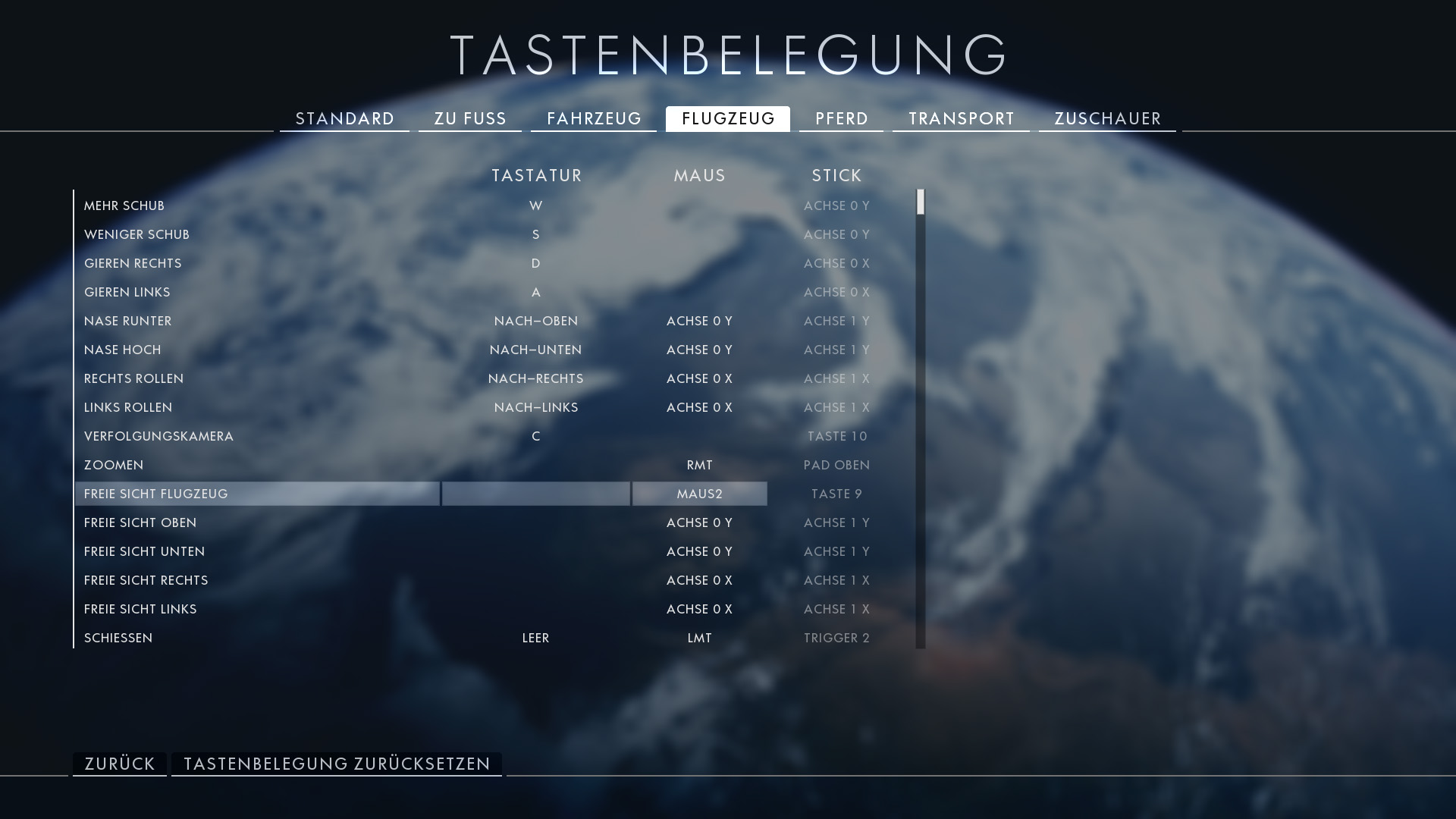
If you want to look around in the airplane without jerking the controls, you need to bind a specific key for it. On consoles, this function is much easier to use. On PC, you need to set a key on your keyboard or mouse in the options so you can use this option. To do this, open the options in Battlefield 1 and click on keyboard layout. Then click on “Airplane”. In the image, you can see the corresponding row(s).
This is especially helpful when you want to check while flying whether you are being followed or want to direct your attacks at specific targets on the ground. Keep in mind that you need to hold down the assigned key and also move the mouse to use this function.
Male Commentator in Multiplayer
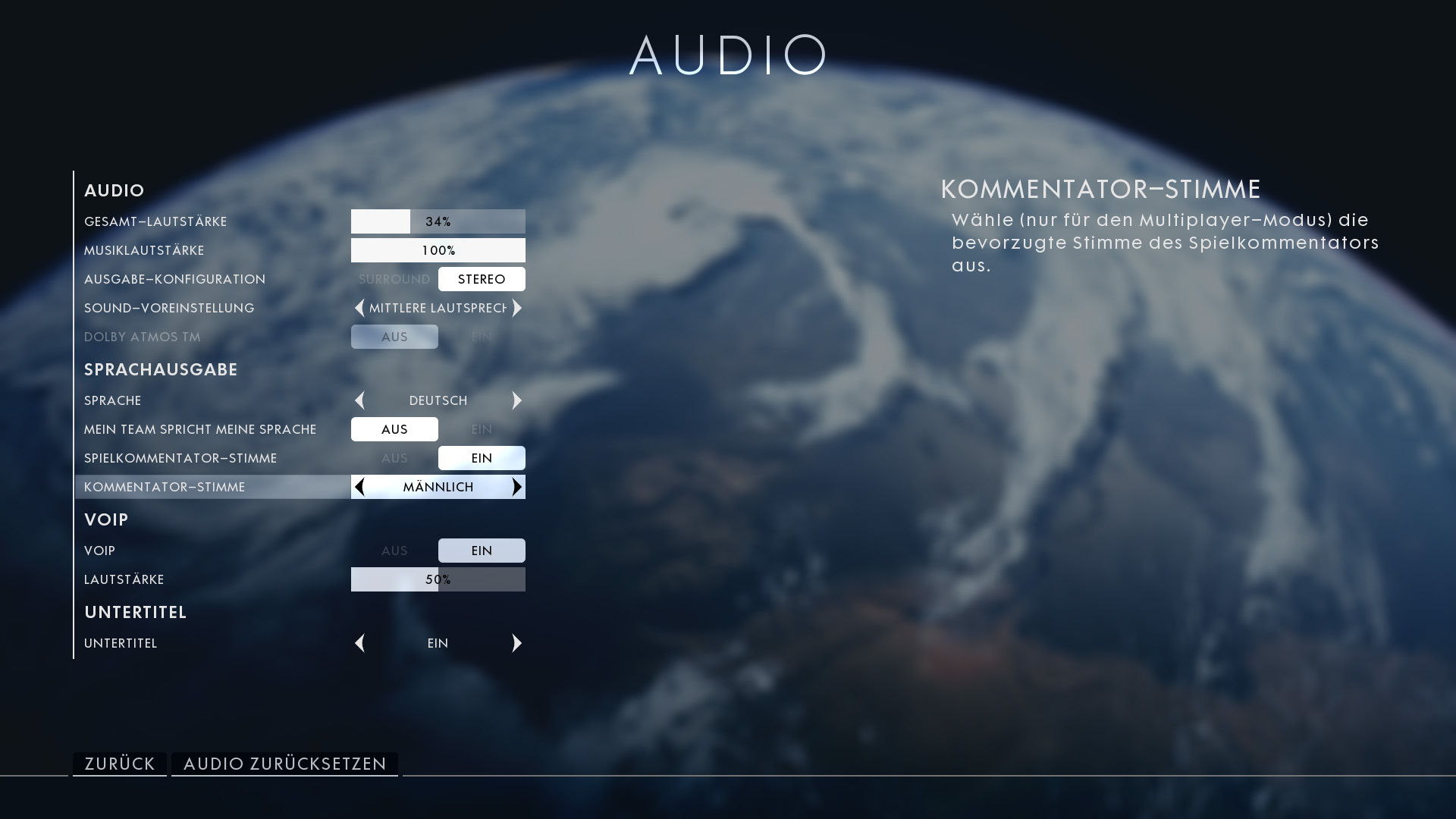
If you do not like the female commentator voice in the multiplayer mode of Battlefield 1, you can change it. Many players assume that you have to play with the female voice because there is no other choice. However, the female voice is just the default setting and can be changed in the options. If you prefer a male commentator in multiplayer, go to the options and select the audio settings. In the list, there is the corresponding option.
No More Accidental Squad Orders
In Battlefield 1, it can easily happen that you accidentally give squad orders. In most cases, this is due to the fact that you can give attack or defense commands with the spot key. If you, as a squad leader, do not precisely aim at an enemy but direct your gaze towards the objective, the game thinks you want to give a command to your squad. This can be particularly annoying when you are in an airplane and want to spot as many enemies as possible, but instead, you keep giving attack and defense orders. To prevent this from happening in the future, you can change a setting in the gameplay menu.
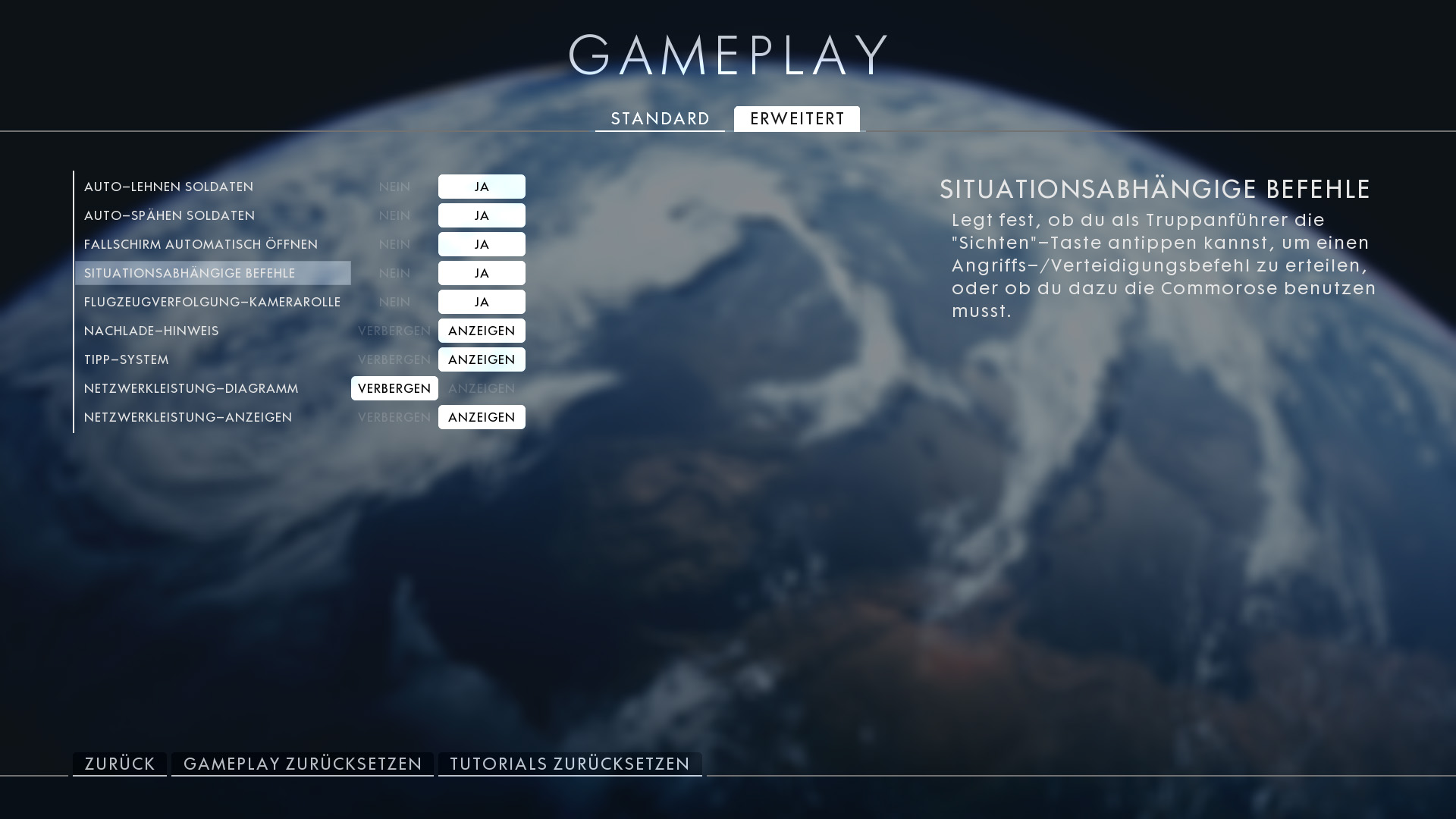
You can find the corresponding option under Options>Gameplay>Advanced. If you turn this option off, you will only be able to give these commands as a squad leader via the commorose and not via the spot key anymore.
Destroying Individual Tank Weapons
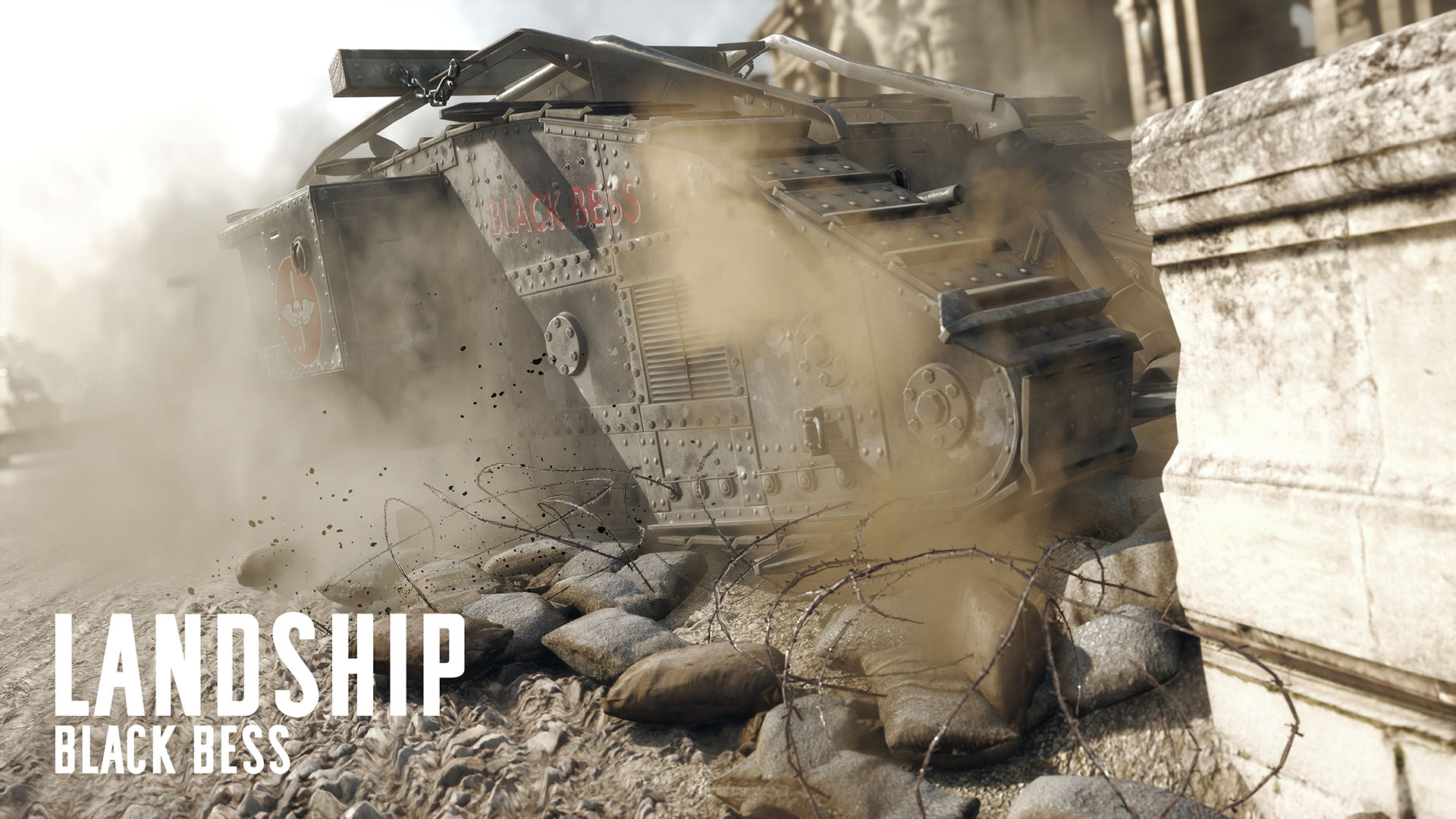
The various new tank mechanics are something new for players who have been playing the Battlefield series for a long time. You can disable the individual weapons to prevent them from shooting. This is particularly important because the tanks become extremely vulnerable on the corresponding side of the damaged weapon. This can be effective, especially with landship tanks, as the strength of this tank depends on the players at the various weapons onboard. If you disable these weapons, a landship tank will struggle to succeed.
To destroy the weapons, you need to shoot at the various weapons with your anti-tank weapon. If you hit the weapons, they become unusable. Dynamite or anti-tank grenades can also destroy the weapons. However, it is considerably harder to hit the weapons and not just the tank hull.
Disadvantage of the Bayonet
A bayonet brings you not only advantages in Battlefield 1. While sprinting and the deadly attack are effective, there is also a disadvantage. When you want to equip your weapon again after sprinting, the time it takes you to do so is increased by a bayonet. Although the time to equip is not significantly higher, it still takes a little longer. If you play a game mode or on a map with many close-range fights, the time saved with a weapon without a bayonet can be helpful.
Faster Swimming with Bayonet
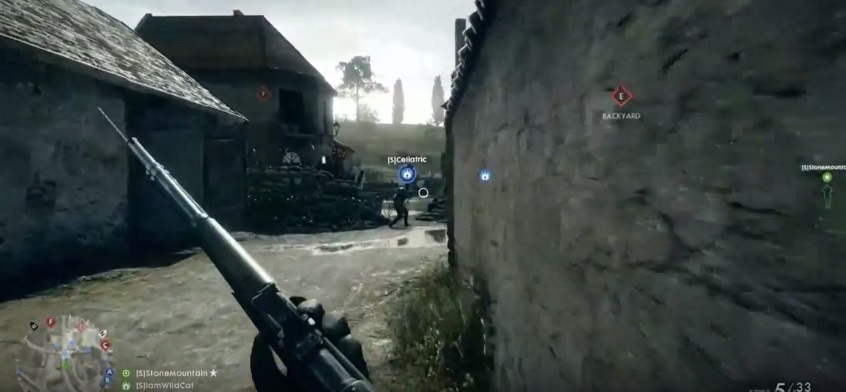
Having just talked about the disadvantages of a bayonet, let’s now move on to an advantage. It is currently unclear whether this is a bug or a feature, so this action may not work in the future. Currently, you can swim faster for a certain time when you have a bayonet on your weapon. To do this, you just need to press the bayonet attack key right before you reach the water. Although this effect does not last long, it can be an advantage on maps like Fao Fortress if you can “quickly” cross the water.
Attackers in Operations Matches
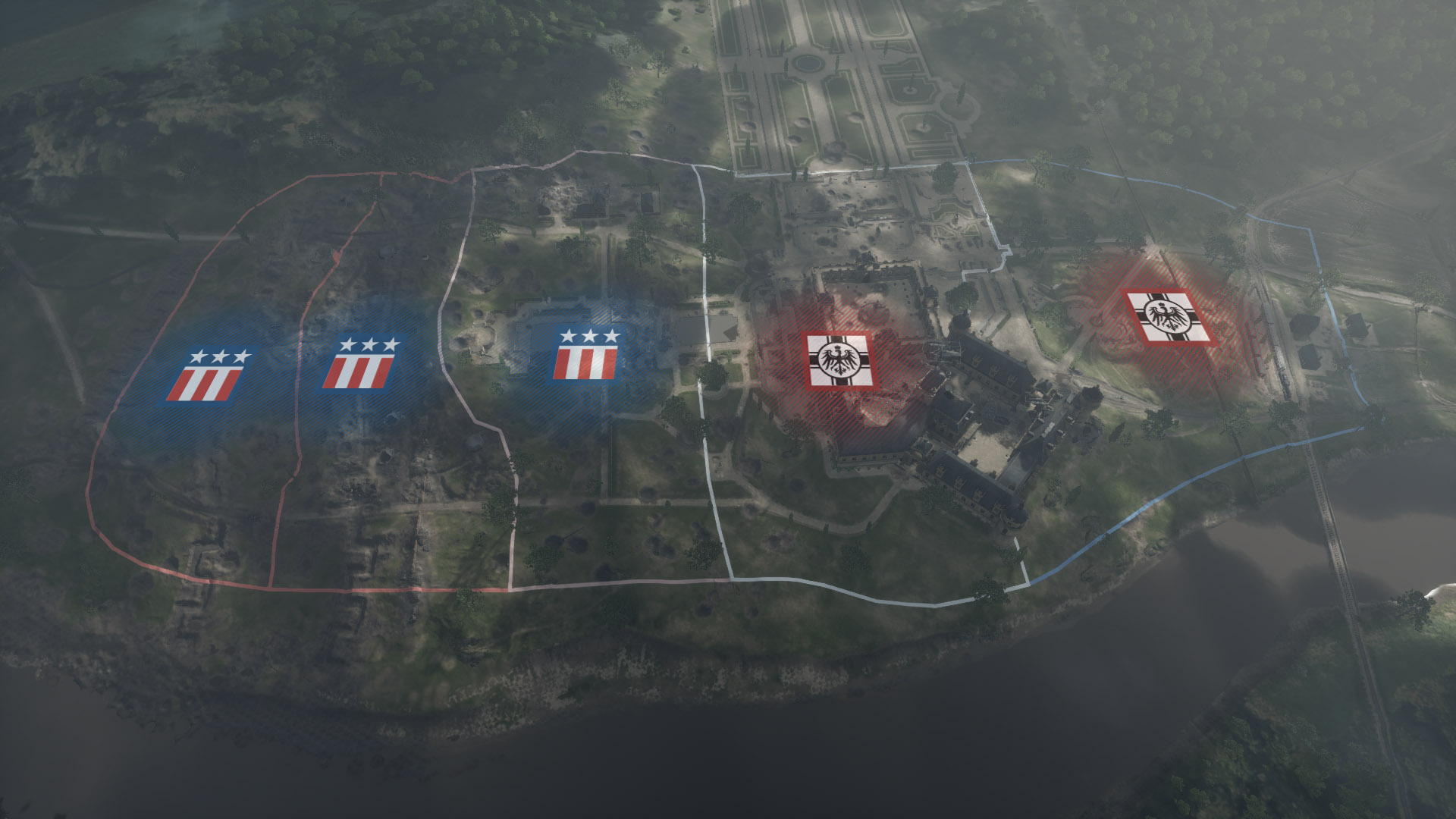
If you are an attacker in the operations game mode, you can increase your tickets. As soon as you capture a sector, the game will notify you if there are still defenders in that sector. If you kill defenders in that sector, you will get some of your tickets back. Each spawn of an ally uses 1 ticket, so it is advantageous if you can refresh these tickets with kills.
Defenders in Operations Matches
If you lose a sector as a defender in operations, your goal is “retreat”. If you do so as quickly as possible and also arrive alive, you will receive a reward. If your retreat is successful, your health points and ammunition supply will be replenished immediately. Additionally, a successful retreat is good because you do not give your opponents any tickets, as we learned in the last tip.
Other Uses for Syringe and Repair Hammer
These tips are designed for specific situations. You can kill enemies with both the syringe and the repair hammer. You need to charge the syringe by holding the attack button for a certain time, and it charges up. After that, you can make one-hit kills with it. If you just click simple attacks without charging, you will not deal any damage.
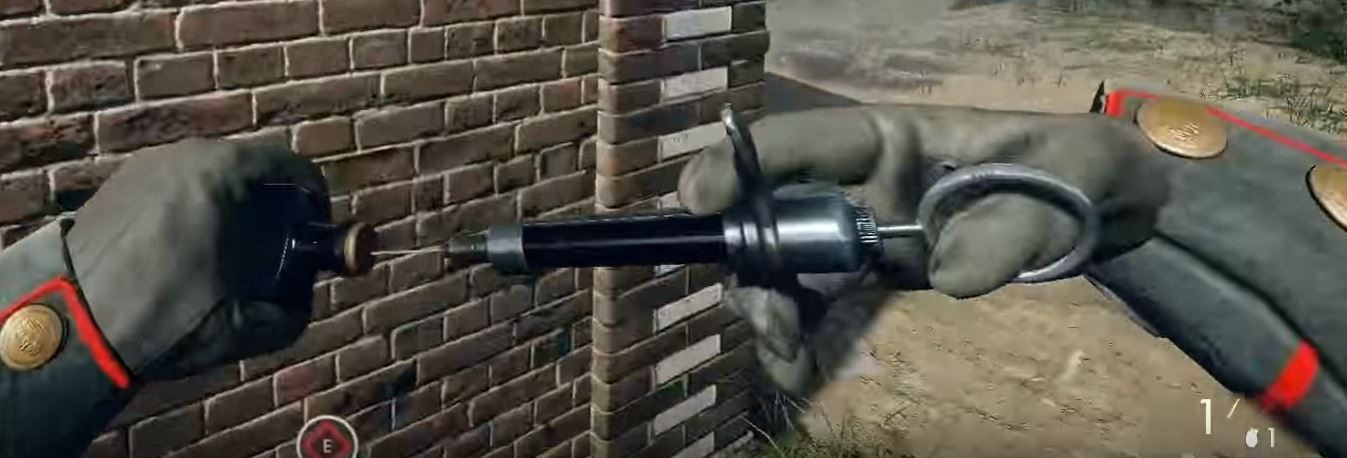
If you want to kill someone with the repair hammer, you can spam individual clicks. No charging is necessary here. These are probably not actions you should regularly perform, but for a bit of fun in multiplayer, such kills are ensured.
If you have any other tips for multiplayer, feel free to share them with us in the comments.