

Larian Studios lets you customize your own character in Baldur’s Gate 3: Between the many different races, classes, and Multi-Class
options, you feel like you have an endless number of combinations. We will show you how to keep track of the classes amidst the flood of options and even plan your abilities for higher levels in advance in our guide to the appropriate Character Planner.

What tool is being discussed? Choosing and planning your class in Baldur’s Gate 3 can be quite complicated. With D&D Beyond, you can almost recreate your builds one-to-one, test them, and simulate them at higher levels.
What can I do with the tool? D&D Beyond primarily serves to simplify the character creation process for Dungeons & Dragons. Features available include the implementation of the (almost) complete Dungeons & Dragons rule set of the fifth edition, digital dice, printable character sheets, and planning tools for game masters.
D&D Beyond is free in its basic version and is operated by Wizards of the Coast. The company is responsible for Dungeons & Dragons as well as Magic: The Gathering.
Due to the proximity between Baldur’s Gate 3 and Dungeons & Dragons, the website is the perfect tool to test your desired character builds before the game begins.
Step-by-Step Guide for Your Character Build
Below, we will explain step by step the process for character creation in D&D Beyond with corresponding examples from Baldur’s Gate 3. But be careful:
- This guide applies only to
Eigener
andDunkles Verlangen
. To “respec” your companions, you must first meet the NPC “Verdorrter”. - For the most accurate replication of your desired builds in the online tool, it’s important to stick to the races, classes, and backgrounds available in Baldur’s Gate 3.
- If necessary, you can use dnddetusch.de/uebersetzer to translate the German terms from Baldur’s Gate 3 into their original English.
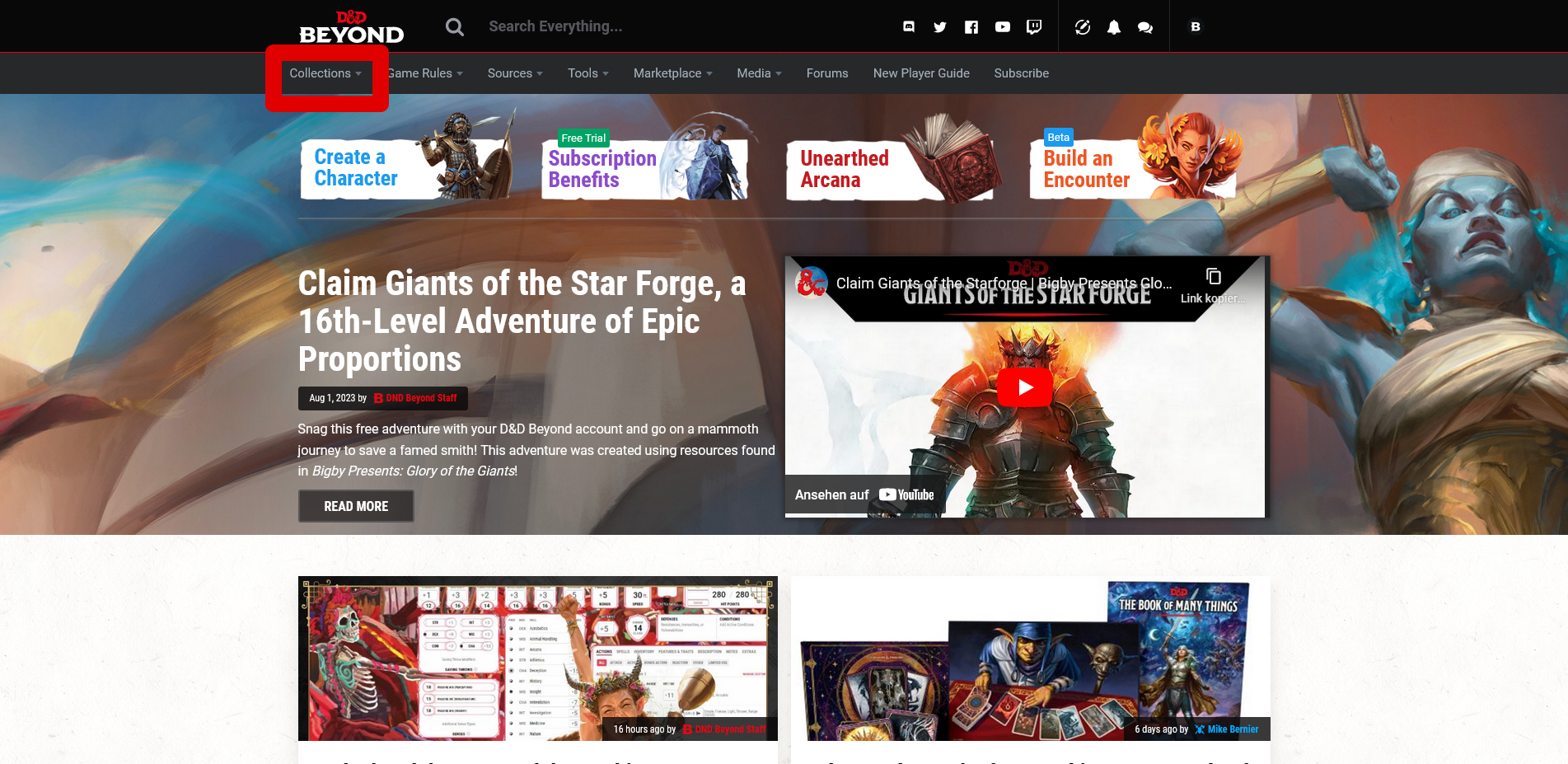
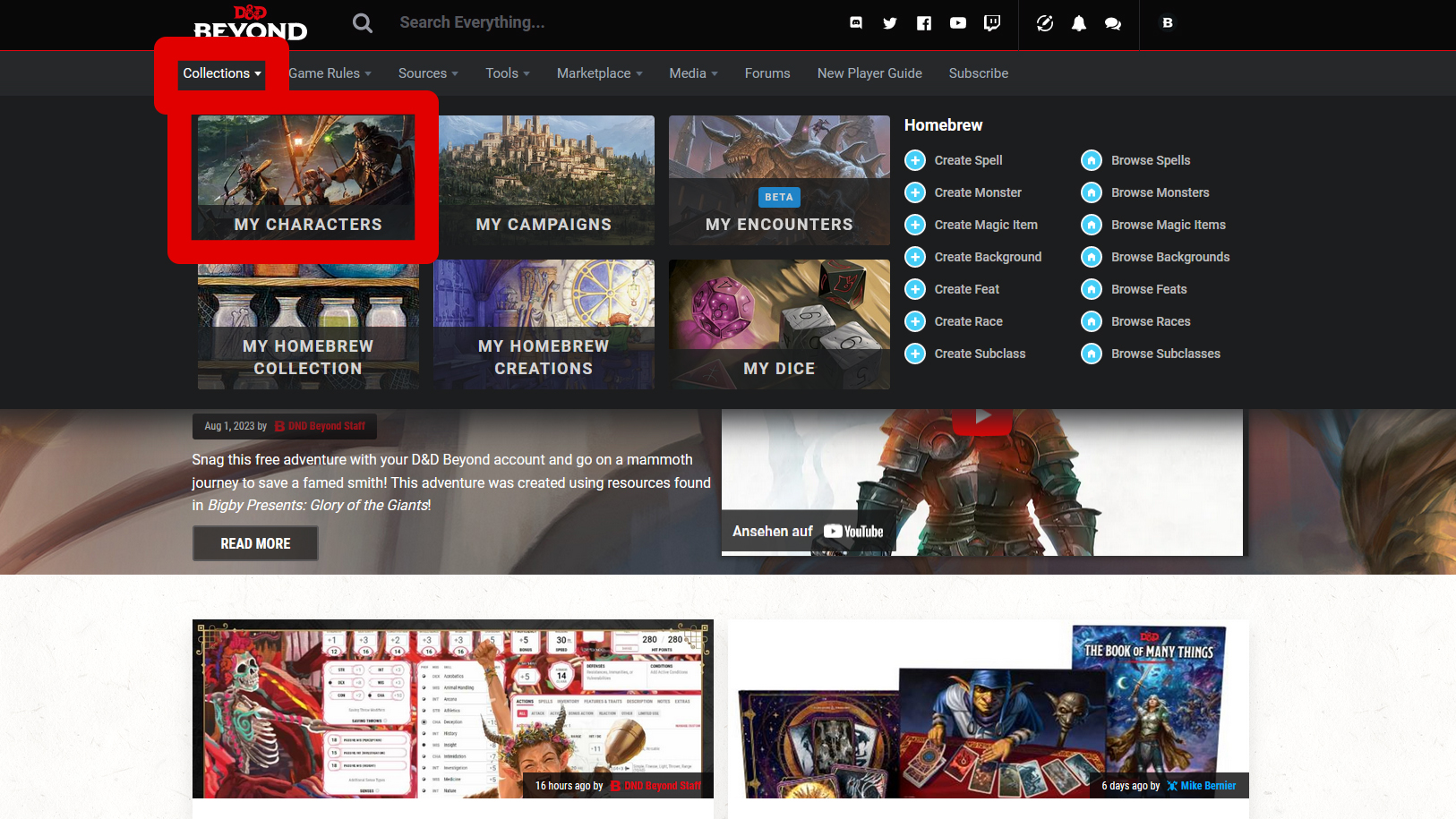
To get started, all you need is an account. Once logged in, you can choose Collections
My Characters
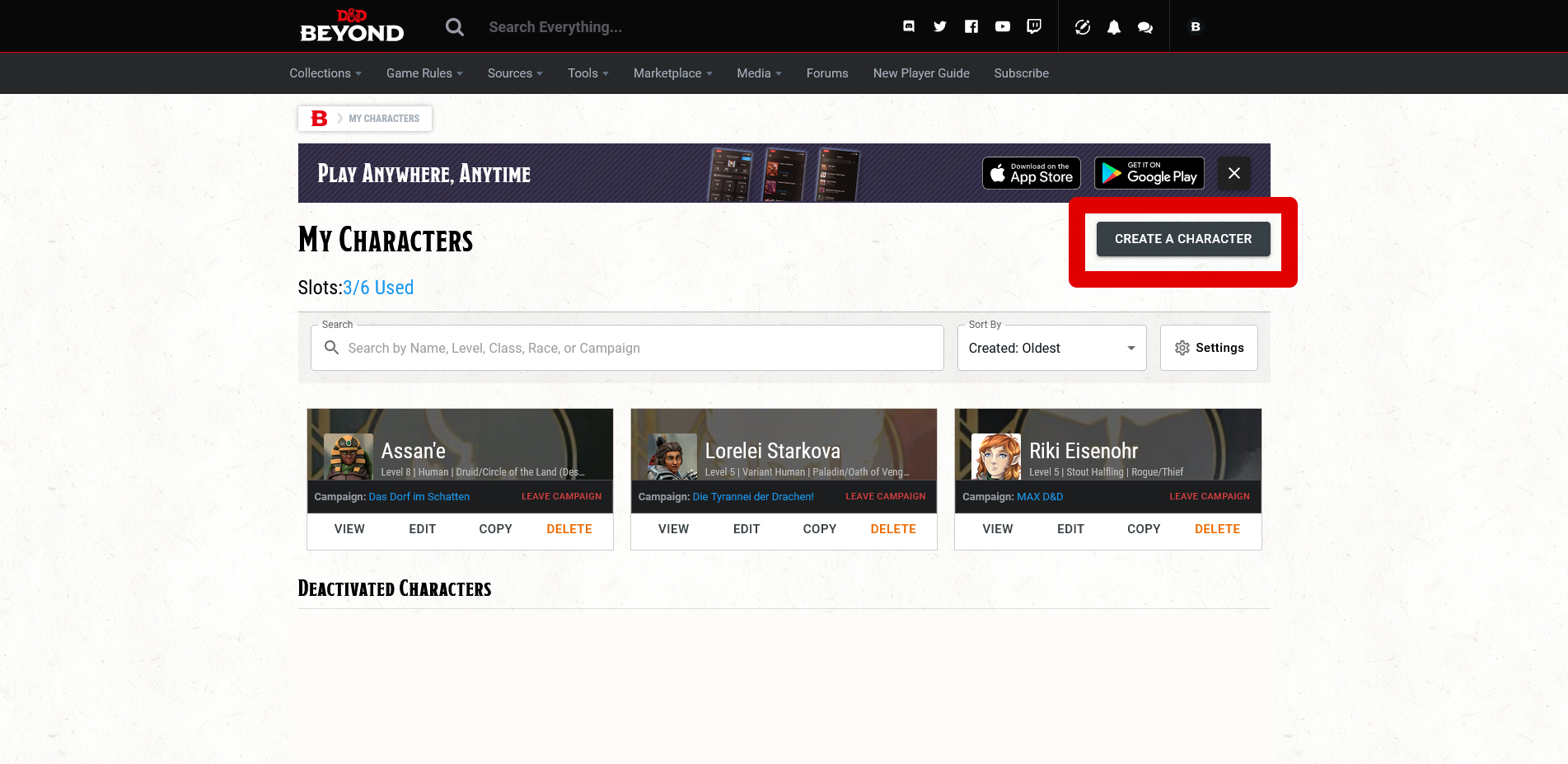
. This will take you to your character overview. In the free basic version, you can own up to six different characters at the same time.
Create a Character
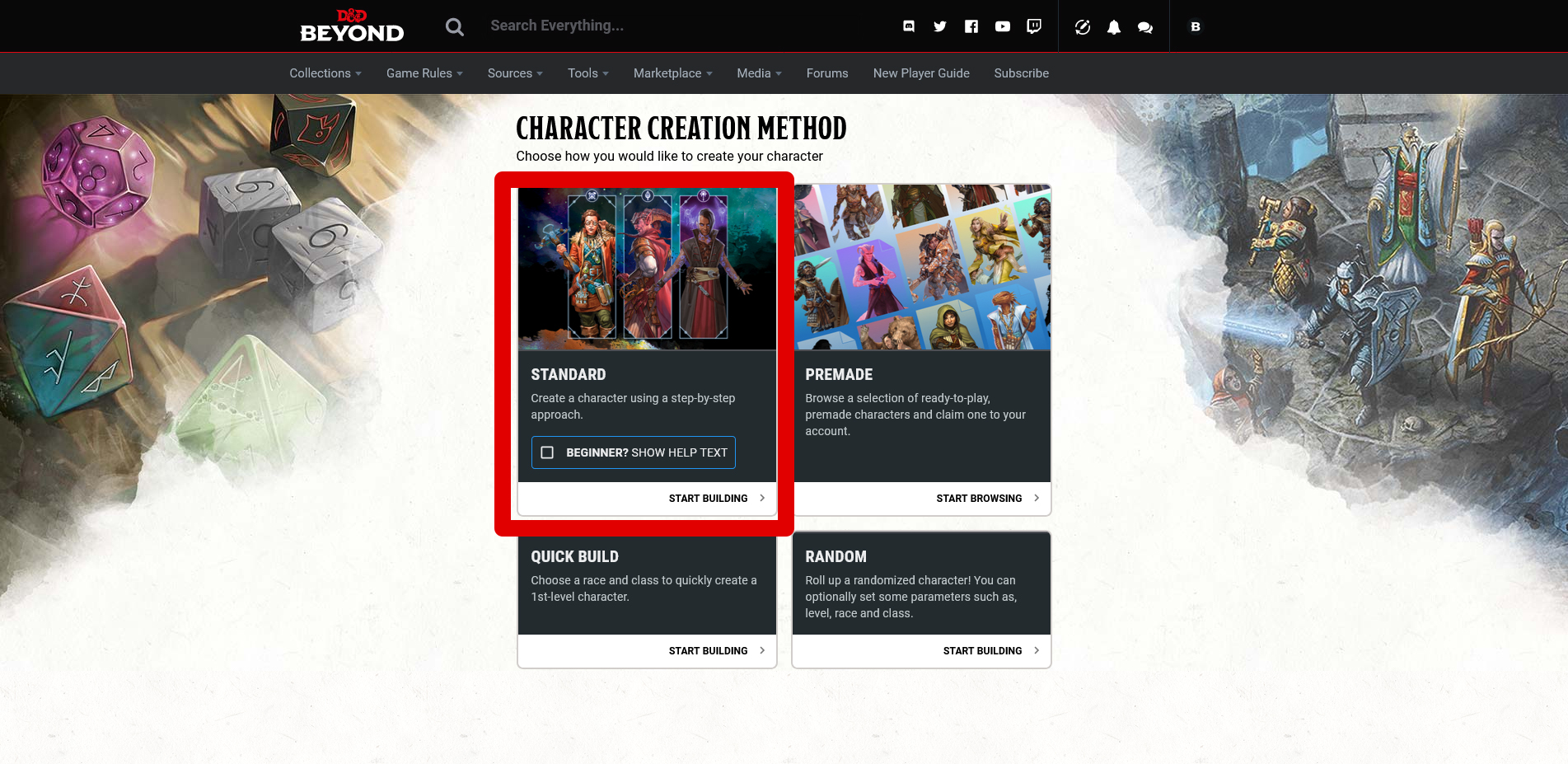
takes you to the character creation menu. Here you can choose whether you want to create your own character via Standard
. With a checkmark at Beginner? Show Help Text
, the site will assist you even more.
Under Premade
, you will find ready-made character suggestions, Quick Build
skips a lot of steps for a quick creation, and Random
is exactly that: a random generator.
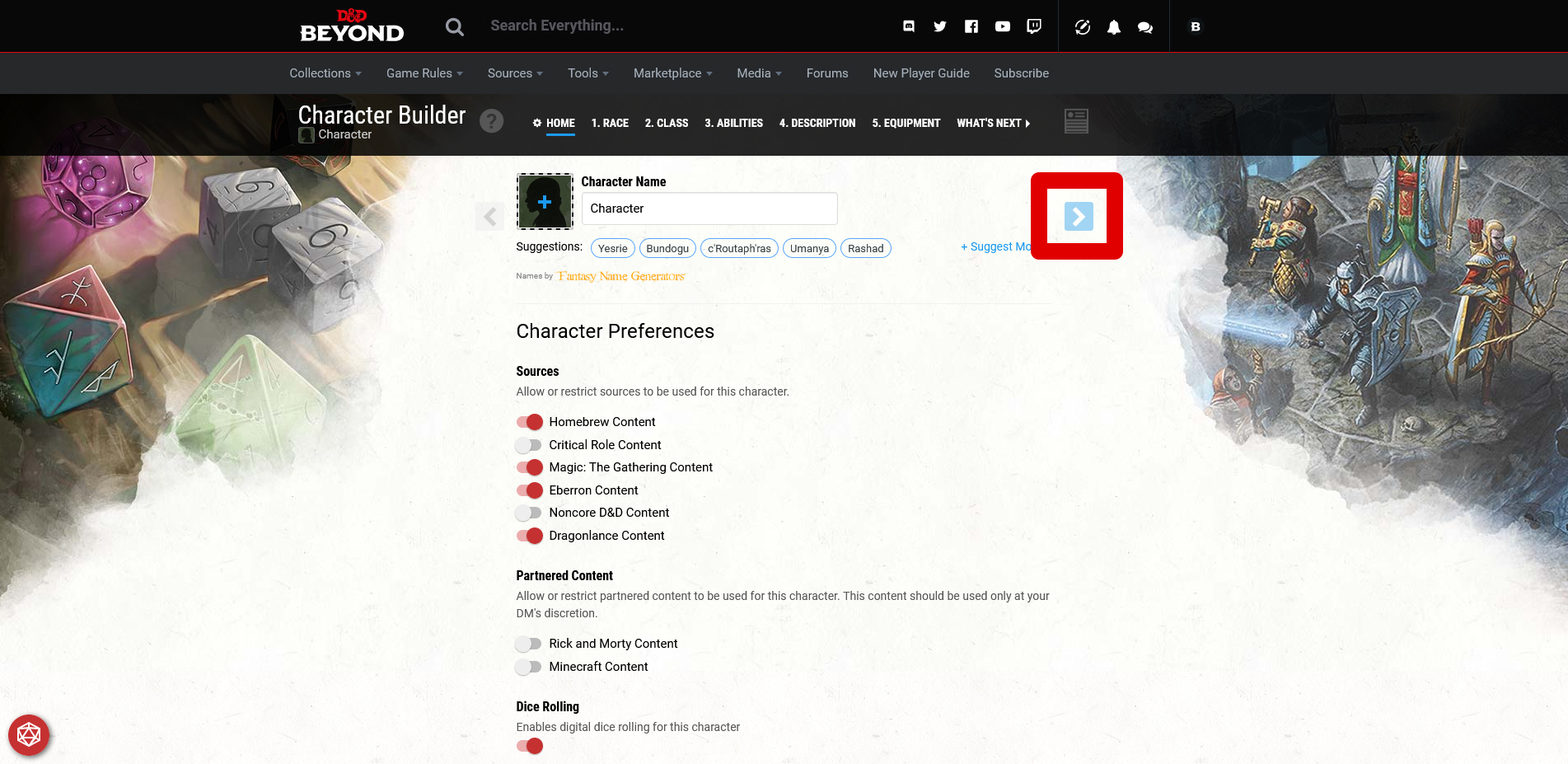
You can ignore the first page of the character creator. This is only relevant if you want to play Dungeons & Dragons with the character later on.
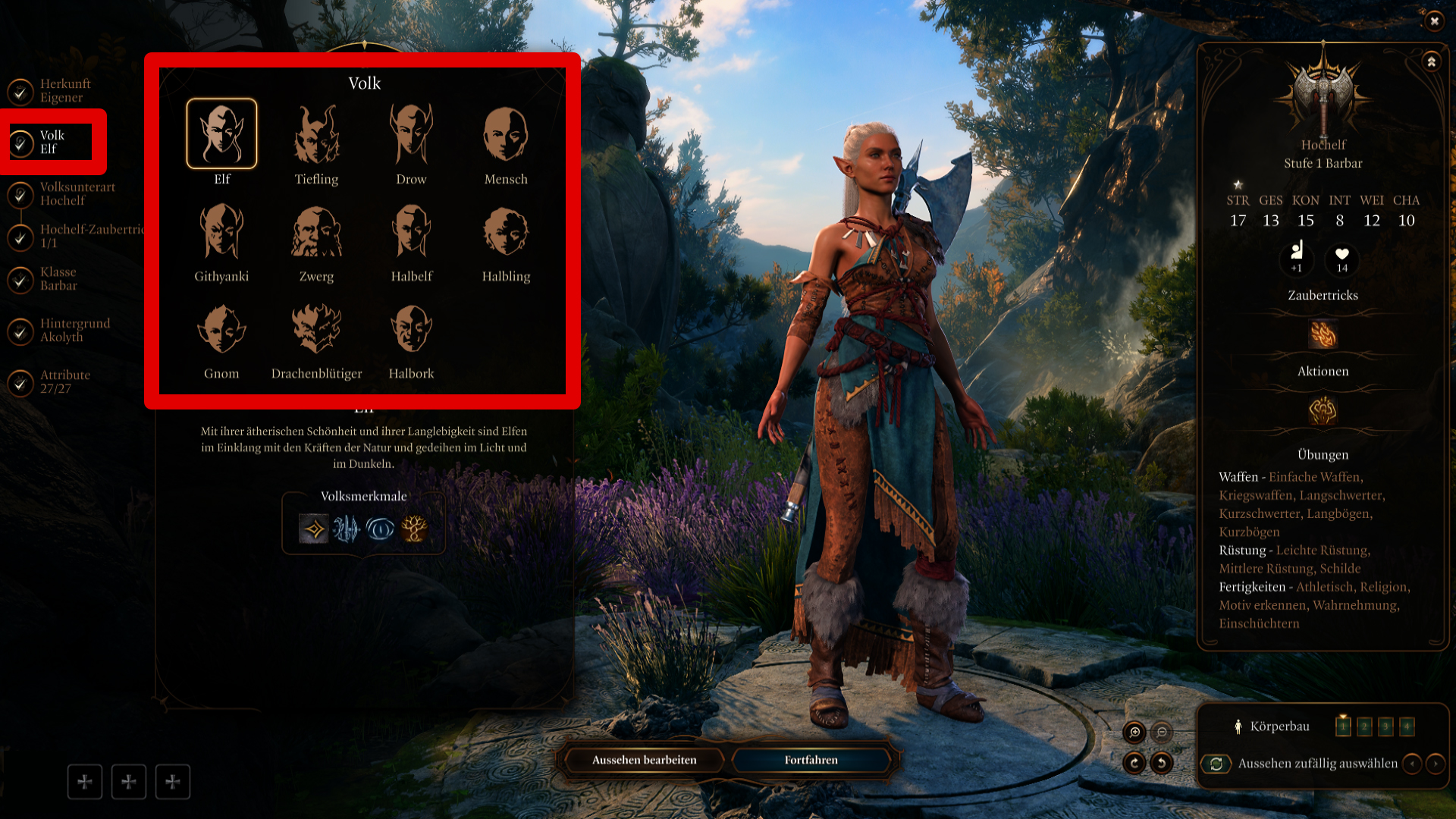
Select your desired race at the beginning…
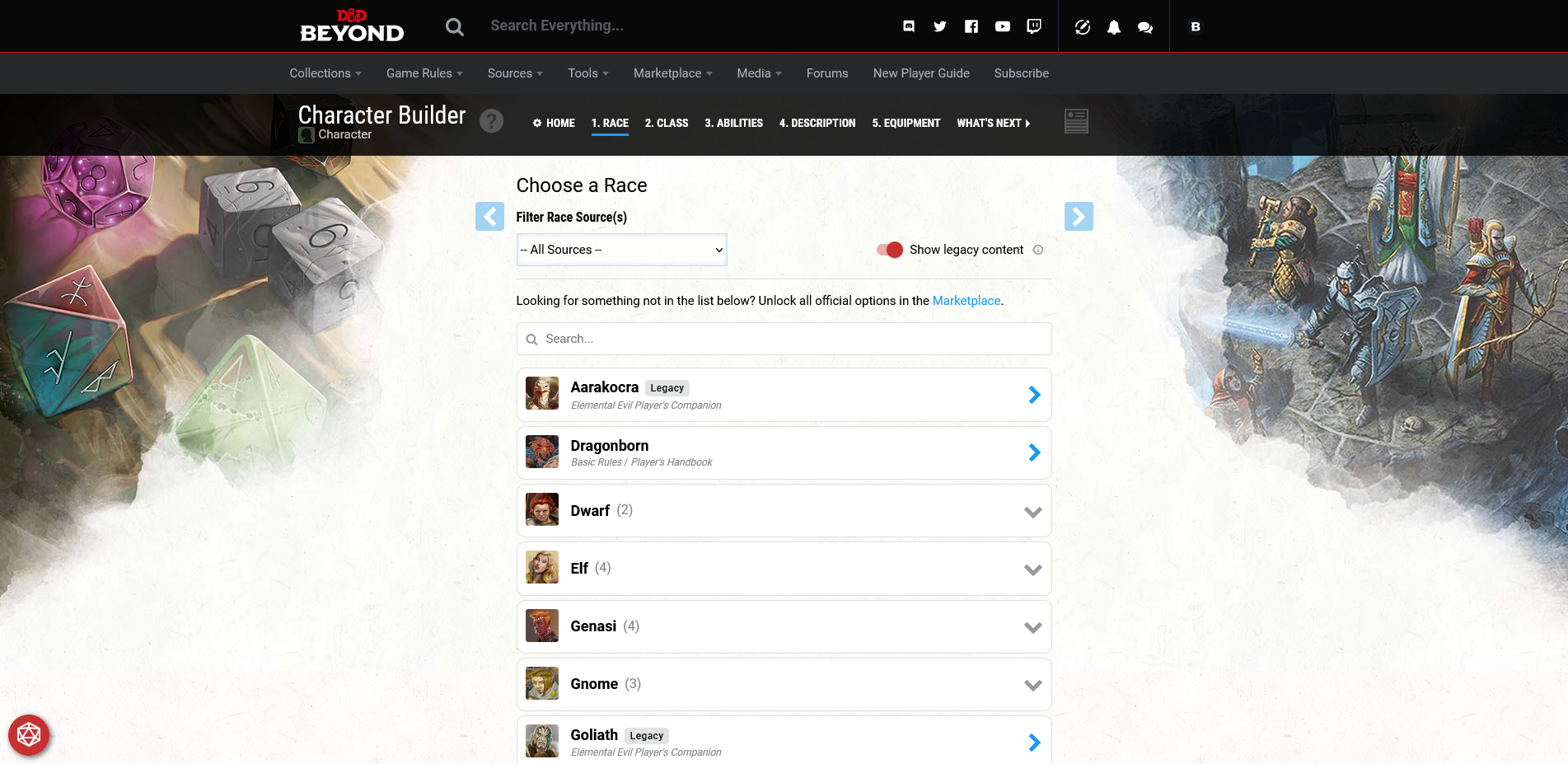
… as well as the suitable sub-race.
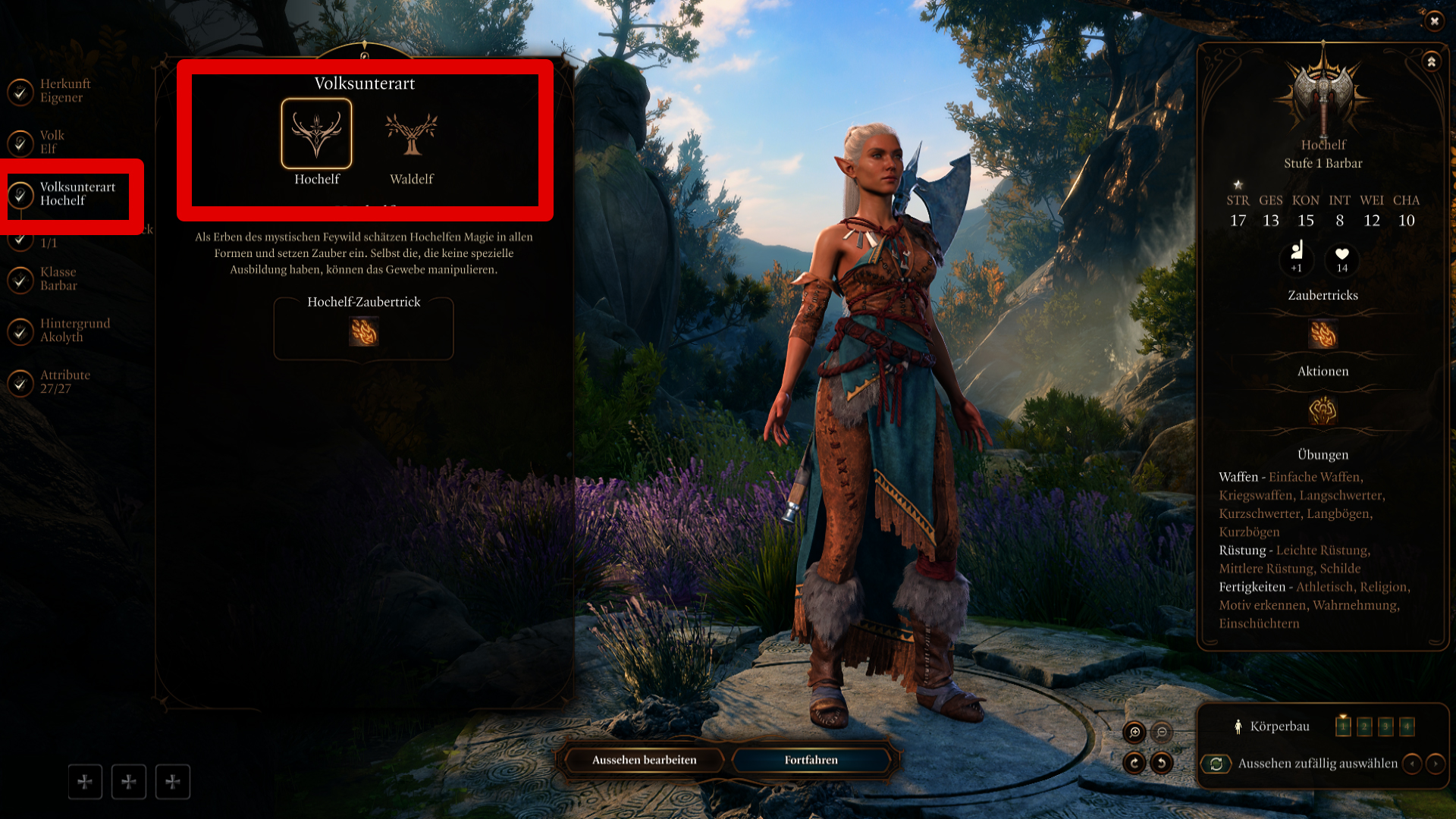
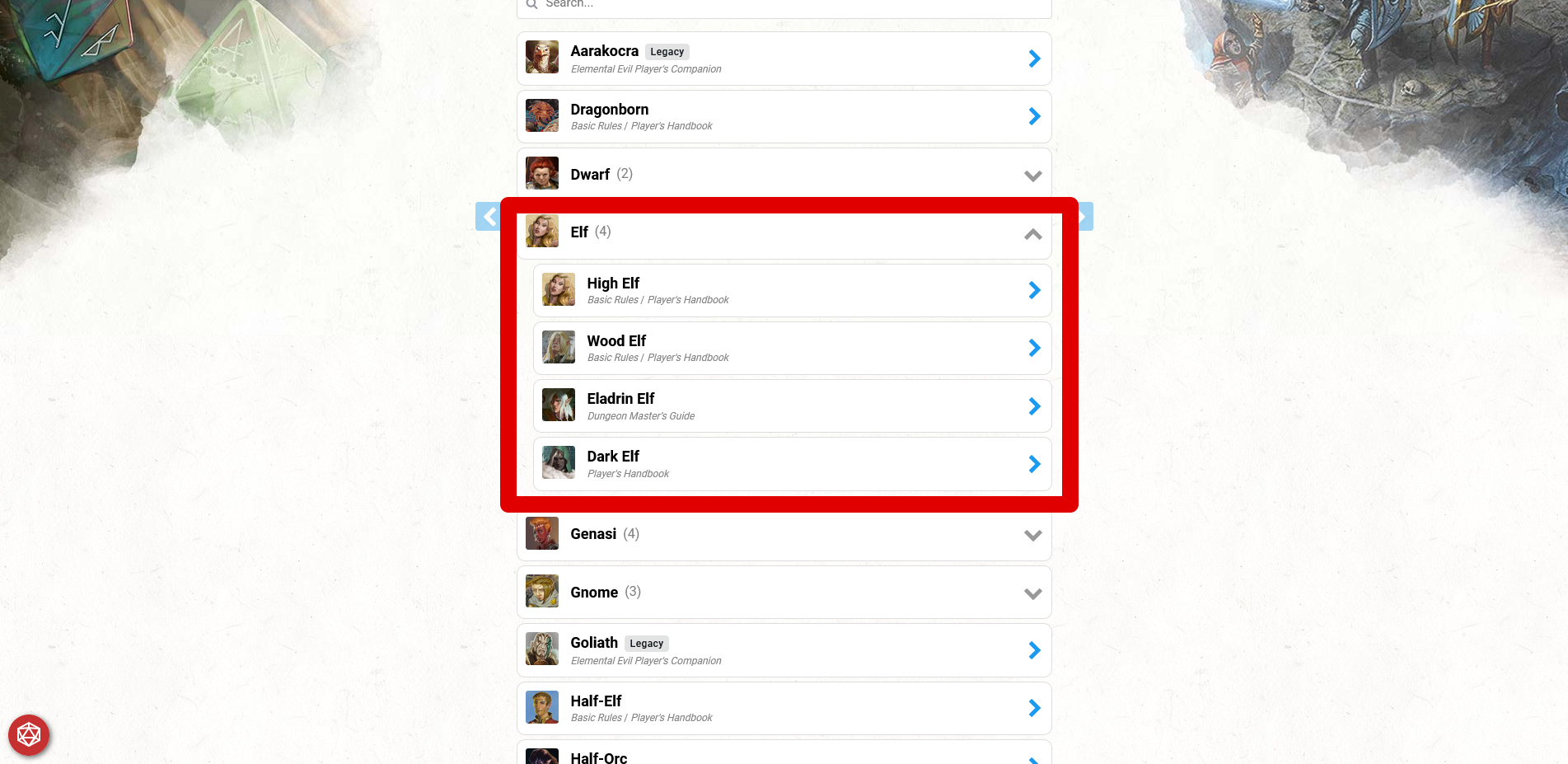
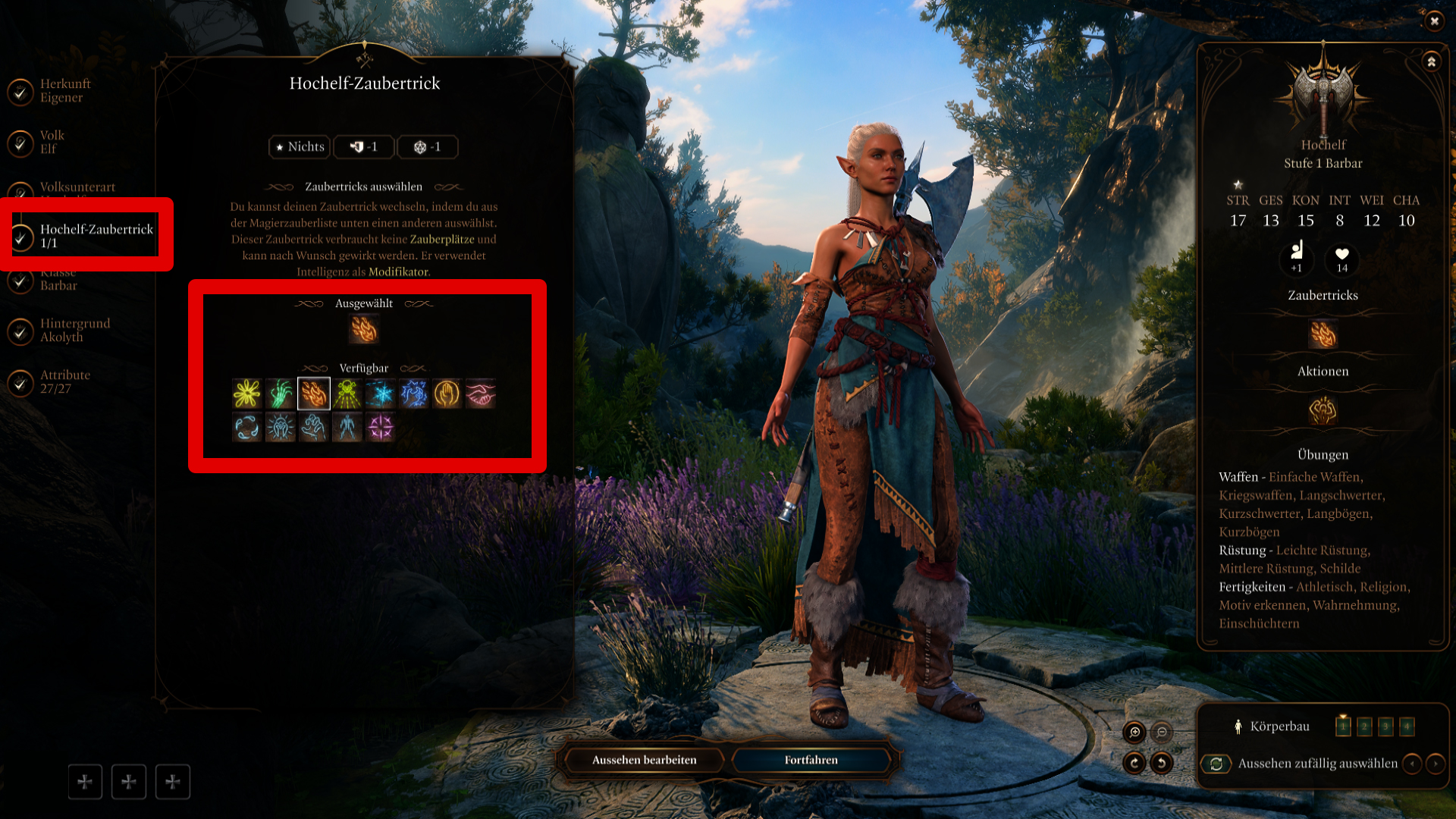
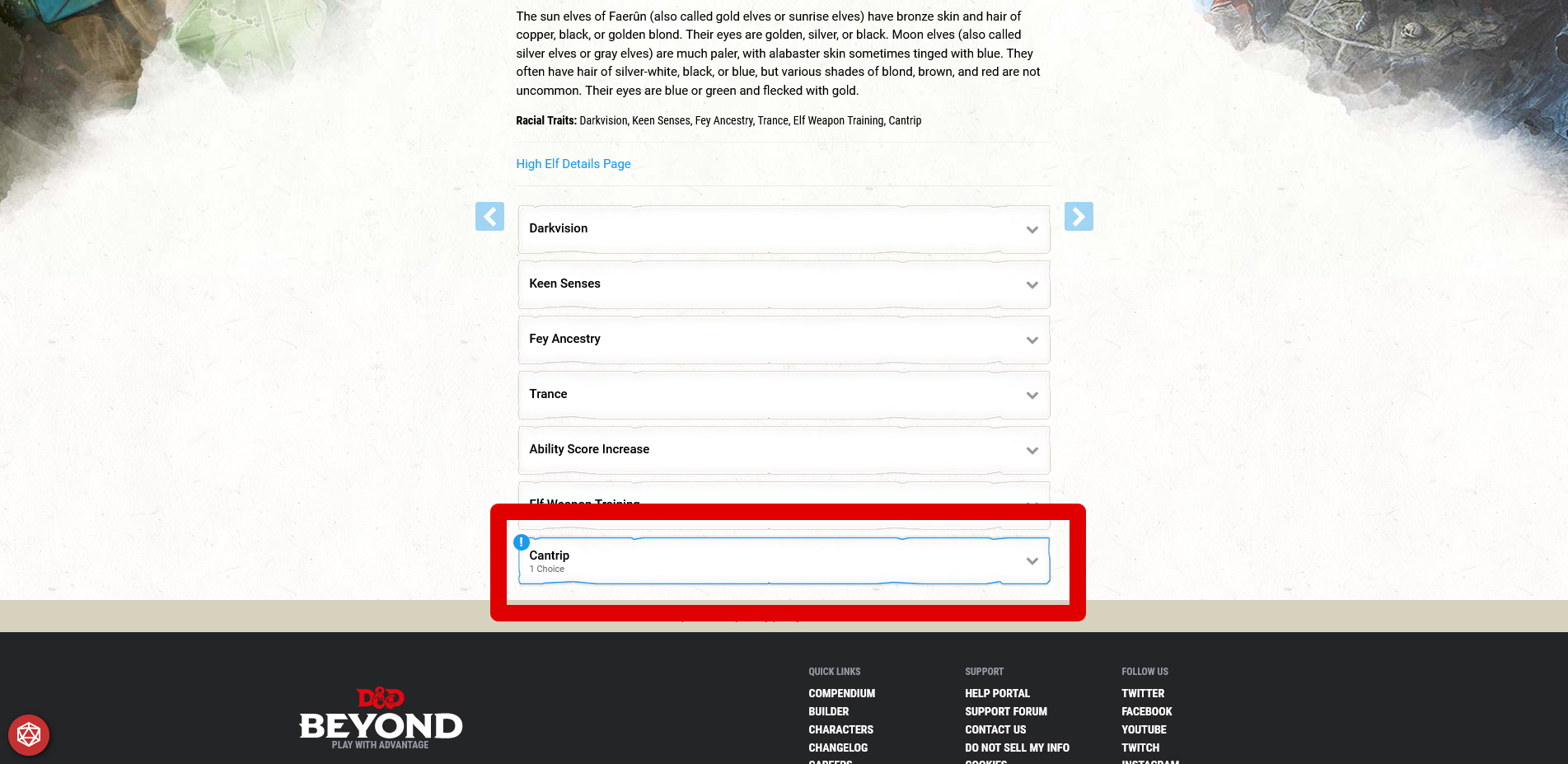
Optional: Some races allow you to choose spells, languages, and special abilities.
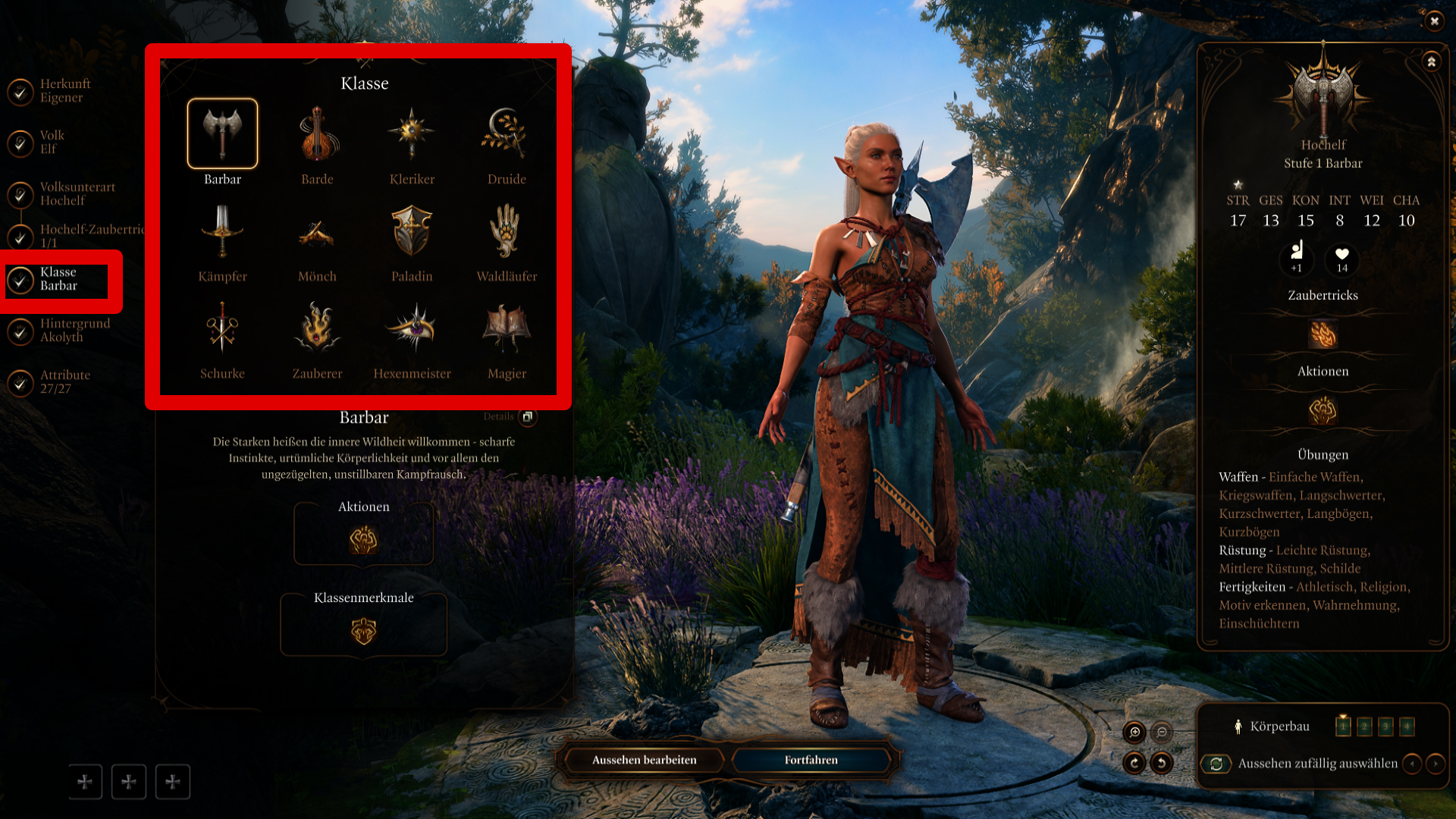
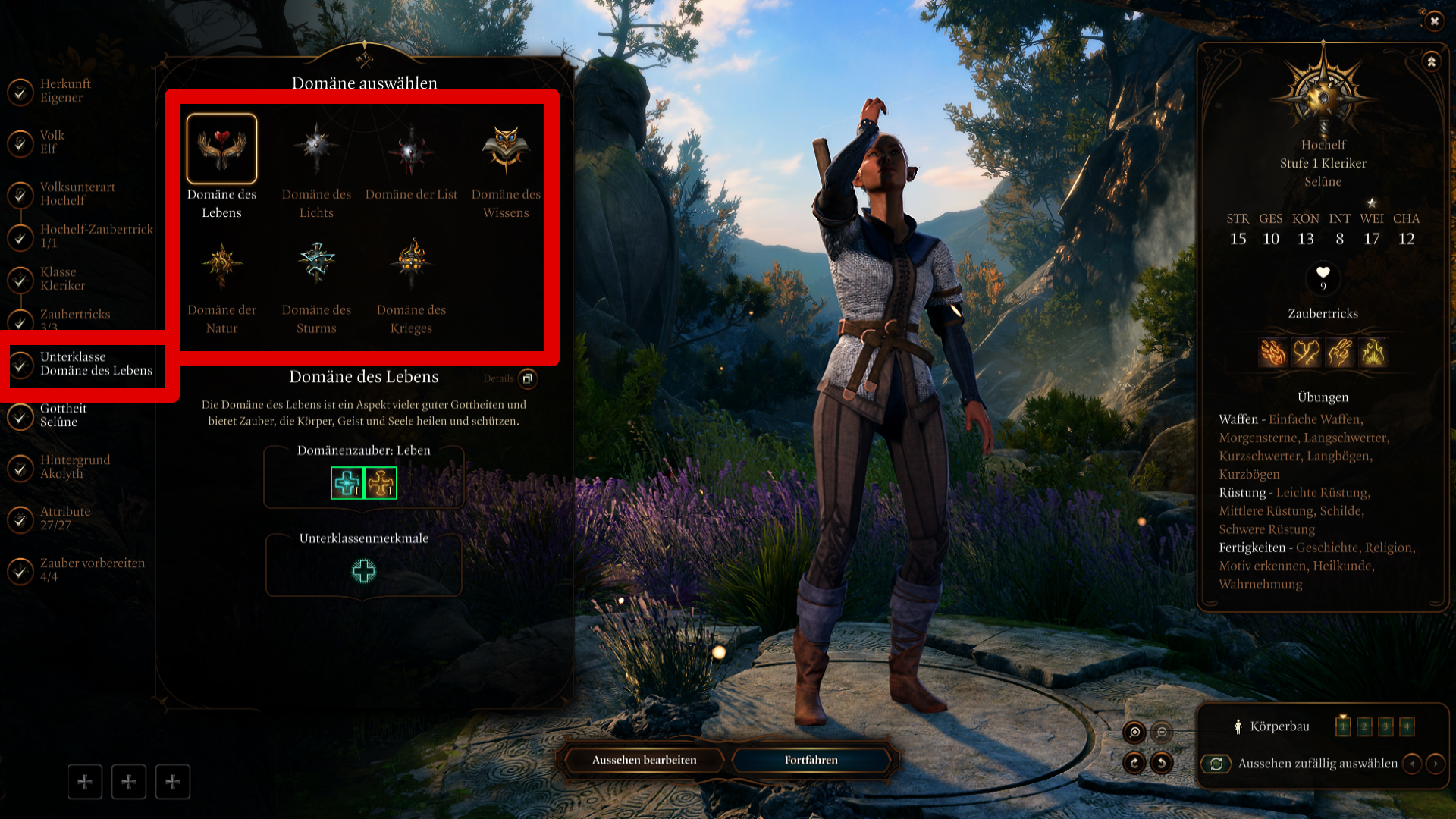
Now it gets down to business with the choice of class and, depending on the decision, sub-class selection.
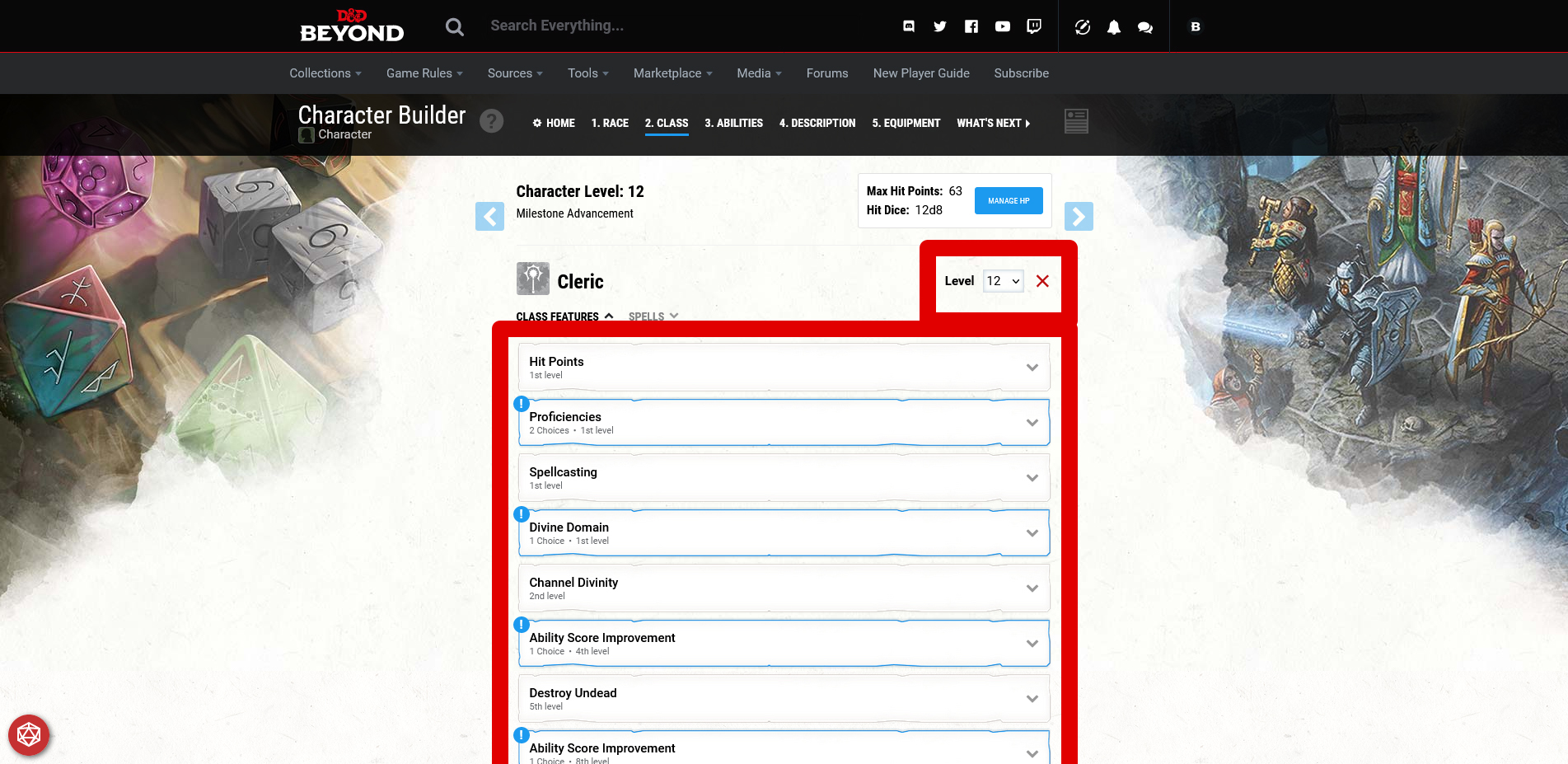
Therefore, after choosing your class, you jump directly into the class overview. Here, enter the desired level you want to simulate. This will display all personalization options at level scale.
With + Add Another Class
, you can simulate Multi-Classing
.
In Baldur’s Gate 3, you next choose your background. However, D&D Beyond allows you to distribute your attribute points first. However, it is neither a problem in the game nor on the website to skip any of the steps.
For illustration, we will continue with the attribute points.
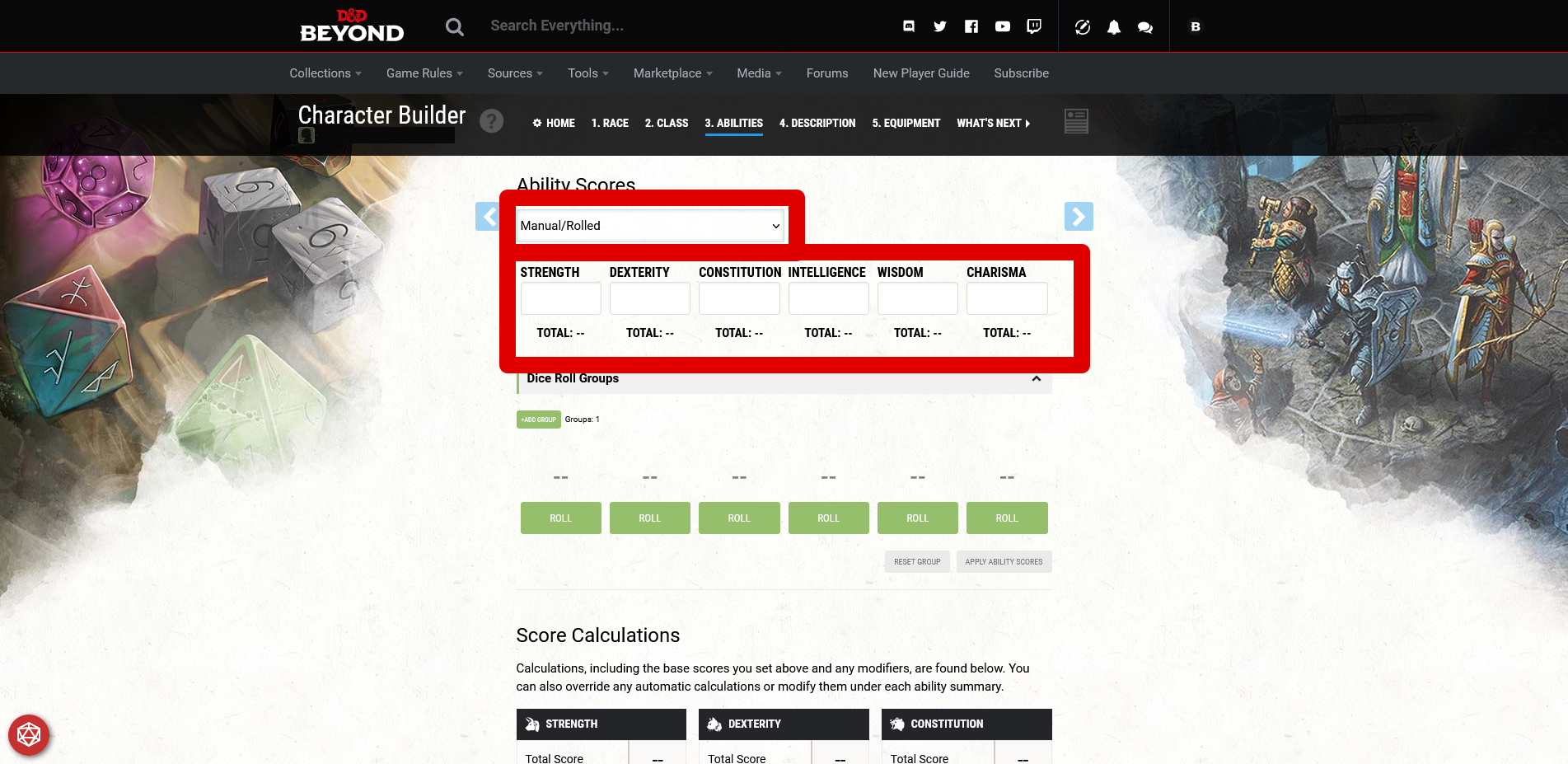
Select Manual/Rolled
method in D&D Beyond. Each attribute has at least 8 points. Additionally, you can distribute 27 points freely, as you see fit. You also assign one +2 and one +1 modifier.
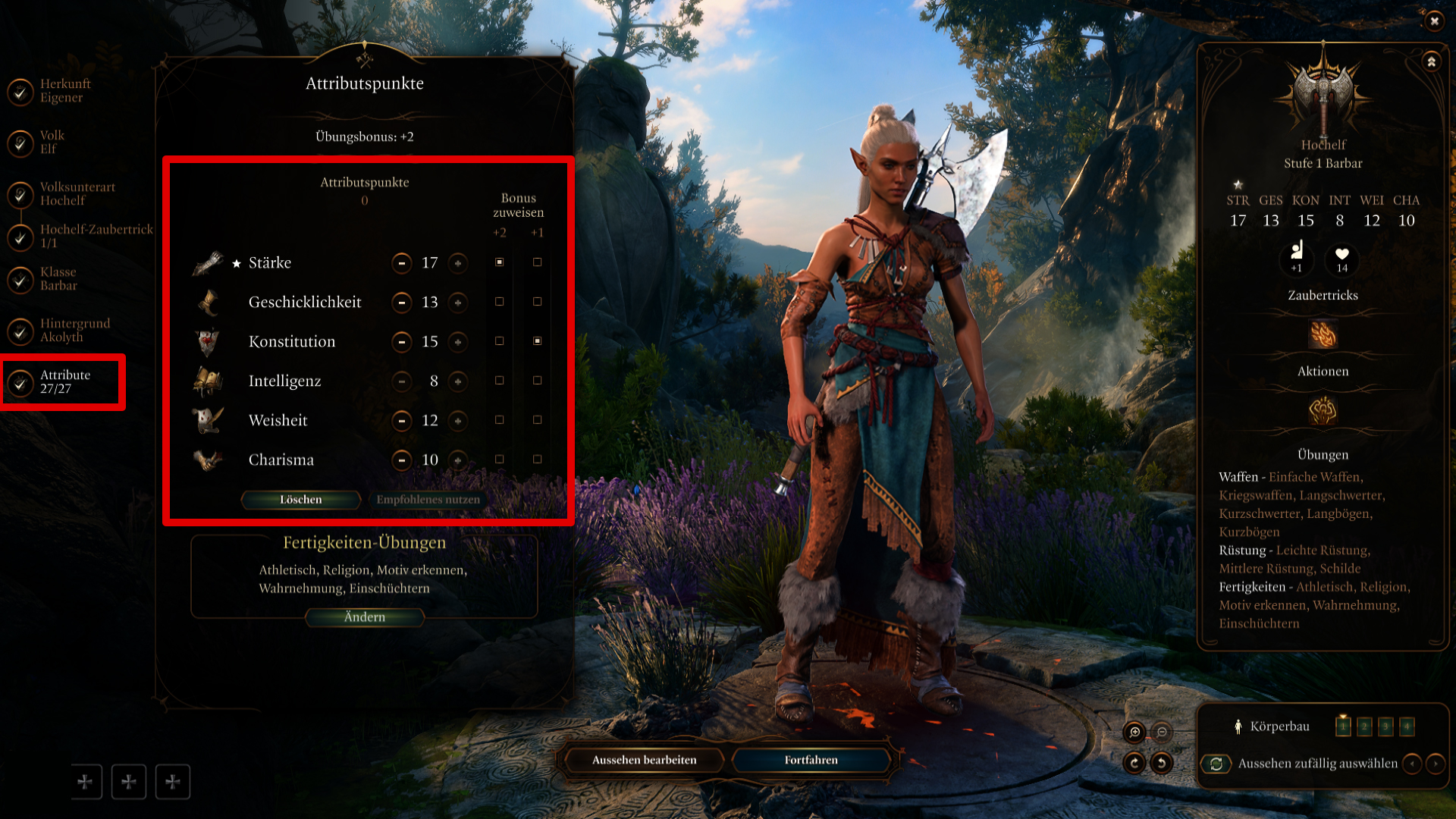
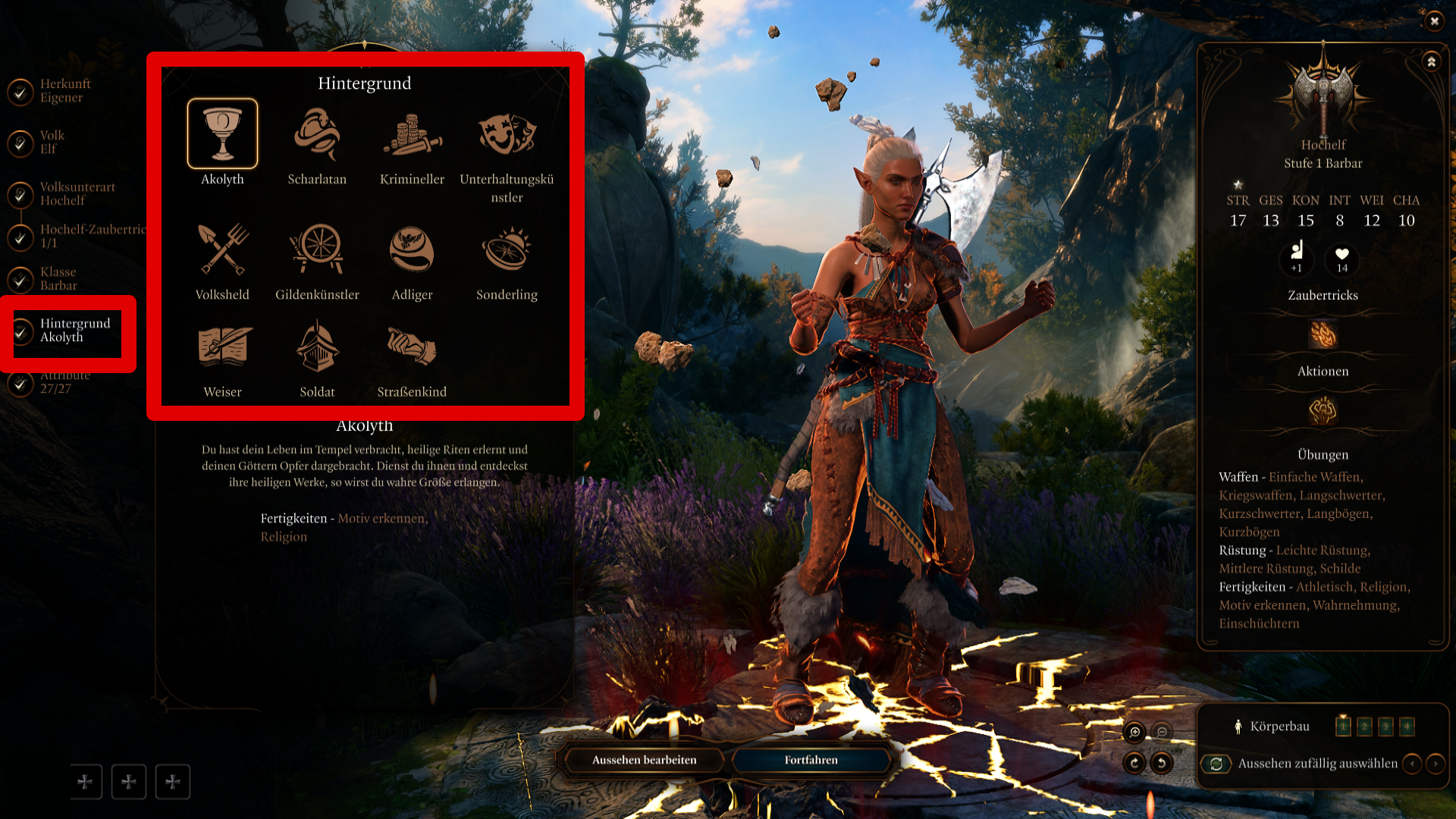
You can choose your background in D&D Beyond almost 1:1 just like in Baldur’s Gate 3. However, the website gives you significantly more options that are automatically set in the game.
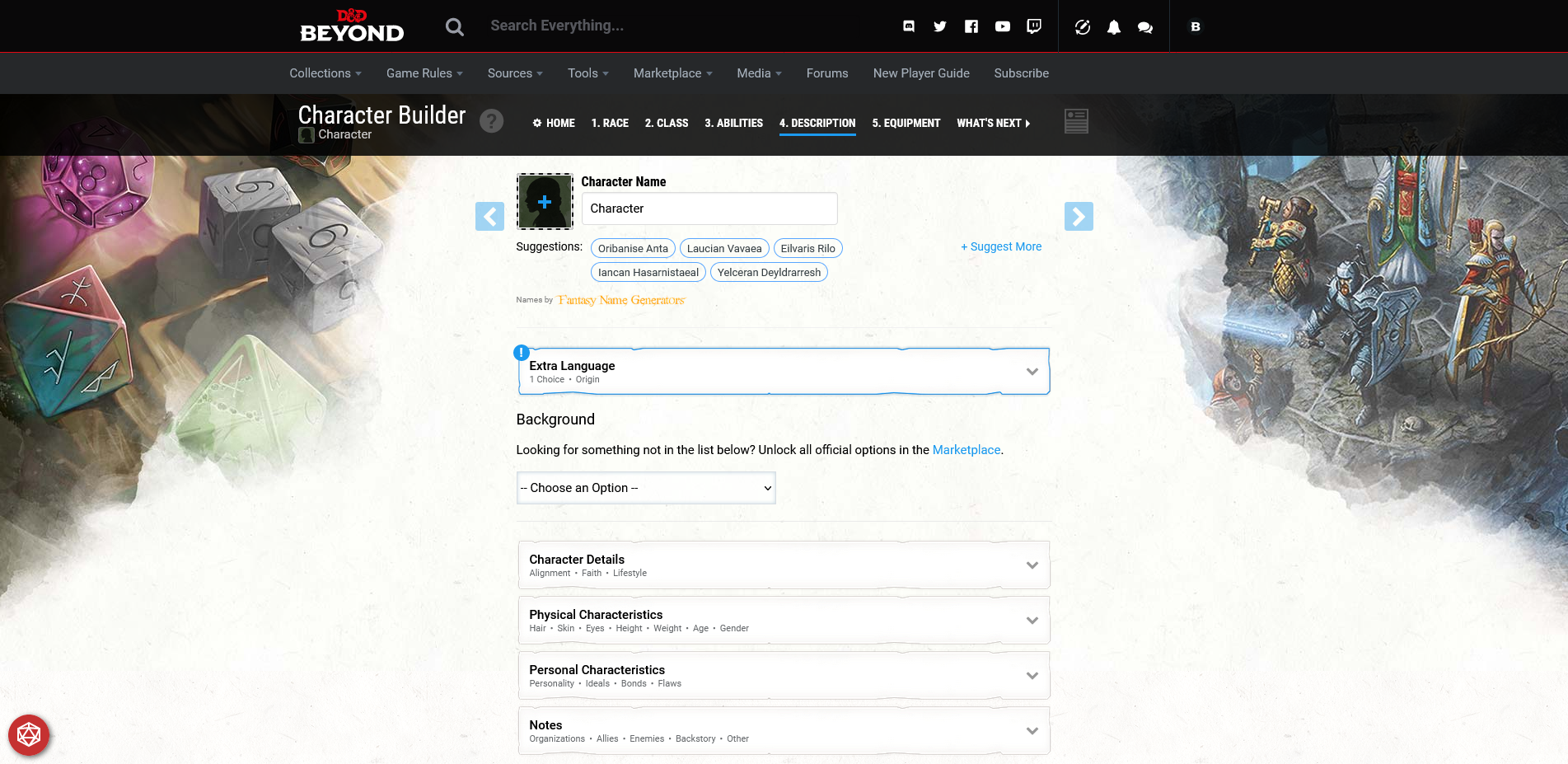
Attention: In Baldur’s Gate 3, you can choose spells for classes with spells right from the start. In D&D Beyond, you can only do that in the finished character sheet.
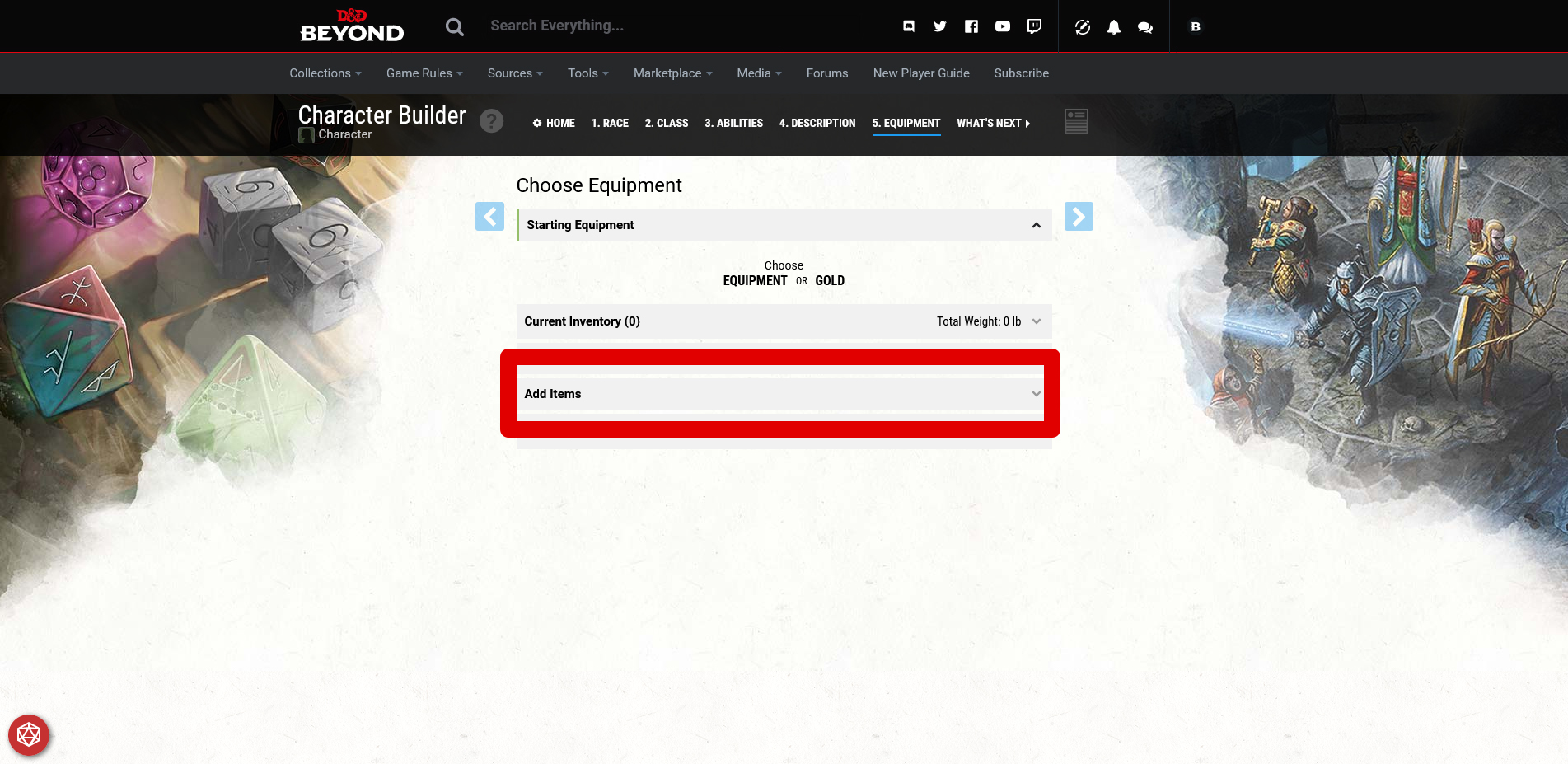
To get there, you will need to edit the step Equipment
. Here, select your desired armor and weapons via Add Items
. In the game, you will be provided with the starting equipment.
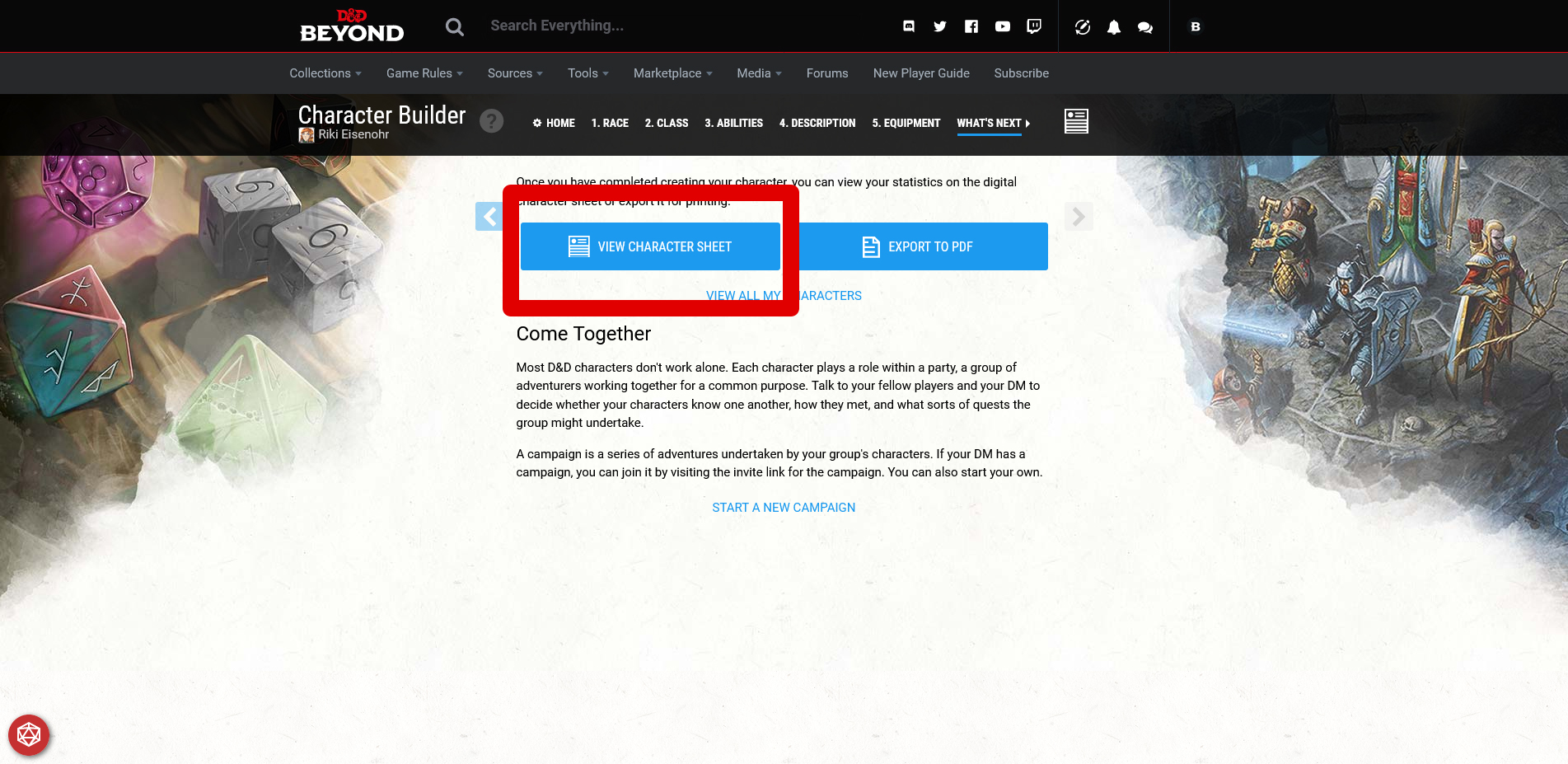
To access your character sheet, click on What’s Next
in the window and then View Character Sheet
.
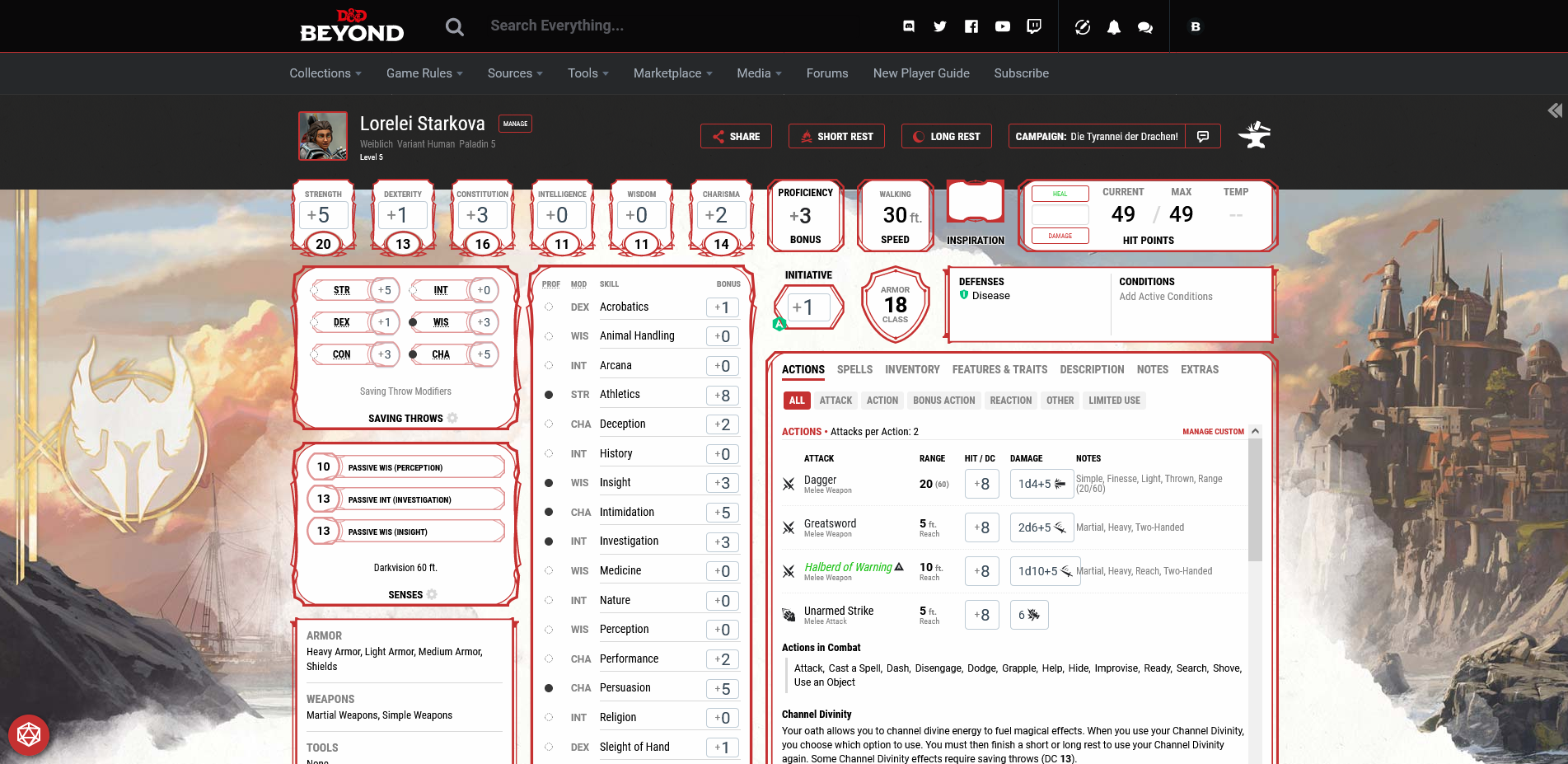
The page that opens should look something like this:
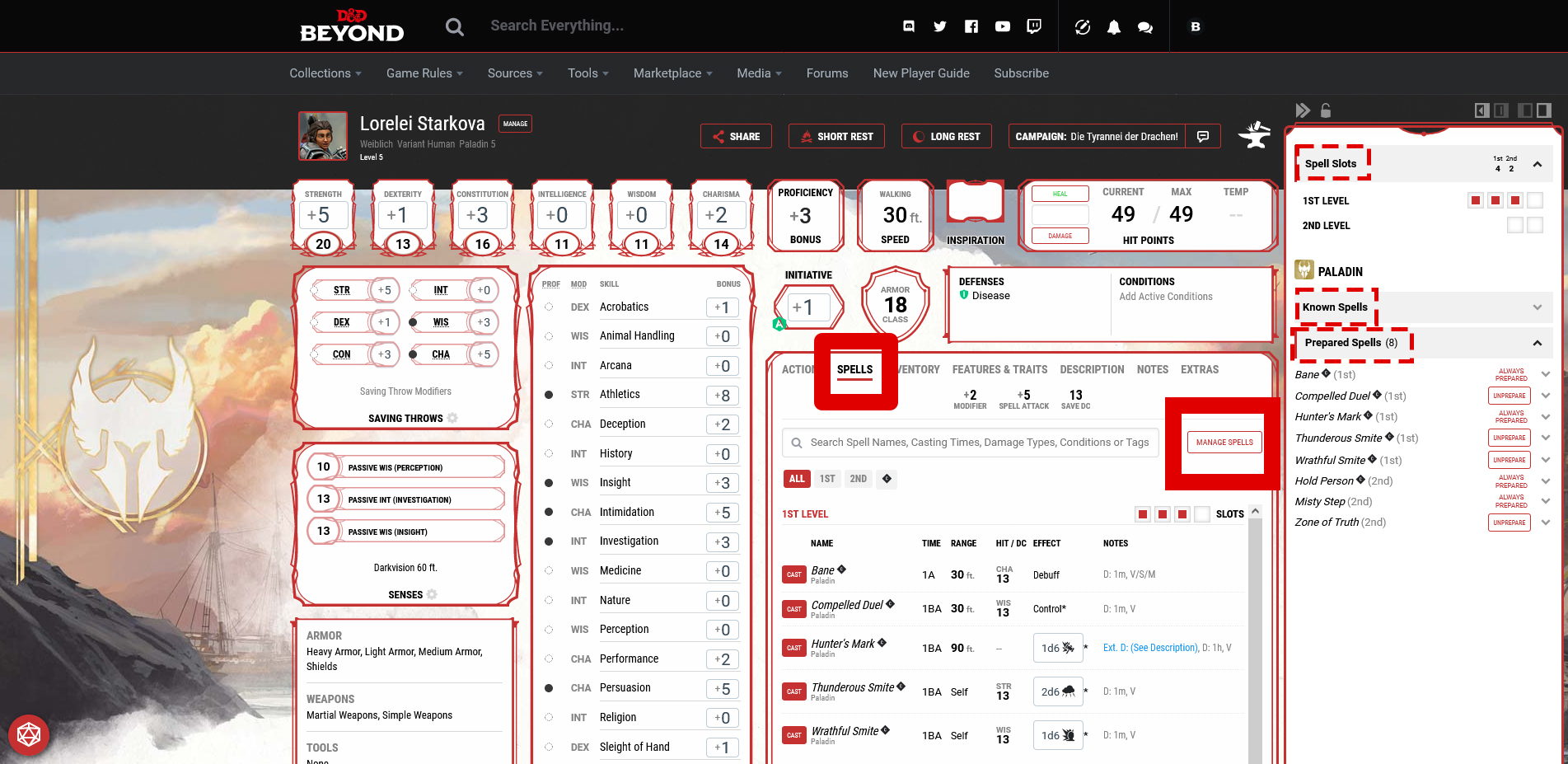
In the overview box, click on Spells
and then Manage Spells
. Now the menu has opened where you can select your spells.
Spell Slots
indicates how many times you can cast spells at which level. The Known Spells
include everything you can theoretically cast. The Prepared Spells
list what you have currently selected.
Clicking on the desired spell opens the description.



Why do we recommend the tool? D&D Beyond is a first-party tool that is constantly being developed and supplied with new content. Additionally, with some practice, the handling is relatively easy. There is also a handy app for the website, which allows you to have your character builder with you almost anywhere.
Besides the free version teased above, you can also choose between two different subscription variants. These are primarily interesting to you if you already play or plan to play Dungeons & Dragons. If needed, you can also purchase from the huge catalog of rulebooks whatever interests you.
With D&D Beyond, you are completely equipped for all character and spec tasks. You can find a first overview of the individual classes and their abilities in our class tier list:
Baldur’s Gate 3 Class Tier List: The best classes & subclasses 2023

Your opinion is important to us!
Do you like the article? Then let us know!