
With the major Anniversary Update, Call of Duty: Mobile has received numerous new contents. Among them is the Arsenal feature that manages your legendary weapons. MeinMMO explains what it’s all about and how to use the Arsenal.
What is the Arsenal? The new feature has been available since the pre-patch for the major birthday update with Season 11 in CoD Mobile. It allows you to view all your legendary weapons.
You can access it by tapping on “Arsenal” at the bottom right of the main screen. There you will see all the legendary weapons available in the mobile shooter.
Along with the feature, a new rarity tier for weapons has been introduced: mythic. Currently, the only mythic weapon is the Fennec-Ascended with a pretty cool skin. More weapons are expected to be showcased in the Arsenal in the future.
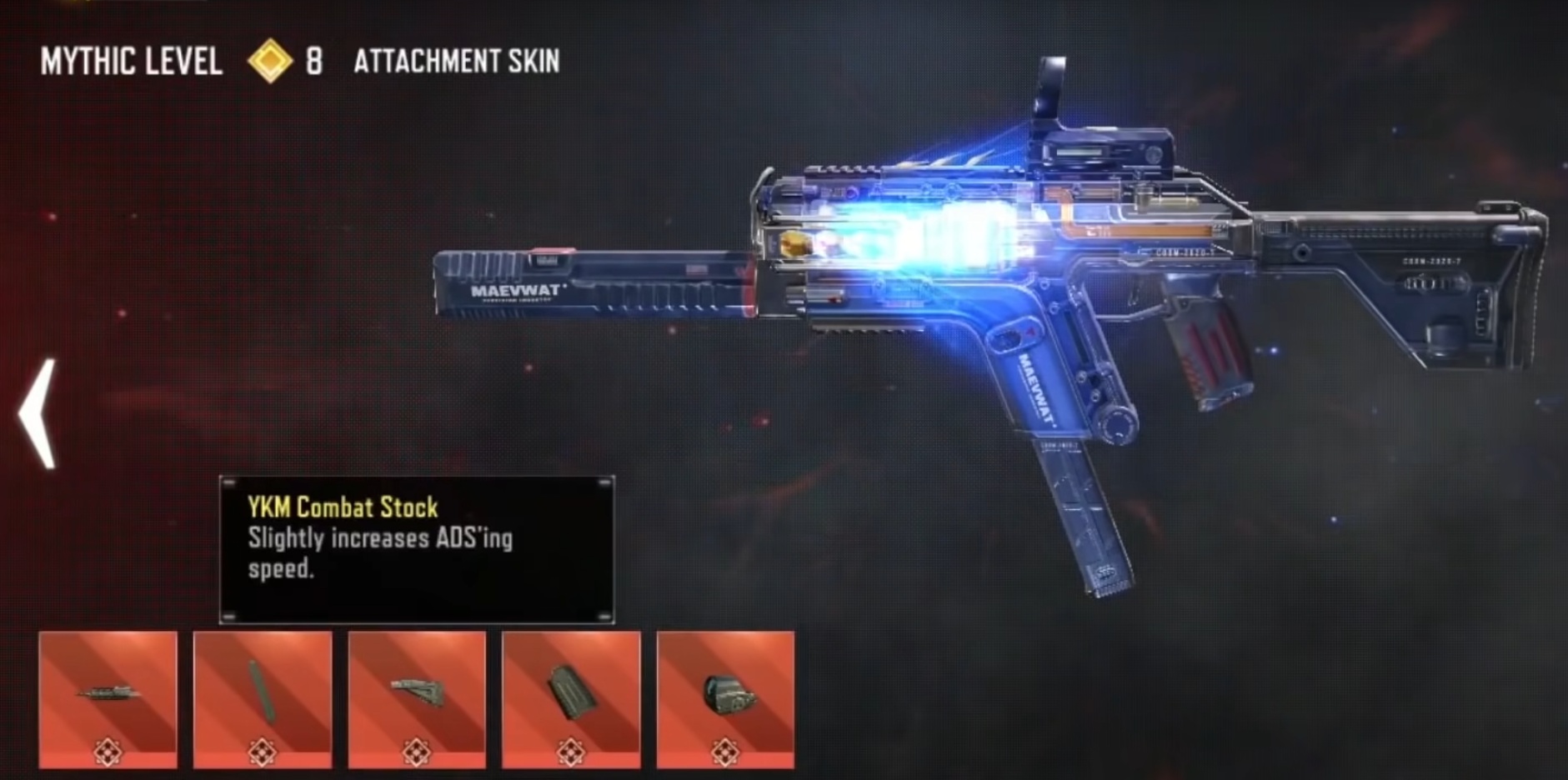
Currently, there isn’t too much information circulating about the Arsenal. MeinMMO reveals what you can do with the new feature.
Manage and Upgrade Legendary Weapons
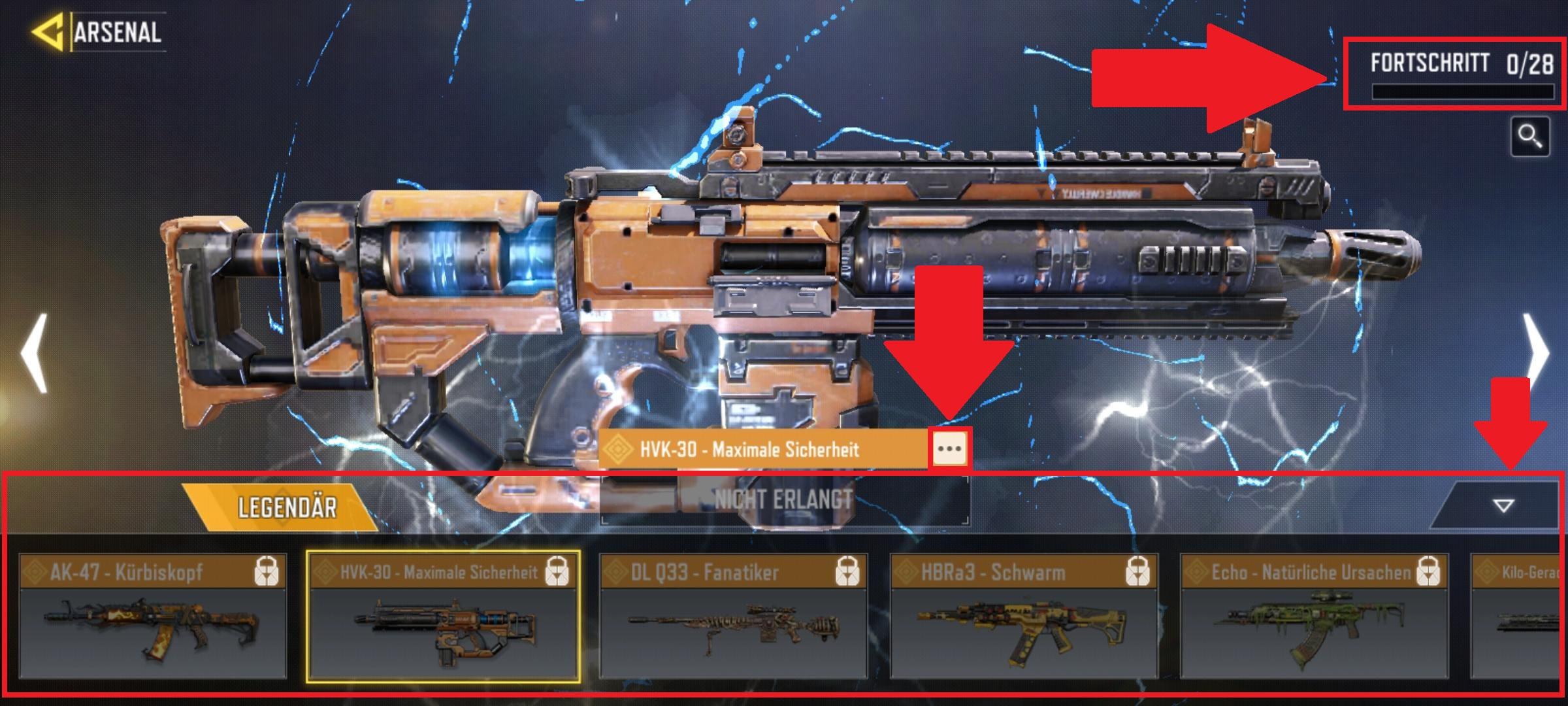
How to use the Arsenal: The primary function of the Arsenal is to view the legendary weapons and your weapon collection. In the top right, the Arsenal shows you how many skins you still need.
At the bottom, you can expand a bar that allows you to easily scroll through all available skins. By tapping on the three dots next to the name, you can see the properties of the weapon.
In the future, it should also be possible to customize the weapons with new modifications, similar to regular weapons in the gunsmith feature.
According to expert iFerg, these attachments are even designed in the style of the respective weapons (via YouTube). Legendary weapons can also be upgraded to enhance their stats.
How can I upgrade legendary weapons? Currently, it is not possible to upgrade the weapons. This will likely only be possible in a future update.
Even now, you have strong guns in hand with the legendary weapons, if you can get your hands on one. To ensure you don’t waste the cool skins and setups, here are 5 settings for CoD Mobile that can help you play better.
Getting Legendary Weapons in CoD Mobile
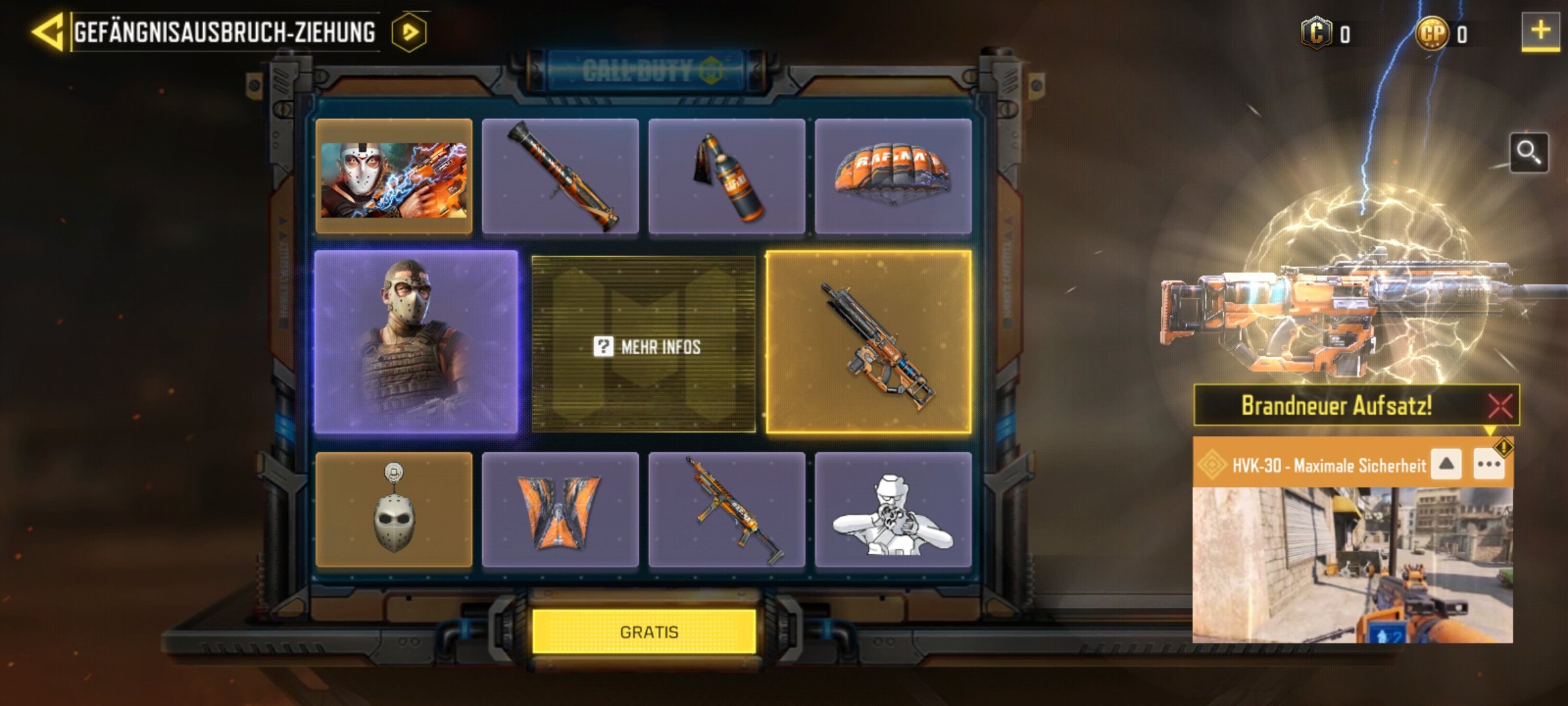
How do I get legendary weapons? You obtain legendary skins through the draws that appear every week. You can find the menu on the left side of the screen.

For the draws, you need to pay CoD points, which is real cash currency. The first draw costs you 80 points and gets progressively more expensive. With each draw, you receive one of the items from the collection.
In the worst-case scenario, depending on the draw, you might have to spend up to 100 € or more. However, through certain actions or events, you can also receive free draws.
Criticism of the Arsenal: As some features are currently missing, some players see the Arsenal as a useless addition. They perceive it as a tool to show them that they don’t own great skins.
However, the complaints are rather sporadic. Season 11 seems to excite most players and has even impressed MeinMMO author Jürgen Horn. For him, CoD Mobile is the first Call of Duty that he truly enjoys.