

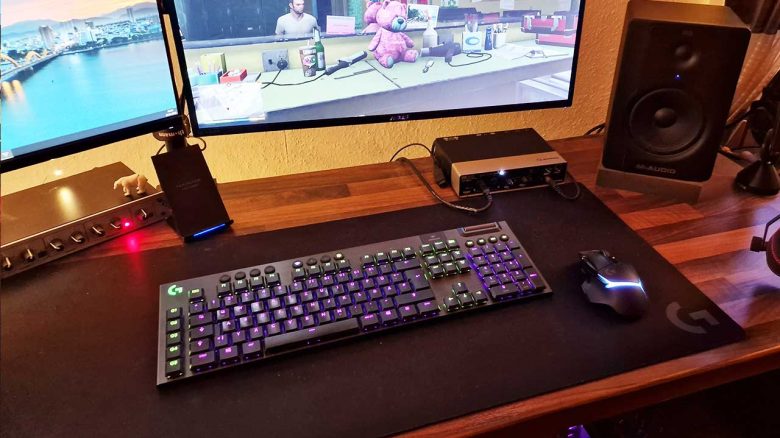
For the last 15 years, Patrick Freese from MeinMMO has exclusively used a mouse and keyboard connected by cable to a PC. Fearing excessive input lag, he avoided wireless connections. But is that still a problem today? He tried it out and explains why he no longer has to worry.
Do you know that feeling? You play shooters and just miss the right moment to shoot by a fraction of a second? Of course, you first blame your hardware instead of yourself. I wouldn’t exclude myself from that. When I missed someone in Counter-Strike back in the day, the input lag of my wireless hardware was at the top of my list of culprits, closely followed by internet issues.
Who is writing here? I am Patrick, Performance Manager at MeinMMO. I built my first PC when I was about 13 years old. Since then, I have used various hardware in PCs and around them. I am fascinated by technological advancements and love to try out new things related to gaming and home office.
A survey by Logitech on Twitter brought the topic back to my mind. There, they asked the community whether they use a mouse with or without a cable. Users replied, as I would, ‘Of course with. I don’t want any input lag.’ However, Logitech explained that this is no longer a problem today.
I wanted to find out if that was really the case. To test it, Logitech sent me hardware to investigate the thesis.
What hardware do I use for testing?
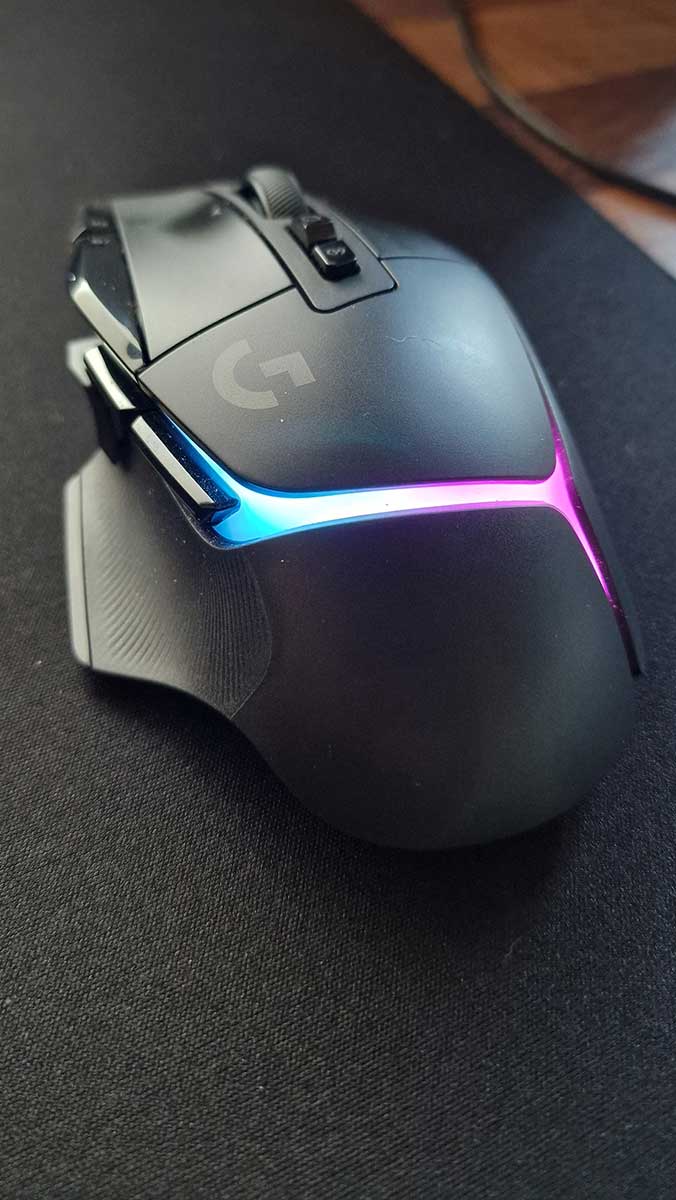
Mouse: I use the G502 X Plus, which we previously introduced in its base variant without RGB here at MeinMMO. It replaces my G502 Hero. So, essentially similar mice.
Keyboard: The G915 is my keyboard with GL-Tactile switches. It is our winner as the best wireless gaming keyboard. The brown switches are suitable for those who want a compromise between ‘good for typing’ and ‘good for gaming.’ Previously, I used the ‘MasterKeys’ keyboard from Cooler Master also with brown switches. It was my first mechanical keyboard, which I bought in 2017.
The two new devices are connected wirelessly to my PC using Logitech’s Lightspeed technology. Logitech promotes that this technology offers low latency and reliable performance.
I test in WoW, Valorant, and LoL
How did I test? For the last 15 years, I always played with a cable. I unplugged the two old devices and connected the two new ones to the PC wirelessly.
Using the ‘Logitech G Hub’ software, both devices were quickly set up. After a brief setup with keyboard and mouse colors and DPI speeds, I started playing right away.
WoW: First of all, I logged into WoW. Since the launch of Dragonflight, I have been playing it daily and could notice differences first. But I don’t notice any. Dragon flying works as usual, I make the same mistakes in races and can’t blame it on hardware lag. Healing in difficult Mythic dungeons also runs as before. Here, I don’t feel any negative differences. For that, I have more freedom in positioning my mouse and keyboard without cables, and I can lean back comfortably while fishing. A big plus!
Valorant: While I don’t currently spend as much time in shooters as in WoW, my go-to shooter is Valorant. So, if there were noticeable differences in the hardware, I would notice them here. For safety, I also started Aim Lab on Steam and couldn’t find any noticeable differences in time to shoot or accuracy in both games.
I positively notice that the mouse glides ‘freer’ over the mouse pad without the cable, and I don’t feel any resistance. In my old setup, I occasionally felt that the cable slightly restricted movements in rare situations. I didn’t notice any disadvantages here in shooters either.
LoL: My last test game is League of Legends. Here I play ARAMs and normals, that is, not competitively. Nevertheless, speed plays an important role here. I can land my skill shots quickly and accurately. The timing when flashing over certain obstacles is also on point. No limitations!
Conclusion: Input lag is history – battery is not a problem
The new devices do not restrict me while playing. Neither in shooters and MOBAs nor in MMORPGs. My skill shots are as “good” as with a wired connection. My inputs arrive promptly in the games. I really enjoy moving my devices freely on the table. I can even take the keyboard and mouse off the table when I want to clean without having to unplug the cables or hang the devices over the monitor.
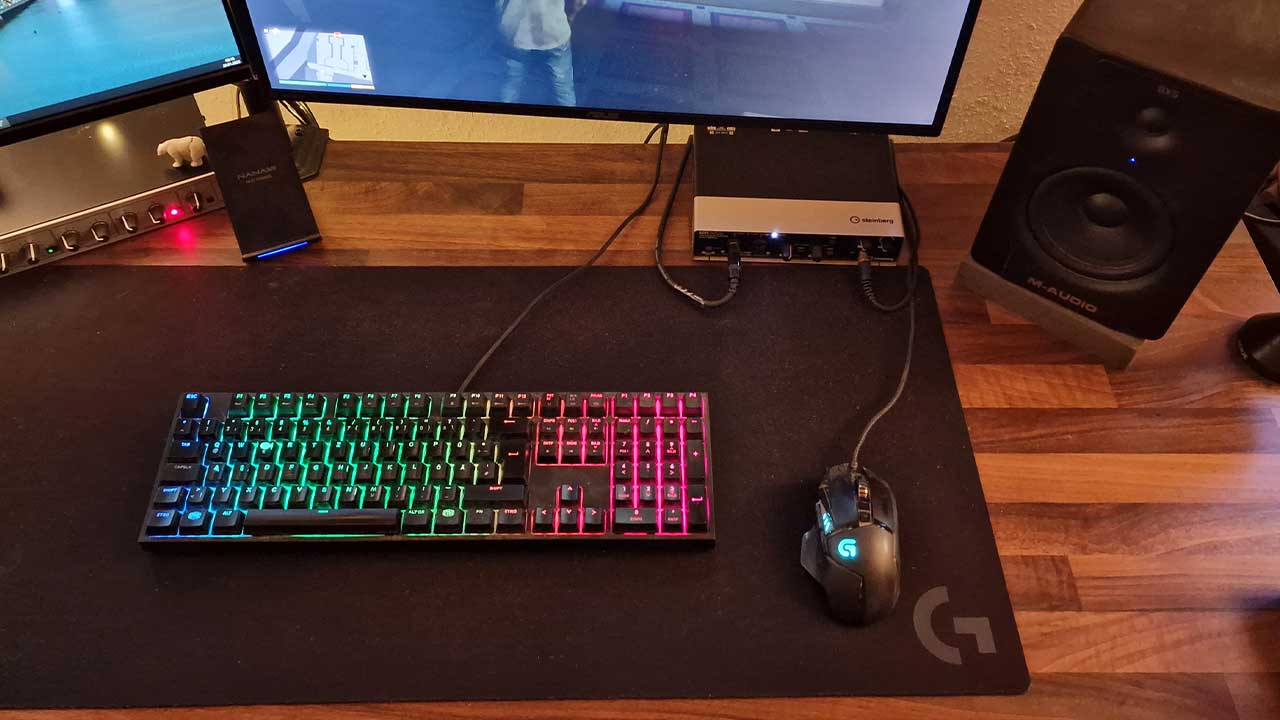
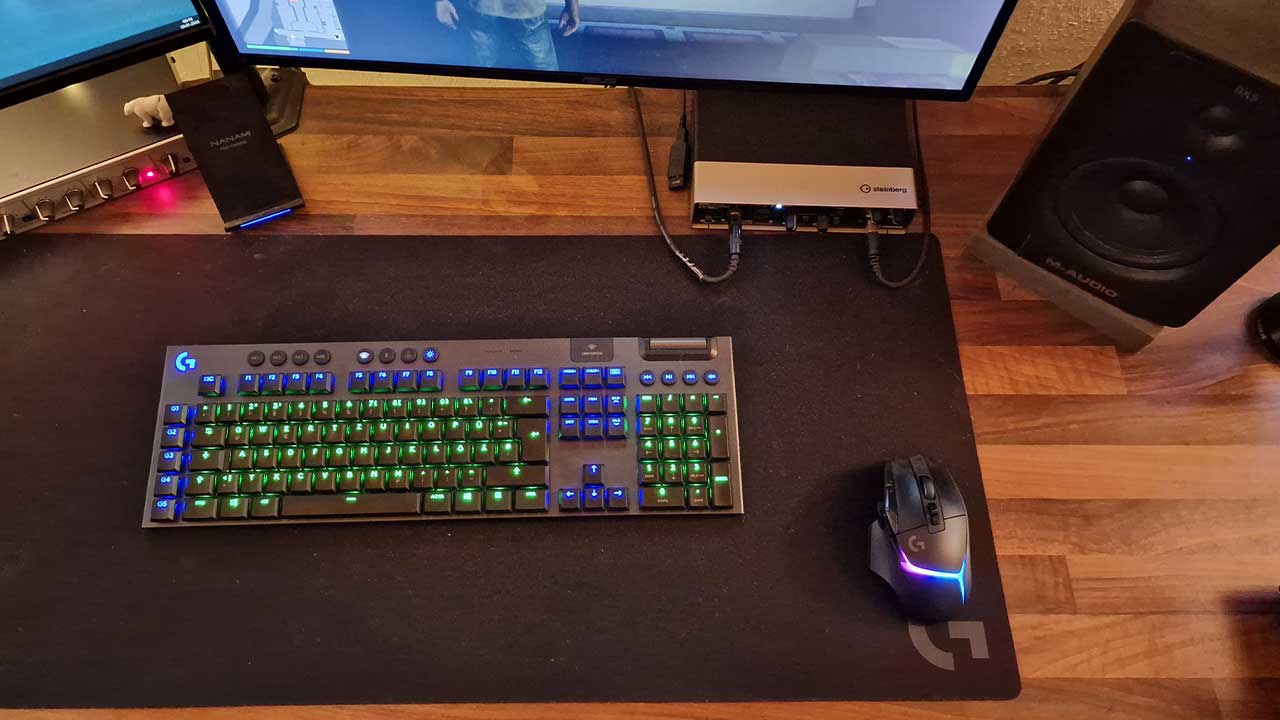
I am convinced of wireless gaming. If you have avoided such devices due to input lag, then take a look for yourself. Test the devices thoroughly and get an idea of them. Games like Aim Lab on Steam are a good way to test reactions on the PC.
The charging of the batteries was a point I feared before the test. ‘How often does that happen? Will I suddenly have to switch to a cable in the middle of the game?’
In practice, the keyboard starts blinking red to suggest that it’s time to charge. The energy-saving mode for the keyboard starts at 15% battery and can be adjusted more specifically in the software. You still have enough time to finish the round and then plug in the cable. The charge level is also displayed in the G Hub software. With normal use, I charge both devices once a week. According to the manufacturer, the G915 has a battery life of 30 hours. The battery life of the G502 X Plus is said to be around 37 hours when RGB is activated. If you turn off the colorful lights, it should be as much as 130 hours. Those who prefer to play without lights should not go for the “Plus” variant.
I leave both receivers, which are connected to the computer via cable, at the back of my desk. When the devices need to be charged, I simply unplug the receivers from the cable and plug the USB-C connection into the mouse and/or keyboard. I can still use both devices while charging.
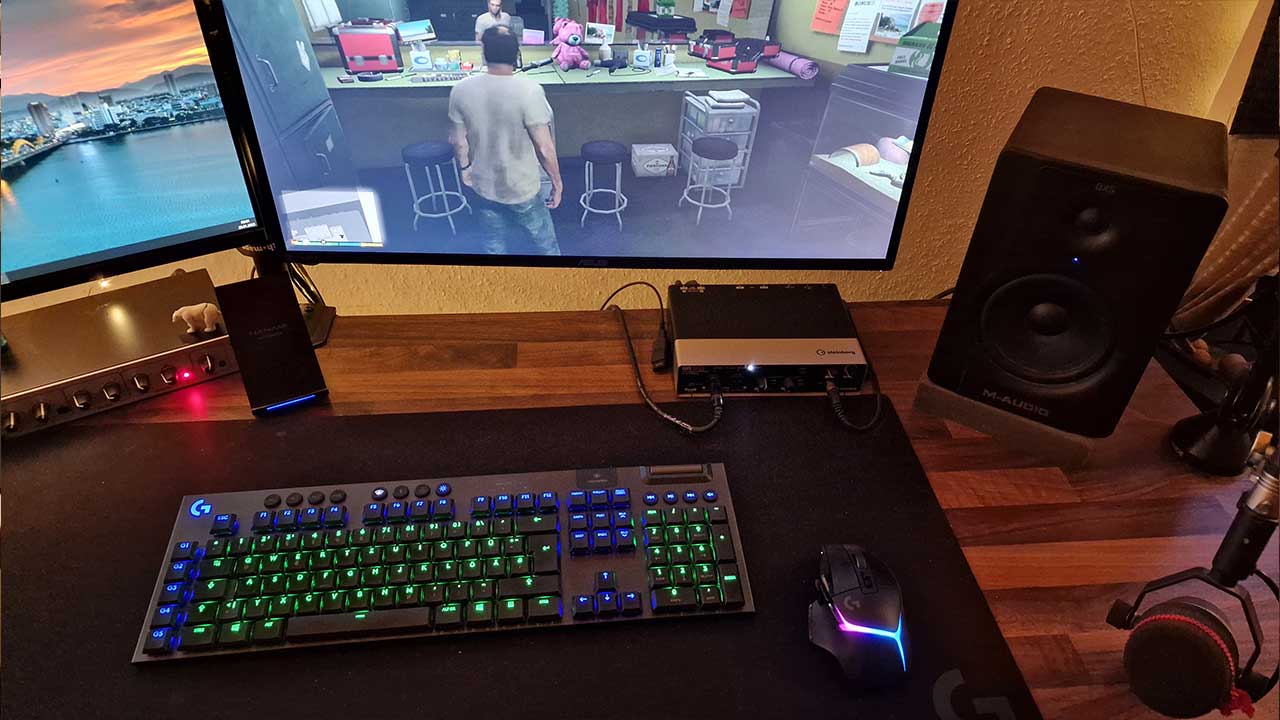
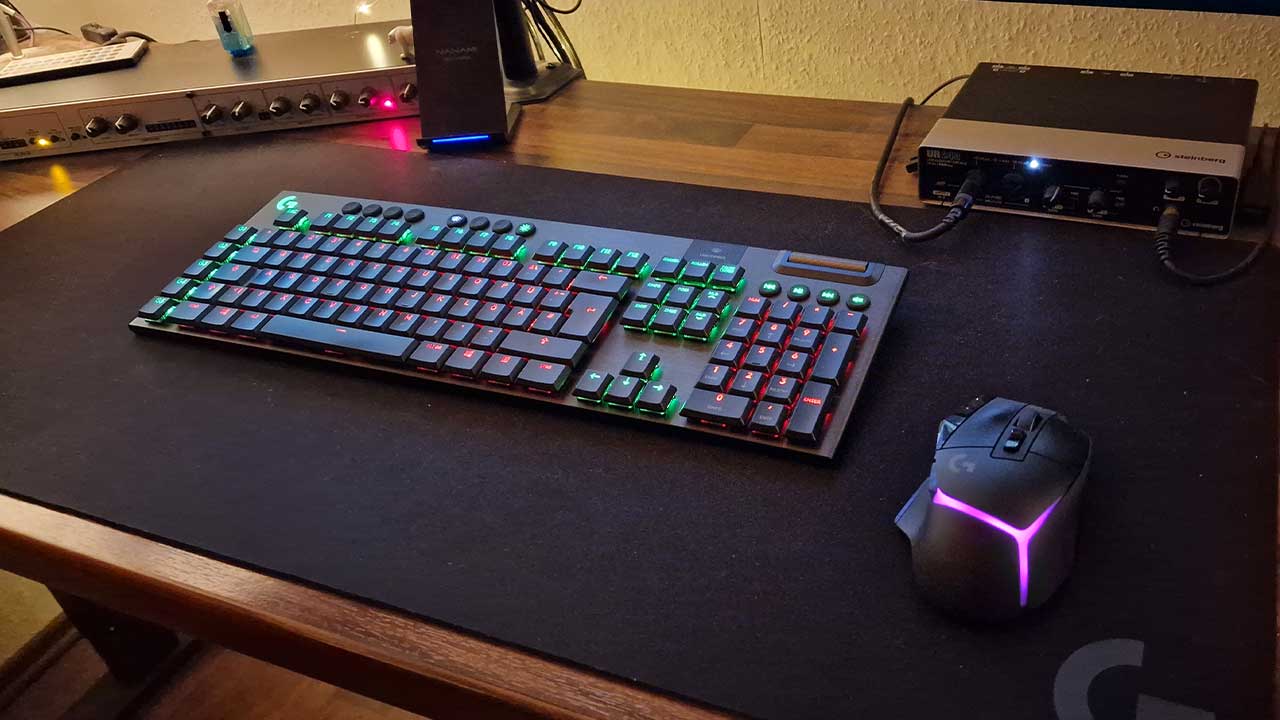
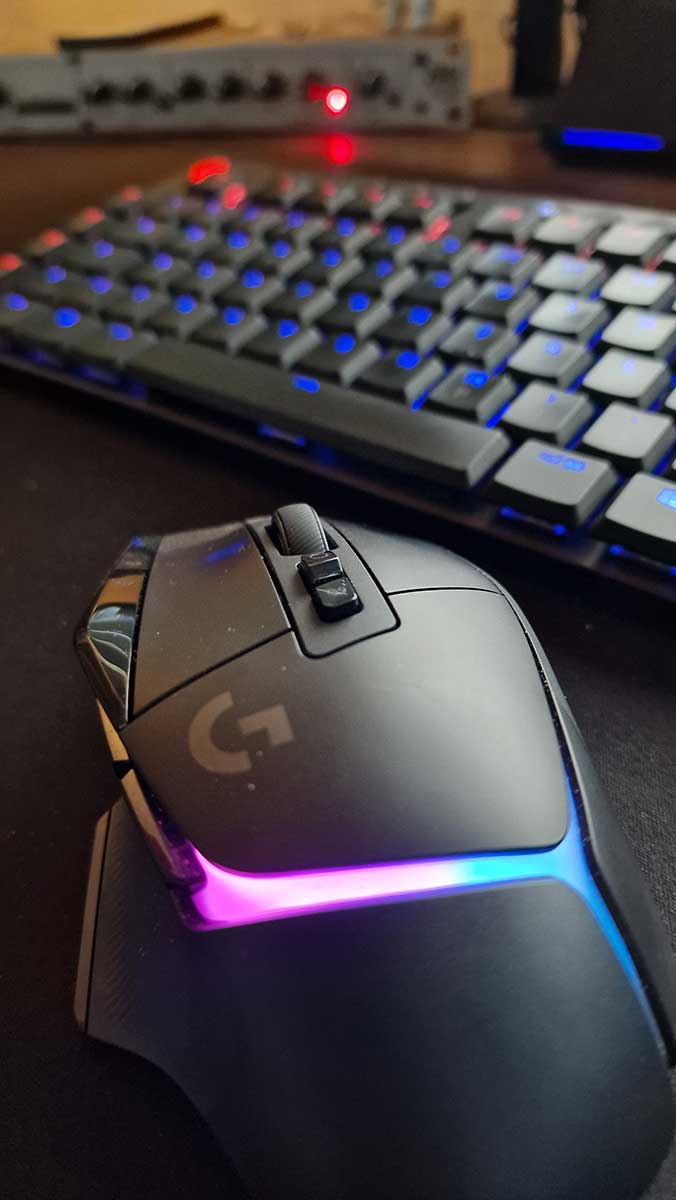
One particular advantage of wireless use is that my desk looks much tidier now. I like good cable management. It simply looks nice when there are no loose cables fluttering around. And being completely cable-free looks even better than with well-organized cables.
Tip for cable management: If, like me, you value cable management on your desk, I have a good tip for you: A USB hub for 30 € will tidy up your desk and everything underneath beautifully.

Your opinion is important to us!
Do you like the article? Then let us know!