

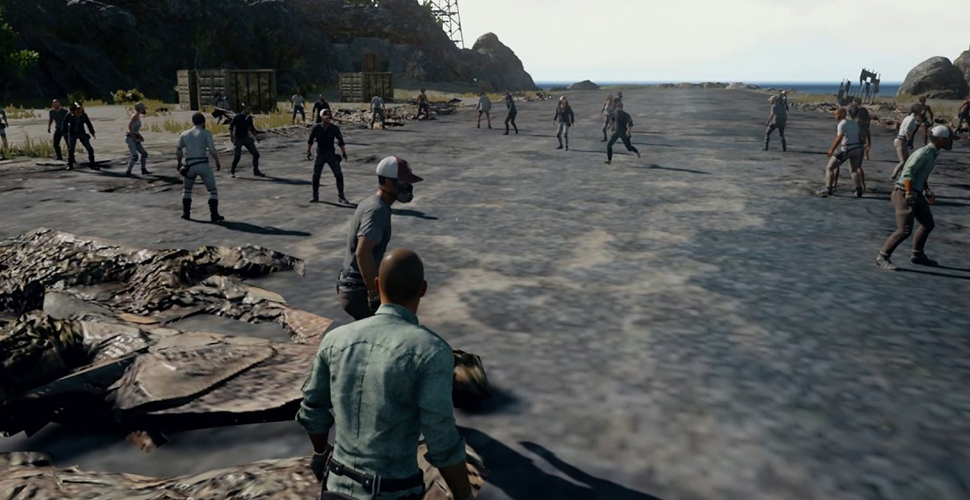
PlayerUnknown’s Battlegrounds (PC, Xbox One) received an update on the test server, aiming to make the game both faster and better in performance. Behind this is a remarkably simple trick.

The Battle Royale shooter PlayerUnknown’s Battlegrounds is played worldwide by millions of players. But often, a lack of performance gets in the way of the shooting fun. Therefore, the developers are diligently testing new updates on the test server (PTS) to improve the performance and stability of the client.
The latest update on the PTS is supposed to significantly improve performance with an astonishingly simple trick.
Player hordes were responsible for poor performance!
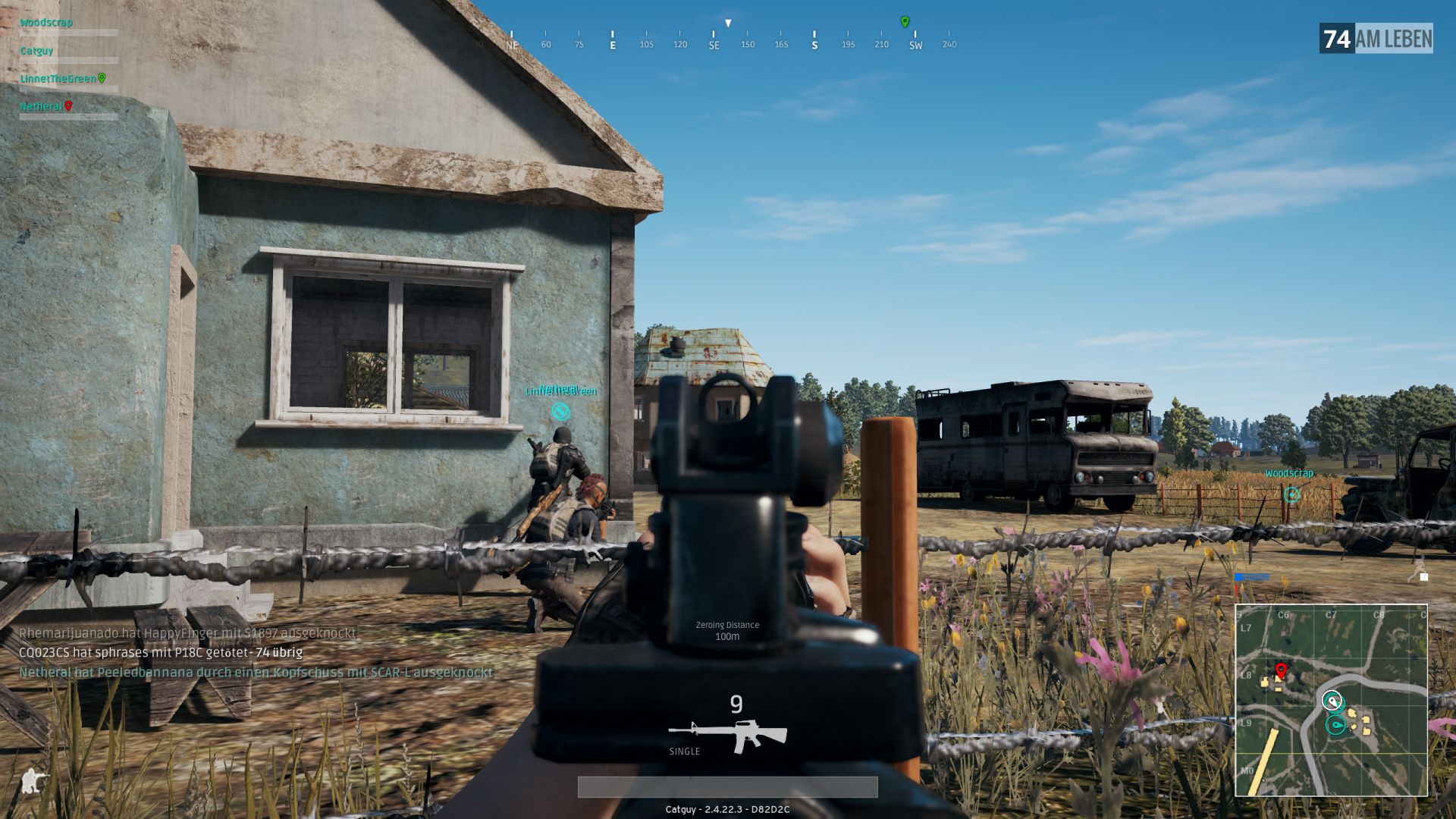
One of the main causes of poor performance in PlayerUnknown’s Battlegrounds has always been overloaded servers. And one reason for such overloads is precisely the starting zones. Because before each match, all 100 players of a match spawn in a small area.
There, they immediately start fighting or shooting each other with the weapons lying around everywhere. Of course, all of this doesn’t matter because one is invulnerable before the match starts.
The cheerful bouncing and shooting may be fun, but the servers are regularly strained by the many simultaneous player interactions.
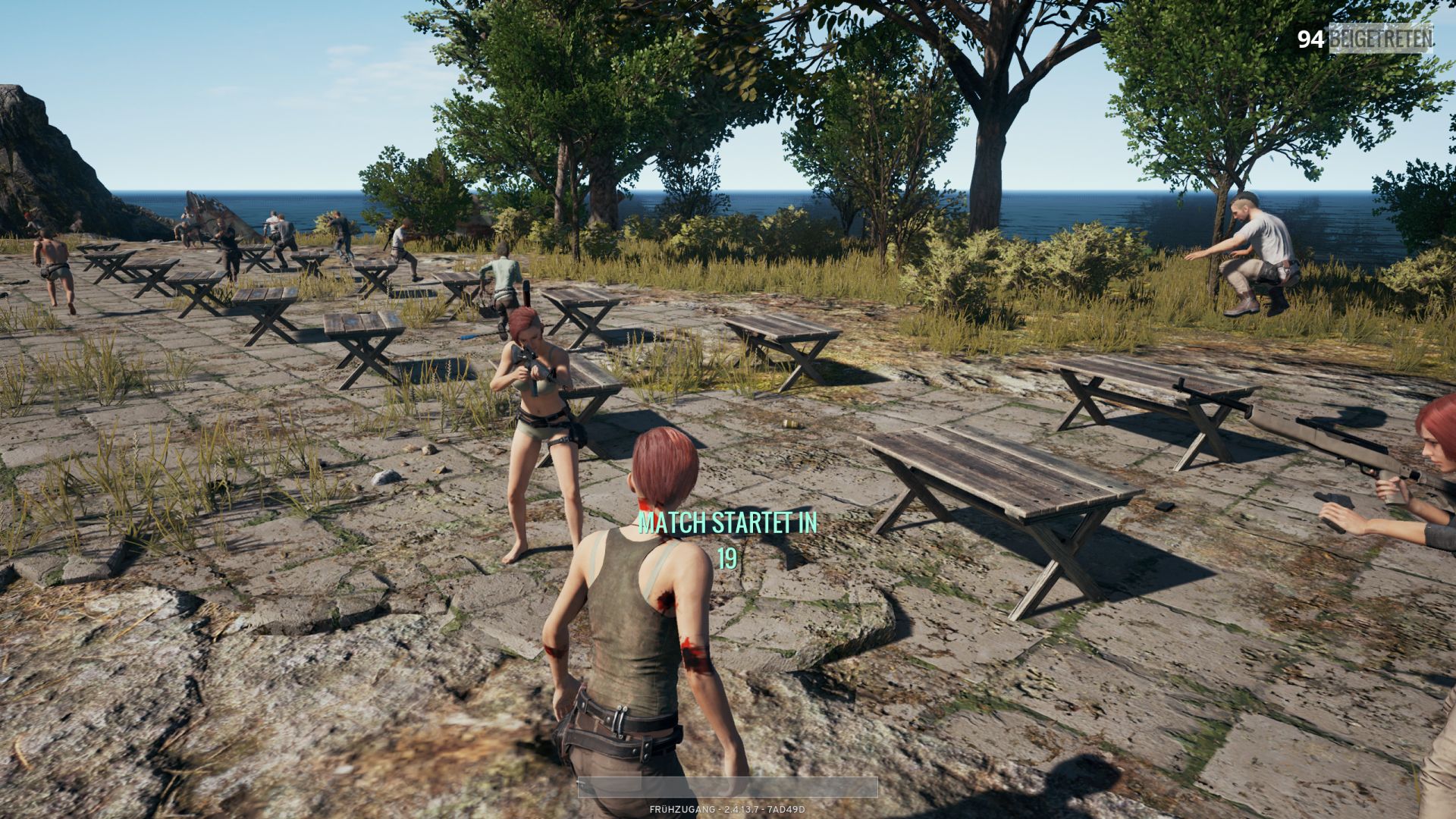
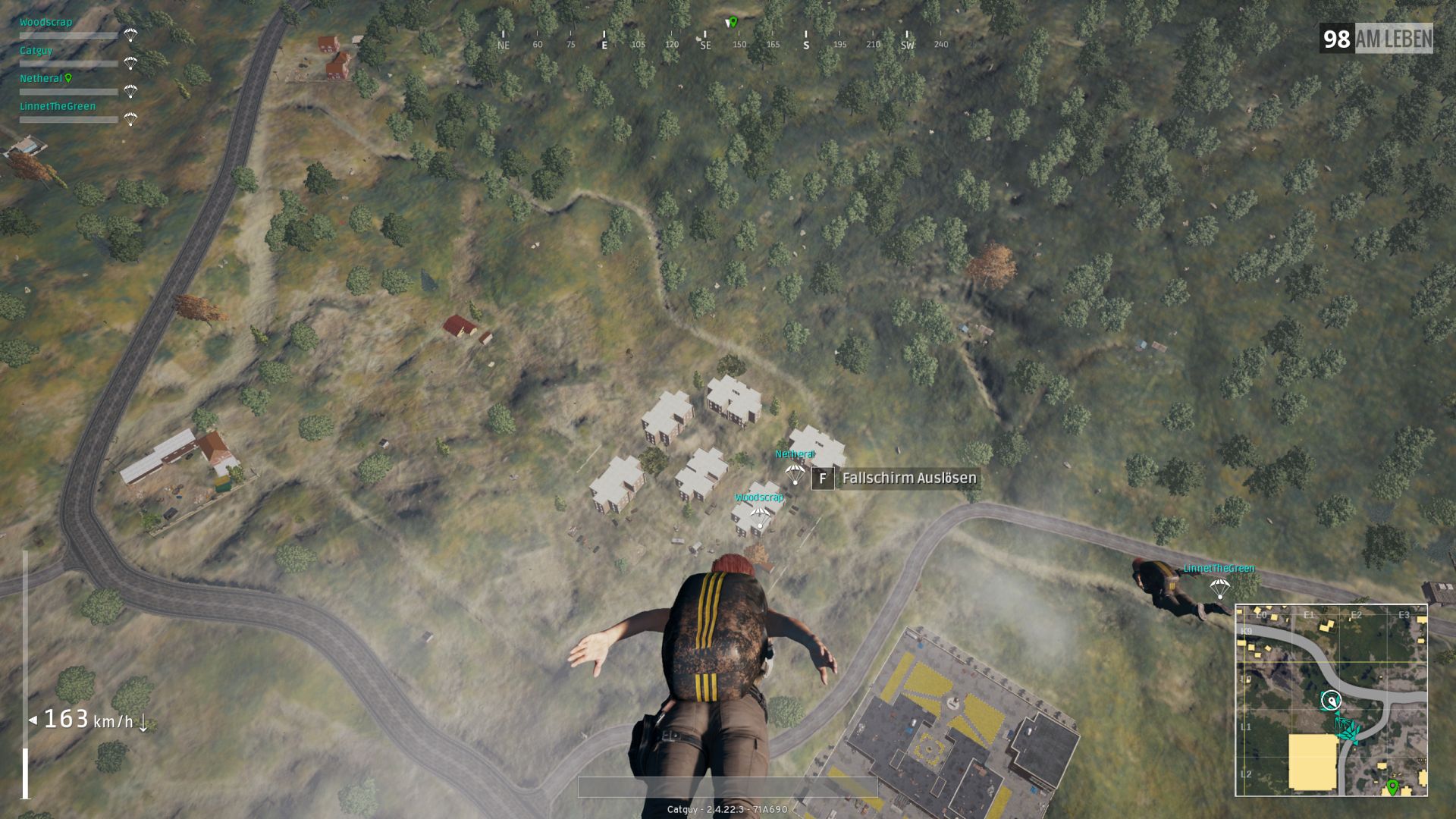
Therefore, the developers in the current test server patch simply split the players into different areas before the match and removed the weapons. This relieved the servers and provided a significant performance boost. Furthermore, the performance improved even more because they changed the visibility distance of the players during parachute drop.
New cheat protection in the works, may lead to client crashes
More details about the test server update will be provided later by the developers. Additionally, the devs are enticing with another update that many players are eagerly anticipating. It is supposed to have better cheat protection, which is currently being tested.
This, by the way, may lead to client crashes. Should such a crash occur, the affected players are supposed to send a screenshot of the error message to the developers via the provided link.

Your opinion is important to us!
Do you like the article? Then let us know!