

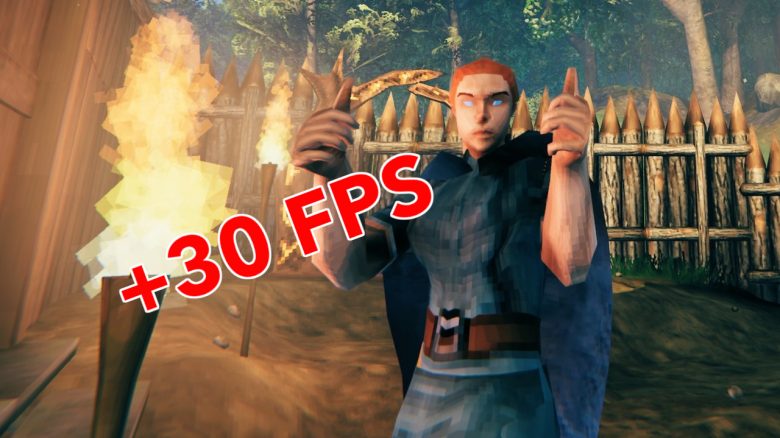
The survival game Valheim is currently climbing to the top of Steam. Although the game is relatively small and comes with somewhat outdated graphics, the FPS can suffer at high graphic settings. However, one user has found a trick to boost them.

What is this trick? The reddit user RustyB3ans has presented a series of small adjustments in his thread on reddit. With these, it is possible to squeeze some FPS out of the new Steam hit Valheim.
- Navigate to your Steam folder for Valheim, which should look something like this: C:[…]SteamsteamappscommonValheimvalheim_Data
- Open the file boot or boot.config with a text editor
- Add the line “gfx-enable-gfx-jobs=1” at the top
- Add the line “gfx-enable-native-gfx-jobs=1” directly underneath
- Save and close the file
- Select Valheim in your Steam library and open “Properties”
- Enter the following value under startup options: “-window-mode exclusive” and close the window
- Start Valheim
- Open the Task Manager (Ctrl + Alt + Escape) and look for “valheim.exe” in the Details tab
- Right-click on it and set the priority to “High”
You need to repeat the step with the Task Manager every time you start the game. You should now see a noticeably smoother game.
How much does the performance improve? In our test, we achieved about 10-15 FPS on a 1440p screen. Other games report performance increases of up to 30 FPS or even more. It depends on your system and the settings how high the increase is.
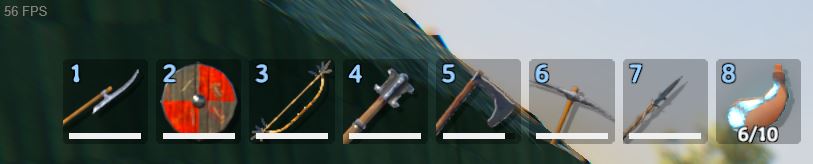
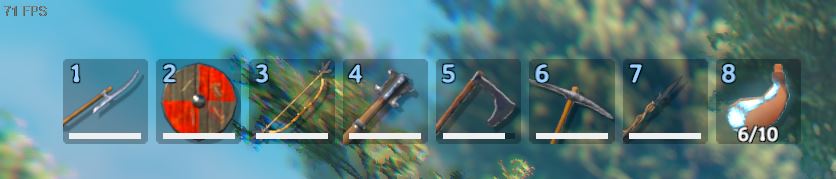
Tiny game eats up a lot of performance
Why does Valheim require so much performance? On reddit, you often come across players who have performance issues. Although Valheim is just a relatively small game with only one gigabyte of storage, it can consume a lot of performance with the right graphic settings.
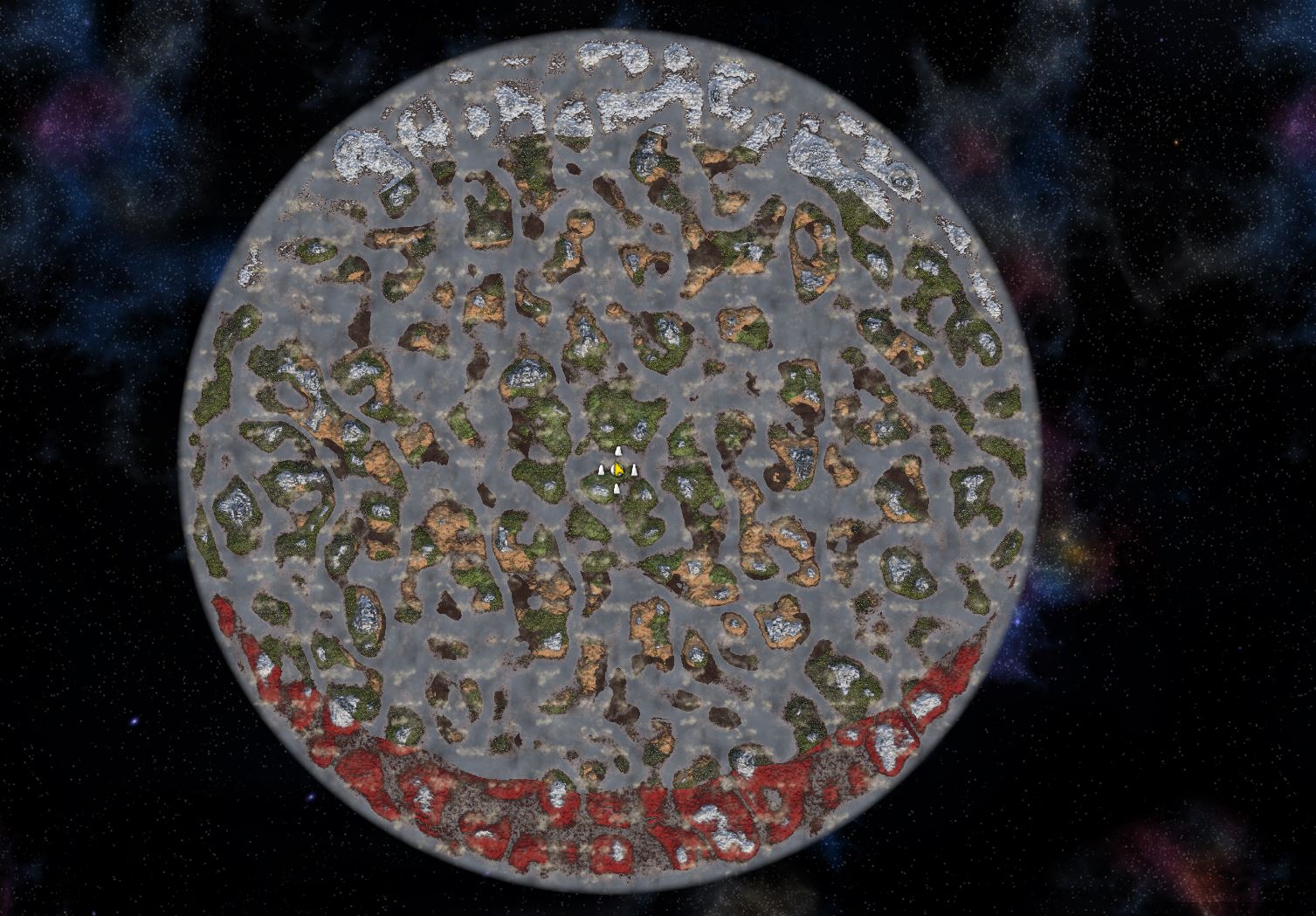
There can be many reasons for this. One of the possible causes is the enormously large, procedurally generated world. After 50 hours of gameplay, I have explored only about 5% of the map and still have a lot left to uncover.
Additionally, in Valheim, you can build freely and terraform the world with pickaxes and gardening tools. Items and trees are subject to certain, partly deadly physics. This physics and the buildings also require performance.

What does Valheim offer? In the vast world, there are currently nine biomes, though the Mistlands, Ashlands, and the Deep North are not yet complete and are still being developed. Each of these biomes has its own unique features and dangers.
A significant part of Valheim involves traveling through these biomes, exploring, and collecting new materials. This mainly serves to improve oneself and defeat the various bosses of the game. In our guide, you will learn how to find and defeat each of these bosses.
Additionally, one of the main features is creating your own base, where you constantly need to defend against NPCs that attack you. Ultimately, you should prove yourself in Valheim as a powerful warrior worthy of serving the Norse gods. In the future, there will be more content, as promised by the developers.
Due to the possibilities, there are also many mistakes you can make. MeinMMO author Florian Franck presents 9 things he did wrong in Valheim – and that you should not replicate.

Your opinion is important to us!
Do you like the article? Then let us know!