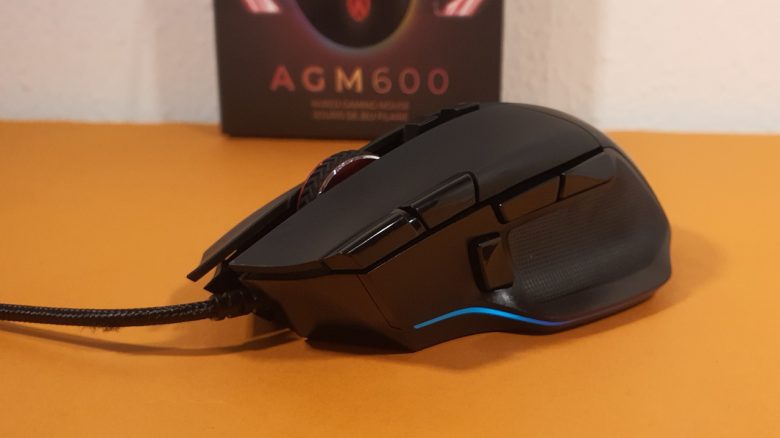
With the AOC AGM600, the manufacturer of the same name has launched a gaming mouse on the market. Its design and features strongly resemble popular mice like the Logitech G502 Hero or the Kone XP from Roccat. MeinMMO editor Benedikt Schlotmann has tested the mouse and reveals why it could be worth considering.
AOC is primarily known for its monitors, but the manufacturer now also has mice, headsets, and keyboards in its portfolio. The latest addition is the AGM600, a multifunctional gaming mouse that appears suitable for various genres on paper.
In a test, I tried out the model and compared it with the most well-known competitors. You can read how the AOC gaming mouse performs in my review.
Who tested it?
I have a passion for gaming mice and I now own over 20 gaming mice privately. Since 2019, I have been testing hardware for MeinMMO for our readers. Mice are among my absolute favorites when it comes to peripherals for PC and console, along with gaming headsets and keyboards, and I am quite knowledgeable about them.
AOC provided me with the AGM600 for testing.

Benedikt Schlotmann
Hardware Editor MeinMMO
Features and technical details:
| Sensor | Pixart 3389, optical sensor |
| Resolution | Up to 16,000 DPI |
| Switches | Kailh switches, 80 million clicks |
| Buttons | 10 buttons |
| Design | Black mouse; adjustable RGB lighting. |
| Glide feet | 4 |
| Cable | 1.8 m, non-detachable |
| Weight | 115 grams |
| Price (RRP) | 51.99 |
Included items, design, and structure
What does the package include? In addition to the mouse, there is also a manual included with the mouse. The cable is permanently attached to the mouse and cannot be removed. There are no additional accessories.
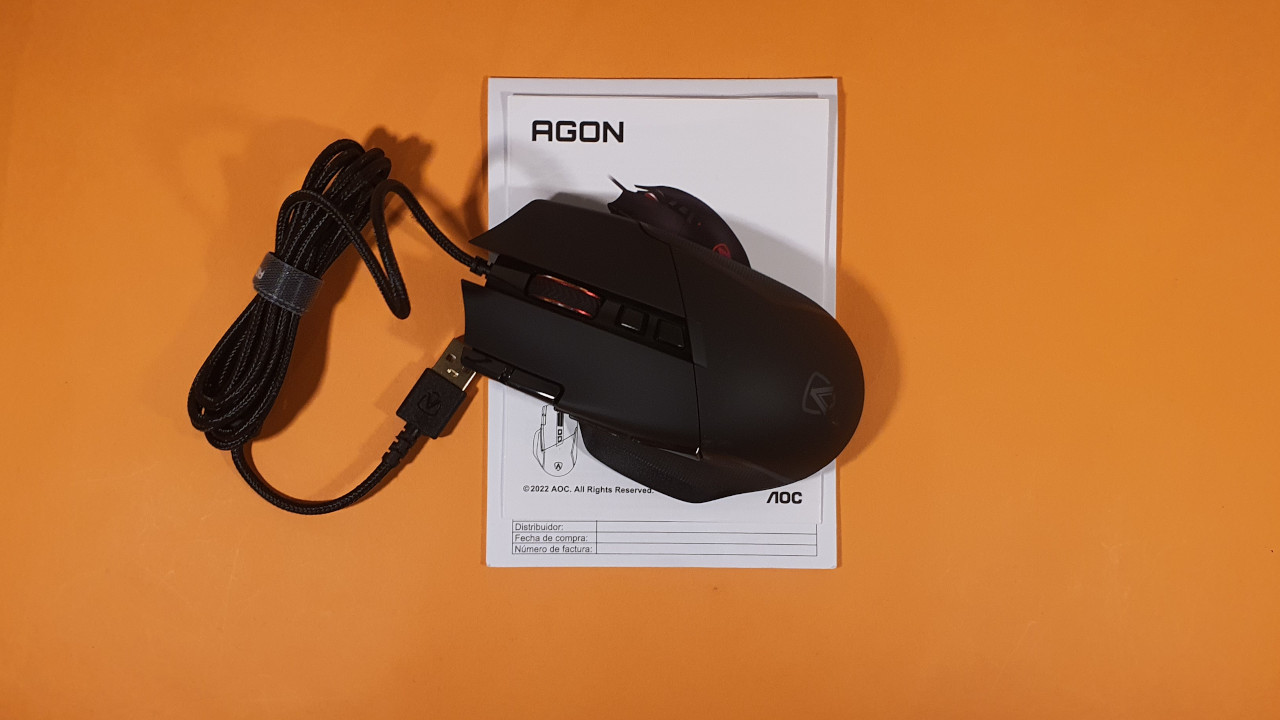
How is the mouse structured? The AGM600 comes in a black design:
- On the top side of the mouse are the main buttons. In between, there is a 2-way scroll wheel and above it, 2 buttons. On the edge of the left mouse button, there are two small switches that you can reach with your index finger.
- On the left side, there are 3 additional buttons. In the thumb area, 2 buttons are closely arranged, and the third button is a so-called sniper button.
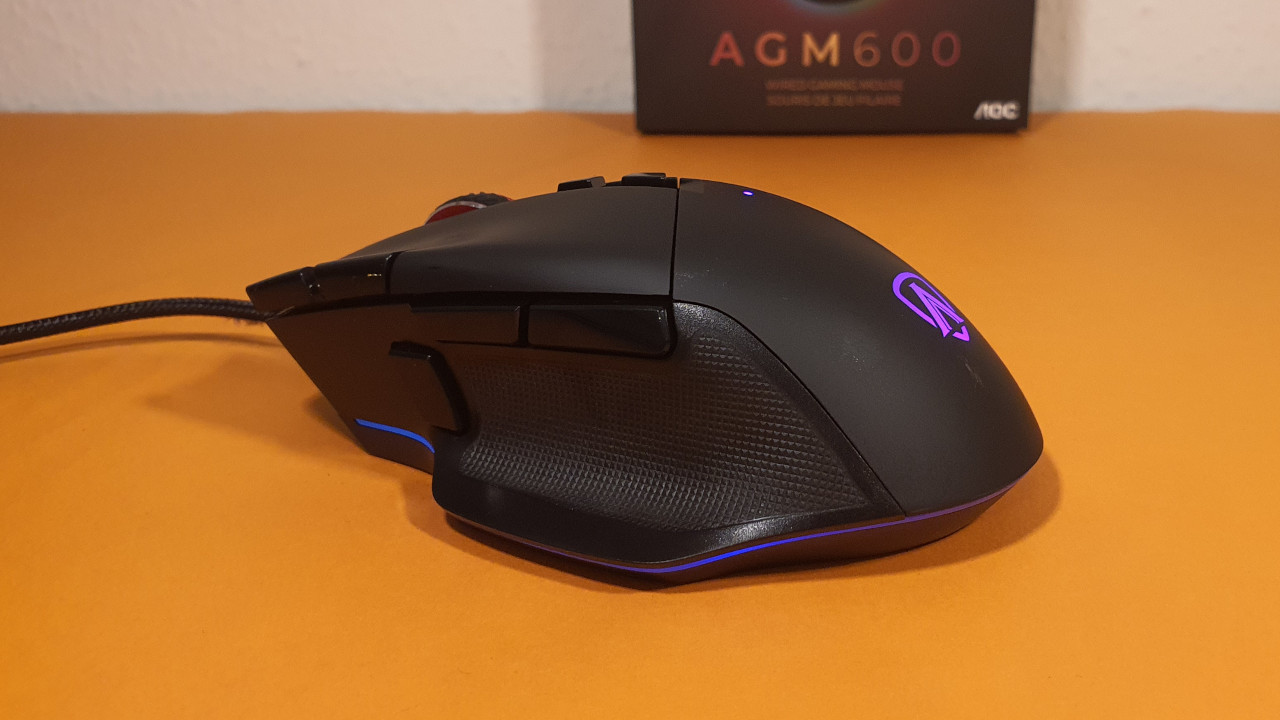
- Both the thumb rest and parts of the mouse body are ribbed and offer better grip.
The mouse also offers subtle RGB lighting effects. The manufacturer’s logo lights up on the back of the mouse, and the edge of the mouse is unevenly illuminated. The rest of the mouse remains black.
Build quality
The mouse feels pleasantly robust, which may also be due to its high weight of 115 grams. In the shake test, nothing rattles on the mouse, all buttons are firm, and the scroll wheel also remains in place. There is no creaking or cracking when applying light pressure to the mouse body.
The mouse cable is somewhat stiff overall and slightly bothersome on the desk. However, with its 1.8 m length, it is sufficiently long. The mouse feet are quite thin, but large enough that I don’t notice wear as much. After use, the scroll wheel slightly squeaks when turning.
Software
The mouse uses AOC’s software suite “G-Menu”. And G-Menu is exemplary when it comes to clarity and structure:
- All functions are directly accessible.
- There is no integrated shop or large advertisements.
- Profiles can be quickly switched.
- The design of the software is kept subtle, without being intrusive.
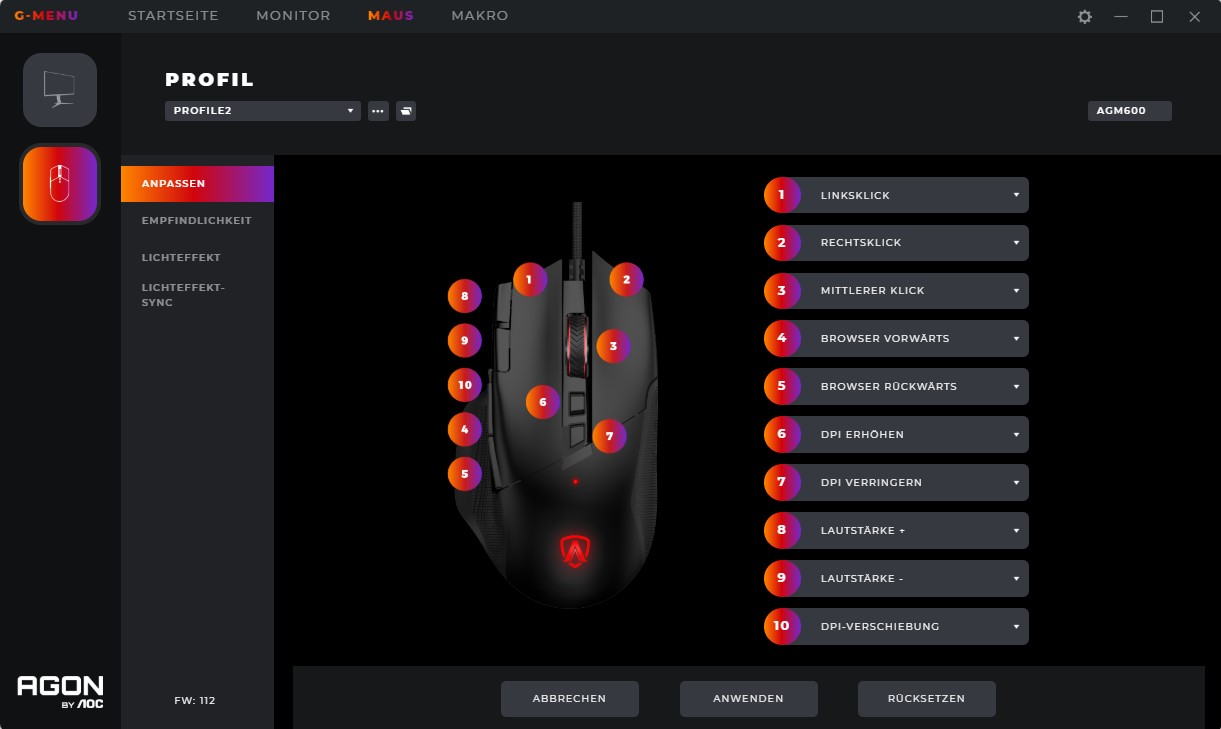
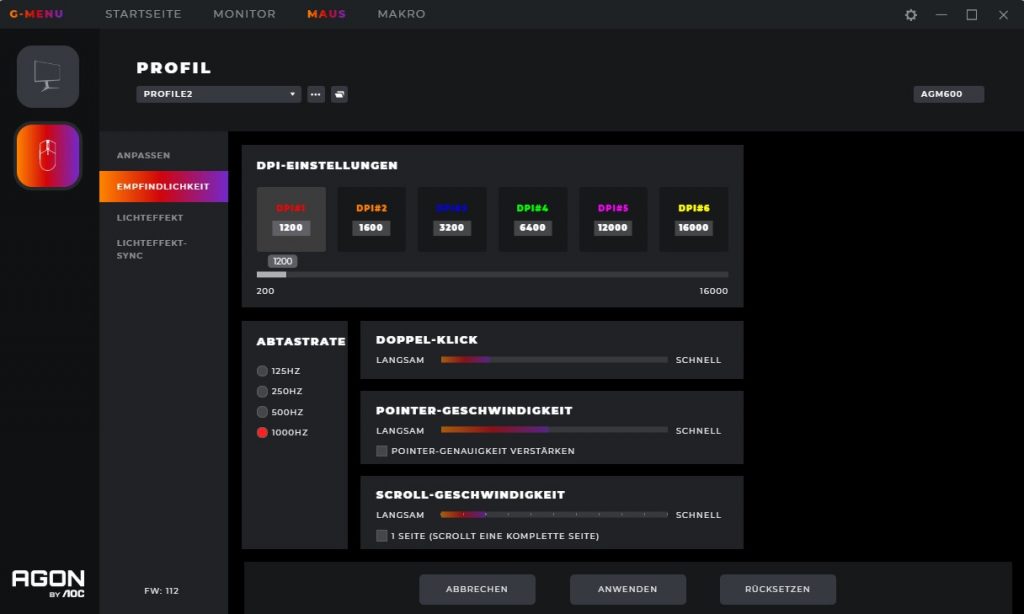
While there is an option to use profiles from other players, it remains pleasantly in the background and is never intrusive. The software is fully in German.
On the next page, I will discuss the weight, ergonomics, buttons, and the sensor of the gaming mouse.