

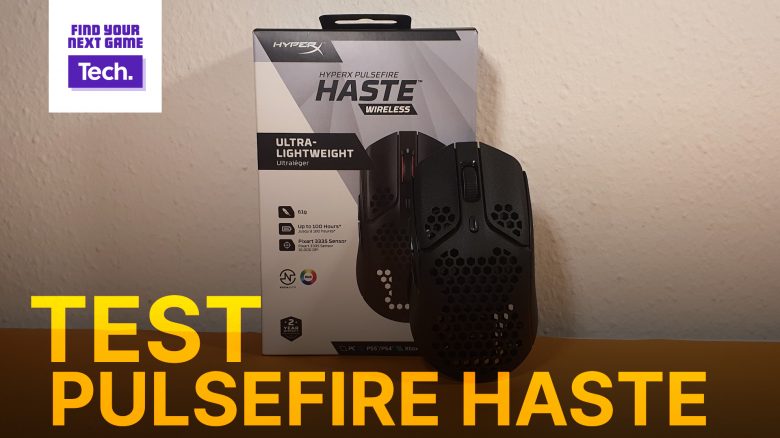
HyperX has introduced the Pulsefire Haste Wireless, a lightweight wireless mouse. MeinMMO editor Benedikt Schlotmann has tested the mouse and explains why it is a hidden gem for him.
Gaming mice have had a tendency to become lighter and slimmer in recent years. The HyperX Pulsefire Haste Wireless is no exception. At 61 grams, it belongs to the particularly lightweight representatives of its kind.
But how does the gaming mouse perform in tests and in comparison to other mice? I was able to thoroughly test the mouse for you and will reveal why it has become a true hidden gem for me.
Who tested it?
I have a passion for gaming mice and currently own over 20 gaming mice personally. Since 2019, I have been testing hardware for MeinMMO for our readers. Mice are among my absolute favorites when it comes to peripherals for PC and console, along with gaming headsets and keyboards, and I know quite a lot about them.
The HyperX Pulsefire Haste Wireless was provided to me by the manufacturer for testing.

Benedikt Schlotmann
Hardware Editor MeinMMO
Features and technical details:
| Sensor | Pixart 3335 |
| Resolution | Up to 16,000 DPI |
| Switches | TTC Golden Switch |
| Buttons | 6 buttons |
| Design | Black or white mouse. RGB lighting on the mouse wheel, asymmetric right-handed mouse |
| Gliders | 4 |
| Cable | Detachable 2.0 m USB-C cable |
| Weight | 61 grams |
| Price (RRP) | 99.99 Euros |
Oops, unfortunately this affiliate widget is no longer available. |
Contents, design and construction
What does the package include? The Pulsefire Haste Wireless comes with a USB-C receiver, an adapter for the receiver, and a USB-C cable. Additionally, the box includes extra interchangeable mouse feet and a set of griptape. This allows you to customize the mouse yourself.
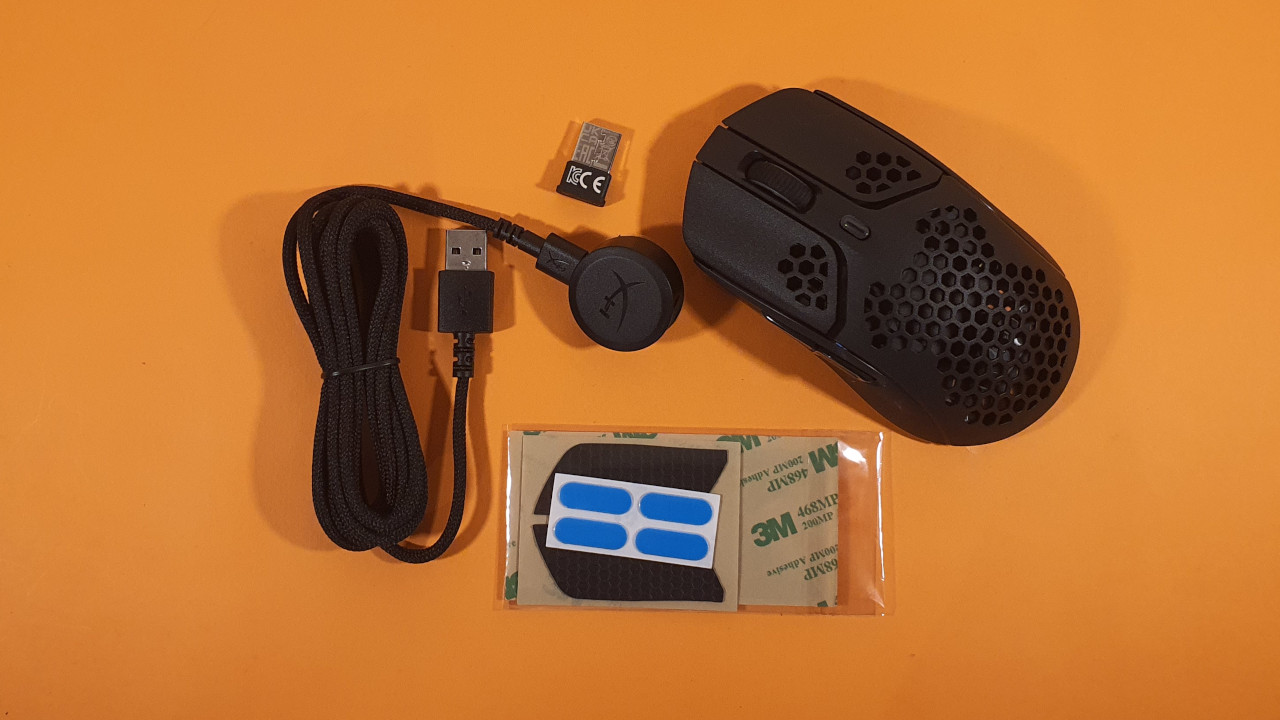
How is the mouse constructed? The model features either a black or white design:
- On the top side of the mouse are the main buttons and the illuminated mouse wheel in between. There is a small switch on the top side to adjust the DPI.
- On the left side, there are two additional buttons in the thumb area. There are no further buttons or a sniper button.
- The model features a rugged surface. While there are no rubberized side surfaces, you can attach the included griptape.
HyperX takes a simple and understated design approach with its gaming mouse. Only the mouse wheel features subtle lighting.
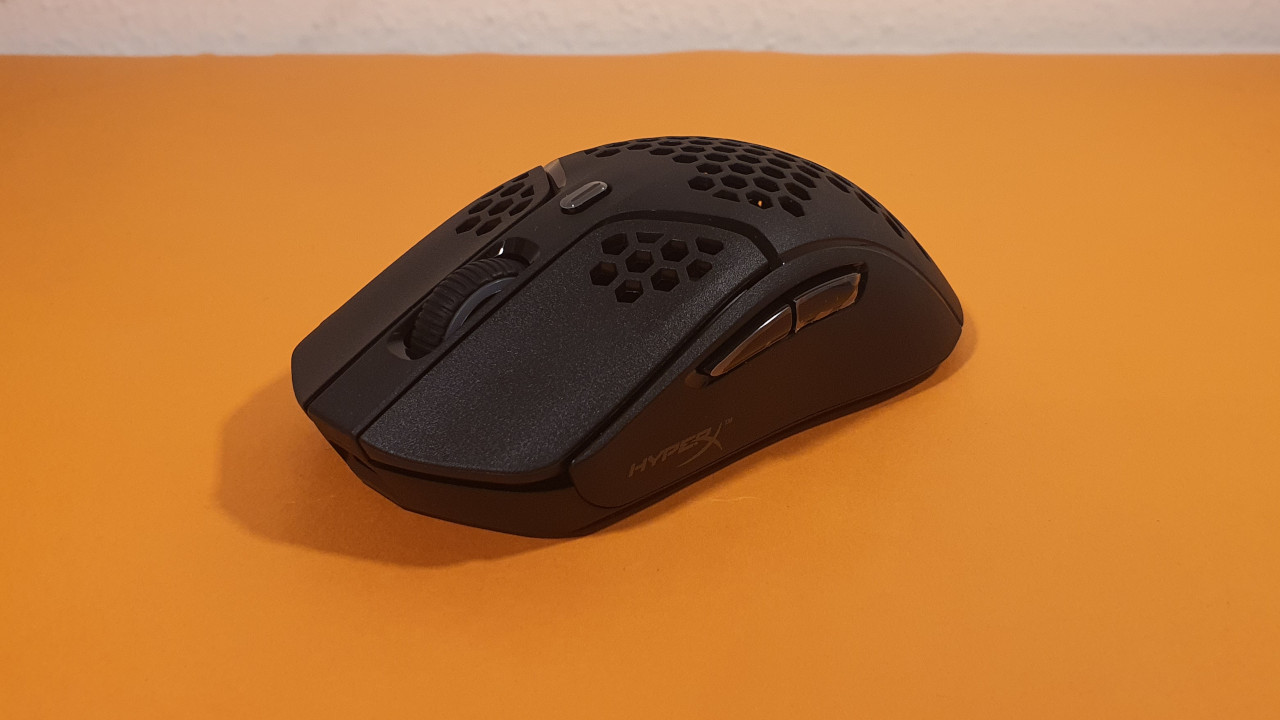
The general construction of the mouse employs a honeycomb design. This reduces the weight of the device but has the downside that it can become quite dirty.
Processing
The Pulsefire Haste Wireless feels very high-quality. This is particularly due to its excellent haptics. Despite its lightweight, it feels stable and does not give me the impression at first touch that it was made of cheap plastic.
Another advantage is that the USB-C charging port is positioned so that I can use any standard cable to charge the mouse. I really appreciate that. Another advantage is that you can transport the receiver in the bottom of the mouse. And it sits there very securely.
Software
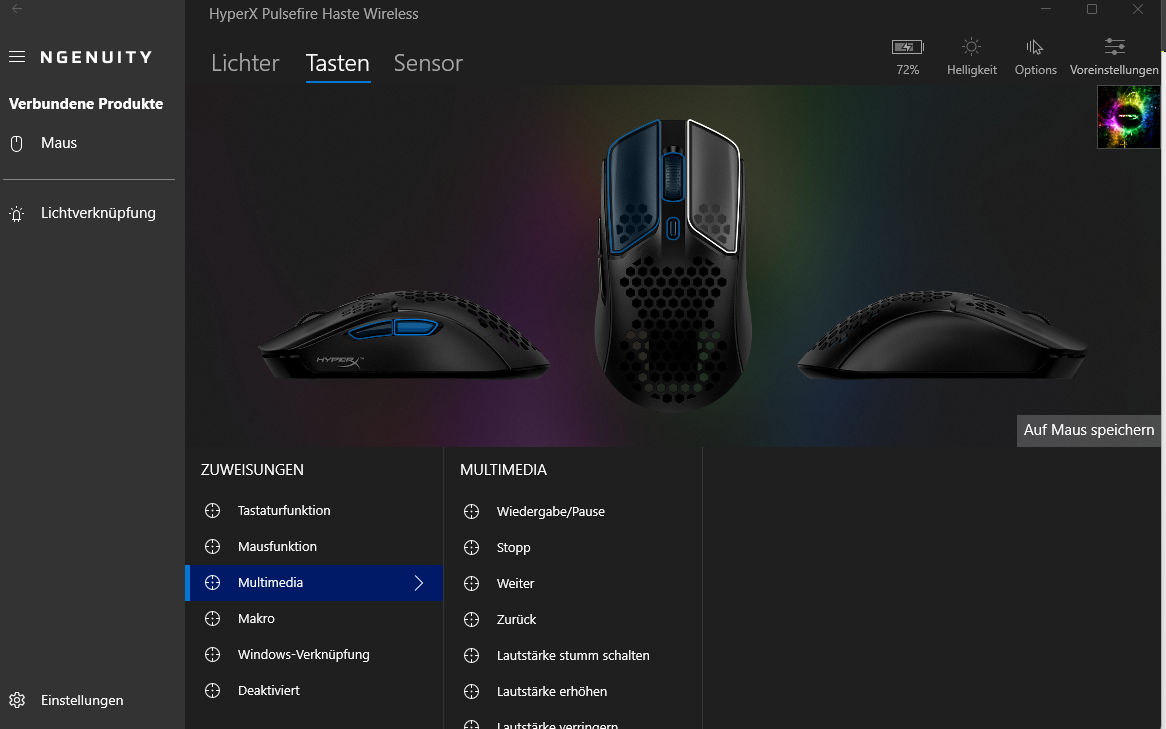
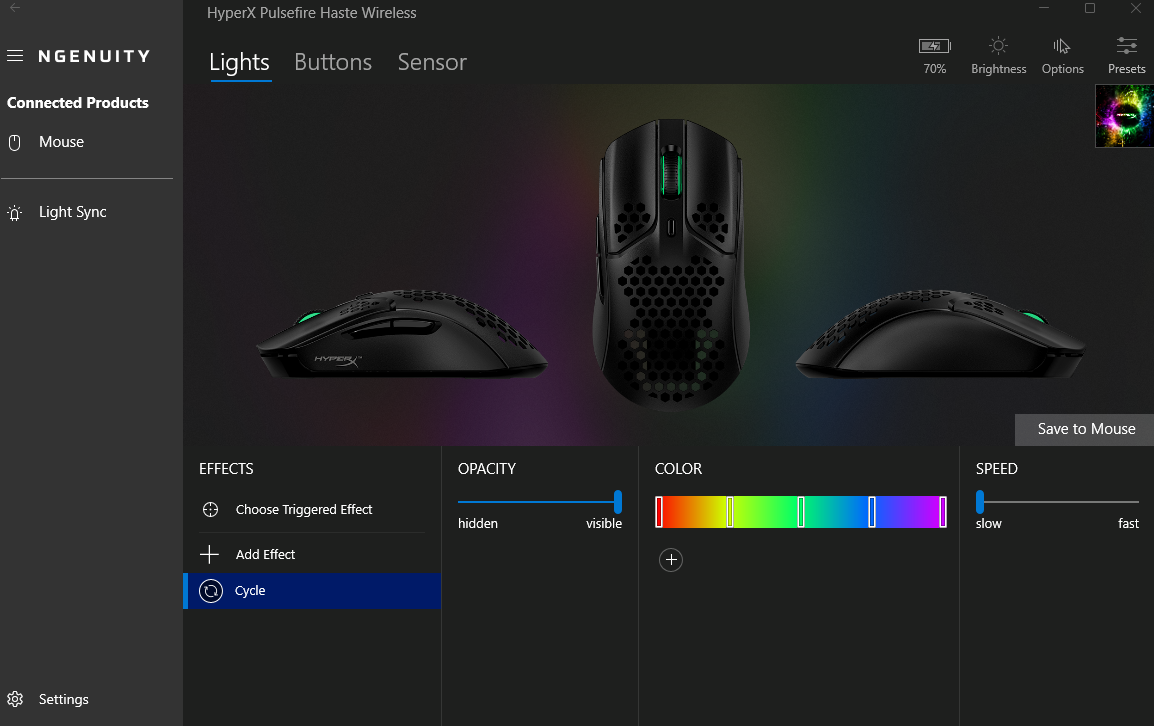
The software is user-friendly and all functions are hidden behind clearly labeled fields – if you can even get to the software at all.
Initially, I had difficulties connecting the mouse to the software. The software prompted me directly upon startup to update the mouse. However, the update took forever, and nothing happened. I then read on reddit the tip to download the standalone updater for the mouse.
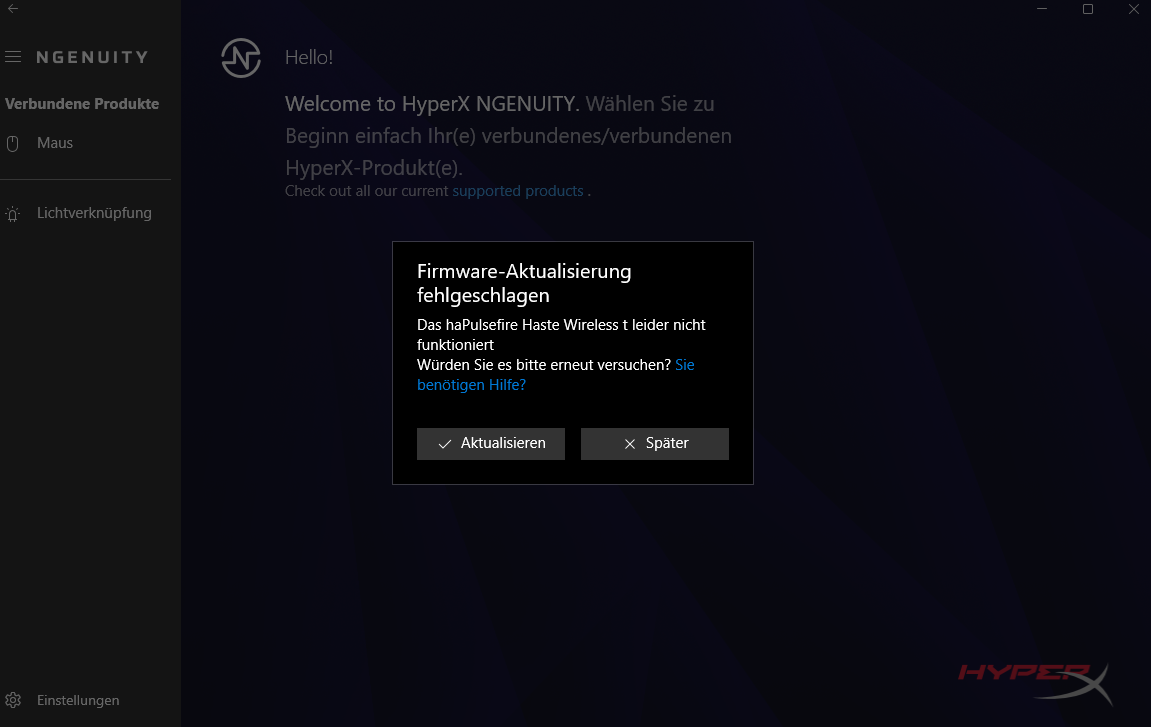
I first updated the mouse using one program, and then subsequently installed the actual update through the “Ngenuity” software. You also have the same hassle with the wireless adapter. Without updating both the mouse and the adapter, you cannot use the software.
When the software works, it is good. However, the current path to get there is still cumbersome and rocky. This urgently needs improvement, as the software currently represents the biggest weak point of the otherwise good mouse.
On the next page, you will find my assessment of the weight, ergonomics, and battery life of the wireless gaming mouse. In the concluding section, I will also explain to you for whom the mouse is worthwhile and what might still speak against a purchase.

Your opinion is important to us!
Do you like the article? Then let us know!