

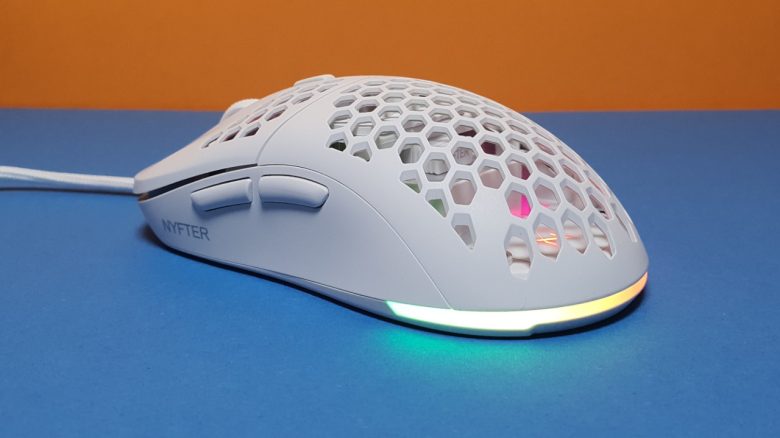
With the Nyf 22, there is a lightweight gaming mouse for fans of shooters and fast games. MeinMMO editor Benedikt Schlotmann was able to test the mouse for you.
Gaming mice for shooters and fast games rely on a low weight and few buttons. With the Nyf 22, the German company Nyfter offers a lightweight gaming mouse for shooter fans.
In terms of weight and size, they are oriented towards well-known representatives. I was able to try out the mouse. In the test, I will explain whether the mouse is worth it for you.
Who tested it?
By now, I own over 20 gaming mice and have tested over 15 keyboards. Personally, I also own over 10 sets of in-ear headphones. At MeinMMO, I have been testing hardware for our readers since 2019. Besides the PC and the PS5, I am also currently using the Steam Deck.
The manufacturer provided me with the Nyf 22 for testing.

Benedikt Schlotmann
Hardware Editor MeinMMO
Features and technical details:
| Sensor | Pixart 3370 |
| Resolution | Up to 19,000 DPI |
| Switches | mechanical switches, optionally Huano, Omron or Kailh |
| Buttons | 5 buttons |
| Design | White mouse. RGB lighting on the underside, asymmetrical right-handed mouse. Colored cover can be chosen freely. |
| Feet | 2 |
| Cable | Detachable 2.0 m USB-C cable |
| Weight | 72 or 75 grams (honeycomb or closed cover) |
| Price (RRP) | 99.99 Euro |
Contents, design, and construction
What does the packaging look like? In addition to the gaming mouse, there is also an additional mouse cover (without holes), more mouse feet, and replacement switches for the mouse buttons included in the package. Additional covers for the mouse in other colors can be purchased for the mouse.
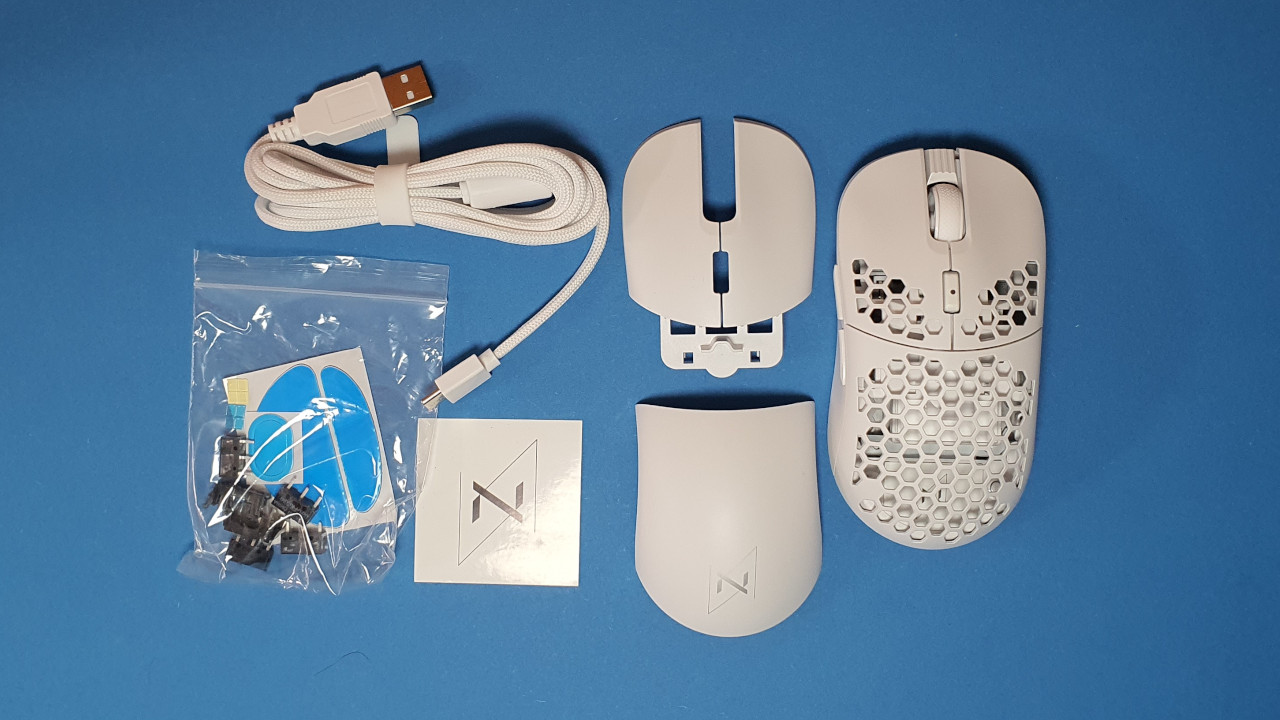
How is the mouse constructed? You can buy the mouse in various colors; I use the white model in the test.
- On the top of the mouse are the main buttons and between them is the two-way scroll wheel. A small switch lies on the top before the scroll wheel, which allows you to switch the DPI.
- On the underside is the power switch, and you can also reduce the lighting for better battery life.
- Inside the mouse, you can store the USB adapter for the wireless connection.
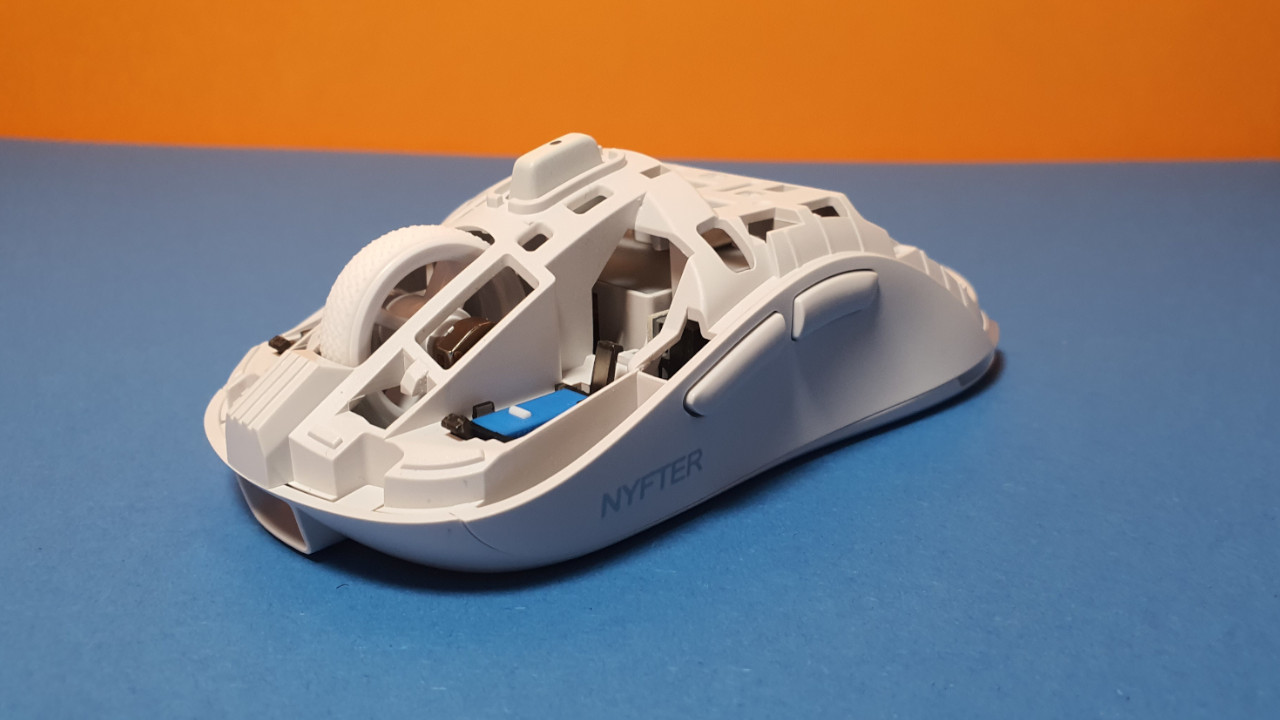
What is special? You can disassemble the entire mouse into its components. You can remove the mouse cover and the button covers, and then you can take out the switches of the mouse buttons. You can then reassemble the mouse according to your preferences, such as with different switches or a different cover.
Workmanship
The casing of the mouse feels high-quality. The individual parts, like the additional cover, are made of sturdy plastic; the PTFE mouse feet are thick enough so that the mouse glides quickly over the desk. During the push and shake test, nothing rattles.
The plastic hooks with which the cover is attached to the mouse feel fragile, but they hold up well under swapping. However, I don’t want to change the mouse cover or the button switches every day.
A big plus point is the hot-swap switches in the mouse. Should the infamous double-click problem occur, the switches can be easily replaced. Neither Logitech, Razer, nor Roccat offer such a function; here, I get annoyed by defective switches.
Another manufacturer that offers such hot-swap switches in mice is still Asus with its ROG Chakram Core. You can also read my test on the “mouse with thumbstick” on MeinMMO:
Software
For the Nyf 22, the software suite from Nyfter is used, which does not carry a specific name. The software is not necessarily beautiful but serves its purpose. All functions are readily available and can be further displayed and edited via the menu in the top right. Also positive: The software is completely in German.
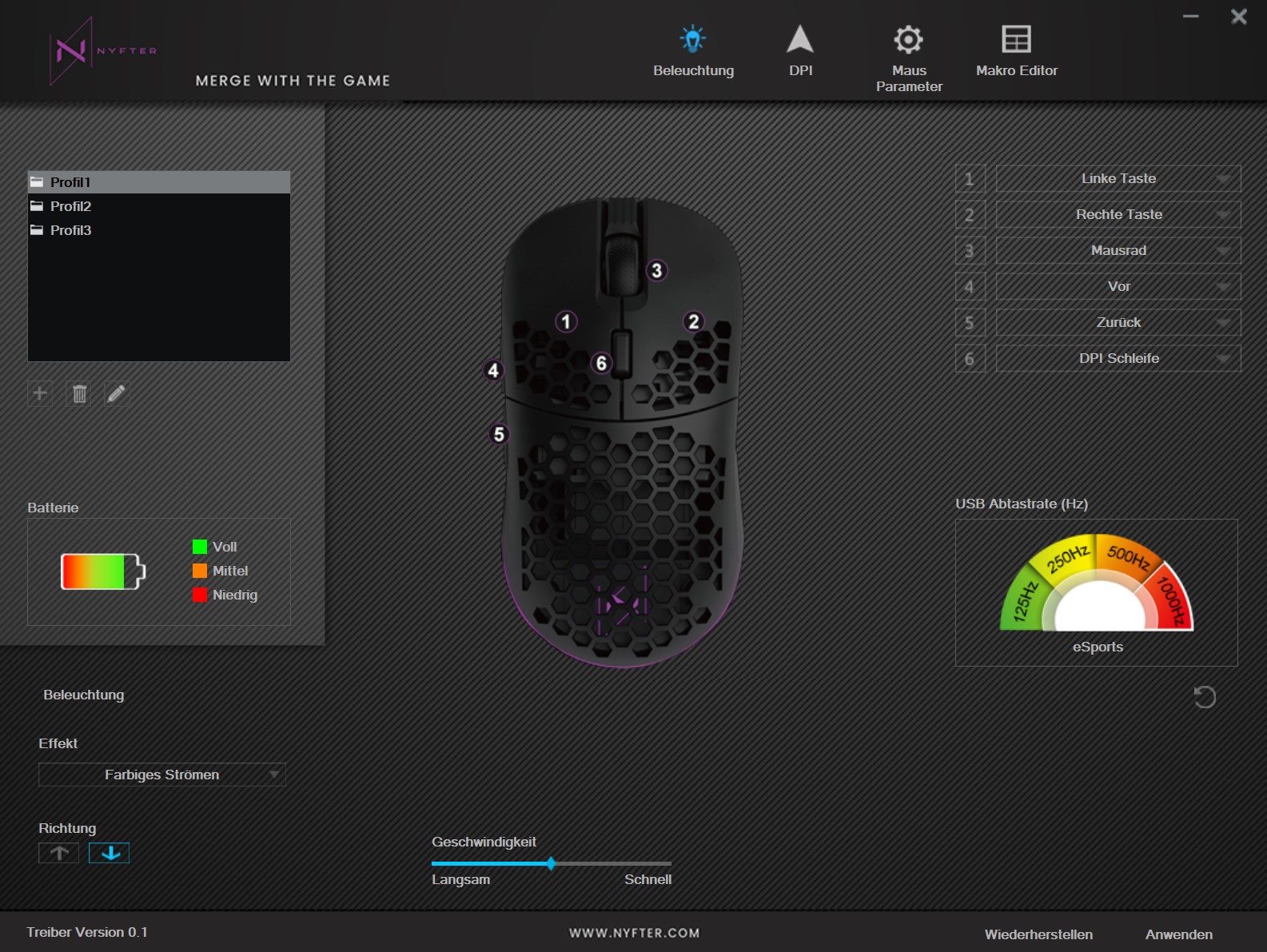
Annoyingly, the battery life of the mouse is not indicated in percentage, but only through a colorful battery icon, which empties. However, the colorful symbol helps me little in everyday life, as I can only partially estimate when the battery is empty and I have to connect the mouse to the cable again. Also annoying: The size of the window cannot be adjusted under Windows. In everyday life, I always have a huge software window.
On the next page, you will read everything about weight, ergonomics, and battery life.

Your opinion is important to us!
Do you like the article? Then let us know!