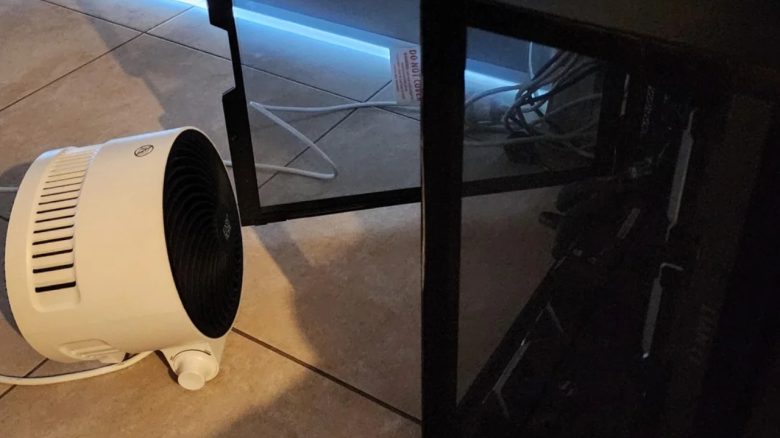
A gamer has a strange problem: His PC only starts when he places a heater next to it. But in reality, his PC won’t last much longer.
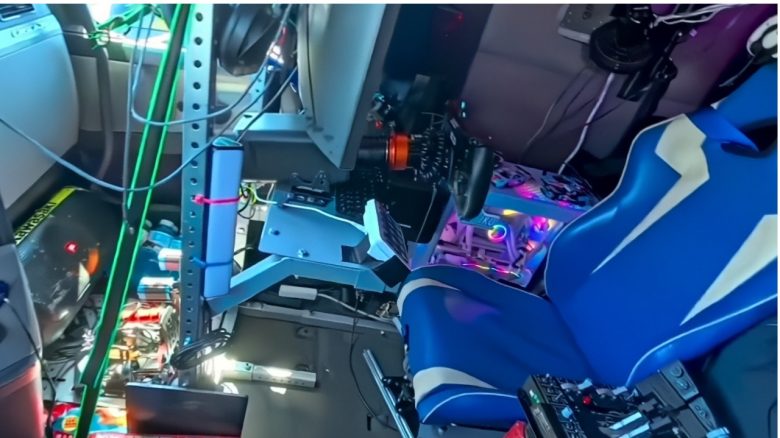
What is the problem? A gamer explains that he has a strange problem. The PC does not want to start as long as it is ice-cold. Then he gets a CPU and DRAM error on the motherboard. However, if he places a small heater next to the PC, the device boots up without any issues after a while.
The reason behind this is a faulty component that causes problems. With the heater, he can only postpone the issues and not “heal” them.
A faulty solder joint prevents his computer from starting and soon dying
What is the problem? His problem can only be solved by replacing his motherboard. Because a solder joint on his motherboard has failed. In English, this is called a “Dry Joint”:
A “Dry Point” refers to a solder joint between the circuit board and the lead of a component that has become weak during use. The reason for this can be either a manufacturing defect or poor handling by the owner.
By warming up the internals of the PC with the heater, he can start the gaming PC, but he is merely postponing the inevitable. Because the solder joint will become weaker over time until it finally gives out. And then nothing will start at all.
Some explain that there is the same problem in the console area: Because with the old Xbox models (Xbox 360 and earlier), the motherboard also eventually fails due to excessive heat inside.

Take your time when building your computer
Can such errors be avoided? If it is a manufacturing defect, then as a gamer or someone who assembles the PC, you cannot do much about it.
In general, you should make sure to cool your hardware properly, as this extends the durability and lifespan of your components. Moreover, overheated components will throttle their performance so they can cool down again. Especially dirt and grime can affect the cooling of your PC, and gamers repeatedly show why you should regularly clean your system.
With cleanliness and proper cooling, you can certainly reduce the wear and tear on your hardware and prevent components from becoming damaged in the long run. In some cases, it may even be enough to slightly change the position of the computer or replace a fan.
Other players also search long and desperately for problems as to why their own computer simply does not want to start. One gamer has invested 3,000 euros in his system, but he was finally able to find the error with help: