


MeinMMO introduces you to a range of programs that should not be missing on any computer. Almost all tools are free, making it possible to try them out without risk.
In everyday life, you need many different programs if you want to perform various tasks. MeinMMO presents you with a handful of programs that should not be missing on any system. The advantage: all the apps presented can be used for free.
If you would rather know which tools you should uninstall, then check this out:
7 tools and programs that you must delete on any gaming PC
VLC Media Player
Type of tool: Media | Price: free | Download
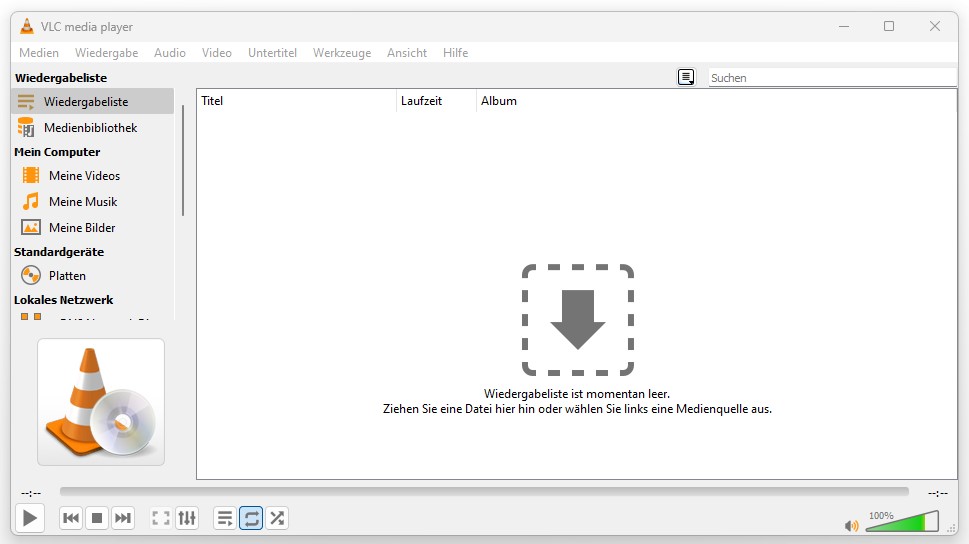
The VLC Media Player is a free program for playing music, movies, and other media. The software is lightweight and offers plenty of features. Additionally, you get features such as streaming or recording functions.
However, if you want to watch BluRays, you will reach the limits of the free player. You can install the AACS copy protection, but it’s cumbersome. From personal experience, we can say: Not all BluRays always function without issues.
Why is this tool worthwhile?
- You are looking for a powerful media player.
- You want a lightweight tool without ads or other aggressive content.
- Completely free and regular updates.
LibreOffice Writer
Type of tool: Word processing | Price: free | Download
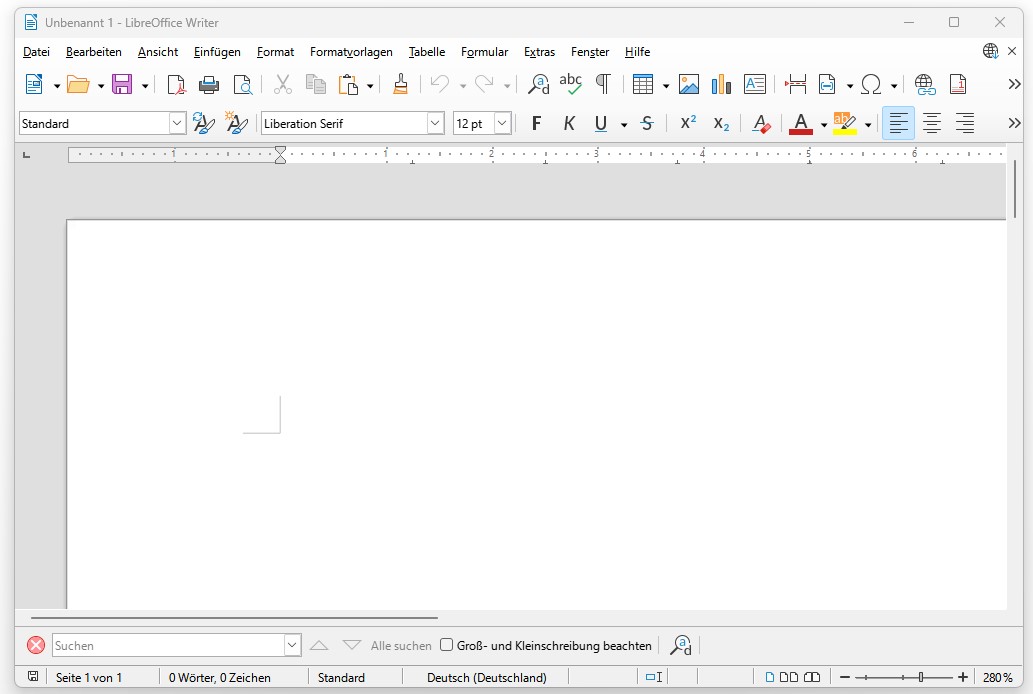
Microsoft Word is the major player among writing programs. But if you prefer to save your documents locally or don’t want an expensive subscription or one-time purchase, then the LibreOffice Writer is the best choice for you.
The open-source program offers plenty of features and is on par with Microsoft’s paid tool in (almost) every regard. However, if you use many Microsoft tools, you may miss the online integration.
Why is this tool worthwhile?
- Powerful software with many features.
- Always free without annoying subscription fees.
TreeSize Free or WinDirStat
Type of tool: Storage analysis | Price: free | Download TreeSize Free or WinDirStat
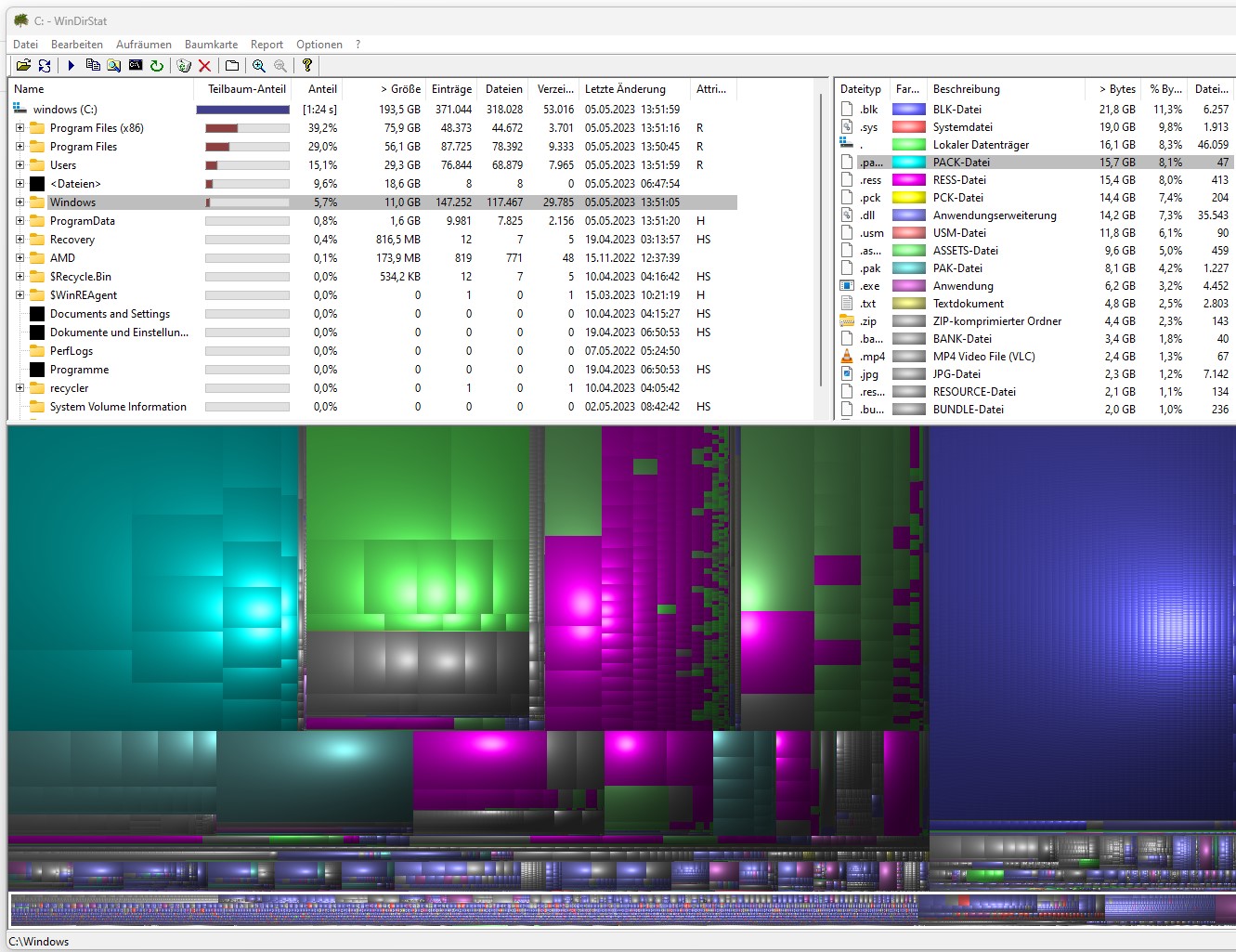
Your hard drive is full and you don’t know what is taking up so much space? TreeSize Free and WinDirStat are both small analysis tools that allow you to visualize your hard drive in colorful blocks. Both are free.
This way, you can quickly find out which games or programs are using so much space. In the end, it might just be the recycle bin that you haven’t emptied.
Why is this tool worthwhile?
- Quick overview of which programs consume space.
- Lightweight and small software.
- Free and without ads.
Audacity
Type of tool: Audio Editing | Price: free | Download
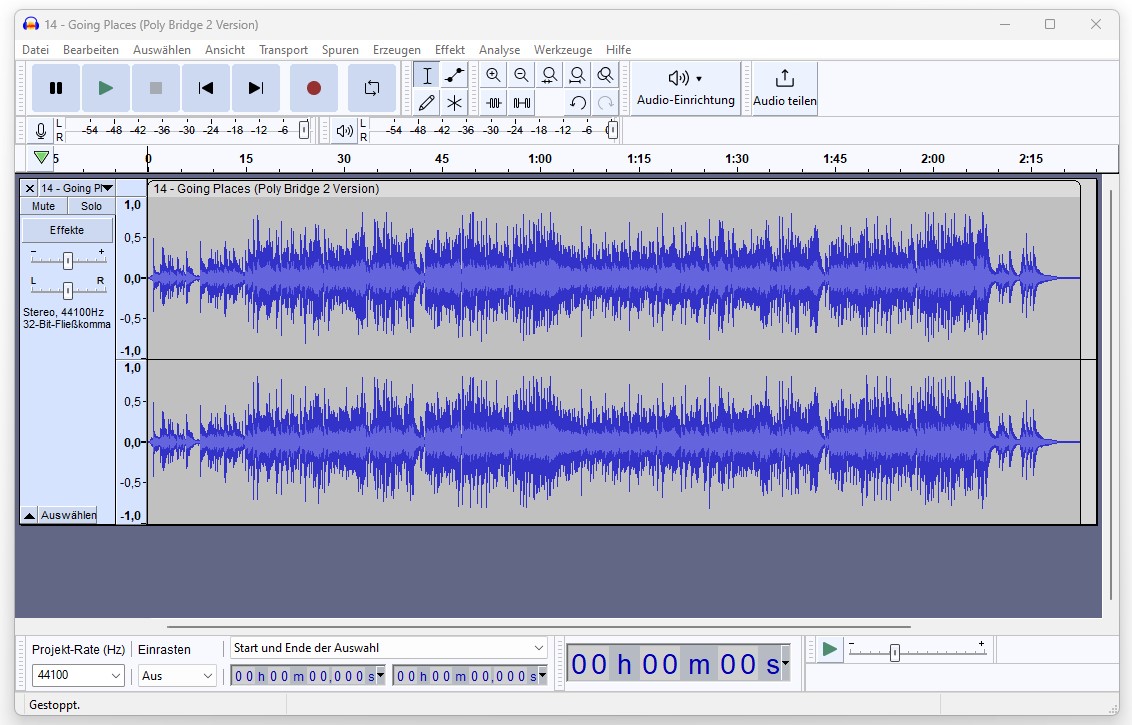
Audacity is a powerful tool for audio. It offers a variety of recording and editing tools and supports 16-bit, 24-bit, and 32-bit audio. Additionally, there is an option to install additional plugins.
If you are looking for a good, free audio editor, you can’t go wrong with Audacity.
Why is this tool worthwhile?
- Comprehensive tool with many supported formats.
- Intuitive and easy-to-learn interface.
- Free and without ads.
Rambox
Type of tool: Messenger and Social Media | Price: free (Basic), 7 Euros per month (Pro Subscription) | Download
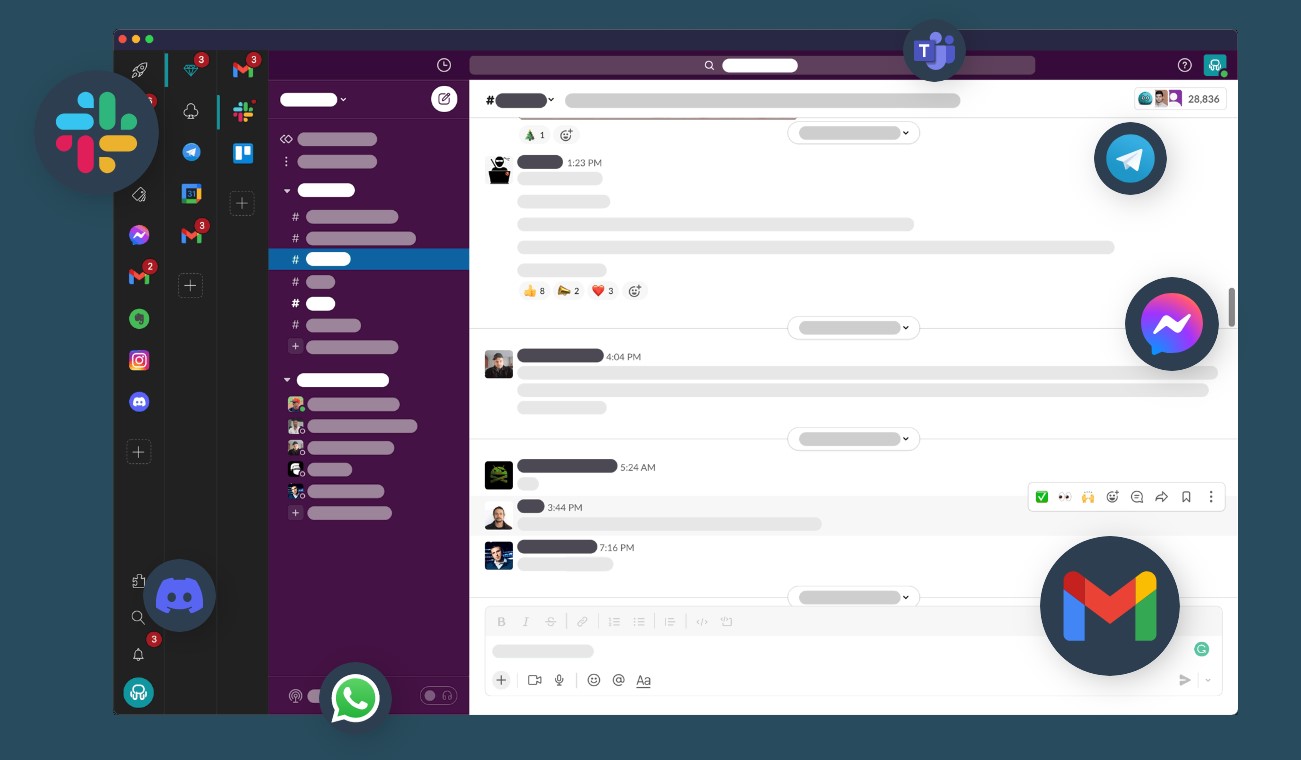
The free tool “Rambox” combines several messengers, chat, and mail clients under one roof. If you use several such programs simultaneously, then you can elegantly bring many of them together. It also allows for multiple accounts of the same provider. Instead of five individual clients, you only need to install one.
Basically, the tool can be used for free; for the pro subscription with more features, there is a fee of 7 Euros per month. Alternatively, you can purchase a permanent license for around 150 Euros.
Why is this tool worthwhile?
- Quick overview when you need to use dozens of messengers.
- The free version offers sufficient functions for everyday use.
7-Zip
Type of tool: Extracting and compressing files | Price: free | Download
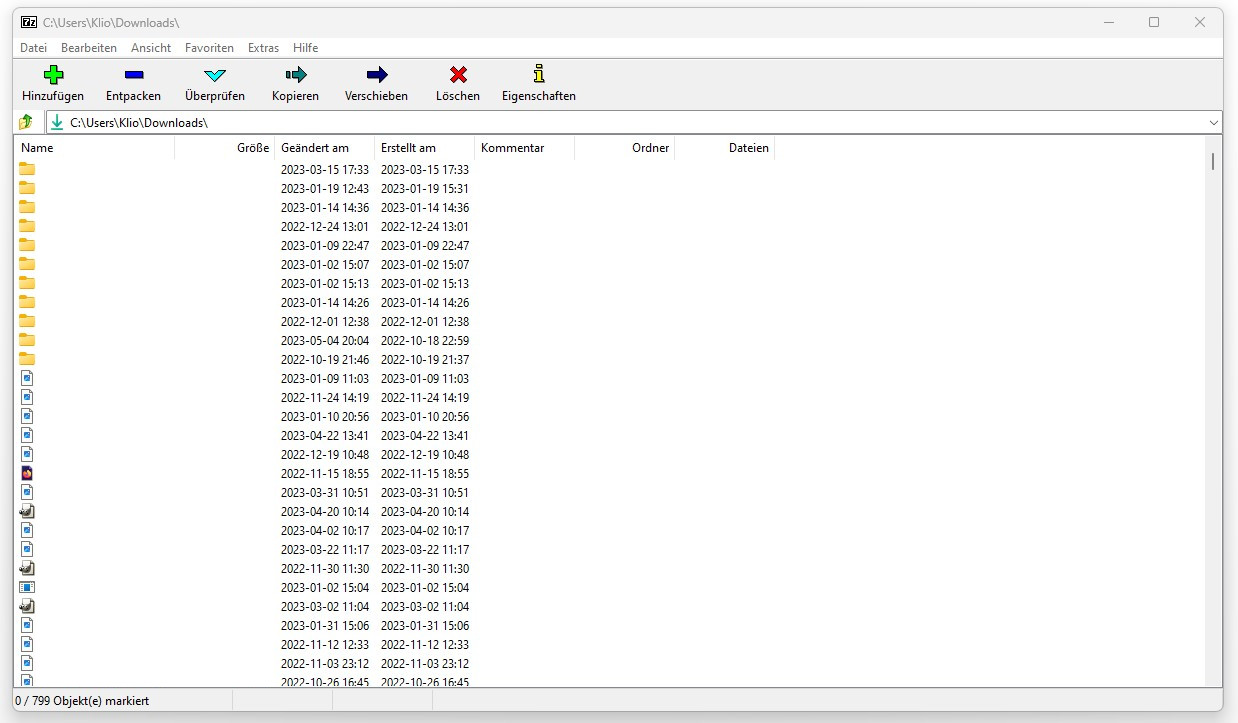
Having a tool for extracting and compressing files is always useful, and 7-Zip is a good choice here. In most cases, it’s also the better option than WinRAR. 7-Zip can also be used as a straightforward file manager.
The program is free and supports various formats. Additionally, the software was recognized as the best open-source project in July 2007 by SourceForge.
Why is this tool worthwhile?
- Fast program with support for multiple CPU cores.
- 7z file format included.
- Free and without ads.
IrfanView
Type of tool: Image viewer | Price: free or 10 Euros (commercial) | Download
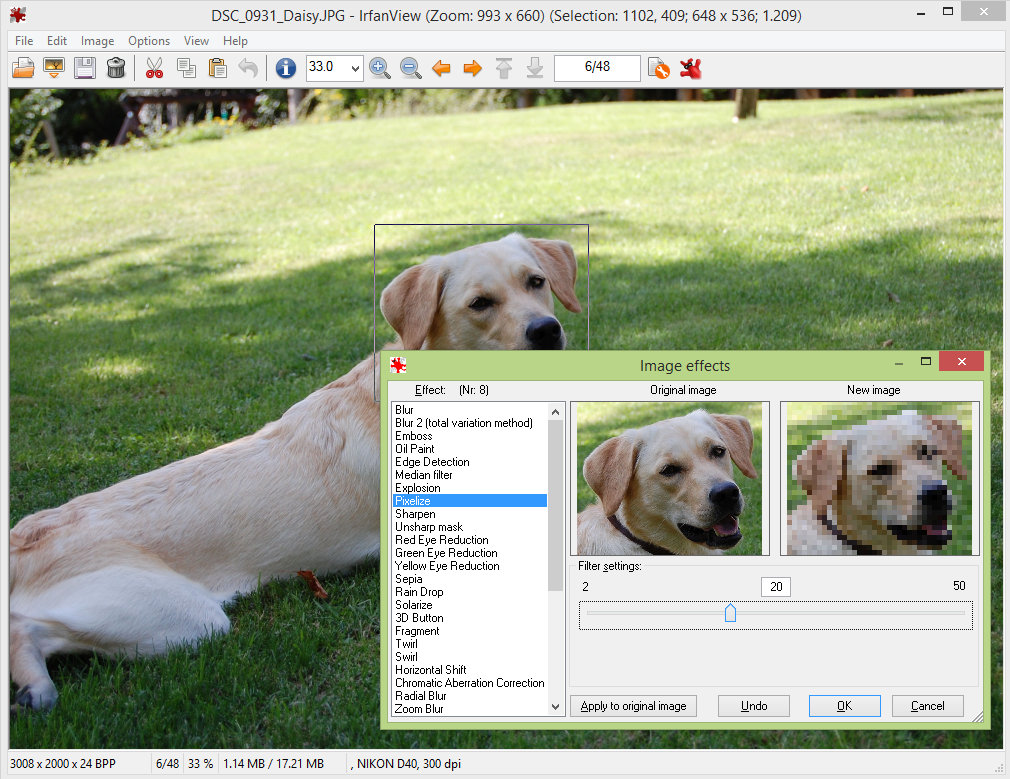
IrfanView is an image viewer that also offers some options for editing images. With the software, you can read various formats and convert them to other formats.
Basically, the program is free. If you want to use IrfanView commercially, you pay about 10 Euros.
Why is this tool worthwhile?
- Useful features if you want more than just viewing images.
- Easy way to convert images to other formats.
- Free and without ads.
FixWin
Type of tool: Repair | Price: free | Download
This is a small, free tool that allows you to solve dozens of small and larger problems under Windows with a single click. With one click, the software can automatically fix the error.
The only downside: FixWin does not scan your PC for problems; you have to know which error you would like to solve.
Why is this tool worthwhile?
- Fast and targeted problem resolution on the PC with one click for many problems.
- Free and without ads.
Further tips and features around Windows can be found in the following article here on MeinMMO:
5 features that the new Windows 11 wants to convince gamers with

Your opinion is important to us!
Do you like the article? Then let us know!