

In the Battle Royale of Apex Legends, how you move is crucial. With these tricks, you can improve even further!

Among the most important skills in shooters, besides aiming, is movement. Reddit user quarkez has now created a concise 52-second video that shows you 5 important tips.
1. Wall Jumps in Apex Legends
What is it about? The first tip is about quickly jumping off a wall. This way, you can easily change direction from a fast movement. You remain quick and can confuse opponents with the surprising change in direction. You bounce off the wall like a bouncy ball.
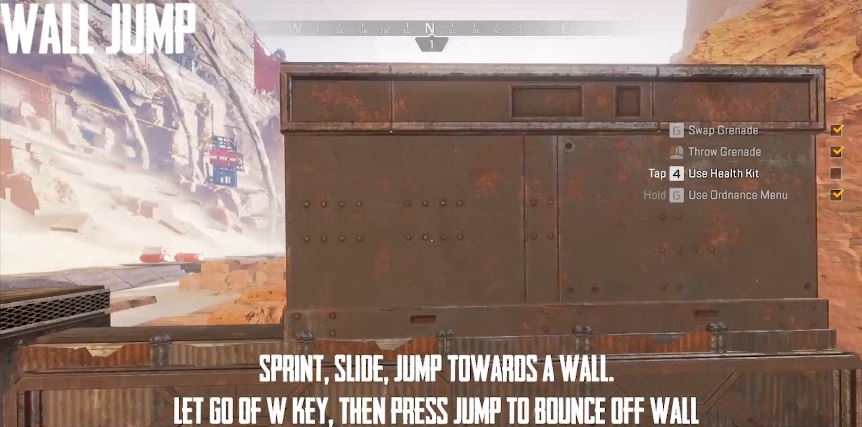
How to do it? Move sliding towards a wall, jump, release the forward key, and then jump again when you touch the wall.
In short:
- Sprint
- Slide
- Jump from the slide towards a wall
- Release the forward key
- Press Jump to jump off the wall
2. Bunnyhopping – The Fast Jump Movement
What is it about? Players familiar with the Source engine have likely heard of bunnyhopping. This is a technique where you keep jumping to maintain your speed. In the video, creator quarkez explains that you move slowly while healing in Apex Legends. With bunnyhopping, it gets faster.
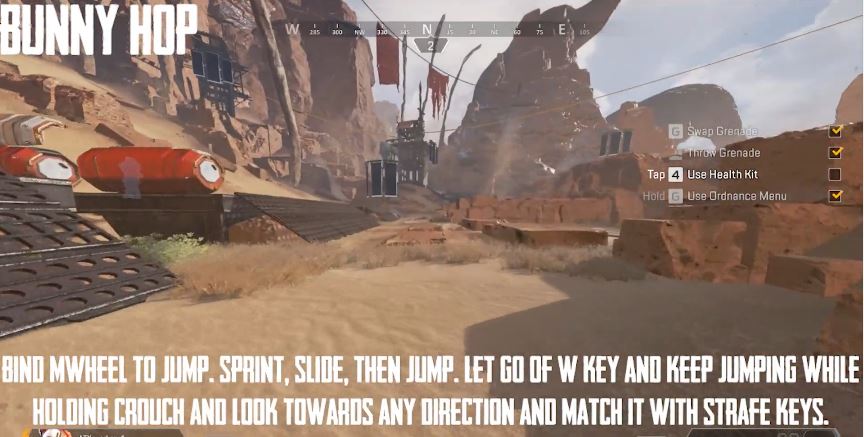
How to do it? Sprint, slide, and then jump. Release the forward key, but keep jumping while holding “crouch.” This explanation is much easier to understand in the video.
Note: Users add that you don’t have to release the forward key to use bunny hops.

3. Run Faster After Falling
What is it about? If you fall from a great height, you have a short delay in movement after landing. However, you can easily avoid this.
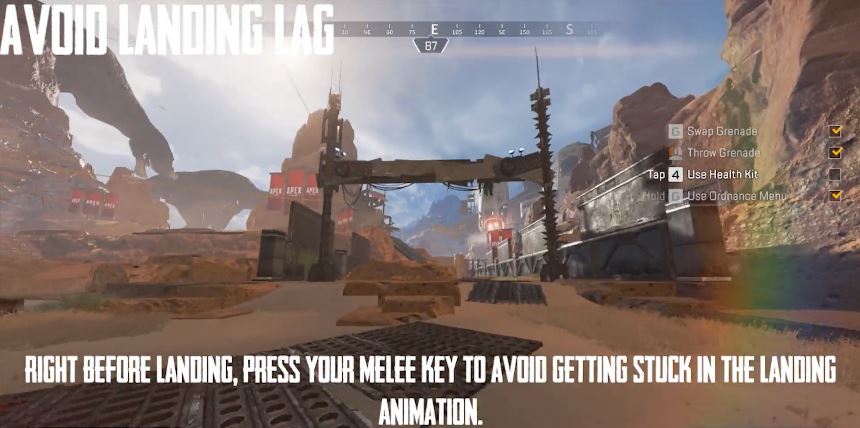
How to do it? Just press the melee attack hotkey right before landing.
4. Sliding Backwards in Apex Legends
What is it about? You probably all know that you can slide forward in Apex Legends and move quickly and fluidly. What may be new for many is that you can also slide backwards.
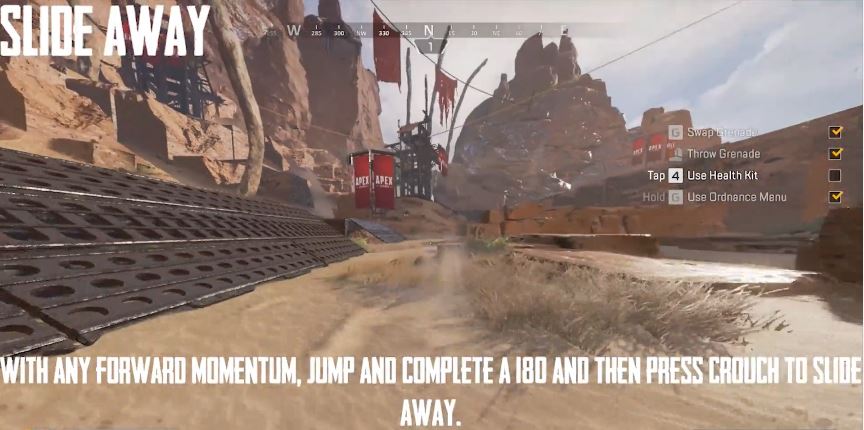
How to do it? First, sprint. Then jump and turn 180 degrees in the air. Then press “crouch” to slide backwards in the direction you initially moved.
5. Use Pathfinder as a Catapult
What is it about? One of Pathfinder’s abilities is that he can pull himself towards an object with a grappling hook. You can jump while doing this to gain more height. This way, you can overcome walls in flight and avoid climbing.
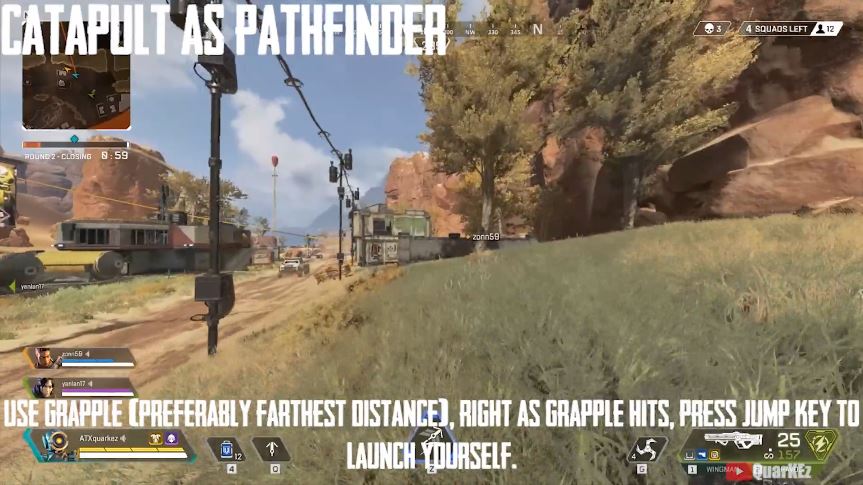
How to do it? Use the grappling hook ability over the longest possible distance. Once the hook hits its target, jump. You will notice that your trajectory is not straight but follows a curve.
6. Speed Boost After Climbing
In the Reddit thread of the video shown, user Meseus adds that there is another important tip. The speed boost you get after overcoming objects.
What is it about? When climbing over thin objects like walls or fences, pressing the jump key gives you a speed boost.

How to do it? At the highest point of crossing a “thin structure” like a fence, press the jump key. This should happen just as the character begins to move forward after the climbing movement.
7. Hang on the Edge for Good Cover
What is it about? You don’t have to overcome objects in one go when climbing. Often, it helps to hang on the edge first to give yourself a safe overview.
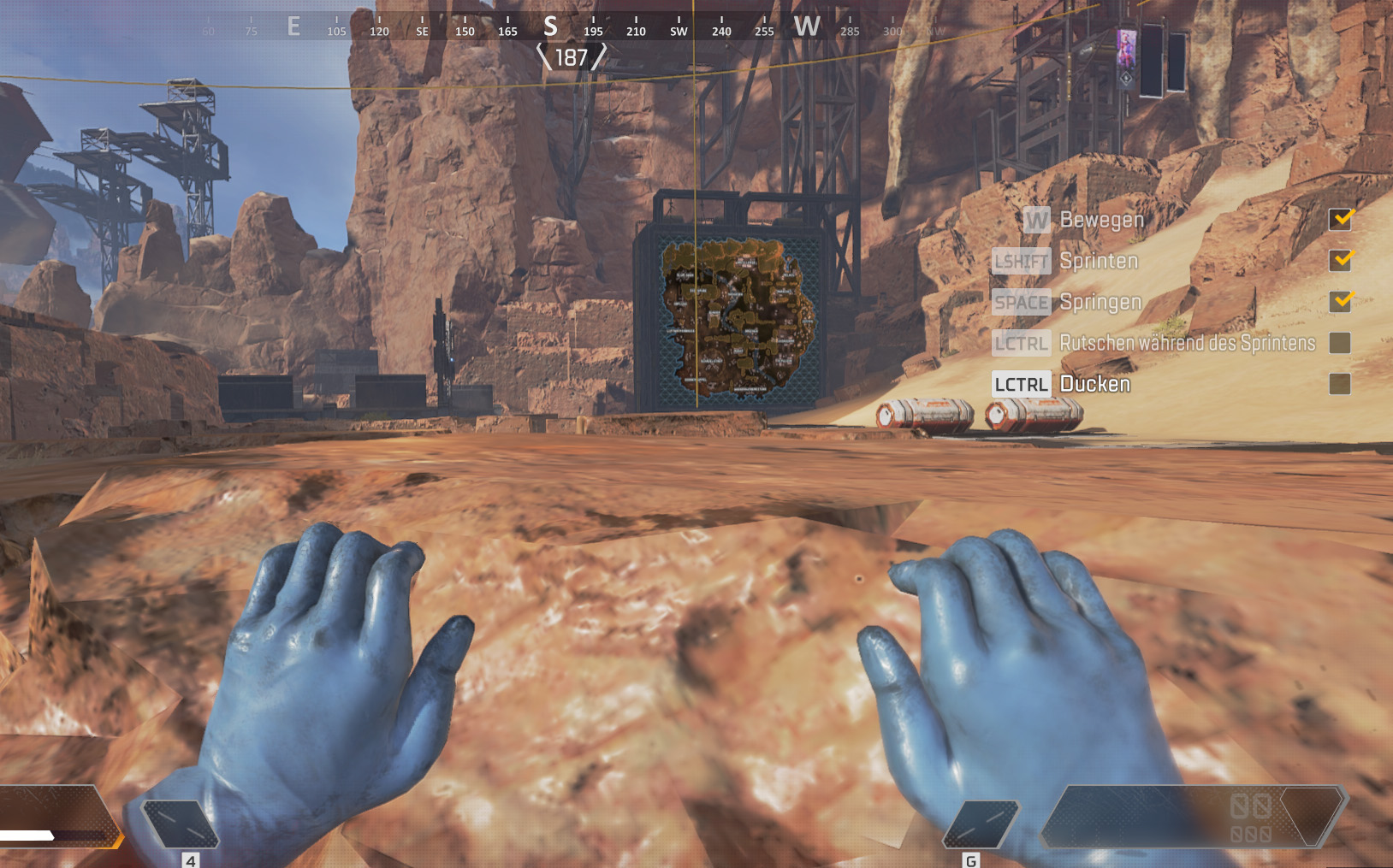
How to do it? Climb a surface and release the forward key shortly after starting to climb. Then your character will hang on the edge. You can also release the jump key. To continue climbing, move forward. Thinking differently? With “Jump”, you can jump backwards off the surface.
Do you have more tips to improve movement? Then let us know in the comments.
Still undecided on a main? This selection helps you:


Your opinion is important to us!
Do you like the article? Then let us know!