

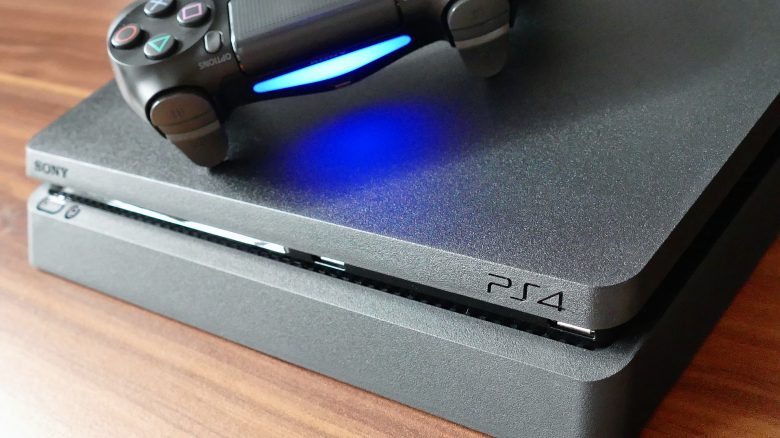
You still play on the PlayStation 4 and want to know how to make the PS4 faster? MeinMMO presents you a handful of tips.
You still play on your PS4, but you feel that the console doesn’t run as fast and smoothly as it did at the beginning? MeinMMO presents you a series of tips.
We have sorted the tips for you by difficulty. First the easy ones, then the slightly more complicated tips.
Check if you have enough free storage space
Requirements: No special items needed | Time required: 10 minutes | Cost: none | Difficulty: Easy
One of the most common causes of declining performance on the PS4 is the lack of storage space on the hard drive. It is recommended to keep about 10% of your storage free to avoid performance issues. Game consoles need a certain part of the hard drive for virtual memory.
With the size of modern games and saved video recordings, available storage can quickly run out. Therefore, regularly check how many games you have installed and how much storage space you still have left.
If you want to check your storage space, go to the settings and then to “Storage” and then to the sub-point “System Storage”. The PS4 will take a moment and then you will see all your installed apps and games in a clear diagram.