

Windows 10 or Windows 11: This is likely a question that many users are asking. MeinMMO presents reasons both for and against upgrading to Windows 11.
Windows 11 is Microsoft’s current operating system and is now running on many computers. However, some users are still hesitant about whether they should really upgrade from Windows 10 or an even older system to Windows 11.
MeinMMO explains the advantages and disadvantages of an upgrade and lists reasons both for and against upgrading.
What speaks in favor of upgrading to Windows 11?
End of Support for Windows 10
Microsoft will end support for Windows 10 on October 14, 2025. After that, you will no longer receive security and feature updates with the operating system. The biggest problem, however, is that Microsoft will not patch problematic vulnerabilities in Windows 10 anymore. This makes you more susceptible to malware.
You can continue to use Windows 10 and your computer after the end of support, but you should be aware that you will be missing important security updates in the future.
The upgrade to Windows 11 is free
As trivial as it may sound, the upgrade to Windows 11 is free. However, there are two prerequisites that you must meet:
- You have hardware that meets the minimum requirements for Windows 11.
- You have a current version of Windows 10 installed.
Previously, you could upgrade from an older version of Windows (7 or 8.1) to Windows 10/11 for free as well. However, Microsoft has since shut that down. The upgrade itself, however, remains free for all other systems.
Windows 11 will receive features that Windows 10 will not
Windows 11 is expected to receive features in the future that you will no longer be able to use with Windows 10. Features like AI or Direct Storage can also be used under Windows 10, but only in a limited capacity.
For instance, you can only use the Copilot app or “Power Automate” on Windows 11, and according to Microsoft, Direct Storage can only fully show its effect under Windows 11:
- Power Automate is a feature that allows standard tasks on the PC to be automated.
- Direct Storage promises about 15 to 30% faster load times depending on the game. The controversial Forspoken was able to demonstrate the potential of Direct Storage under Windows 11.
More security against malware
According to various security experts, Windows 11 is significantly more secure against malware than Windows 10. For example, Neil J. Rubenking, a senior security analyst at PCMag, explains that Windows 11 is extremely secure. This is mainly because a secure processor, known as a Trusted Platform Module, is required. Windows 11 requires TPM 2.0.
Rubenking notes that according to Microsoft, “PCs with secured core are twice as resilient against malware infections” compared to Windows 10.
Improved multiple desktops and monitor docking
Microsoft has mainly improved the use of multiple monitors under Windows 11. If you use multiple monitors on your computer, you will be significantly more efficient under Windows 11:
- The operating system now remembers the positions of the windows on the connected monitor.
- Windows will minimize when you disconnect, instead of placing all open windows on one desktop.
- There is also a new option to use different background images on each individual monitor.
- Microsoft has additionally added a new interface for switching desktops.
New AI features in Windows 11
In Windows 11, you can choose from several new AI features. Some of them, such as Microsoft Copilot, have also made it to Windows 10, while other features are exclusive to Windows 11: There is a new Copilot app in Windows 11 with support for plugins, smartphone interaction, and Power Automate.
Additionally, Microsoft has developed a feature called AI Super Resolution (Auto SR) for gamers, which improves the frame rate in games for a smoother gaming experience. It uses the integrated NPU to increase the frame rate in real time.
However, the AI features are controversial among many users. If you are absolutely not a fan of AI features, this could also be a reason against Windows 11 for you. But we count it among the positive points in our list. Ultimately, it depends on you whether you see AI more positively or negatively.
The best AI features that you can already try out are detailed on MeinMMO explained and broken down:
What speaks against upgrading to Windows 11
Compatibility issues for older hardware
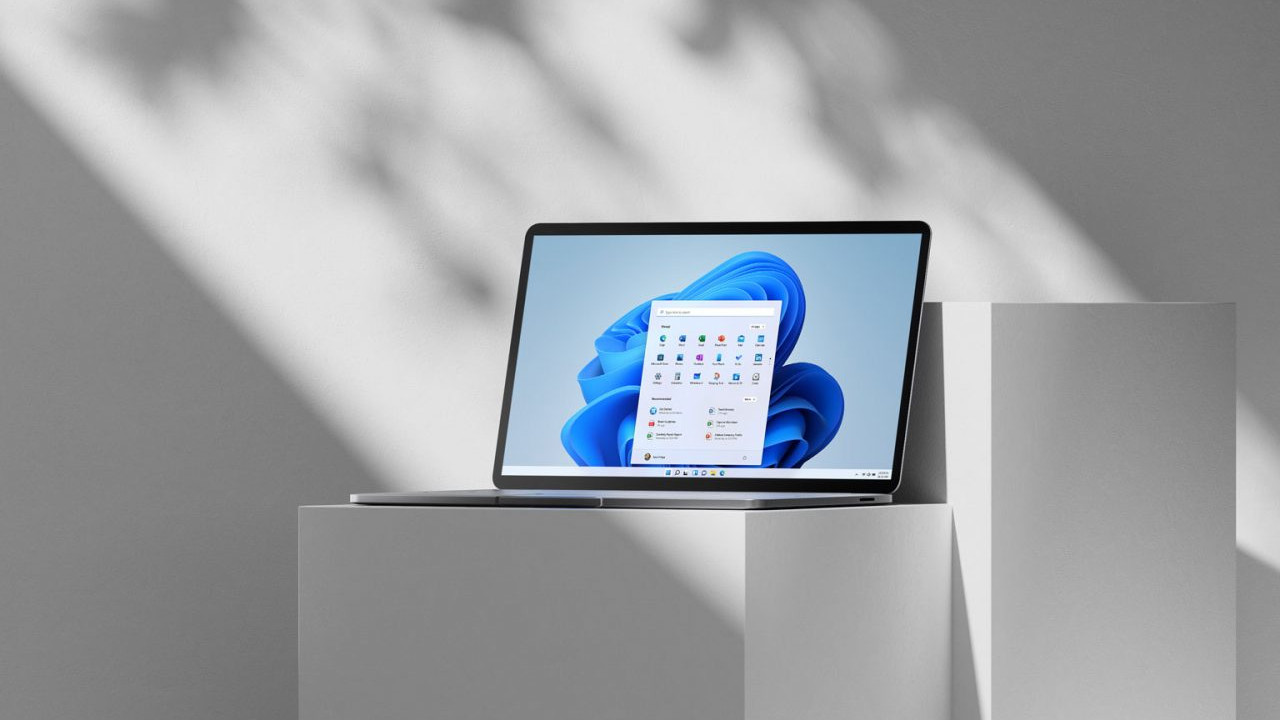
Windows 11 may be significantly more secure than Windows 10 at first glance, but this also has a major drawback: Older hardware that does not meet certain security standards or features will not be supported. In the worst case, you may not be able to use hardware that you purchased new 3 or 4 years ago with Windows 11.
With tricks, it is generally possible to install Windows 11 on any computer, but you can never be 100% sure that there won’t be compatibility issues with certain components later on.
Problems with older software and devices
The new architecture of Windows 11 has led to problems with driver compatibility, particularly with older hardware and peripherals. This can result in devices such as printers, scanners, or external hard drives not functioning optimally or even becoming unusable because they only run smoothly under Windows 10.
The same problem applies to software. If you use specialized software that is not designed for newer systems, there may be compatibility issues.
Account requirement under Windows 11
Anyone wishing to install Windows 11 on a computer now requires an internet connection. Under Windows 11, a network connection must be established and a Microsoft account created to complete the installation.
As of now, there are also some workarounds and tricks to bypass the account requirement. However, it is only a matter of time before Microsoft will close all the loopholes.
Microsoft integrates advertising into Windows 11
Microsoft is now distributing ads within Windows 11: Ads for specific apps or programs are displayed in the Start menu, for example. The company from Redmond states:
In the “Recommended” section of the Start menu, some apps from the Microsoft Store are shown. “These apps come from a small group of selected developers.
At least there is (still) a way to turn off these ads in Windows 11:
- Open the “Settings” of your Windows PC.
- Select “Personalization”.
- Select “Start”.
- Disable the switch for “Show recommendations for tips, shortcuts, new apps, and more”.
What advertising options Microsoft will come up with next is unclear. It is also uncertain how long this “feature” can still be turned off.


More about Windows 11: Windows 11 is expected to eventually replace Windows 10. Microsoft promises new features and some improvements for the transition. But what is actually important and what should every user know who is considering switching to Windows 11? MeinMMO presents 6 things that you should know about the new operating system:

Your opinion is important to us!
Do you like the article? Then let us know!