

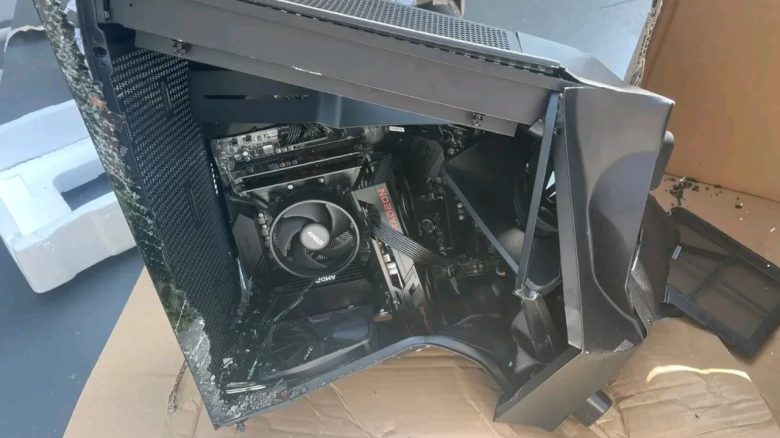
When assembling a PC, you can make plenty of mistakes. However, a few of them are so severe that you can end up losing a lot of money. MeinMMO presents you with some serious mistakes that you should definitely avoid.
Often, you just momentarily lose focus and then the trouble has already happened: A component is dented, the CPU is short-circuited, or something else has happened. Most mistakes can be prevented if you pay a little attention.
MeinMMO points out serious mistakes that can cost you a lot of money. At the same time, we explain how you can avoid these mistakes so that your PC doesn’t look as bad as it does on the cover image.
Incorrect installation of the M.2 SSD
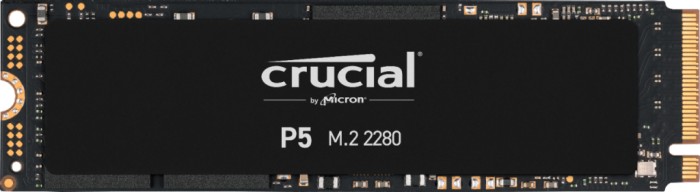
The M.2 SSD belongs in a slot on the motherboard. On one side, it is slid into the slot and then secured with a screw on the motherboard so that the M.2 SSD does not come loose.
Using force can not only bend the M.2 SSD but also irreparably damage the slot on the motherboard. In the end, you will need not only a new M.2 SSD but also a new motherboard. So, handle your M.2 SSD and motherboard carefully.
Installing RAM in the slot
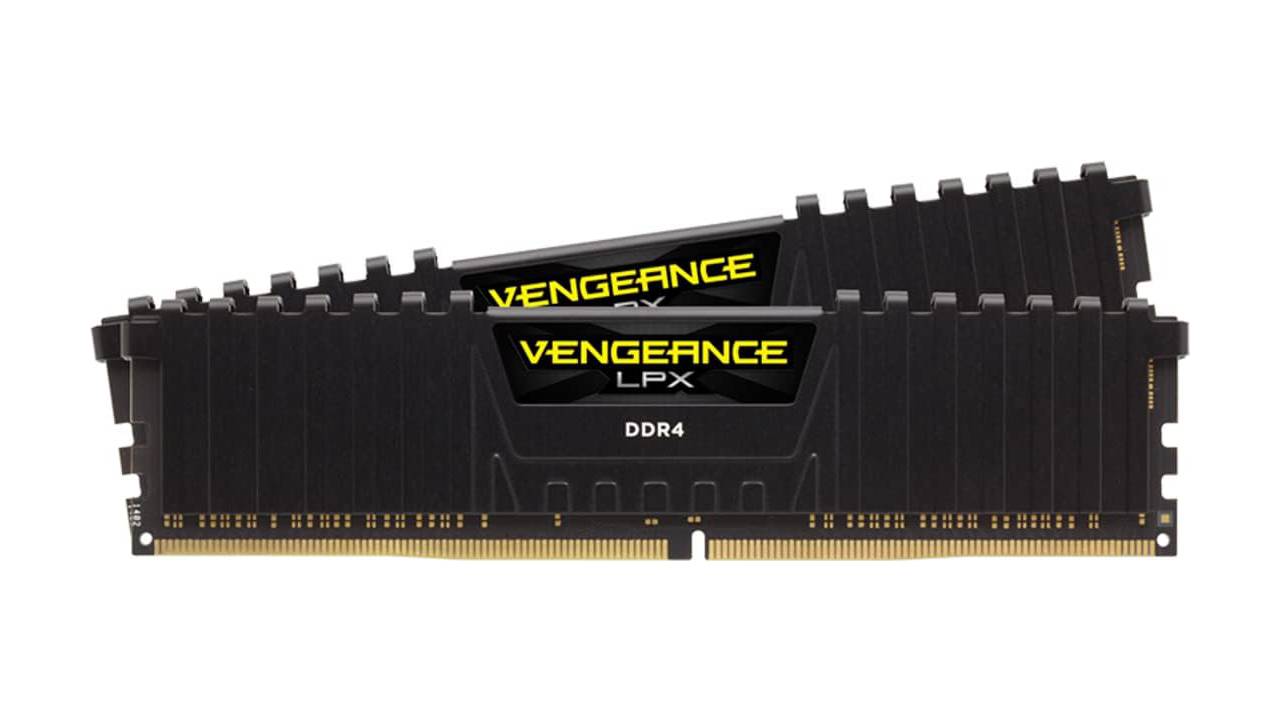
Memory (RAM) belongs in the appropriate slot on the motherboard. Depending on the motherboard, you have 2 or 4 slots available. The slot for the memory must be open on both sides. You need the correct memory: DDR4 RAM fits only in DDR4 and so on.
- If you insert the wrong memory into the slot, you will damage both the motherboard and the memory.
- If you forget to open the latches of the slot, you can bend the memory.
- You should also avoid using force when inserting the RAM.
When you insert the memory into the correct slot, you will hear a faint click as the memory locks in place. Additionally, the latches of the slot will snap back into position so that the RAM cannot fall out once you have screwed the motherboard into the case.
Bending or breaking the CPU or socket pins
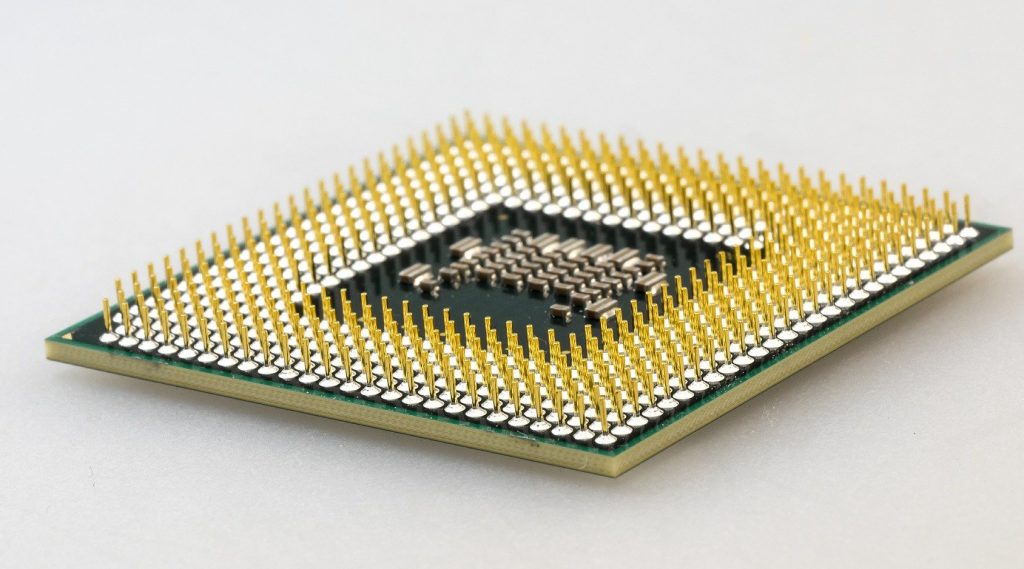
The processor (CPU) is inserted into the socket located in the center of the motherboard. Depending on the CPU and socket type, there are small metal pins on the underside of the processor or on the CPU socket.
You must not bend or even break these pins when installing the CPU. In the most frustrating case, the CPU or the motherboard is damaged, and depending on the CPU, that can mean several hundred euros lost.
- First, always check whether the CPU and motherboard really match. If you try to jam the wrong processor into a socket, it always ends in total damage.
- When installing your CPU, ensure that you align the processor correctly with the socket. There is a small triangle on both the CPU and the socket. That will help you recognize whether you have aligned your CPU correctly.
Removing the GPU without releasing the latch
When you install a graphics card into your computer, a latch clicks into place during installation so that the graphics card does not slip out of the PCIe slot.
If you want to remove the graphics card, for instance, to replace it with a newer model, you first need to release the latch. Otherwise, you risk damaging the graphics card or destroying the PCIe slot on the motherboard.
Depending on the motherboard and graphics card, you can incur damages amounting to several hundred euros.
Using a cheap or unknown power supply
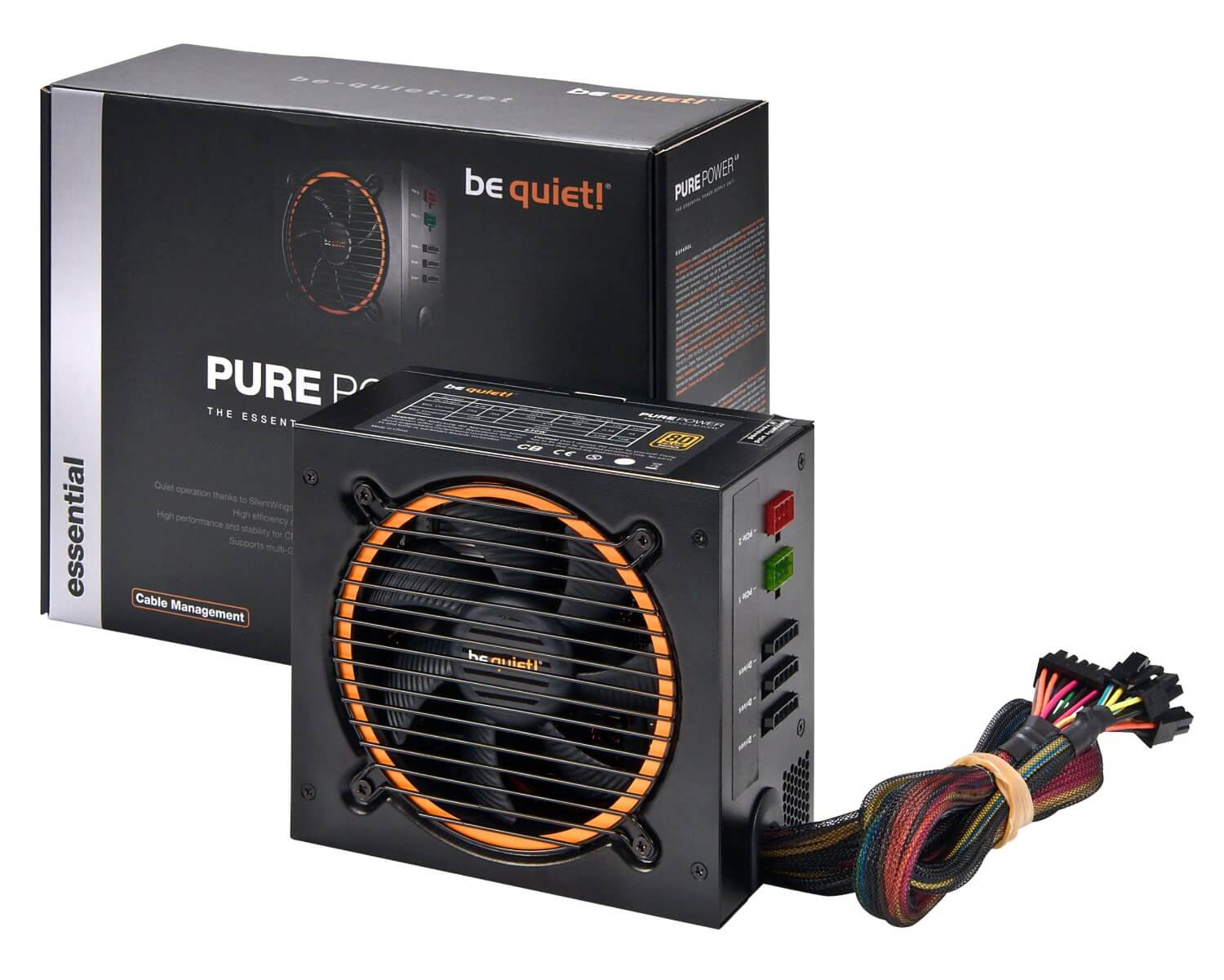
If you want to buy a new power supply for your computer, you should definitely go for a well-known manufacturer and urgently avoid cheap no-name models. Because cheap, unknown power supplies can pose a real fire hazard to your computer.
When purchasing a new power supply, three important protections should definitely be built into the power supply:
- Short circuit protection (SCP): Should prevent the power supply or other components from being damaged in case of a short circuit.
- Over power protection (OPP): When the power supply is heavily loaded, it should cause the power supply to shut itself down. And that seems to have been missing in this case where the PC caught fire.
- Over/Under current protection (U/OCP): This should protect the power supply and the components from severe voltage drops or spikes.
In general, we recommend that you go for a well-known and reputable manufacturer when buying a power supply. Also, make sure that the power supply is not damaged and that all safety markings are present when purchasing. In case of doubt, if an overload or problem occurs, then at worst your computer just shuts down or only the power supply is damaged.



Too tight installation of the motherboard
The motherboard is screwed into the inside of the case. The spacers inside the case are meant to properly secure the motherboard and prevent an accidental short circuit.
When mounting the motherboard, you should proceed carefully and not tighten the screws too much. In the worst case, you could damage the outer layer of the board or create a hole in the board. Although this is rather rare, you should be cautious.
Are you still looking for an upgrade for your gaming PC? MeinMMO presents you with a handful of upgrades that you definitely should not purchase or that are not cost-effective. Often, it’s worth investing a few more euros: 7 upgrades for your gaming PC that you should definitely not buy

Your opinion is important to us!
Do you like the article? Then let us know!