

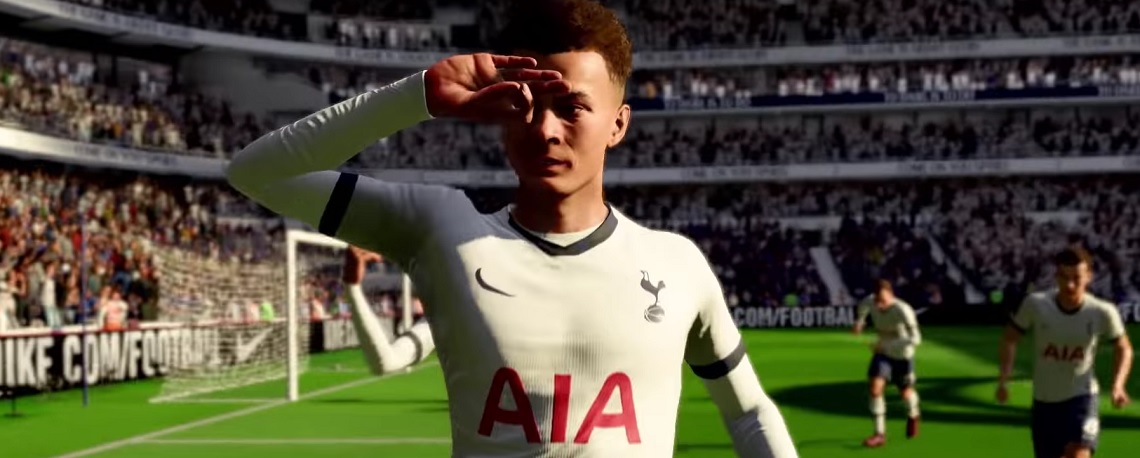
In FIFA 20 you can now play the demo. Here are 5 tips on what you can test in the demo version on PS4, Xbox One, and PC.

The demo is available: Since the afternoon of September 10th, you can download and install the FIFA 20 demo. It is available on PS4 through the PS Store, on Xbox One through the Xbox Store, and on PC through Origin.
You can now try the demo version to kick a few nice matches and pass the time until the release of FIFA 20. Or you can make the most of it! We have 5 tips for you on how you can take advantage of the demo.
Tip 1: Get familiar with the gameplay
You can test: Every year EA Sports tweaks the gameplay a bit, so the feeling of the game differs from the predecessor. What often led to success in FIFA 19 may hardly be useful in FIFA 20.
- Check out the new ball feel. The ball is supposed to move more naturally in the air and on the ground in FIFA 20 thanks to new ball physics.
- Practice how to defend best in FIFA 20. While many players left the defending to the AI in FIFA 19, manual defending is supposed to pay off again in FIFA 20. Also, the balls should not bounce directly back to the opponent in tackles, making well-timed challenges more important and better than the year before.
- Observe the AI behavior. Thanks to revamped positioning, AI players are supposed to behave more intelligently than before. Test several formations to find out which suits your playstyle and which you can then start the FIFA 20 season with.
- Practice the shot timing. This is supposed to be more difficult to time in FIFA 20 because the green area is tighter.
Keep in mind that the gameplay may change until the release or even after the release. EA Sports will continue to work on it. The demo is an early build of FIFA 20.
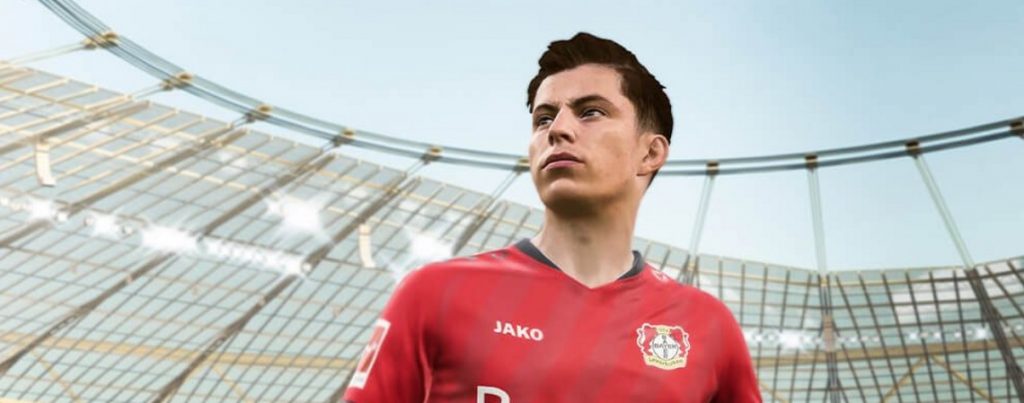
Tip 2: Practice the new celebrations in the demo
You can test: In FIFA 20, there are some new celebrations that you can already try out in the demo. You might discover one that you want to show off to your opponents after scoring a goal.
3 cool new celebrations:
- Spinner Frog – Hold L2, rotate the right stick counterclockwise in a circle (Hold LT, rotate the right stick counterclockwise in a circle)
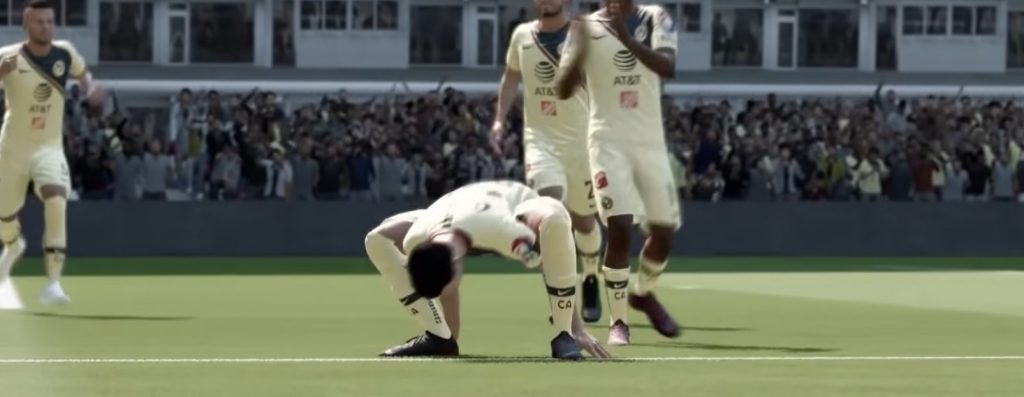
- Scissors – Hold L1, press square once (Hold LB, press X)
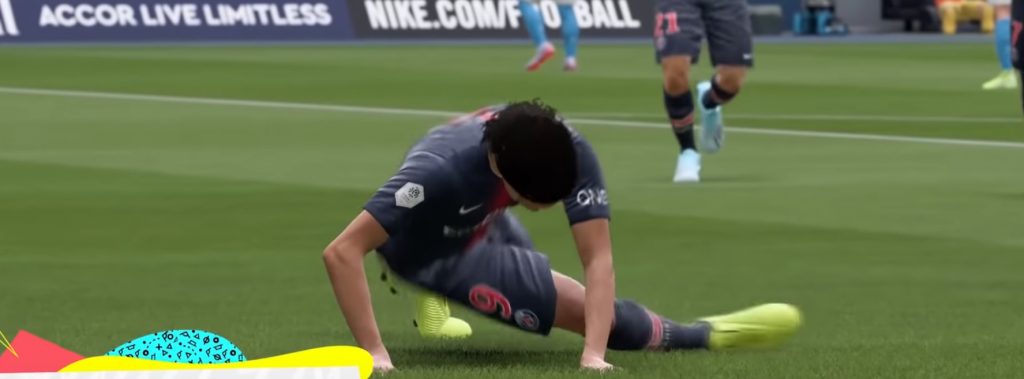
- Pigeon – Hold R1, press R3 (right stick in), (Hold RB, press right stick in)
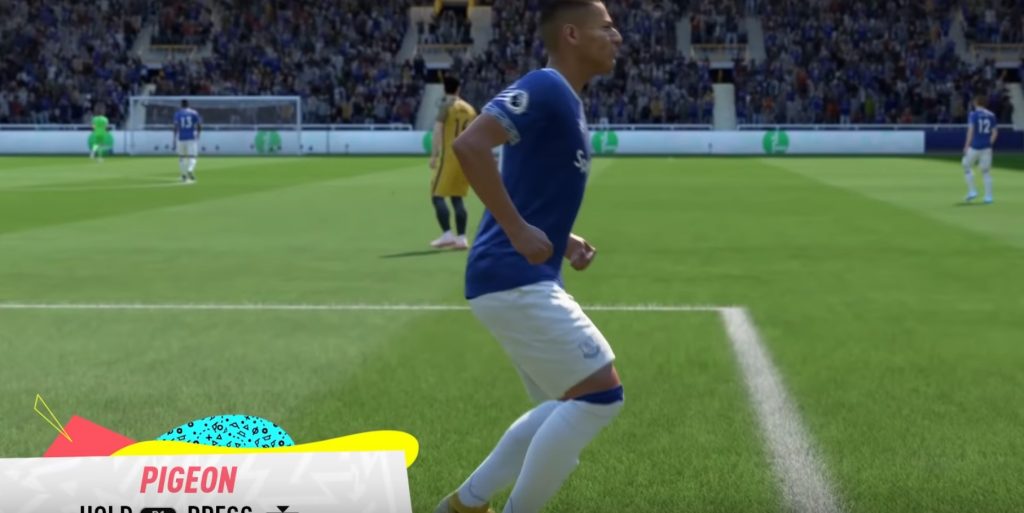
You can find all the other new celebrations here with button combinations:

Tip 3: Try new skill moves
You can test this now: While in FIFA 19 some skill moves, like La Croqueta or the “El Tornado” cross, were extremely effective, this is supposed to change in FIFA 20. One of these skill moves may become powerful:
- Lateral Heel to Heel: For this, you need at least a 3-star skill player. You execute it by holding L1 (LB) and then moving the right stick left and then right (be aware of the player’s running direction – doing it right then left is also possible). In this skill, the ball is moved from one heel to the other and then kicked in the direction the player is moving quickly.
- Flair Roulette: For this skill, you need at least a 4-star skill player. It is a new version of the roulette move, where the player briefly pulls the ball back and while turning the body, continues to play the ball almost in the same direction. It looks pretty cool. You perform it by holding L1 (LB) and rotating the right stick from back to front by 180 degrees.
- Setup Touch: This is a special move that all players – including goalkeepers – can perform. It only requires one star. You simply set the ball to the left or right in front of you. For this, you just need to hold R1 (RB) and press the right stick left or right. Pressing forward or backward will also make the player perform animations to place the ball in the respective direction.

Tip 4: Try free kicks and penalties
You can test: Free kicks and penalties in FIFA 20 differ significantly from those in FIFA 19. So use the demo to familiarize yourself with it.
In FIFA 20 you get a target aid in the form of a white circle, which sets the direction of the shot.
Additionally, you can put a spin on the ball with the right analog stick to influence its flight path. Here you see how to move the right stick for different spin animations:
Experiment with this a bit and see which standard executions are especially effective. You can find a tutorial for it here:

In the demo, while no skill games can be directly selected, sometimes before a match, there may be a penalty practice where you can try the penalties multiple times. The same goes for free kicks.
Tip 5: Check out Volta
This is the tip: Finally, here’s a tip: Don’t just play the classic 11v11 in Kick-off mode, but also check out Volta.
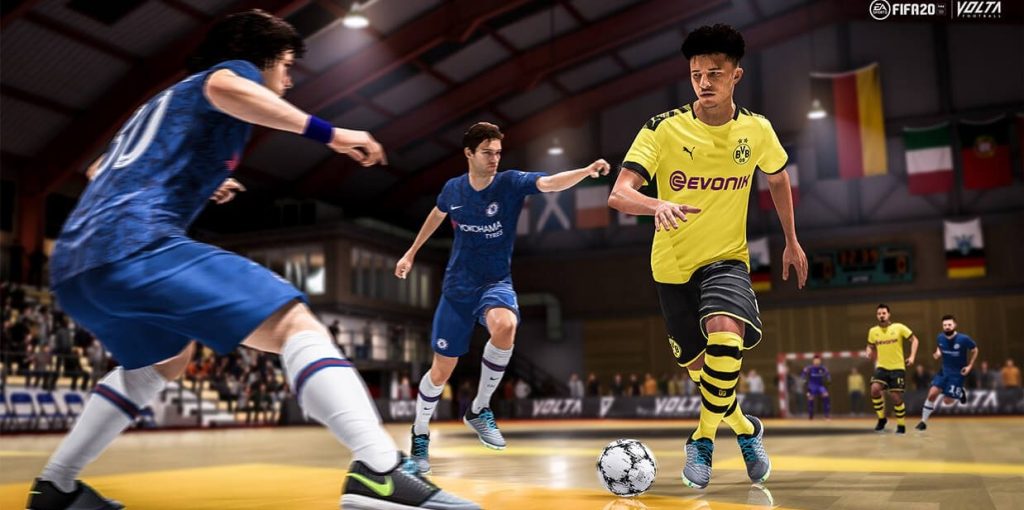
Volta is the big new feature in FIFA 20 that allows street football, small fields, and 3v3, 4v4, and 5v5 matches. Many fans have wished for such a “FIFA Street” return.
Volta feels very different from the 11v11 matches, yet it should be more realistic than FIFA Street once was. In the demo, you can play a 3v3 after a short cutscene.
Do some of the unique wall celebrations that only exist in Volta. Just run to a wall after scoring a goal.
You can find all the information about Volta online here.

More tips:
- During a match, go into the menu, select “Trainer” and turn it off or adjust it under “Mode”. Under “Review & Game Mechanics” you can turn off everything except for the shot timing display. This way you won’t constantly have annoying button recommendations on the screen.
- In the menu under “Settings” and then “Game Settings” you can switch the camera. Many FIFA players prefer “Tele” or “Broadcast-Tele” and adjust the camera height for a better overview.
- Additionally: On PS4, you can challenge your friends online. Here’s how.
With the web app, you can soon prepare for FUT 20:

You can find the fastest players in FIFA 20 here.

Your opinion is important to us!
Do you like the article? Then let us know!