

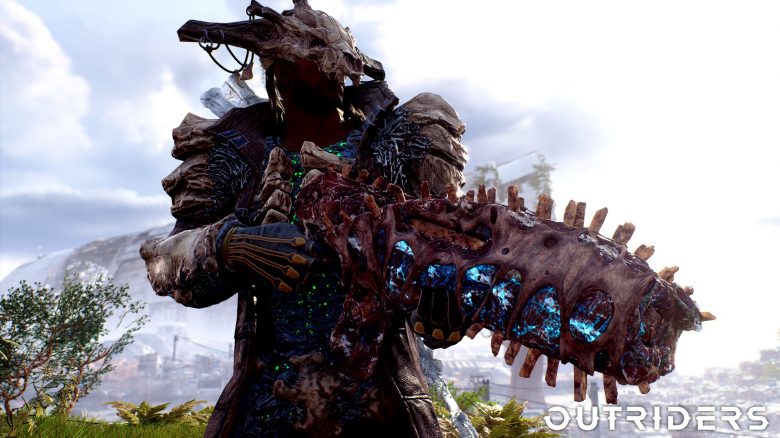
With the release of Outriders, many new players are now entering the co-op shooter. Therefore, we provide you here on MeinMMO with 5 quick tips for getting started.

What is Outriders? Outriders is a third-person shooter that you can play alone or with up to three players. The game is developed by People Can Fly.
There is a story campaign as well as extensive loot and RPG mechanics, such as the four classes you can choose from. You can find more information about the game in our overview of Outriders: Release time, classes, system requirements – All info about the loot shooter
When does Outriders come out? The official release is today, April 1st, but at different times. The game is releasing for Google Stadia, PC (Epic and Steam), Xbox Series X|S, Xbox One, PS4, and PS5. We have already summarized some early impressions for you: Early impressions praise Outriders: “Challenging but never unfair”
Especially for newcomers, it can often be confusing at the beginning to make sense of the numerous systems. To help you get started, we have here 5 quick tips for you that hopefully make the start in Outriders easier.
Outriders has no items for healing
Unlike most other loot shooters and RPGs, Outriders offers no healing items at all. There is an automatic health recovery, but it only restores a small amount and only if you are not hit.
This is how you heal instead: Each of the four classes in Outriders has its own healing mechanic, which also greatly influences the gameplay.
- The Technomancer heals through the damage he deals with skills and weapons
- The Pyromancer heals when enemies marked by his skills are killed
- The Assassin regenerates health points through melee kills
- The Devastator recovers by enemies dying in close proximity
With this system, Outriders takes an offensive approach, as you generally need to play aggressively and stay in motion to heal continuously.
- Here you can find a general overview of the classes of Outriders: Everything we know so far about the 4 character classes.
- You can also participate in our survey: Which class of Outriders will you play at launch?
Unlock and use crafting
Here’s why it’s worth it: It pays off early in the game because of world tiers. The higher the world tier, the harder Outriders becomes. At the same time, however, there are corresponding rewards. Therefore, you can start working on your builds early, for which the crafting system is essential.
These functions are offered by crafting: You can
- improve the rarity level
- increase attributes
- exchange modifications
- switch weapon variants
- increase the level of gear
By dismantling gear, you can extract the mods and add them to your collection. Once you have unlocked crafting, you can combine your equipment according to your preferences and refine your builds.
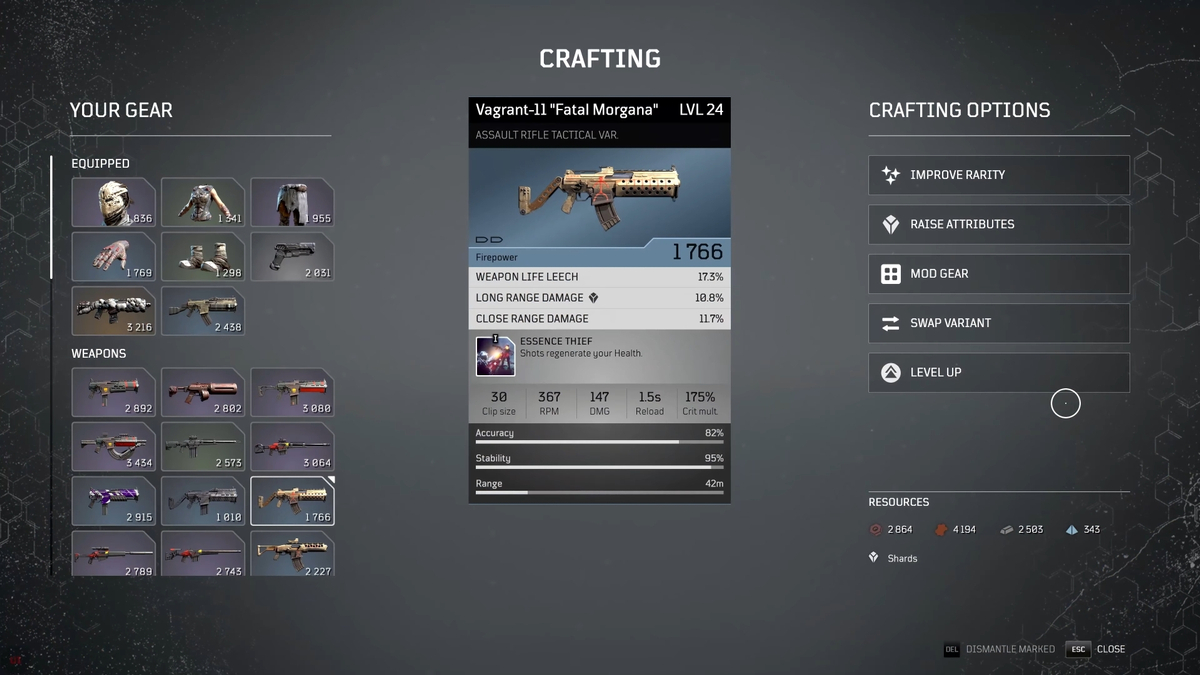
When will crafting be unlocked? After the first chapter of Outriders, which is also playable in the free demo, you will set off for the First City. There you will meet Dr. Zahedi. You will need him to modify your gear.
We will create a comprehensive crafting guide for you. But what resources do you need for crafting?
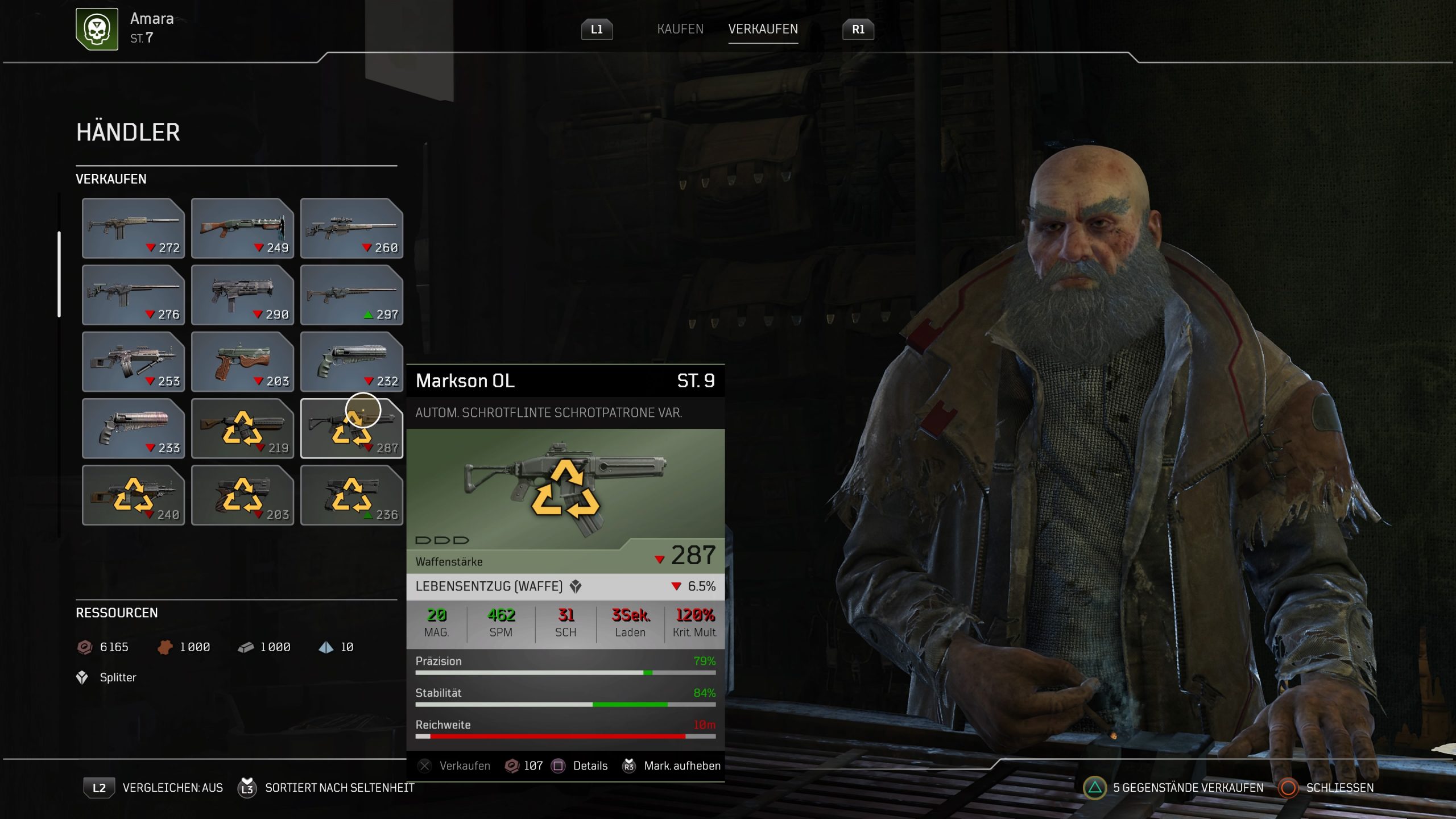
What you need to know about resources
In Outriders, scrap is the standard currency with which you can buy weapons and armor from vendors. You receive scrap through mission rewards and by selling loot. Additionally, there are more resources like iron and leather that you obtain by dismantling gear.
How to get the most important resources: Therefore, it is worth collecting as much loot as possible. This is easiest by repeating missions and looting chests. The contents of the chests are reset every time you reselect the desired story point in the main menu.
You can also repeat side missions that give you extra loot as a completion reward. Although you can’t get legendary weapons from the chests, you will receive a large amount of gear. You can either use this, dismantle it for resources, or sell it to vendors.
The guides are quite helpful
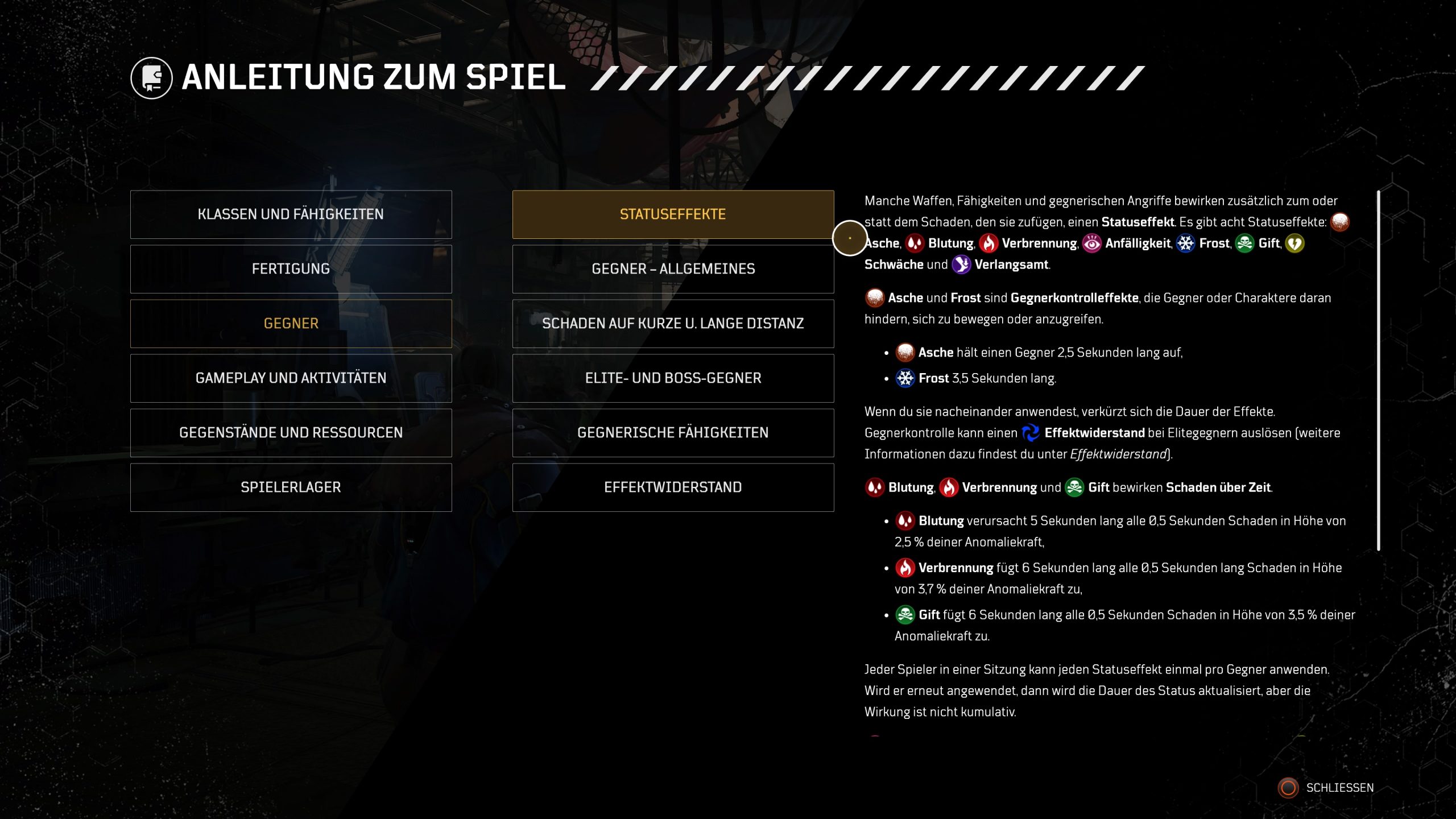
Outriders has numerous values and status effects that are important for combat. Those who are new often do not know which status values have what effect.
There are also various types of damage and effects that impact you and your enemies. Therefore, you should utilize the extensive in-game guides. These list all important information about status effects and also provide other useful explanations.
Where do I find the guides? You just need to switch to the main menu in the game. From there, go to Guides and find the different categories. This is what it looks like when you search for status effects:
Activate automatic pick up
In Outriders, you will constantly receive equipment and weapons. However, on the battlefield, it can happen that you miss a drop. With the automatic pickup feature, you can avoid that. The option ensures that all loot is automatically picked up once you die or leave the region.
How does it work? In the Options menu, you will find the toggle option for automatic pickup under the “Gameplay” category.
There you can determine the rarity level and set which loot is automatically picked up. This is what it looks like:
By the way: You can also pick up all loot lying around with the press of a button. On consoles, this is done with the Down button on the D-pad, and on PC with “H”.
If you aren’t sure whether Outriders is for you, you can also try the free demo. Your progress can even be carried over to the main game. You can
Are you already playing Outriders? Do you have other helpful tips? Feel free to let us know in the comments or participate in our survey: Outriders is finally here! Will you play the new co-op shooter?

Your opinion is important to us!
Do you like the article? Then let us know!