

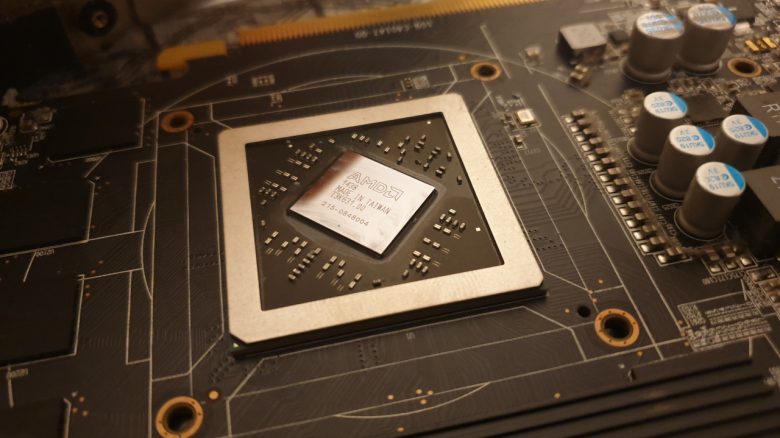
Your graphics card is incredibly loud when you play demanding games? MeinMMO author Benedikt Schlotmann had this annoying issue and has now cleaned his graphics card. And it has definitely paid off.
If you don’t feel like investing thousands of euros in a new graphics card at this time, then you are forced to play on an older graphics card.
But one thing has really driven me crazy over the past few weeks: Whenever I play a more demanding game, my installed graphics card starts making a terrible noise. The fans ramp up significantly and easily reach 3000 RPM.
Some of you may know this from your PlayStation 4, which can also become very loud. And it’s really annoying when you want to play, but next to you, the PC or console sounds like an airplane. You can also do a lot against a loud PS4, such as cleaning the console properly.
This was my plan: Since the noise was annoying me, I invested in new thermal paste for about 5 euros and also grabbed my screwdriver set. My goal was to thoroughly clean the graphics card and see if the effort was worth it.
In the following section, I will explain how I went about it and whether the effort and the investment of 5 euros really paid off.
Replacing the thermal paste on the graphics card takes about 30 minutes
This is how I proceeded:
- First, I removed my graphics card from my desktop PC.
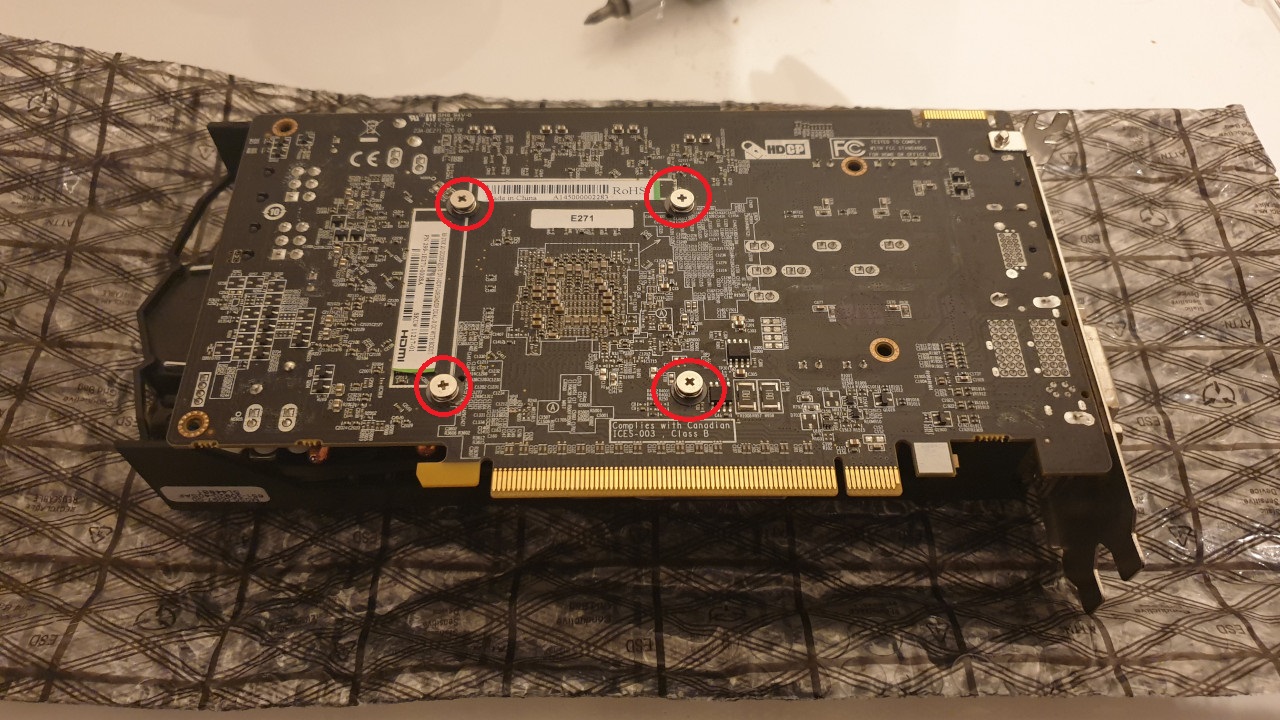
- Then I removed the four screws on the top of the graphics card. Now I could detach the circuit board from the cooler.
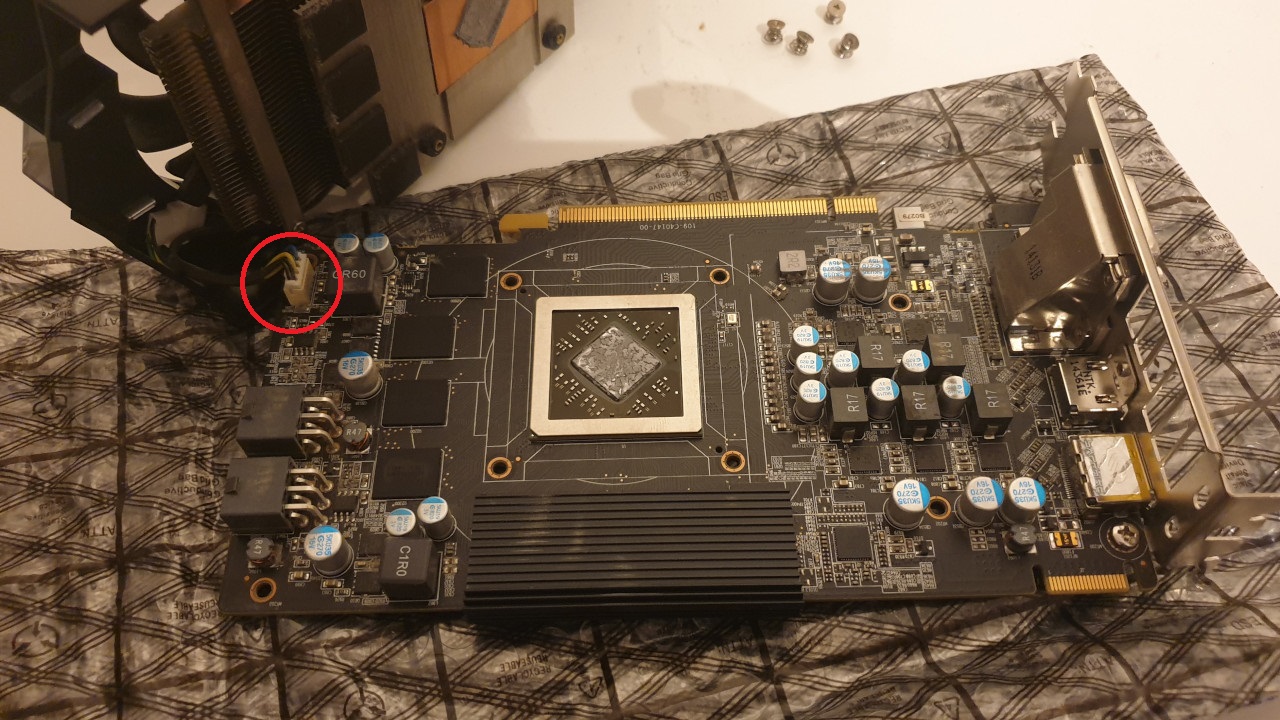
- Here I had to be extremely careful because the cooler is attached to the circuit board with a small cable.
Now I could remove the thermal paste from the graphics chip and the fins. I used cotton swabs for this.
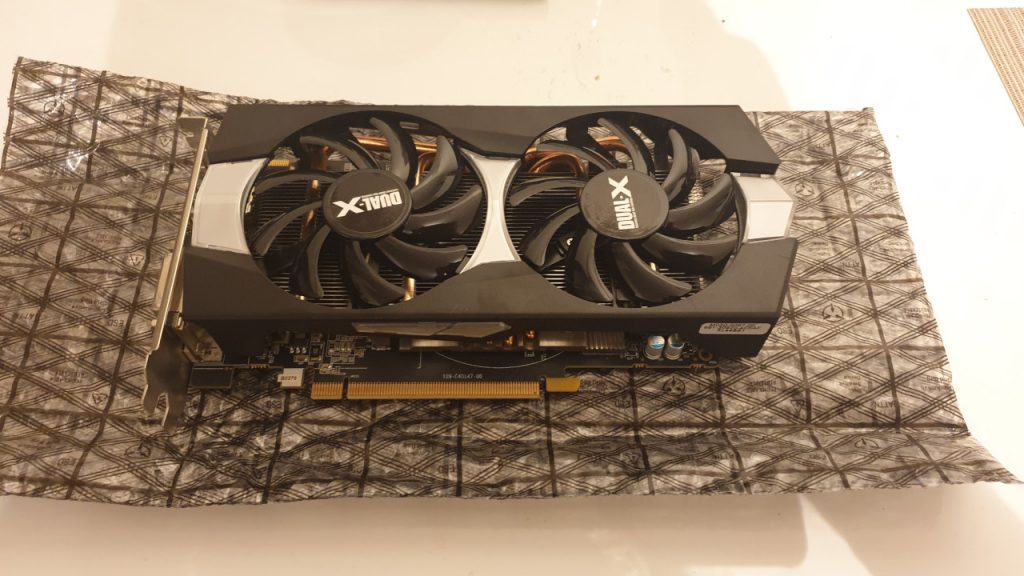
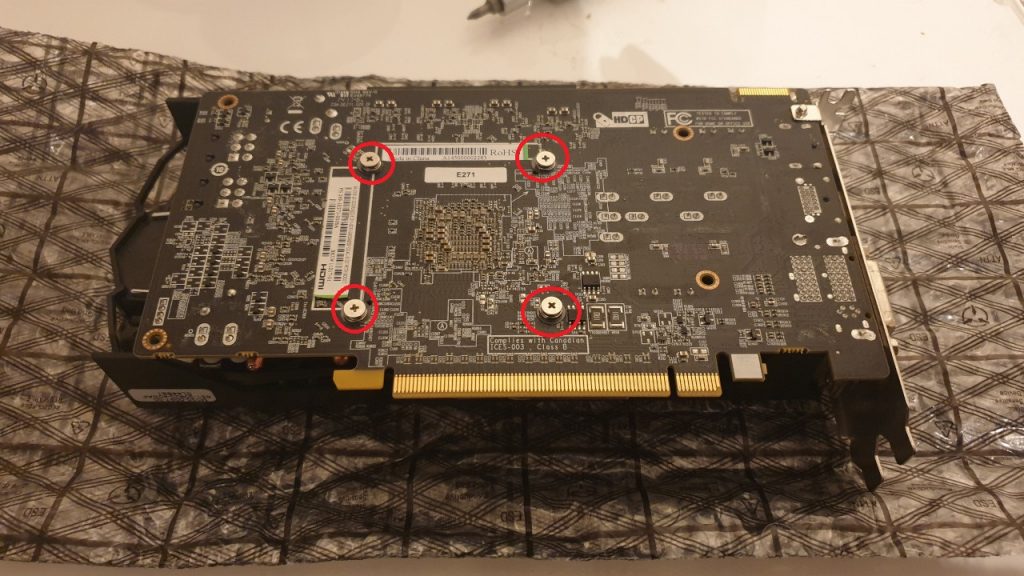
The four screws had to be removed
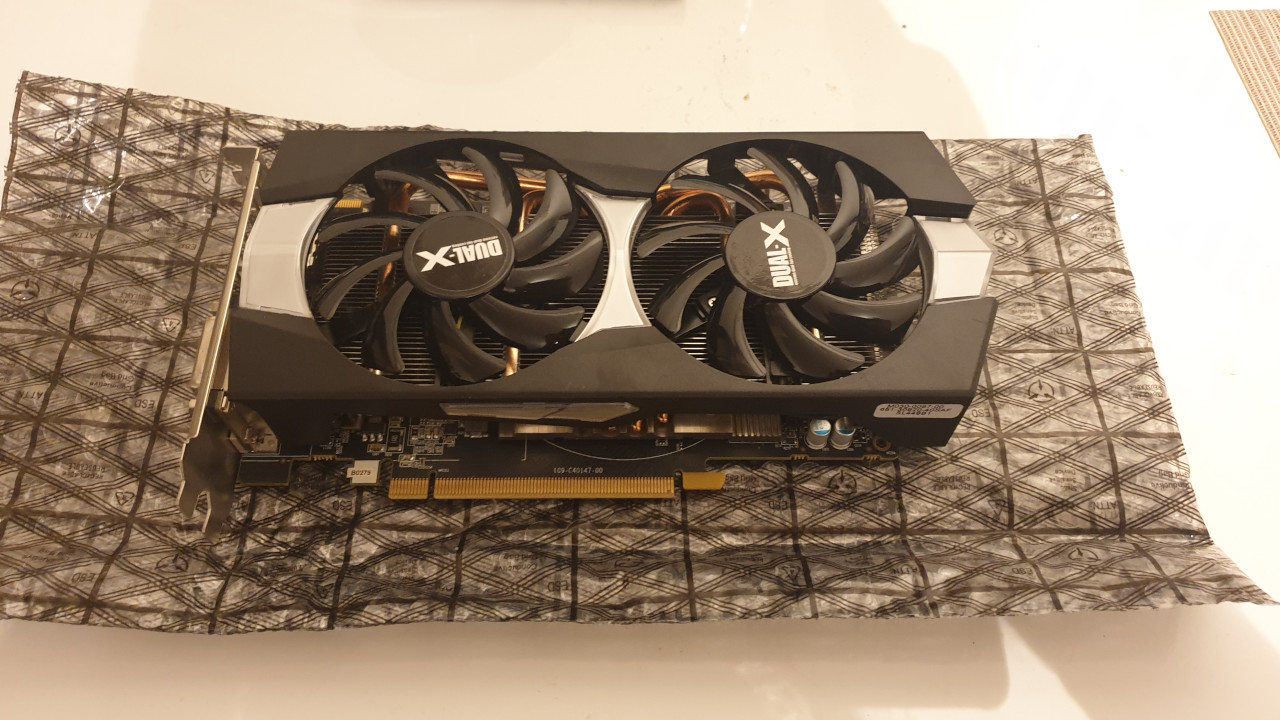
After that, I could apply the new thermal paste. There’s really no significant difference to a processor. The thermal paste is applied similarly to the graphics card, and you should use less rather than more.
Then I reassembled the graphics card, placed the cooling system back on the graphics card, and then tightened the screws. I had to be careful with the cable again.
Was it worth the effort? Yes, fundamentally, the effort to replace the thermal paste on the graphics card was indeed worth it.
- Under heavy load, the graphics card now reaches 73 to 74 degrees instead of 78 degrees.
- The fans of the graphics card now turn at a maximum of 2500 RPM and no longer around 3000 RPM. The noise level has dropped significantly.
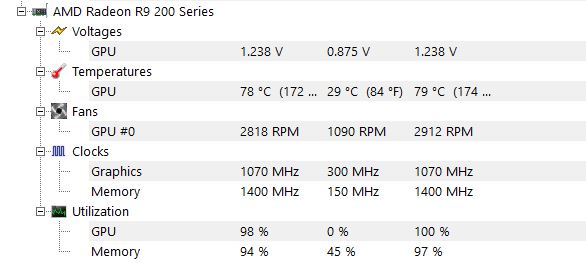
Radeon R9 270 without cleaning 
Radeon R9 270 with cleaning
If you compare the pictures I took with the small tool HWMonitor, you can clearly see that the numbers under load have improved significantly.
While the graphics card previously reached close to 3000 RPM under load (2912 in the picture), it now maxes out at 2543 RPM. This difference is noticeably apparent when gaming.
If you want to see how to disassemble, clean, and then reassemble a graphics card, check out the following video from Gamers Nexus. The well-known YouTube channel has demonstrated how to proceed best:
It can definitely be worthwhile to clean a graphics card
Should you do it? You should definitely not do this if your graphics card is still quite new and you still have a warranty on it.
However, very old graphics cards often have already reached their “end of life.” The graphics cards are no longer manufactured.
But if you have been using your graphics card for years and the warranty has long expired, it can definitely be worth it to open the graphics card and replace the thermal paste. The effort for me was around 30 minutes and the costs are absolutely minimal.
You should consider: Every graphics card looks different, and my graphics card was just an example. In my case, I had to remove 4 screws to get to the graphics card circuit board. In some cases, however, you may need to remove significantly more screws – especially if you have a specific model with a backplate.
In addition, you can also replace the thermal pads on the graphics card, which are often found on the cooling system as well. I actually spared myself that effort. Here you’d incur an additional cost of around 10 euros if you want to buy new thermal pads.
On YouTube, you can find a video for almost every graphics card showing how to properly disassemble and clean the card.
If you feel like cleaning your graphics card now: Be aware that you do this at your own risk. MeinMMO takes no responsibility for any damage you cause.
And if you have already bought a new graphics card, maybe your old graphics card is worth more than you think:
Your old graphics card may now be worth more than you think

Your opinion is important to us!
Do you like the article? Then let us know!