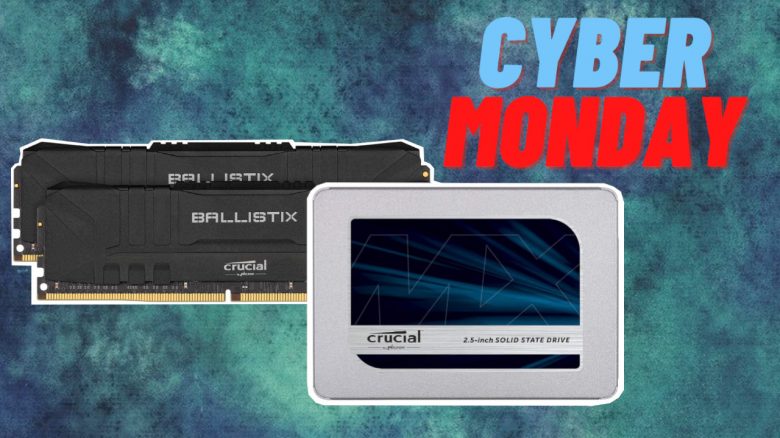
Are you looking for some useful tips to conclude Black Friday and Cyber Monday? MeinMMO presents the 4 best tips on how you could upgrade your setup.
Soon, the major deals for Black Friday, Cyber Week, and Cyber Monday will be over. We present you with a handful of options where you can save money if you want to upgrade your system.
It’s definitely worth updating your system gradually rather than spending hundreds of euros at once. In our article, we present 4 options you can consider if you’re looking for useful ideas.
Gaming Monitor with Full HD
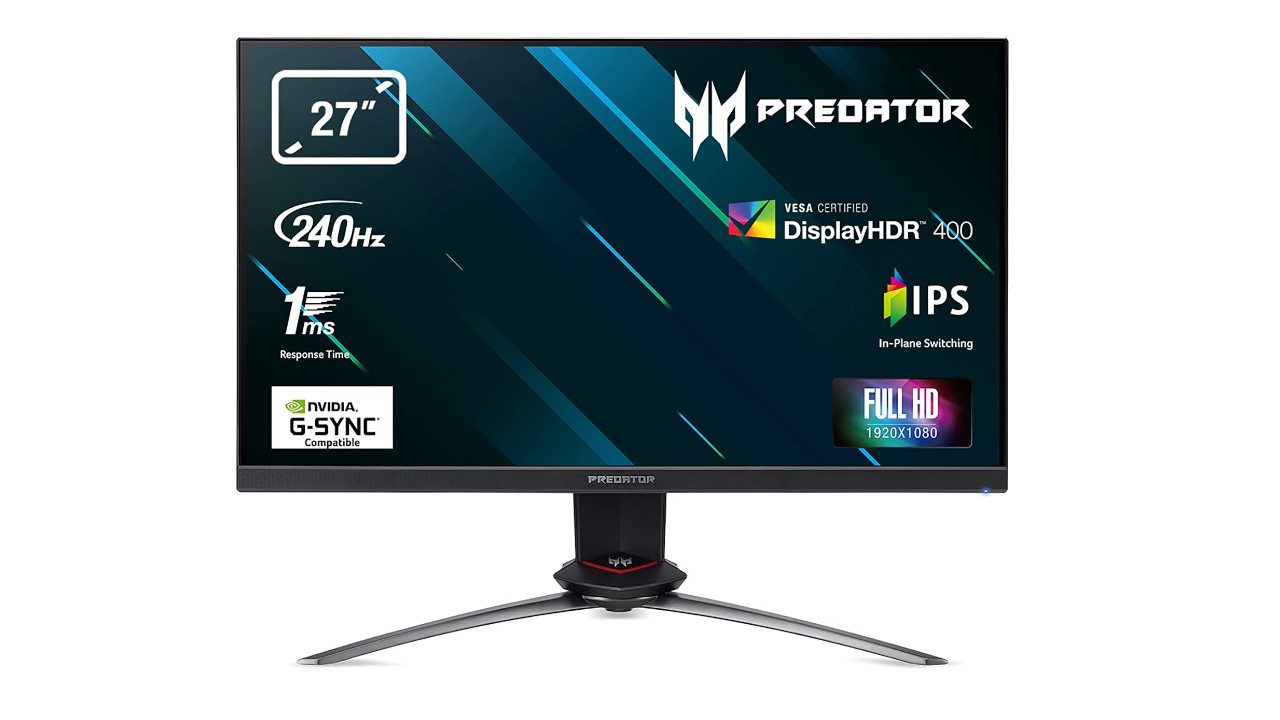
If you’re currently looking for a second monitor for your gaming PC, you might find something on Amazon thanks to Black Friday.
With the Acer Predator XB253GX, you currently get an excellent gaming monitor on sale that offers a lot of features.
The gaming monitor is among the best devices available in the Full HD range. In addition to a comprehensive set of features like plenty of ports and a USB hub, you also have the chance to dip into the world of HDR and even try out the new Windows 11 feature Auto-HDR.

The monitor is worth it for those of you who enjoy playing shooters or other games where you want high FPS numbers. Thanks to high FPS, the game not only looks good, but you also benefit from an extremely smooth display, which can give you an advantage in competitive gaming.
| Preview | Product | Rating | Price | |
|---|---|---|---|---|

|
Predator XB253QGP Gaming Monitor 24,5 Zoll (62 cm Bildschirm) Full HD, 165Hz, Fast LC 2ms (G2G),... | Zu Amazon |
*Affiliate-Links. Wir erhalten bei einem Kauf eine kleine Provision von Amazon. Vielen Dank für Eure Unterstützung!
SSDs and Hard Drives for PC, PS4, and PS5
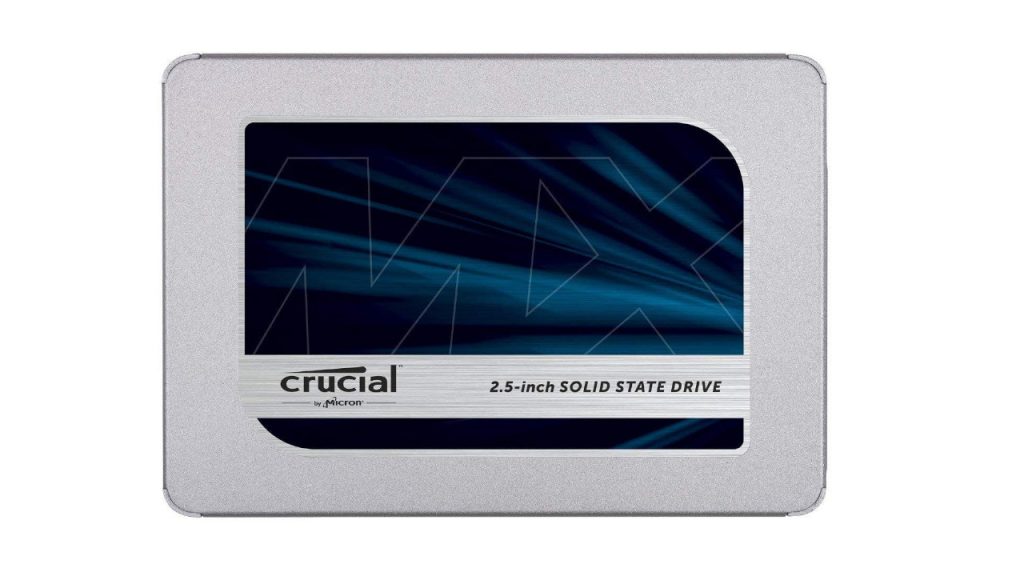
If you don’t have an SSD in your computer yet or need more fast storage, then Black Friday and Cyber Monday could be worth it for you. Currently, you can find several SSDs from different manufacturers on sale.
Internal M.2 SSDs are especially worthwhile for you if your motherboard offers a suitable interface for it. Currently, you pay around 70 euros on Amazon for 1 TB (as of November 29, 2021).

*Affiliate-Links. Wir erhalten bei einem Kauf eine kleine Provision von Amazon. Vielen Dank für Eure Unterstützung!
If you don’t have an interface for an M.2 SSD, you can also install internal SSDs. These offer similarly high speeds and can be easily installed in almost any system.
An internal SSD is also worthwhile for people who still game on their PlayStation 4 (PS4) and want a larger storage upgrade from the old HDD.The best SSDs you can get for your PS4 and PS5 have already been presented on MeinMMO.


*Affiliate-Links. Wir erhalten bei einem Kauf eine kleine Provision von Amazon. Vielen Dank für Eure Unterstützung!
RAM
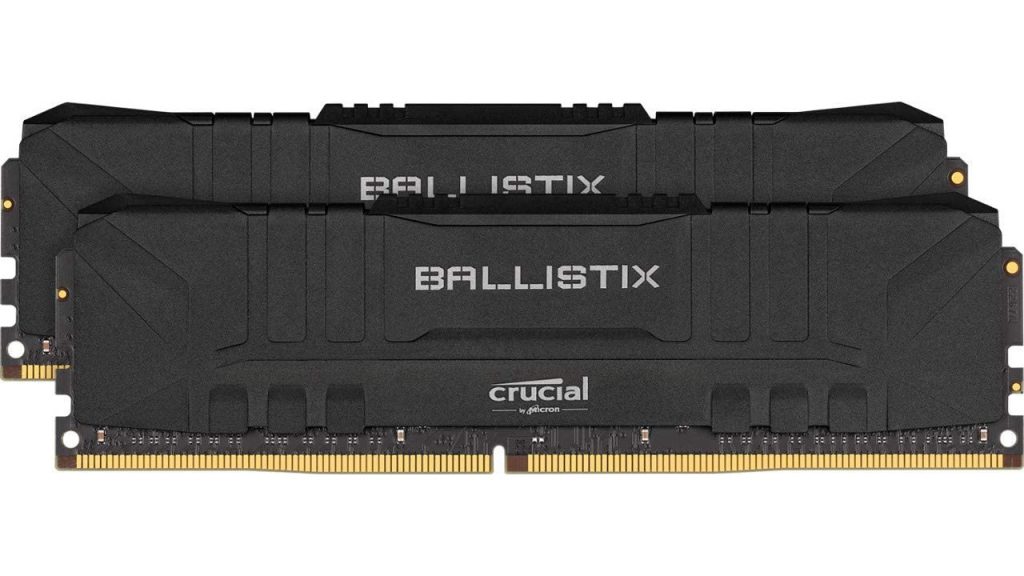
Upgrading your RAM could be particularly worthwhile if you have only 8 GB or even 4 GB installed in your computer.
8 GB of RAM should currently be the absolute minimum you have in your gaming PC. 16 GB is currently the best choice. While 32 GB is more future-proof, most of you probably don’t need that much yet.
Currently, you can find both plain black RAM and RGB RAM on sale – depending on what you prefer for your system.

*Affiliate-Links. Wir erhalten bei einem Kauf eine kleine Provision von Amazon. Vielen Dank für Eure Unterstützung!
Microsoft 365 Family with 1 TB Cloud Storage
Do you have an Office subscription running or are you considering purchasing one? Then Microsoft 365 Family for just under 50 euros is currently worth it. Because the family package includes not only Word with all its features but also additional features like 1TB OneDrive cloud storage.
This is especially worthwhile if you frequently and happily use cloud storage. Because currently, if you share the license with 4 other people, you pay around 10 euros for 1 TB of cloud storage per year. You currently can’t find cloud storage anywhere at this price.
Currently, you can even get 15 months of Microsoft 365 Family for 49.99 euros, including Norton Deluxe. It doesn’t matter if you share the subscription with friends, family members, or colleagues.
What’s important is that you need to be careful during activation, as Microsoft aggressively tries to convince you to continue using Office 365 at full price after one year. You can turn this off somewhat cumbersome and you should do so if you don’t want to pay 100 euros per year.
- You go to the overview page office.com/myaccount
- Then go to manage billing. This will take you to the activation page.
- Here, select “Redeem card or code” and use the code you received from Amazon upon purchase.
- Keep the “Recurring billing” option disabled.
| Preview | Product | Rating | Price | |
|---|---|---|---|---|

|
Microsoft 365 Family | 12+3 Monate, bis zu 6 Nutzer | PC/Mac & mobile Geräte | bis zu 6 TB... | Zu Amazon |
*Affiliate-Links. Wir erhalten bei einem Kauf eine kleine Provision von Amazon. Vielen Dank für Eure Unterstützung!
More tips for Black Friday and Cyber Monday: If you are looking for some good ideas to conclude the big discount campaign, take a look at the following article. Here we present some insider tips for Black Friday that might be worth it for you if you don’t want to spend more than 100 euros.
5 insider tips for Black Friday if you don’t want to spend more than 100 euros