

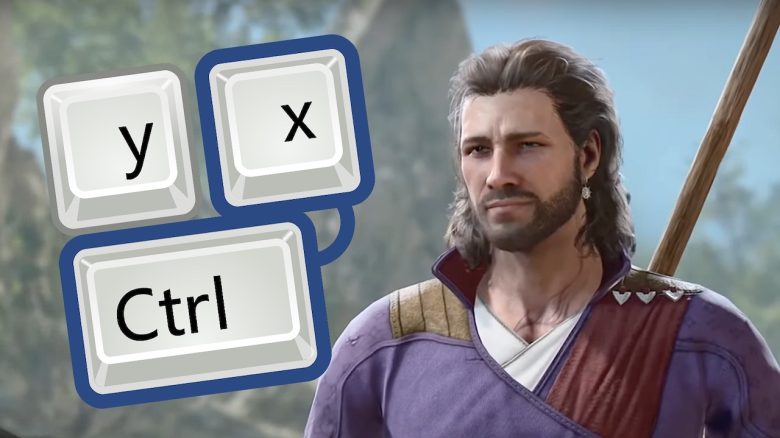
Baldur’s Gate 3 is a relatively complicated game that reveals little about itself. You have to try things out for yourself and improve through the learning effect, not only in combat but also with the controls. We will show you 3 hotkeys for PC that you should know on your journeys.

What are hotkeys? On PC, there are shortcuts known as hotkeys. These are key combinations that allow you to perform actions faster that usually require multiple mouse clicks. Well-known examples are CTRL + V or + C – copy and paste.
In Baldur’s Gate 3, there are also such shortcuts that allow you to execute commands and lead your party better. These shortcuts that we are about to show you were found by ingenious Reddit users, who are now meant to make your life easier.
Are you looking for tips for Baldur’s Gate 3? Then we have the suitable video for you:
Shift + C
What can the command do? With Shift + C you and your entire party of companions can switch to stealth mode. In this mode, you make little noise. Additionally, you can surprise your opponents in combat and attack them from ambush, as ideally they do not see you coming.
F1 to F4
What can the command do? With F1 to F4 you can switch between your companions in the party to react faster in critical situations.
G
What can the command do? With G you can split your group or bring them back together. This can be especially useful in fights or when scouting areas, as it prevents you from sending all companions into critical situations.
If you are engaged in a fight with 2 players, your separated members could support from ambush, thus having an “unfair” advantage over your enemies.



But not only shortcuts can help you in Baldur’s Gate 3. There are countless ways to approach the game. Our MeinMMO editor Benedict Grothaus reveals where you can get a burning sword right at the start of your journey; you just need to be clever or cowardly.

Your opinion is important to us!
Do you like the article? Then let us know!