
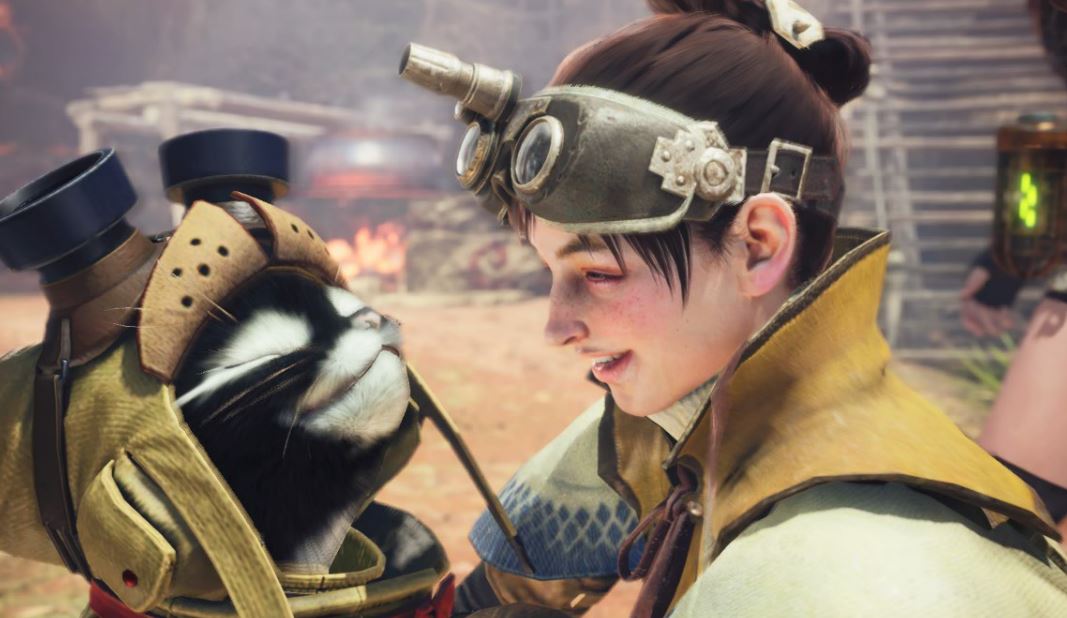
Monster Hunter World received update 5.2 on PC. This comes with a “High Resolution Texture Pack.” The free DLC increases performance and improves graphics.
What does the update do? The patch brings several new features. Among them is a free DLC that players can now download on Steam: The “High Resolution Texture Pack.” The link leads directly to the DLC.
With the expansion, all textures in Monster Hunter World are replaced with high-resolution textures. But beware: The package requires at least 40 GB of free storage space and 8 GB of graphics memory (VRAM).
Here is where to find the package in the game: Those who downloaded the package must go to “Main Menu > Options > Display > Advanced Graphics Settings.” Here, the texture quality can now be adjusted.
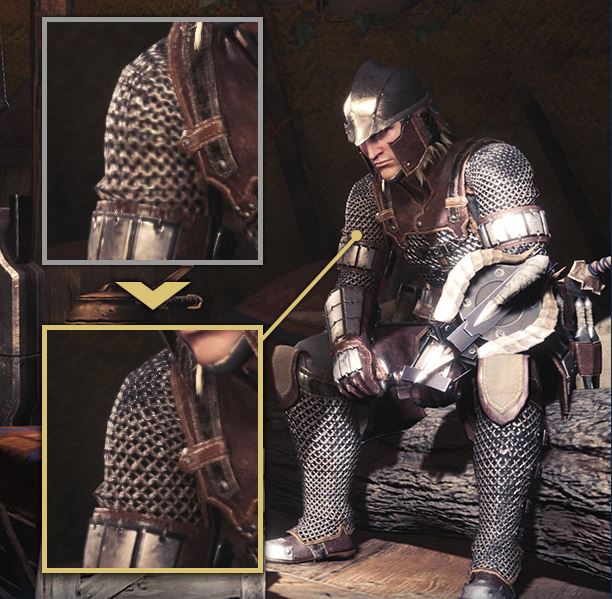
Does the texture DLC really improve graphics?
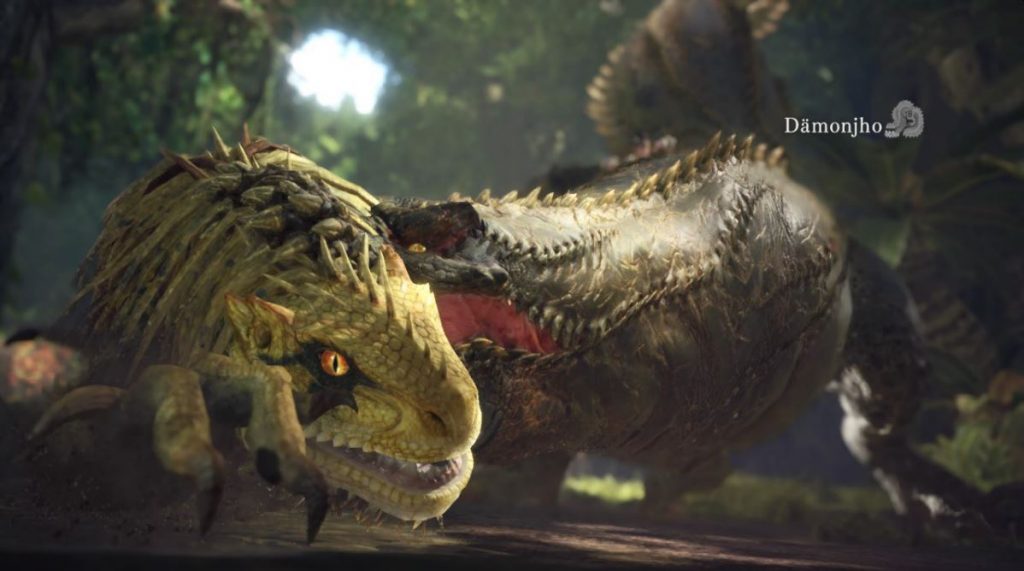
Players react positively: The DLC is well received by PC players in the first hours. Only the size of the DLC is criticized. There are already first comparisons online showing that the textures indeed look less blurry.
On Steam, the DLC has mostly positive reviews so far (04.04.2019, 15:00). In the comments about the DLC, it is mentioned that Monster Hunter World now looks much better. This is particularly noticeable with the armor and animals.
In this comparison video, the “High Resolution Texture Pack” was used on the right side.
Update optimizes controls, brings new features
What else is changing? Update 5.2 improves controls with mouse and keyboard. This is stated in the patch notes:
– A new mouse control type has been added that makes it less likely to move accidentally when controlling the focus camera with the mouse.
With the newly added Type 2, you can switch between monster parts by holding the aiming button and using the scroll wheel when you have a monster targeted. This type of control also takes longer to disengage the focus camera.
Select Main Menu > System > Options > Controls to customize the controls.
– A new camera control category has been added to the keyboard settings.
Camera control was previously limited to the keys O, K, L, and +, but can now be assigned to other keys by accessing Main Menu > Options > Key Configuration.
- Additionally, players now receive a list of all items obtained on the rewards screen when they complete a quest and select “Take All” and
- a “Friends can join” option has been added to private sessions.
There are also bug fixes: The new PC update resolves several bugs in Monster Hunter World.
For example, there was a bug that caused the player’s character to be represented with a similar texture resolution as NPCs. However, the player character should always have high-resolution textures. This has been adjusted.
Here you can find the full patch notes on Steam for update 5.2, which lists further bug fixes.


Your opinion is important to us!
Do you like the article? Then let us know!