

Gaming and getting paid for it? It’s possible! As a streamer on Twitch, you can increase your income or even make a living from it. We explain what you need for it and even have some tips from the pros!
What is Streaming?
Streaming refers to the playback of recordings in real-time. On Twitch, this specifically means: the streamers play video games, record themselves, and allow others to watch them via direct video connection.
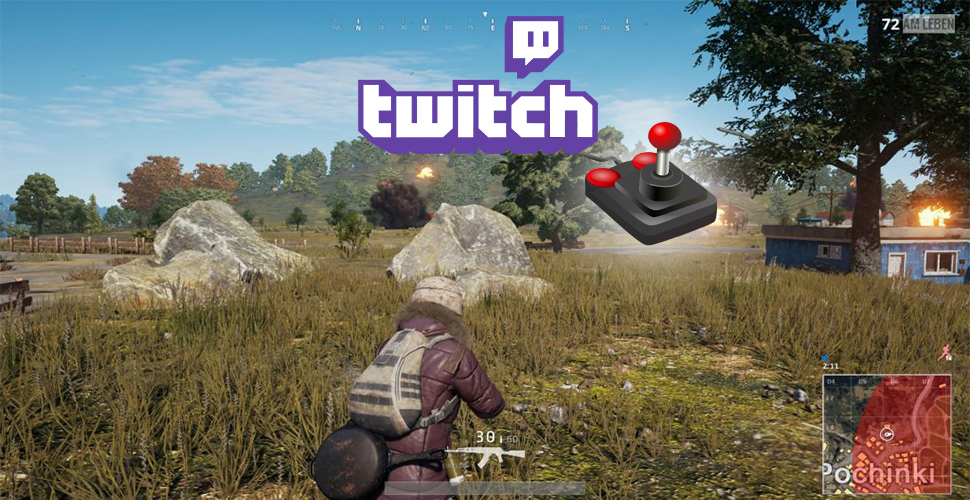
What exactly the streamer shows is up to him, as long as it adheres to the rules of the streaming service. Shooters and MOBAs are some of the most popular channels, but board and role-playing games are also offered by streamers.
The platform where most streaming currently takes place is Twitch. Twitch belongs to Amazon, has been in business for years, and is the dominant player in the industry. From small hobby streamers to large professional channels and even companies and broadcasters, you’ll find everything here.
How do I become a streamer on Twitch?
To start your career on Twitch, you need 5 things:
- A Twitch account
- Streaming software
- A computer with gaming accessories
- A good internet connection
- An idea
You can get the account, the software, and the idea for free – for the rest, you’ll probably need to dig into your pockets. But it’s ultimately an investment that should pay off sooner or later.
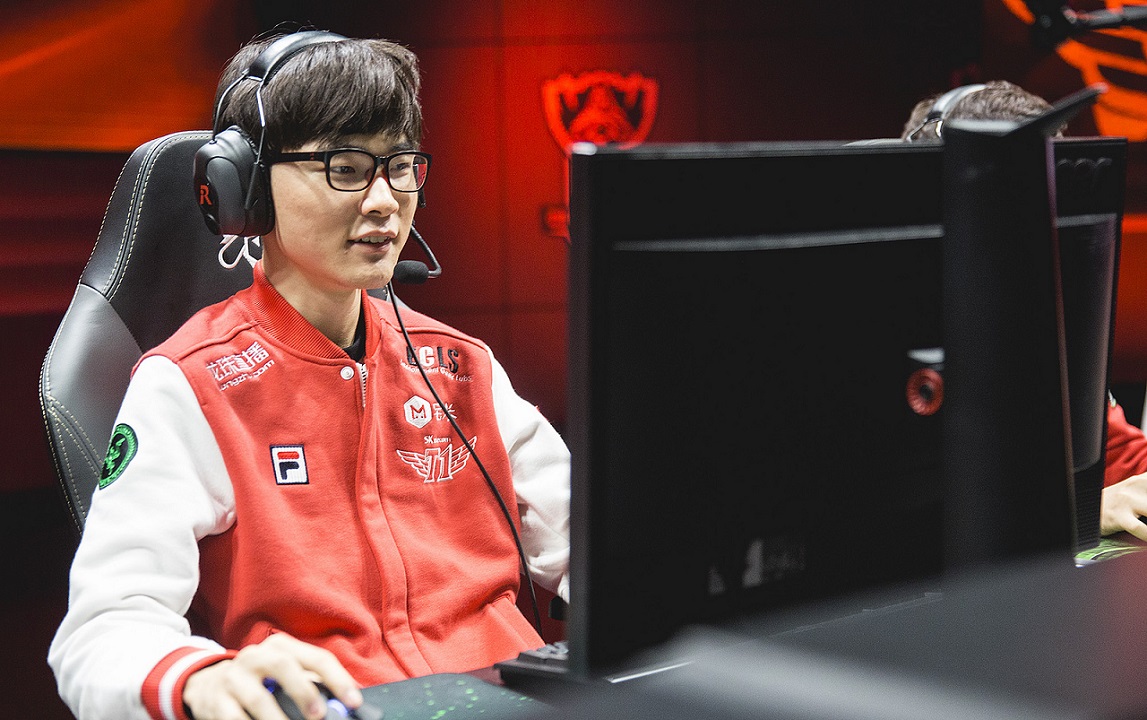
At this point, it must be said: Successfully streaming is work! If you just want to game a bit and show it to a few people, basic hardware is perfectly sufficient. But if you want to stream professionally, it means that you’ll need sometimes very expensive peripherals and the willingness to put in the work.
No matter if you want to start as a hobby streamer or aim for a streaming career, the beginnings are the same and small, until the first success. With our tips, getting started will be easier, and you’ll get an overview of what to expect.
Internet Connection – Not Unfamiliar for Streamers
The most important tool for a streamer is their connection. Even with the best PC, you have no chance of success if the stream is not stable or does not come about at all. Investing in a sufficient connection is always the first step.
You should not focus on the speed that the provider offers for the download, but rather on the upload. The better the upload, the better the quality of the video that makes its way to Twitch.
There are roughly three values you can orient yourself by:
Absolute Minimum: 3.5MBit Upload. With this amount of data, you can stream in the simplest quality and get a feel for the streamer experience. However, don’t expect extraordinary streams with this.
The Average: 6MBit Upload. With 6MBit, you provide your viewers with a pleasant picture that rarely lags, and watching remains fun even after some time. The upload is already limited to 6MBit on Twitch. Everything above serves as a buffer for short outages to keep the quality consistently high.
The Professional Connection: 10MBit or more Upload. From 10MBit, you can fully exploit the potential of any computer and deliver the best quality to your viewers. Moreover, you can order “business connections,” which receive special support from the providers. In general, you have a right to the elimination of a disturbance within 24 hours.

Create and Set Up a Twitch Account
Creating an account on Twitch is easy: you visit the website www.twitch.tv and navigate to the “Sign Up” button in the upper right corner. In the following pop-up, you just need to come up with and enter a username and a password, complete with your birth date and email address, and you’re done! The account is created.
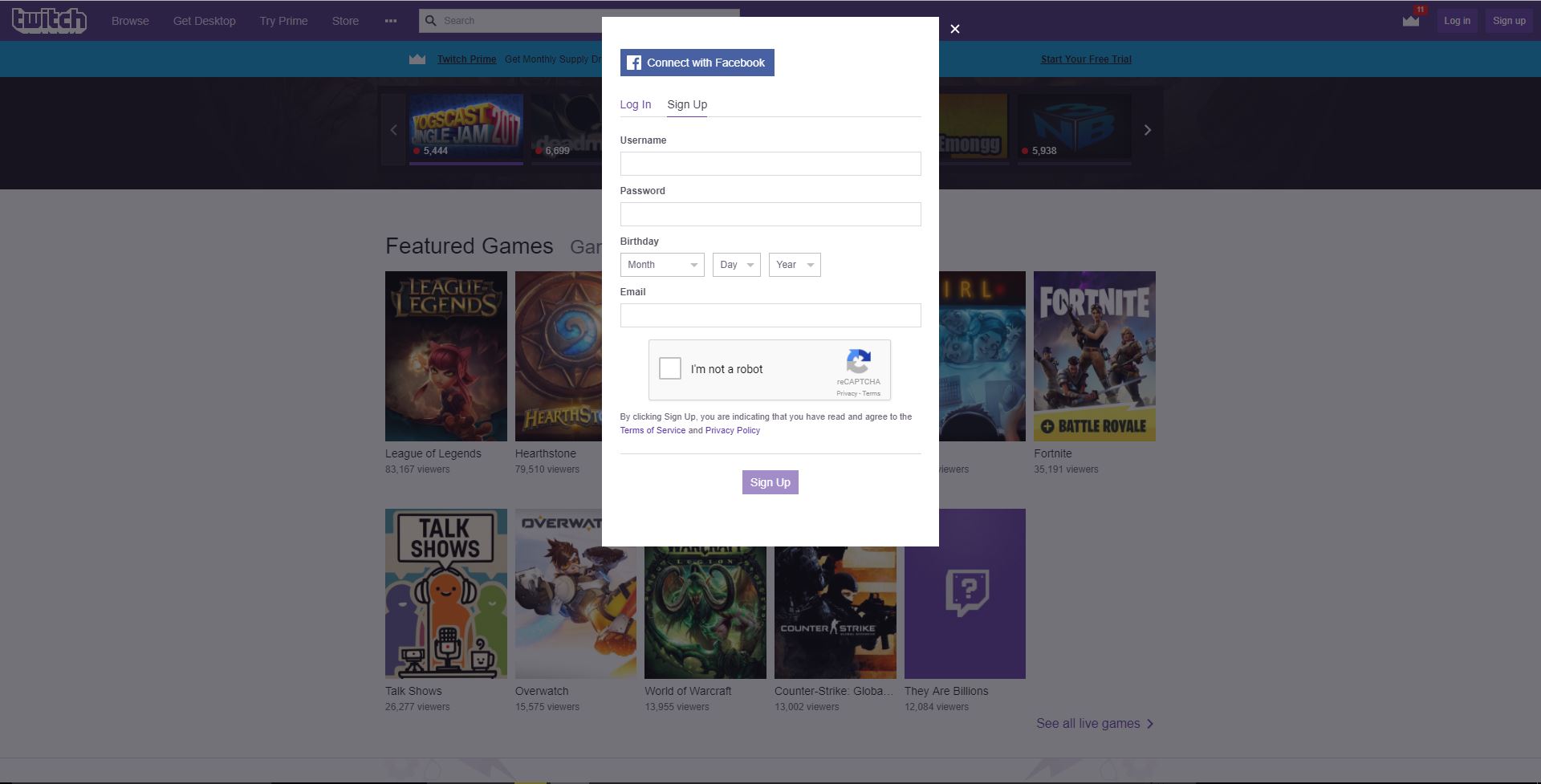
After creation, you immediately get started by choosing 3 games that you like. These are only important to suggest streamers you might be interested in. Select the games and confirm your choice to come to the actual website.
Here you navigate through the drop-down menu to the right of your name in the upper right corner to the “Dashboard”. From here, you manage the entire streaming profile, from the title of the stream to the settings for the chat.

Streaming Software
After you have created and set up your account on Twitch, you need software that displays what you want to show. There are many common programs for this, such as “XSplit”, “Bebo”, or “Open Broadcaster Software“, abbreviated as “OBS”.
Which of the programs you want to use is ultimately up to you. They all come with roughly the same functions and work similarly. OBS is a free open-source software that our author Leya also uses for the streams.
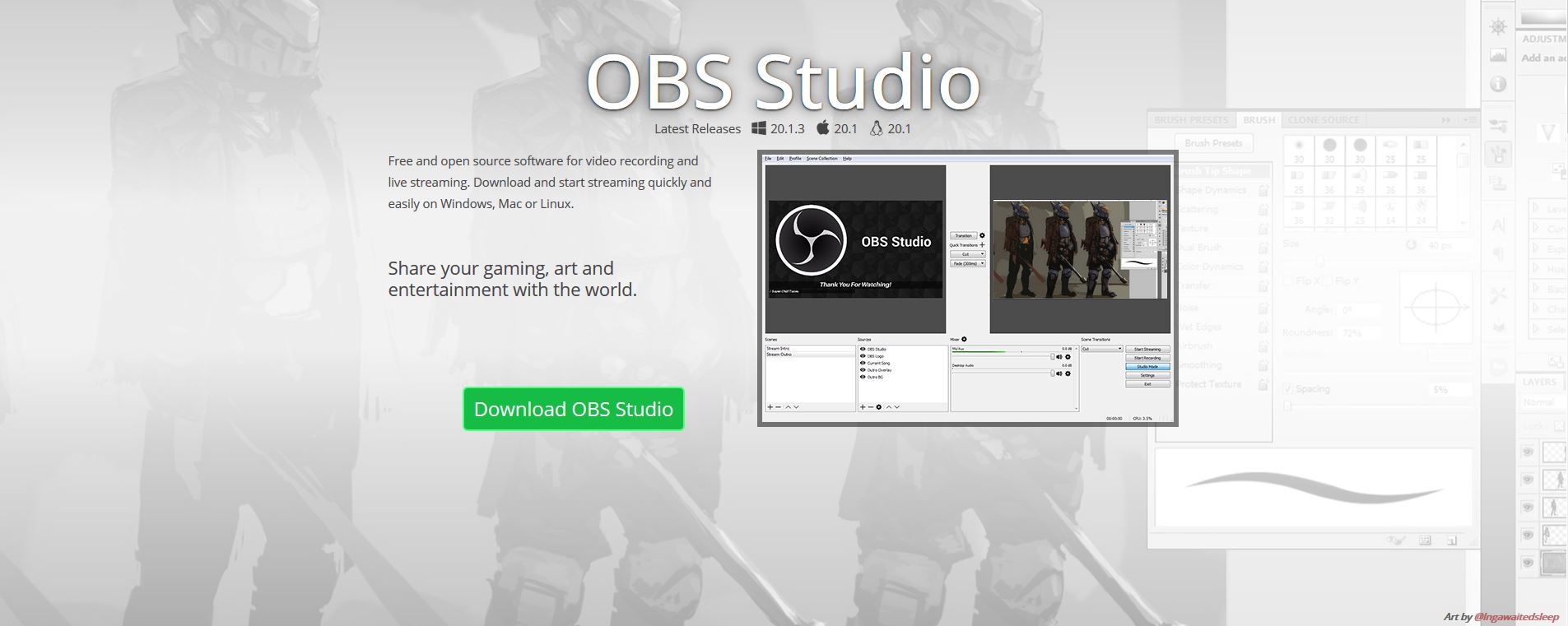
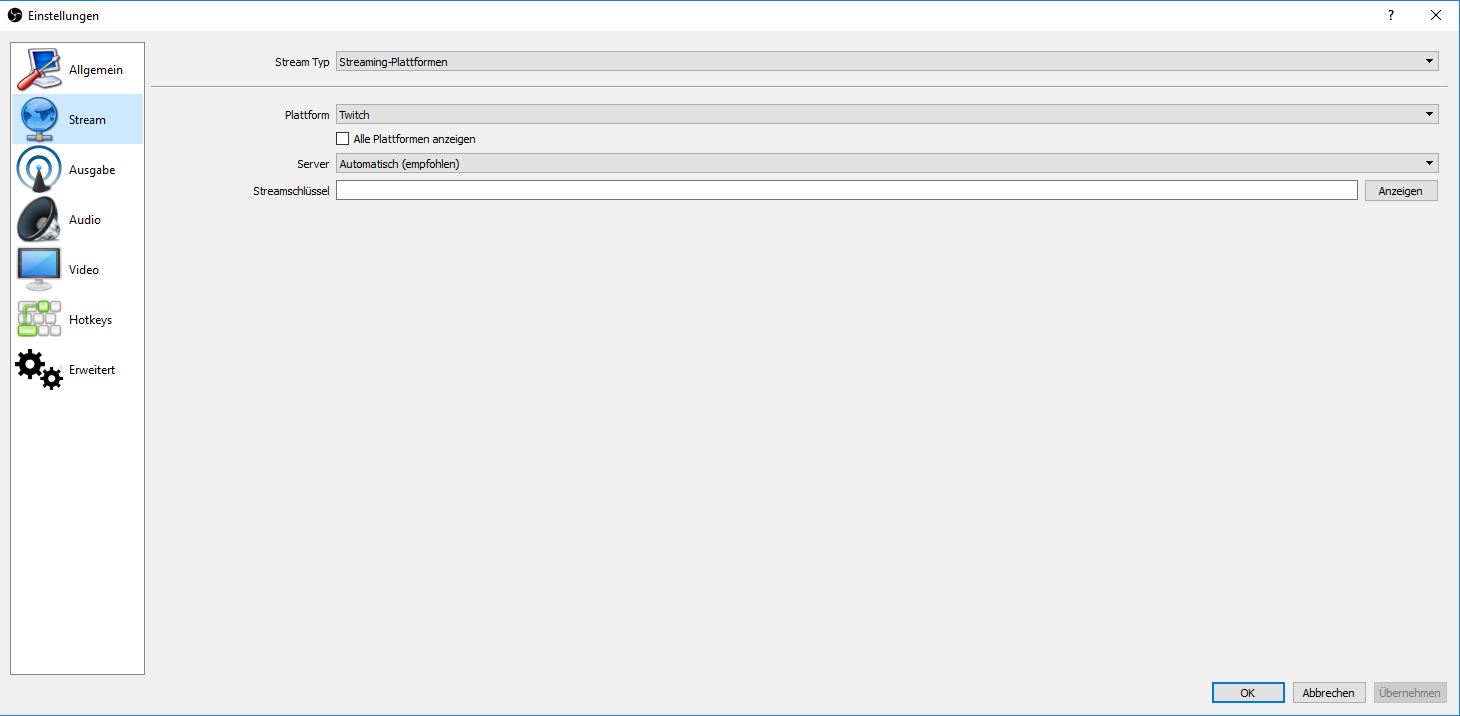
To connect OBS to your Twitch account, you need your “stream key”. You can find this when you click on “Settings” on the left in your Twitch dashboard. In your settings, you will find the link “Stream Key” at the top.
A click on this and the “Show Key” button gives a warning not to share the key, and finally shows it. Copy the long string and paste it in OBS under “File”, “Settings”, “Stream” at “Stream Key”. You can now use OBS to stream a video to Twitch.
Correctly Set Up OBS
The next step should be to set your settings for audio, video, and connection. Much of that depends on your personal preference and technical possibilities. However, there are some guidelines.
Settings/Output
- Video bitrate: 3000-3500 for 1080p (Full HD), 1800-2500 for 720p (HD)
- Encoder: Software (x264)
- Audio bitrate: 128 Hz

Settings/Video
- Base (Canvas) Resolution: Always use the native resolution of the monitor you are capturing the game on (commonly 1920×1080)
- Output (Scaled) Resolution: The base value scaled down by a factor of 1.5 (so in our base resolution, it would be 1280×720)
- Common FPS values: Here, 60 (or 59.94) are the values that offer the best quality. However, the resolution should be 720p because achieving 1080p at 60FPS without very expensive hardware or a second computer is impossible. 720P at 60FPS delivers better quality than 1080p at 30Hz.
Settings/Audio
- The settings here should all be correct already. Check to see if the devices all show the standard of your computer or the devices you want to use.
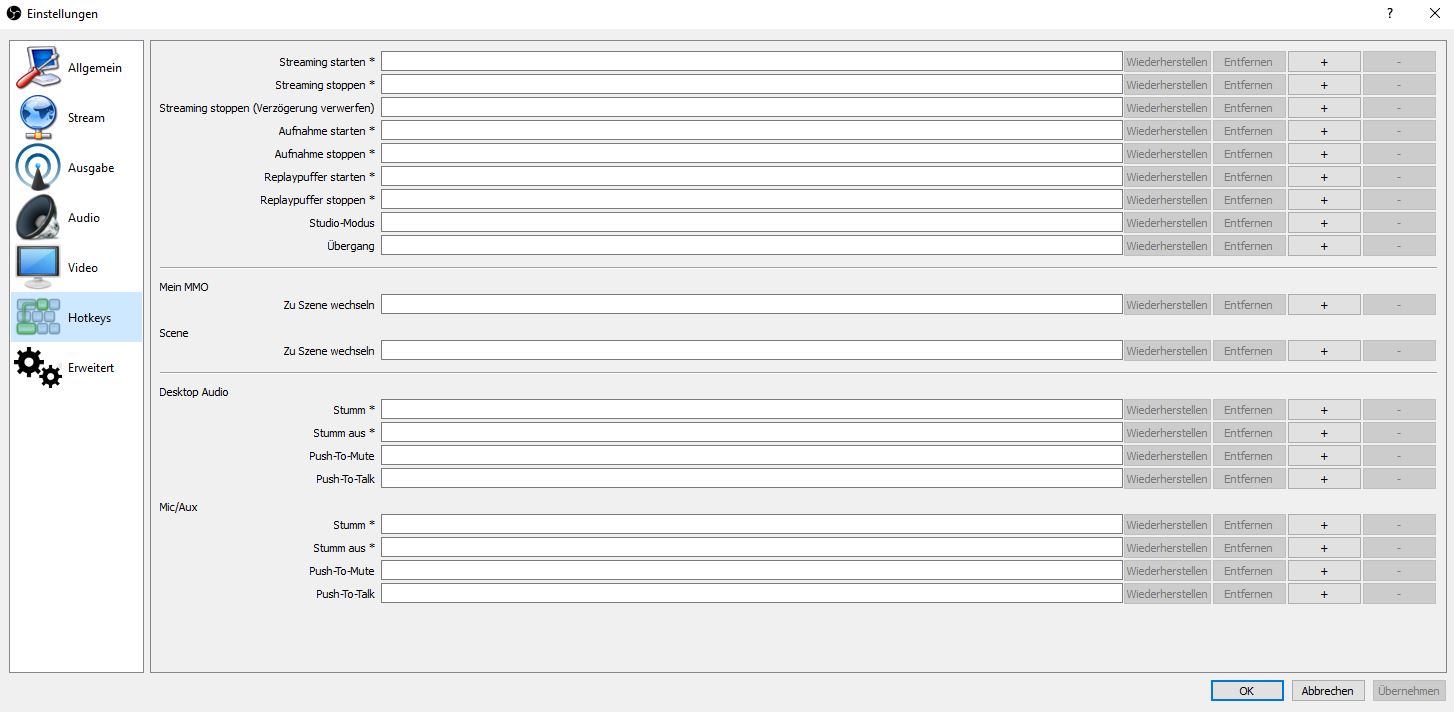
Settings/Hotkeys
- Hotkeys are optional, but a practical way to quickly access actions. It is recommendable to set a hotkey for starting and stopping the stream as well as a push-to-mute button. The community will thank you for it during the first sneeze.
Once you’ve set everything to your liking, you just need to give OBS a source to stream. Go back to the main window and click on the large plus sign at “Scene” on the bottom left (Add Scene). Give it any name you can easily identify.
You now assign a source to the scene through “Sources”. With a click on the plus sign there, you get a drop-down menu from which you can choose one of three settings for the game you want to stream:
- Display Capture: Captures the entire content of the monitor. Useful in a setup with multiple monitors if the game occupies the entire area of one.
- Window Capture: Specifies a window whose content is captured. More comfortable for games played in (maximized) windowed mode.
- Game Capture: Specifies the game to be displayed from a list of active processes. Pleasant, but sometimes cumbersome.

Hardware and Peripherals – What Works for Gaming, Doesn’t Always Work for Streaming!
To put all the streaming theory into practice, you need the right equipment. Along with devices like a mouse and keyboard to play games properly, you also need to be able to communicate with the community somehow.
To give practical tips, we spoke with three German streamers who can support themselves through streaming: Cirouss (Overwatch and various), TheEnclase (Hearthstone and PUBG) and Cillidbaaang (Rainbow Six: Siege and Call of Duty: World War II).
Webcams:
Cirouss uses the Logitech Brio. However, many streamers also commonly use the Logitech C920 and C922. In the high-end area of streaming, even DSLRs worth up to €2500 are used.
TheEnclase has streamed without a webcam since day one – and still attracts several hundred viewers each time. If charisma is enough, a webcam isn’t mandatory but makes the start easier.
Cillidbaaang relies on the Razer Kiyo. The camera from the gaming giant brings the advantage of including a light ring, thus providing better effect quality. It’s suitable for both beginners and professionals.
Microphone and Audio:
When it comes to recording voice, all three agree: at the beginning, it’s perfectly fine to stream with a gaming headset that offers decent quality for voice. Enclase still uses such a headset today for successful streams.
Cirouss and Cillid, on the other hand, rely on professional condenser microphones and generally recommend microphones with XLR connections as soon as you become more known and bigger.
If you integrate a second computer, you should also invest in a mixer to manage music, game sound, and microphone.
Especially important for sound quality is to avoid USB headsets. XLR connections always yield better results. Cillid also recommends a small mixer and a sound card for better quality at the beginning.
Computer:
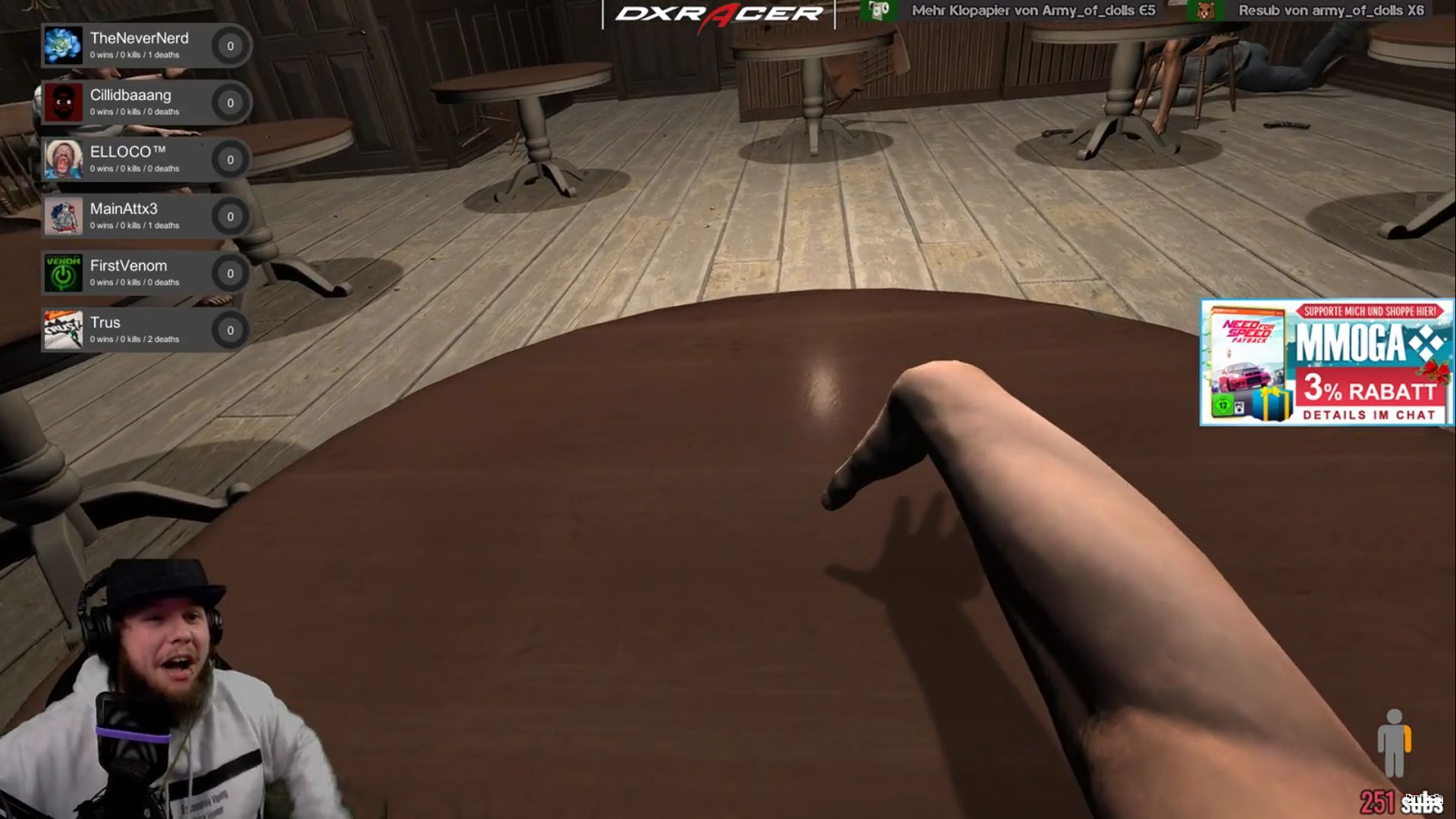
A good computer can handle a decent stream on its own for the beginning. The three German streamers also agree on this. However, it is important that the PC is equipped with 16-32GB RAM and a powerful processor (8 cores are recommended). With a high-end PC, you can achieve extremely good results even without a second computer.
If streaming eventually becomes a profession, acquiring a second computer ensures the best quality. The computers are connected to each other via a capture card. When it comes to the computers, pay attention to the following:
- Gaming Computer
- should ideally display the game to be streamed at 144Hz
- strong graphics card (at least Nvidia GeForce 1070 or AMD RX 480)
- at least 8GB RAM
- Streaming Computer
- should handle most of the streaming work
- at least 16GB, better 32GB RAM
- strong processor to capture and display many sources simultaneously
- basic graphics card (GeForce 1060 is sufficient)
Screens:
Having two screens is almost unavoidable. You need one for the game and the other for the chat. Alternatively, you can use your smartphone to keep an eye on the community. However, a second screen is more practical. More monitors are only conditionally necessary for beginners and even later.
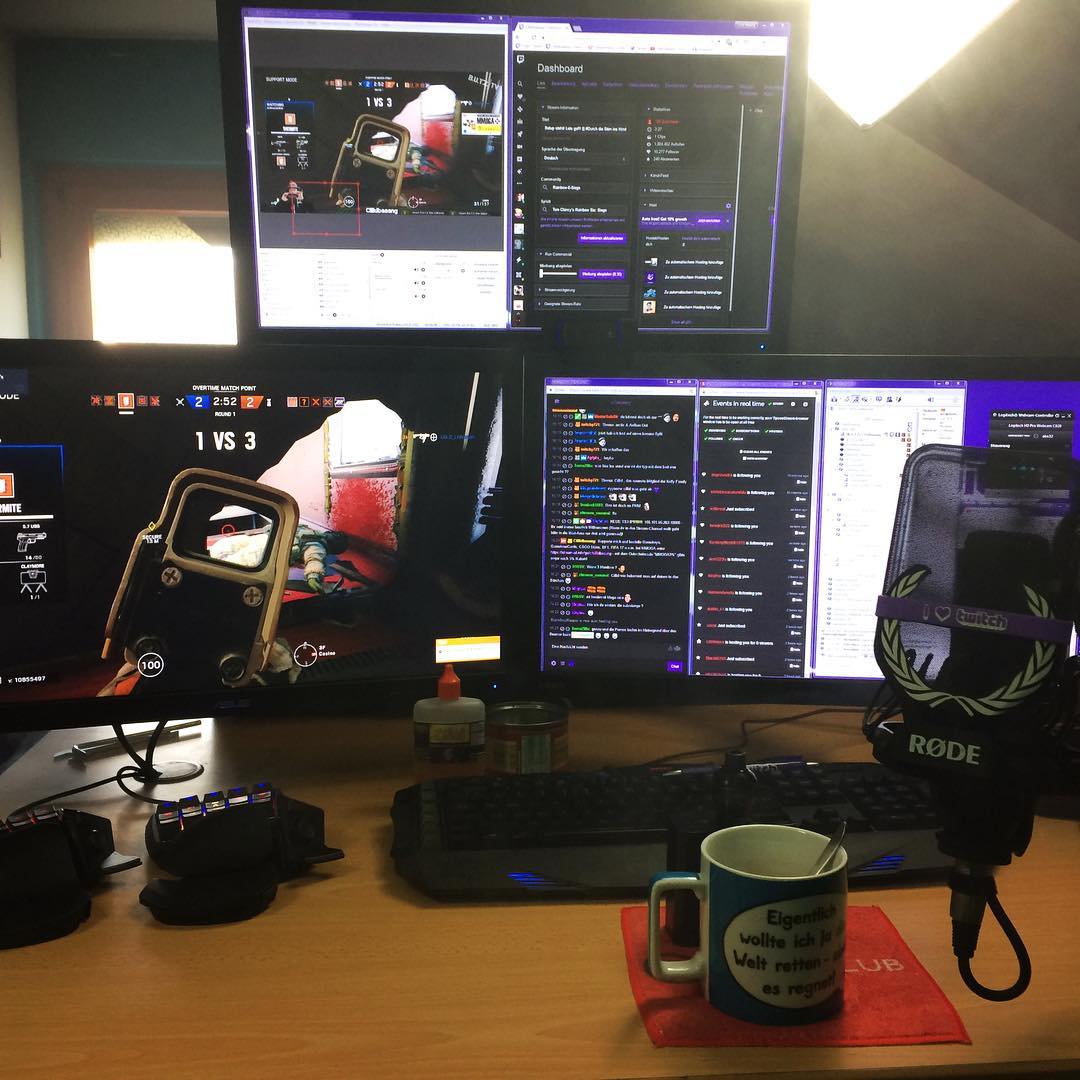
A computer and the appropriate peripherals are still not everything you need to successfully start streaming and enjoy sticking with it.
For a practical insight into the profession, you can find our interview with three professional German streamers: Cirouss, Enclase, and Cillidbaaang here.
The Step to Success: In Conversation with Professional Streamers
Streaming involves more than just hardware and a basic understanding of Twitch. To become a streamer, you need to be able to adapt to the profession. To provide you with a bit of assistance, we spoke with three German streamers who earn their living from Twitch.
Cirouss: The Nice Neighbor You Like to Hang Out With
Cirouss is a streamer who specializes mainly in shooters and community games. With numerous community events, tournament casts, and much engagement in German eSports, he attracts primarily a competitive clientele.
His career in streaming actually began as a shoutcaster while casually streaming Guild Wars 2 and HEX: Shards of Fate. He has recently become better known through Overwatch, Destiny 2, and Escape from Tarkov.
Directly to Cirouss’ Twitch page.
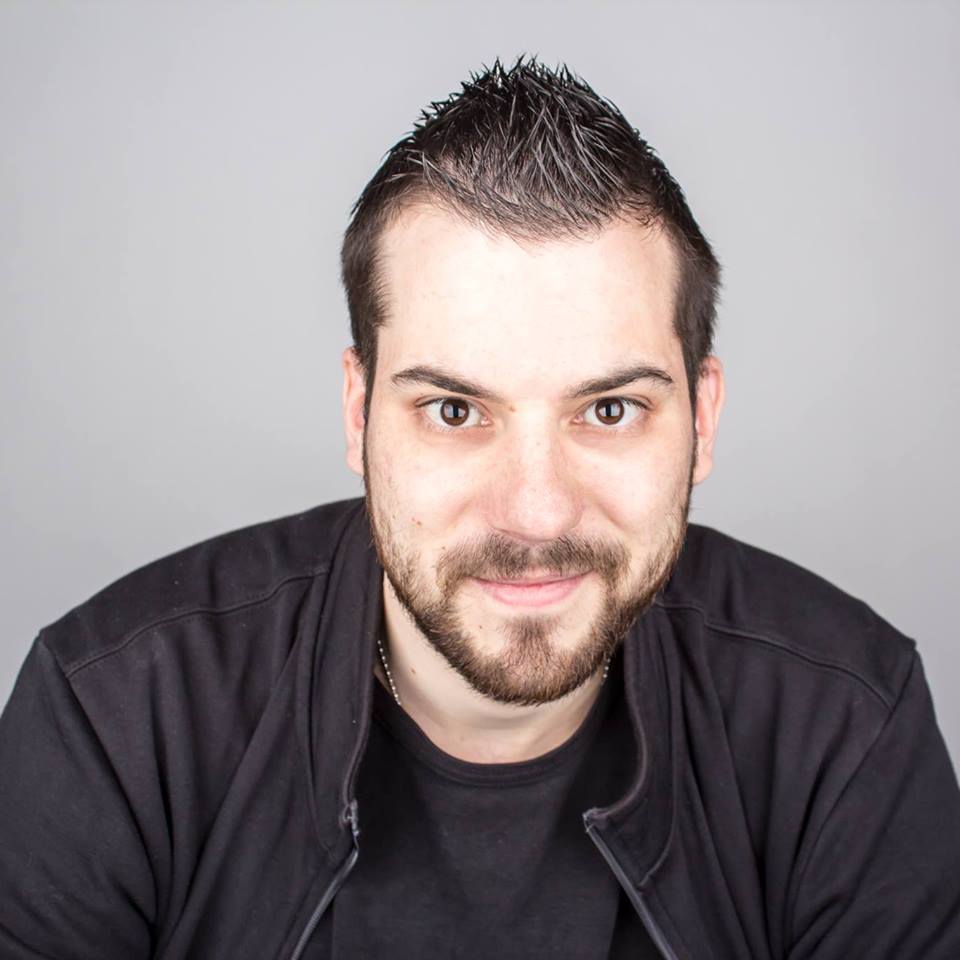
Cillidbaaang: Bringing the Hood to Twitch
Cillidbaaang primarily offers his viewers shooters, but he is also known for the music on his stream. For some viewers, that’s a certain extra that makes him one of their favorites.
He started with Call of Duty: Advanced Warfare and has recently mostly offered Call of Duty: World War II and Escape from Tarkov beside his main game Rainbow Six: Siege.
Directly to Cillidbaaang’s Twitch page.
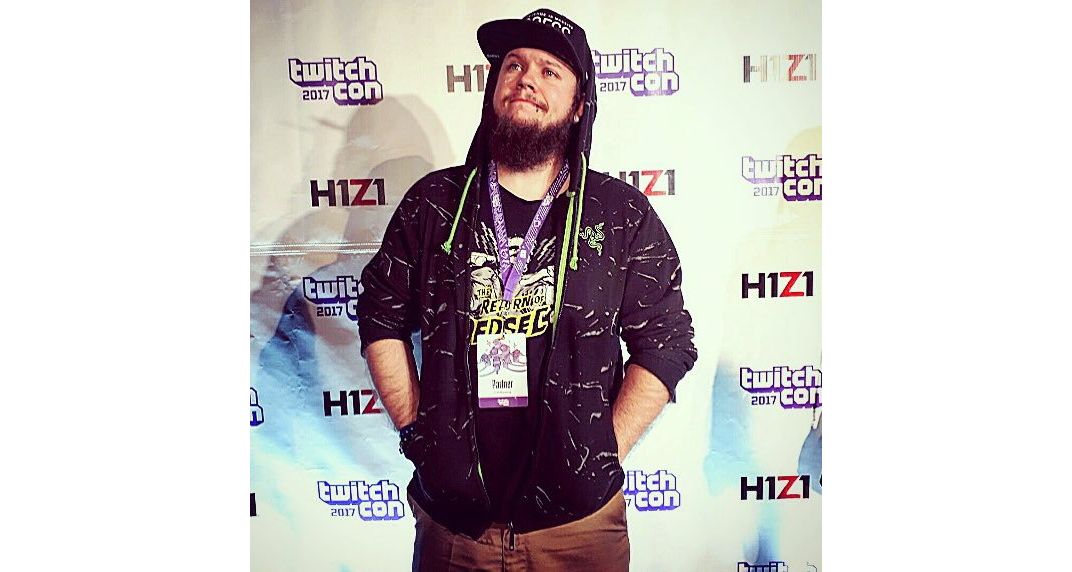
TheEnclase: A King for a Kingdom Full of Wombats
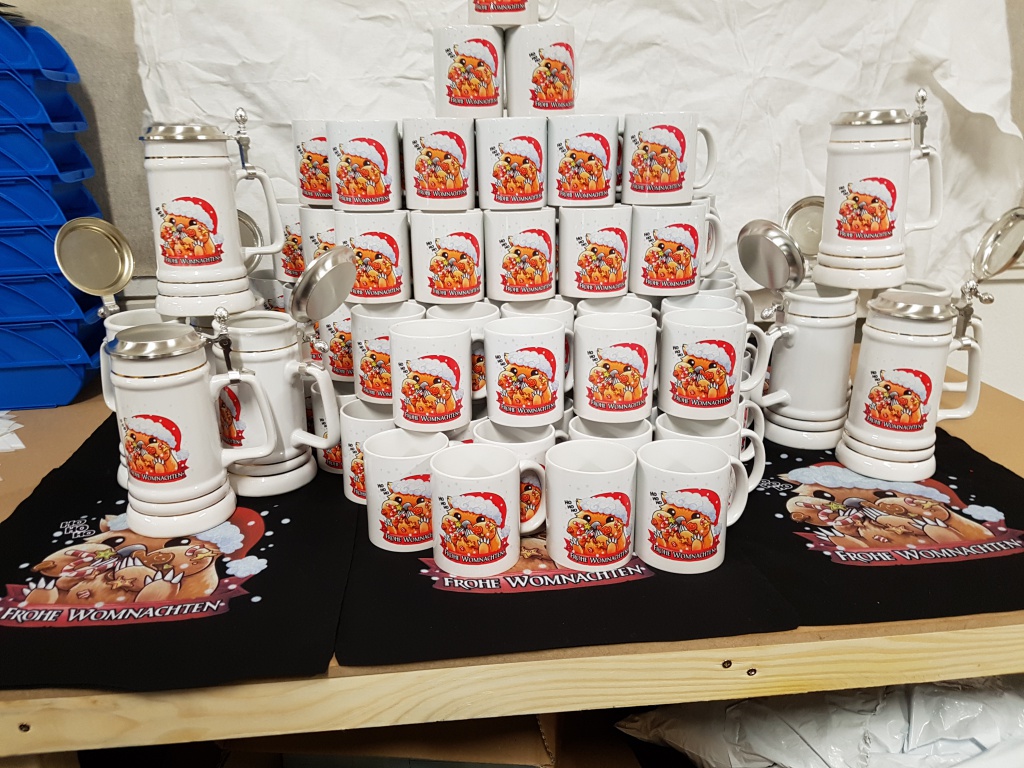
TheEnclase is an old hand in German streaming. Besides his ambition in gaming, his presentation on stream is particularly important. His brusque style and dark humor have attracted and built a community that claims the wombat as its emblem.
The “Wombat Army” feels a deep love-hate relationship with their “king” and therefore supports him in (almost) everything he plans – although he never shows his face. With his unique character, he mainly aims for entertainment, which he likes to highlight at Hearthstone as his main game.
Directly to TheEnclase’ Twitch page.
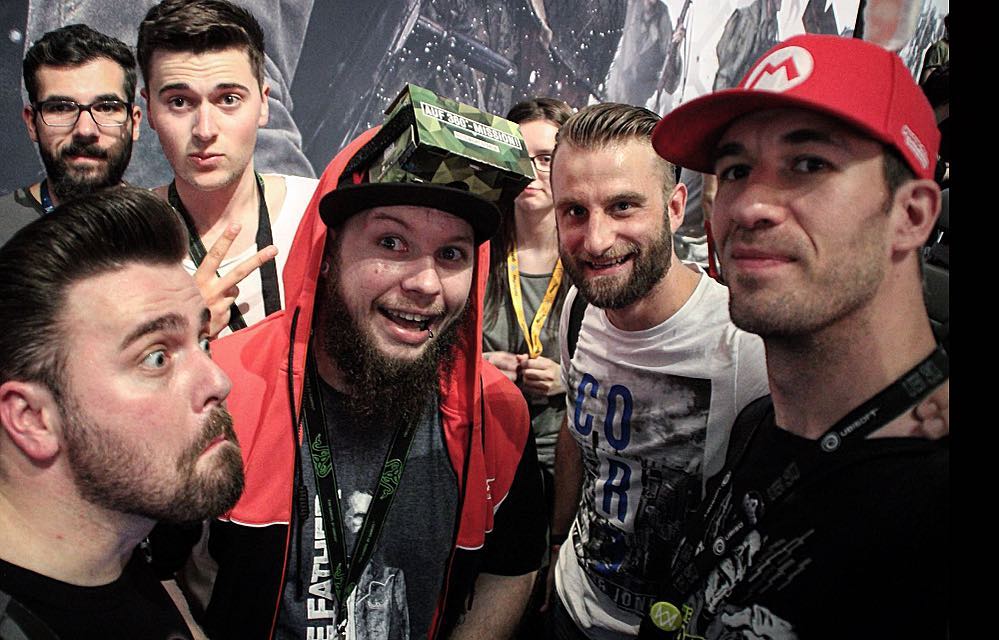
These three streamers entertain their viewers in diverse and unmistakable ways. However, they all have in common that they are self-employed and place a high value on proximity to the community. Through their different durations on Twitch and their average number of viewers, they provide a good overview of growth as a streamer.
Our Questions for the Streamers
To be successful as a streamer, it is not enough to just show your own gameplay to the world and wait for people to watch it. You need to bring “that certain something” that makes people want to support you. In our discussions, the streamers shared their own views and some tips for streaming newcomers:
The Heart of the Stream – What Makes a Streamer’s Success?
TheEnclase: “I guess just go for it. But I also believe that many simply aren’t made for streaming – like in every ‘job’ or ‘hobby’.
If you can’t stand playing for 8 or even 24 hours straight, if you don’t have a good eye for the chat, and if at the beginning you look at the viewer count and let that discourage you from making little progress … then you should just quit.
As a streamer, you should either be extremely good at a game and/or have a special personality. If both aren’t there, there won’t be success in most cases … Which is understandable amid the mass of streamers today?
Cirouss: “Have fun streaming and NEVER start with the intention of making money from it!”
Cillidbaaang: “There are two types of streamers: Entertainers and Pro Gamers. People watch entertainers to be entertained. Entertainers need to pay attention to the chat and be interactive. Pro Gamers only need to offer good gameplay; people want to learn from them.
The most important things for entertainers like me are multitasking to be both entertainer and player, and having fun with what you’re doing. You shouldn’t start streaming to get rich, but because you enjoy it. If it then works out, success will come with a bit of luck.
For newcomers, I recommend one of two concepts: Be yourself or be someone else. But be a personality. If you choose to embody a fictional character, then own it, but make it clear. The main thing is that you’re true to yourself (or the character) and have recognition value.”
What game did you start with, and how important is content choice for newcomers?
TheEnclase: “Duel of Champions. Everyone should play what they can at the beginning or what they enjoy. The top games have a lot of competition – but also more potential viewers. I don’t think it matters too much… in smaller games, it might be easier to build a starter community.”
Cirouss: “I started with Guild Wars 2 – like most, it was a coincidence that I started streaming. The choice of content is a personal matter. Everyone should stream what they enjoy and what they consider to be right.”
Cillidbaaang: “I started with Call of Duty: Advanced Warfare. To start, as a smaller streamer, it’s helpful to play what is liked to be watched if you want to dive in full force. Otherwise… just play what you enjoy. Watching a streamer who is having fun with the game is always more enjoyable than sitting with a bored wannabe.”
What were your first successes? At what point could you say: I can make a living from streaming?
TheEnclase: “Hmm … I had quite a bit of success from the beginning. I was one of the best players in Duel of Champions, which was quite a small game. Within days, a first community formed, back when it was still in English.”
Cirouss: “You always have successes in streaming, sometimes smaller things and sometimes larger ones like the Twitch partnership. For me, it was the small things that piled up and grew larger over time. It’s more of a process that led me there.”
Cillidbaaang: “I started as a YouTuber. Eventually, it became too boring for me as there was no interaction with the community. Exactly that interaction was eventually the reason I started, and the success I had made me a streamer.”
What made you really make a living from streaming?
TheEnclase: “I don’t know. It just kept growing, and eventually, it was enough… it wasn’t really planned.”
Cirouss: “The point when I first exceeded 400 subscribers and it kept going well was crucial for me to implement streaming as a full-time option.”
Cillidbaaang: “To be honest: luck. I was one of the first players in Germany to get a beta key for Rainbow Six: Siege and had the equipment to stream. I had the right feeling for the right game at the right time and the motivation to stick with my plans. The killer instinct, so to speak.”
With these tips, you now have everything at hand to become a streamer yourself. You just need the motivation and courage to get started!

Your opinion is important to us!
Do you like the article? Then let us know!