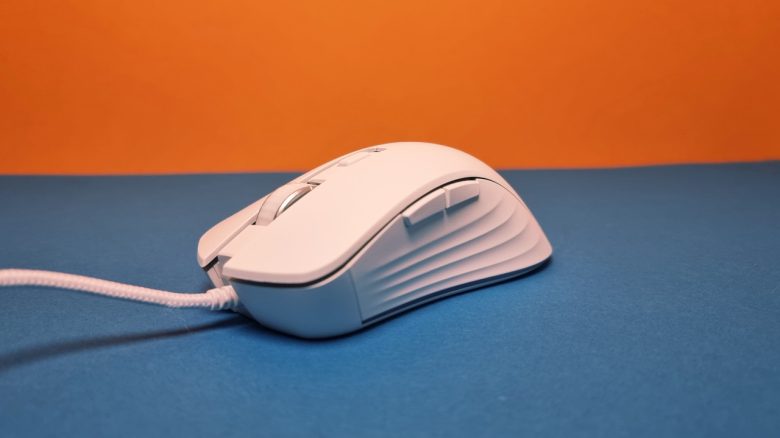
With the Ybar+, Trust offers an affordable gaming mouse for 50 euros. MeinMMO editor Benedikt Schlotmann tested the gaming mouse and explains how it performs in everyday use.
After I was rather disappointed with the regular Ybar from Trust in the test, mainly due to the sensor, this time I have the Ybar+ from Trust on my desk. At least on paper, the mouse promises a significantly better sensor.
Whether the mouse can keep its promise and compete with the good competition, you can read in my test.
Who tested it?
I currently own over 20 gaming mice and have tested over 15 keyboards. Privately, I also own over 10 sets of in-ear headphones. At MeinMMO, I have been testing hardware for our readers since 2019. In addition to the PC and PS5, I am also using the Steam Deck now.
The manufacturer Trust provided me with the Ybar+ for testing.

Benedikt Schlotmann
Hardware Editor MeinMMO
Technical Details:
| Sensor | Not specified further |
| Resolution | Up to 25,600 DPI |
| Switches | Not specified further |
| Buttons | 6 buttons |
| Design | White or black mouse. RGB lighting at the manufacturer’s logo and at the bottom |
| Glides | 2 |
| Cable | 1.8 m USB-A cable |
| Weight | 85 grams |
| Price (RRP) | 49.99 Euro |
Contents, Design, and Construction
What does the package include? Besides the gaming mouse, there is only a manual in the box. The cable is permanently attached and not detachable.
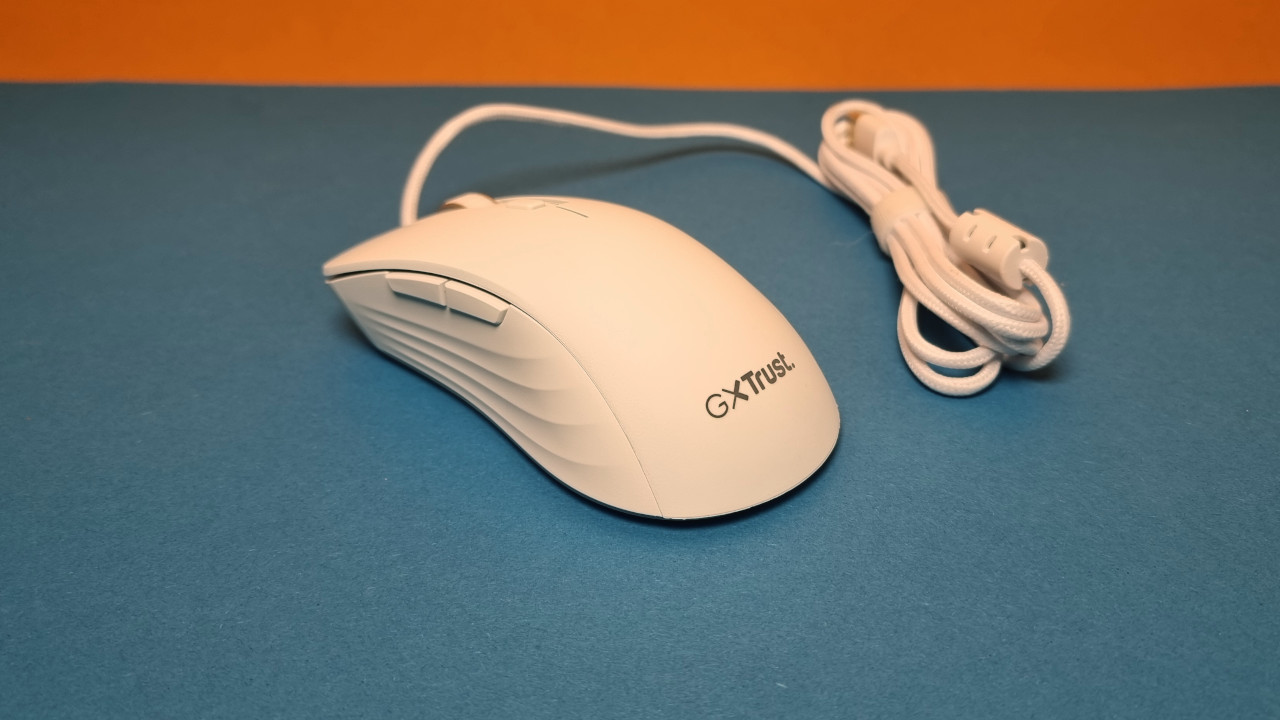
How is the mouse built? You can buy the mouse in black or white, I am using the white model in the test.
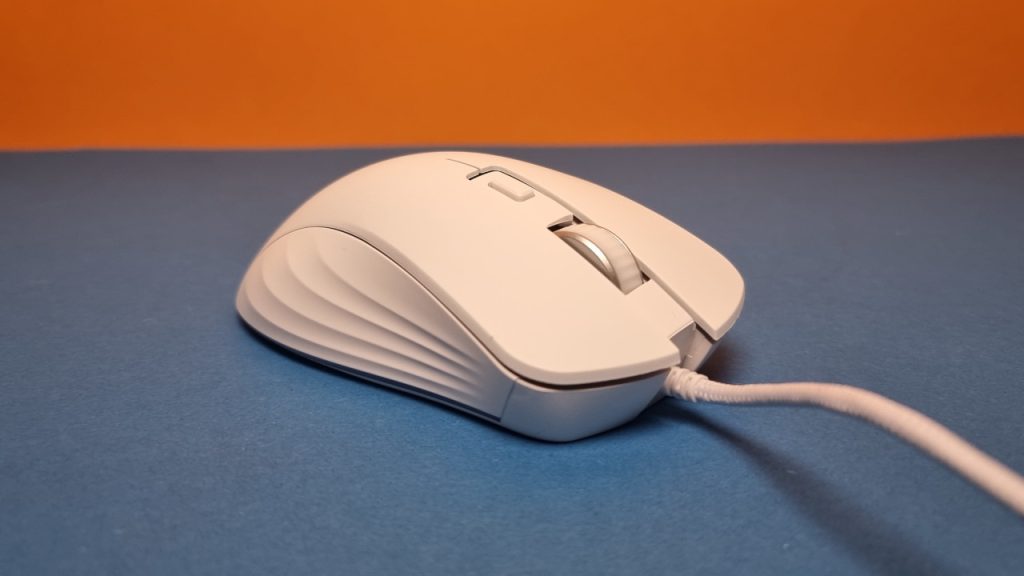
- On the top side of the mouse are the main buttons and between them the two-way scroll wheel. A small switch is located on the top before the scroll wheel, which allows you to switch DPI.
- On the underside, there are two large mouse feet, one far in the front and one under the back of the mouse.
- On the thumb side, there are two additional buttons that can be assigned freely.
Trust relies on gentle RGB lighting at the edge of the mouse and a lit logo. Overall, however, this is not very noticeable and does not stand out as much as with other manufacturers, like Roccat or Razer, who deliberately go for RGB.
Processing
The housing of the mouse is robustly constructed. During the obligatory shake test, you can only hear the scroll wheel clicking softly. The scroll wheel offers reasonable feedback and is pleasantly quiet. In everyday use, it is almost inaudible.
It is a pity that the cable of the mouse cannot be removed. The mouse cable is also quite stiff and does not really impress me.
Trust advertises its packaging with an eco-friendly design and that the mouse is made of 50% recycled plastic. However, I do not understand why they decided on a permanently installed mouse cable. Because in case of a defect, I can only throw the whole mouse away, which is not very environmentally conscious. Some manufacturers, like SteelSeries, also rely on detachable cables for wired mice.
Software
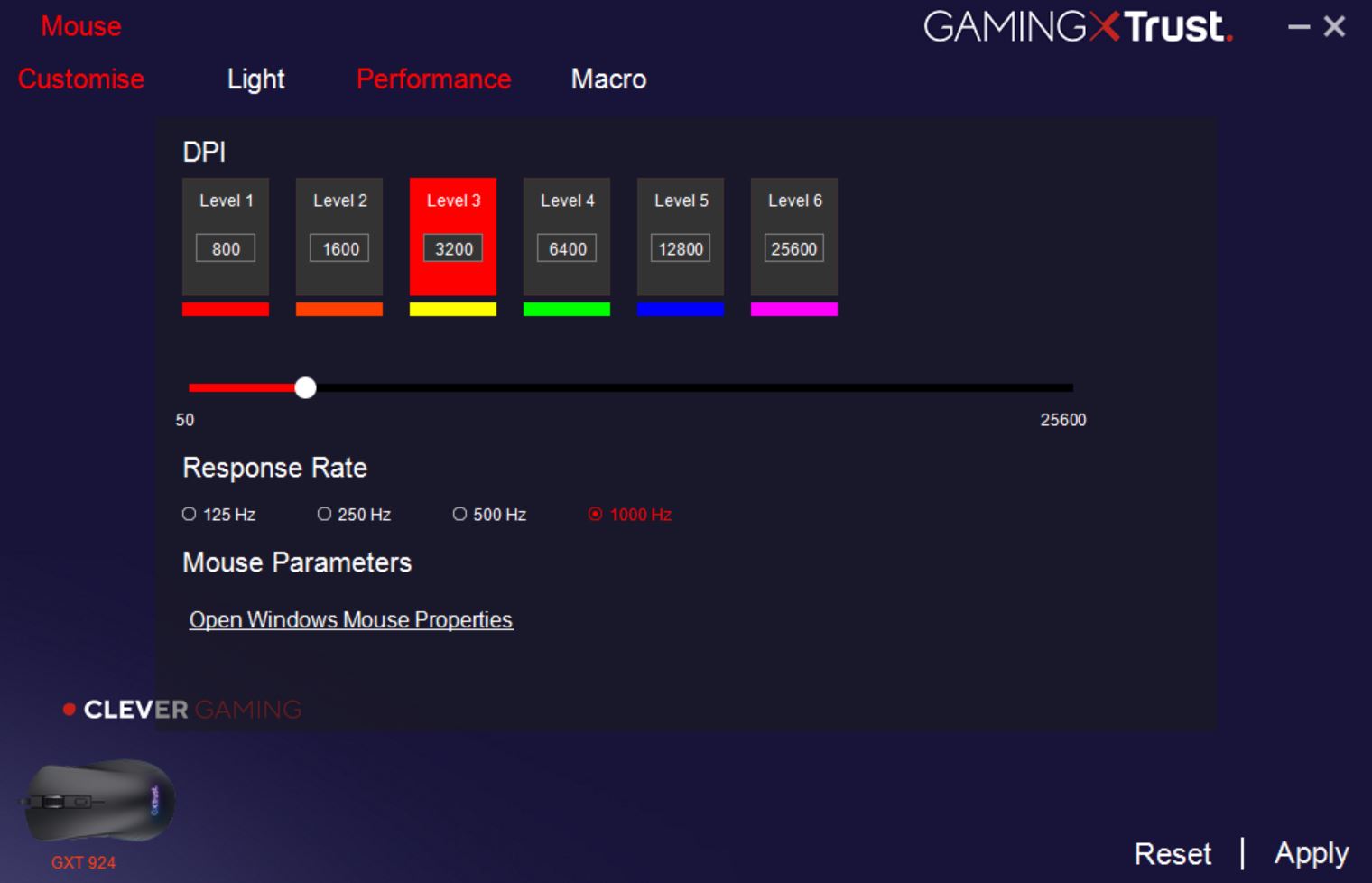
The Ybar+ uses the software suite “Ybar Series Software” from Trust. The software is slim and installs quickly, requiring very little storage space. With 25 megabytes in RAM, the software is very unobtrusive.
The “Ybar Series Software” itself offers only the barest options: adjust lighting, configure DPI, or set up macros. However, that’s all it needs.
I find it unfortunate that the software is entirely in English and there is no German language option. However, most points are also self-explanatory in English. Also annoying: On large displays (WQHD and larger), the text of the software appears slightly blurred. The interface probably does not scale correctly with Windows.
On the next page, you will read everything about weight, ergonomics, and the final conclusion.
- 1
- 2