

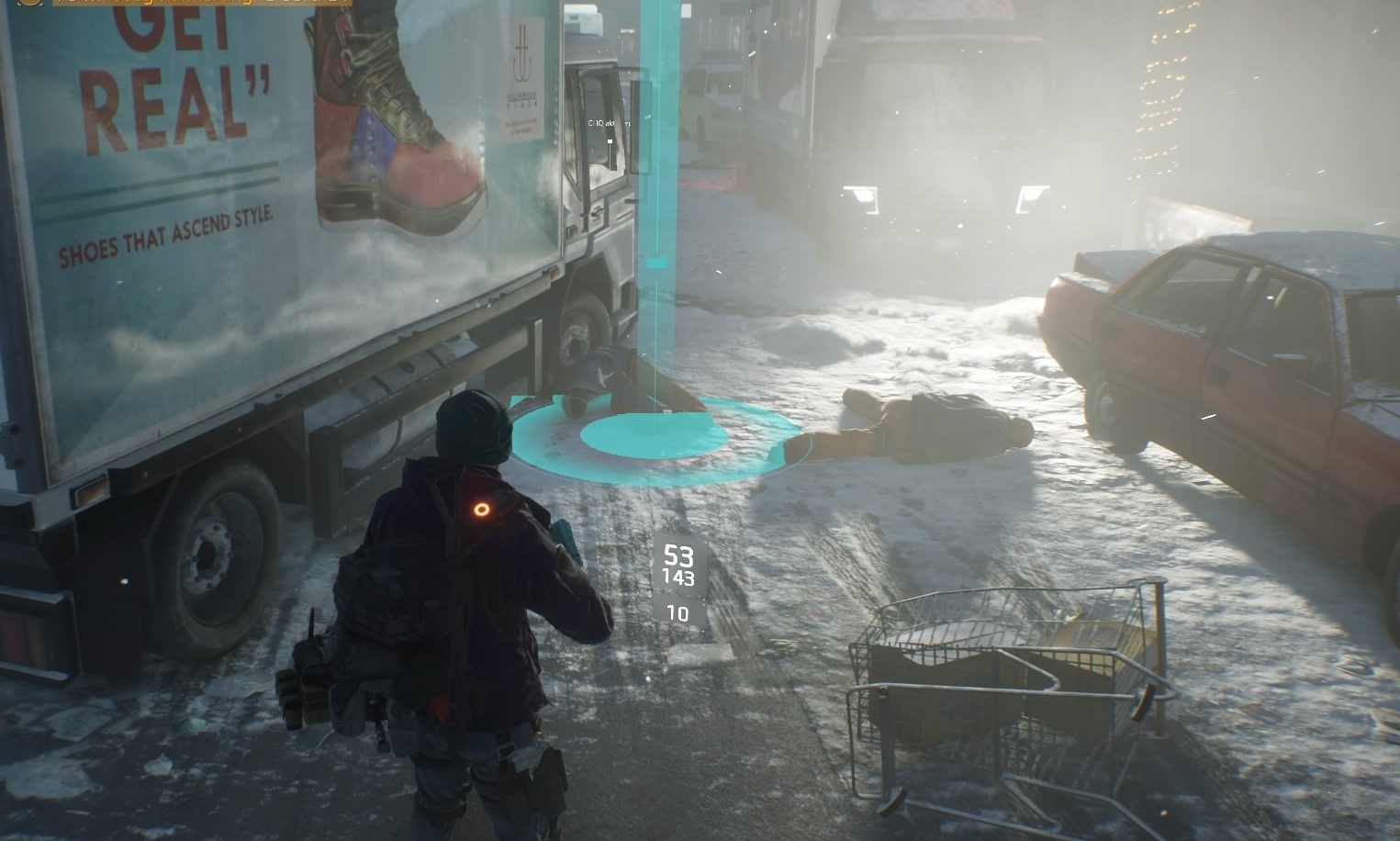
In The Division, there has been a trading feature since update 1.1. We will show you how to successfully sell your items.
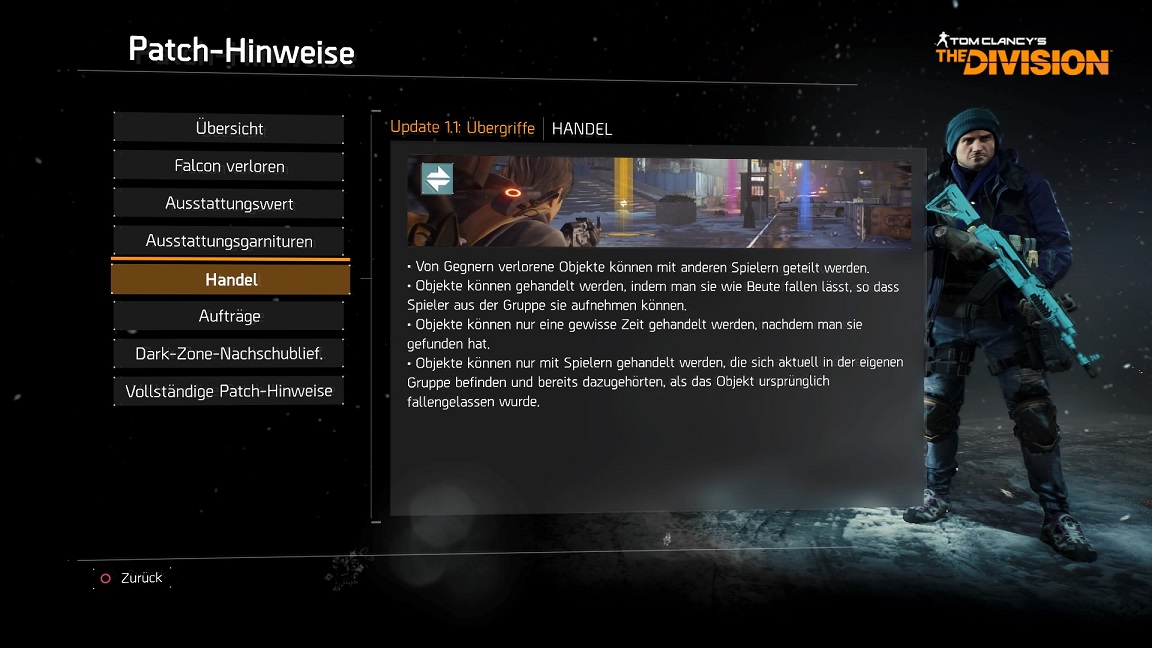

Even during the beta phases of The Division, it became clear to Ubisoft Massive that the community wanted a trading feature in the game. Allegedly, there was a long discussion about whether and in what form this feature would be introduced, as the developers revealed in a livestream.
Trading in The Division is limited
With update 1.1, agents now have a trading option, which works but is only available within a limited scope. Here are the requirements for trading:
- You can share items with other players that enemies have dropped.
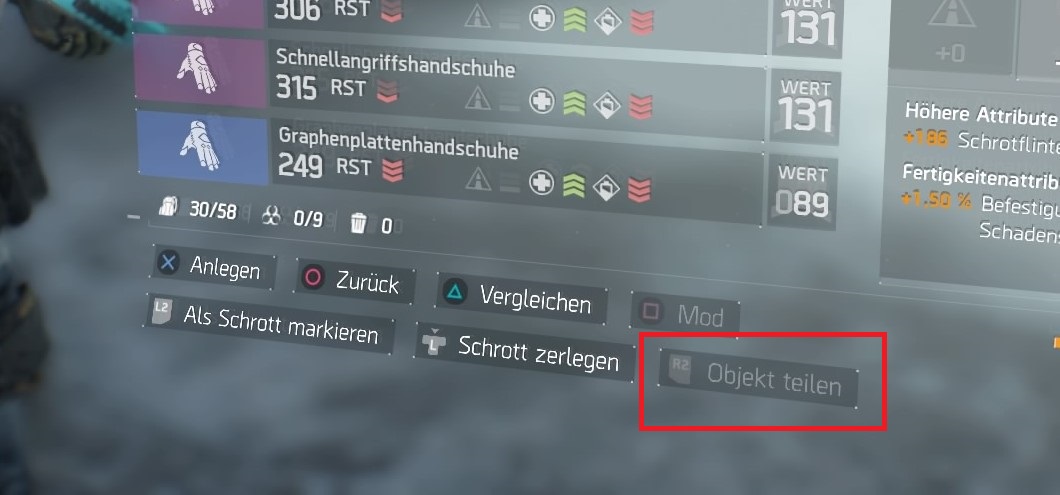
- You share the acquired items by dropping them on the ground with a button press. The item can now be picked up by other players or by yourself as loot. To drop the object, simply go to your inventory and press “Share Object”:
- The items can only be traded for one hour after you have picked them up.
- You can only leave objects to players who are currently in your group and were part of the group when the object was originally dropped.
- Items that you have modified cannot be traded.
- To trade items from the Dark Zone, you must first go to a safe area (safe zone or checkpoint!) to leave the items for your group members. Alternatively, you can extract the items, go to the stash, pick them up there, and drop them for the beneficiaries.
Random encounters in the Dark Zone cannot snatch your loot that you want to trade away directly. Due to the limiting factors, it will also not be possible to offer your items on online marketplaces and sell them for a few euros. Massive is putting a stop to such trades.

However, if you want to do a favor for your buddy and give him your delicious, freshly dropped items while he ended up empty-handed again, you can take advantage of this new trading option.
What changes the hotfix brought to The Division on the night from Friday to Saturday can be read here.

Your opinion is important to us!
Do you like the article? Then let us know!