Clever fans have found a way to fix the annoying sound bug in the beta of The Division 2. This is how you get the dialog sounds working – at least on PC.
What happened? Since today, February 7th, numerous fans can enjoy the private beta of The Division 2 and get their own impression of the game. However, the start of this testing phase is accompanied by some difficulties.
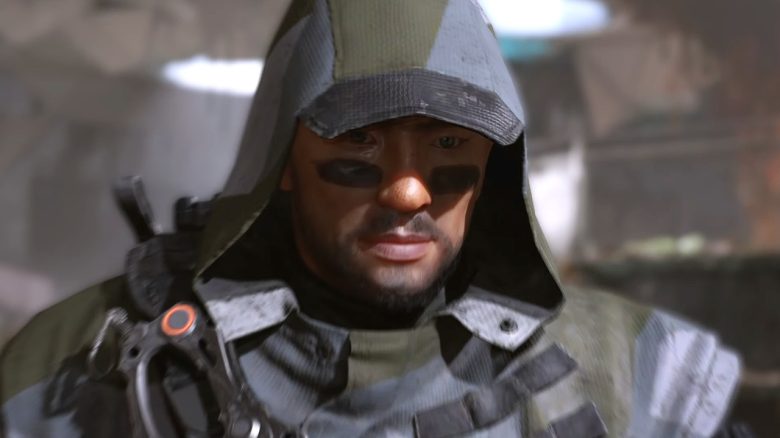
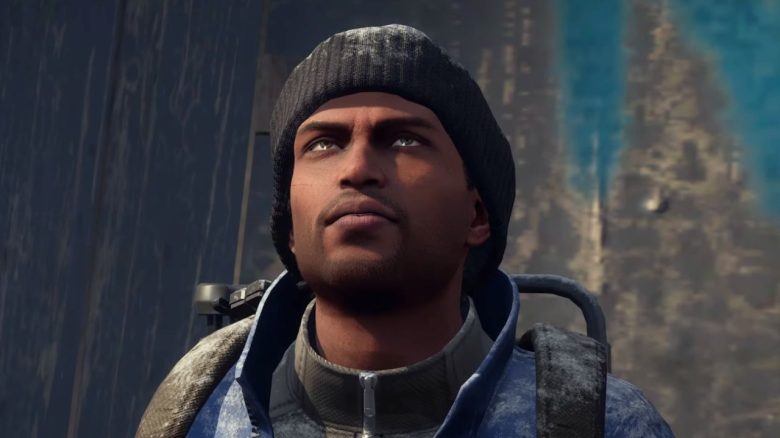
One of the most annoying problems currently represents a bug that causes the dialog sound of various characters in the game to disappear. Numerous players are annoyed by this and are desperately looking for a solution. Ubisoft and Massive Entertainment have not yet been able to fix this bug themselves. But fortunately, the community has found a solution.
This is how you activate the dialog sound on PC: To fix the sound bug, you need to edit entries in some game files. However, this can be done without much effort and, according to numerous reports from affected players, reliably restores the sound.
However, note that this workaround only works on PC. Currently, nothing can be done to address this issue on the PS4 and Xbox One consoles.
Here’s what you need to do:
- Navigate on your PC to the following folder of the logged-in profile: Documents -> My Games -> The Division 2
- There you will find the files “persistent_settings.cfg” and “state.cfg”
- You now need to edit these files (for example, with the Windows Editor)
- In persistent_settings.cfg, search for the “BD” entry and set the value to 0. Save the file afterwards and set it to read-only before restarting the game
- In state.cfg, scroll down to localization and also set the value at “spokenLanguage” to 0. Here too, you need to save and enable the write protection in the file properties
This should solve the problem and the characters should no longer remain silent.
Here you can find more info about the private beta of The Division 2: We have set up a live ticker just for the beta, where we report on all important events, announcements, and issues surrounding the beta. You can find the ticker here: The Division 2: Server Status – Live Ticker for the Start of the Private Beta
Tips for your first steps in the beta can be found here: Check out these 7 tips before you play the beta of The Division 2
Are you also affected by this annoying bug? Did the workaround help you?