


If you want to make WoW WotLK Classic a bit easier, you can change all sorts of things with addons. MeinMMO shows you the best addons for various areas and explains how to install them.

Addon list for WoW WotLK Classic: With addons, you can get additional information about enemies, quests, and items, customize your interface, or get more performance from your class.
Most of the best players hardly play without such modifications. This also applies to WotLK Classic. That’s why we’ve compiled the most useful addons for you here. If you also play Retail, you can find the best addons for WoW: Shadowlands here.
Update from September 28, 2022: We have updated this article to the latest version for the new expansion Wrath of the Lich King.
The best addons for dungeons and raids in WotLK Classic
Wrath of the Lich King offers many new dungeons and new raids, which will be unlocked over time with the upcoming phases. However, you can already visit the majority of this PvE content, and with the right addons, it’s easier to get through.
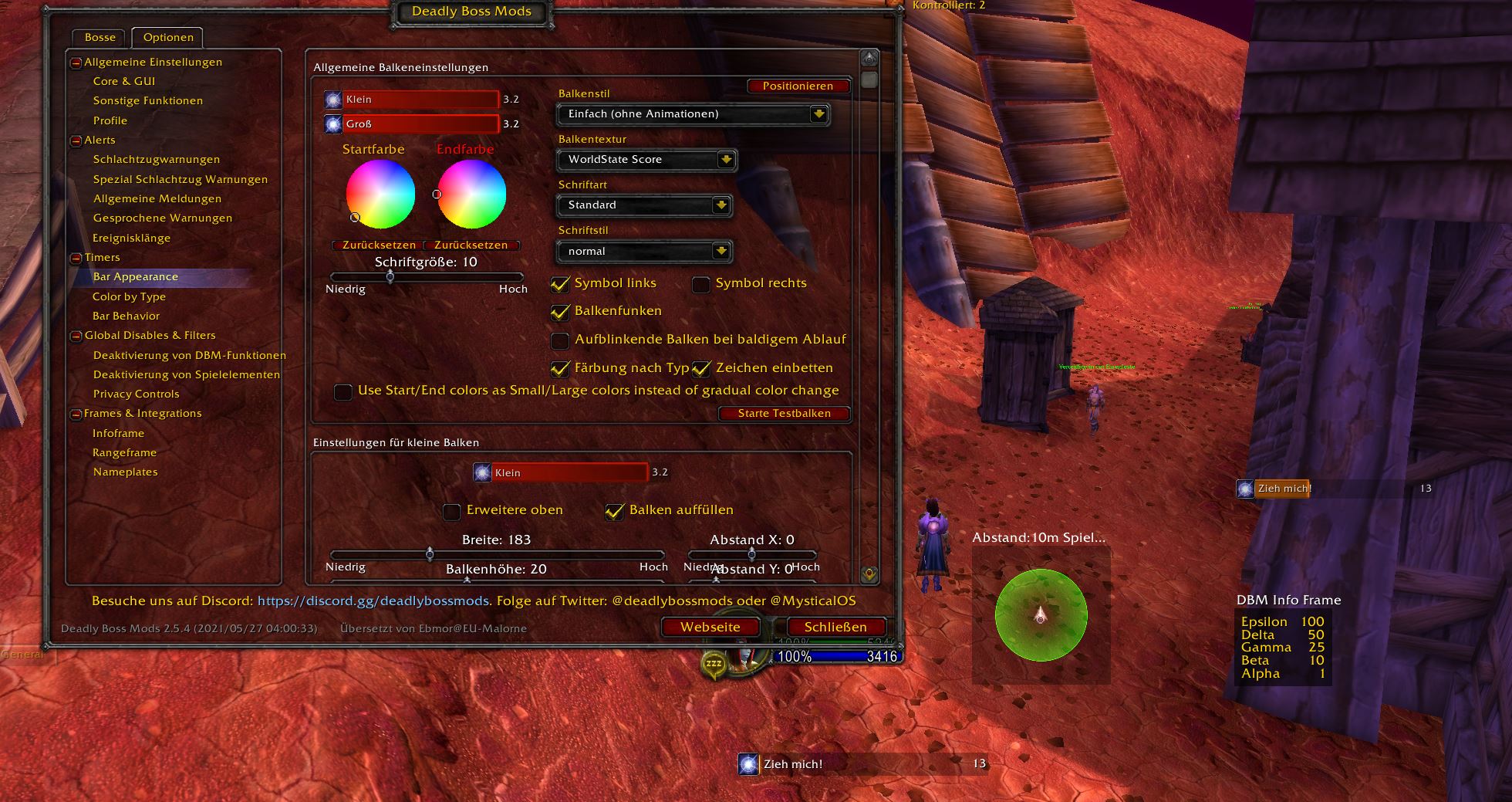
Deadly Boss Mods
Deadly Boss Mods, or DBM for short, provides you with information about all sorts of abilities in raids and dungeons. The addon tracks boss abilities with timers or gives warnings when you need to dodge or spot as a tank.
You can move the various bars and displays around freely and arrange them in the interface in a way that suits you best. We recommend: keep important information further in the center, cooldowns and less relevant information further out.
- Here’s the Curse page for DBM
- alternatively, you can find Big Wigs on Curse – the addon works in the same way
GTFO
With GTFO, you have a useful tool that can save you from dying. The addon emits loud acoustic signals when you are in areas that deal damage or can kill you – so-called “Void Zones”.
Since some of these areas in WotLK Classic are not visually easy to detect, GTFO helps you with loud noises and warnings. The addon is also very useful if your character is obscured by other settings.
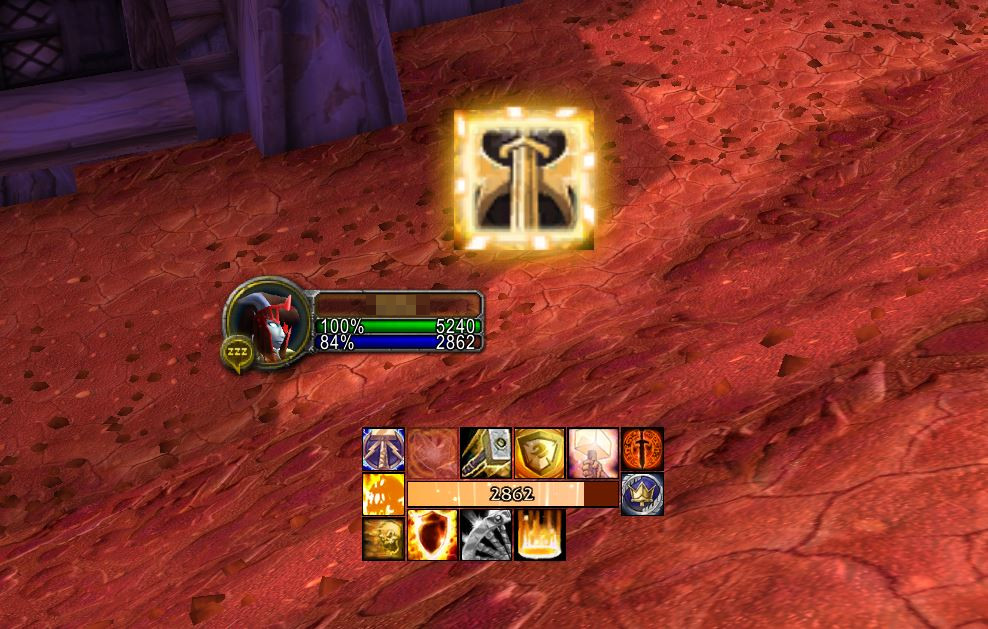
WeakAuras
WeakAuras is probably one of the most versatile addons overall. With it, you can create so-called “auras” that show you all sorts of things: cooldowns of your abilities, buffs, or even boss abilities.
You can either create such auras yourself or get pre-made settings (via wago.io). WeakAuras provides support for every class, every specialization, and almost every content in WoW. Note that some auras use only English spell names and can cause errors with a German client.
Details!
Details! is actually a so-called damage meter, meaning an addon that records player damage in the group. Such addons are sometimes frowned upon in Classic, but Details! has many options that make it extremely useful.
With the addon, you can track which abilities players took damage from, who interrupted spells, or used consumables. Such information aids in error analysis to address potential difficulties with a boss.
Details! even comes with the “Tiny Threat” plugin, which shows threat on targets. This is especially useful for tanks, but also for DPS players, to ensure that a target does not suddenly switch.
The best PvP addons in WotLK Classic
With Arena, open PvP, and battlegrounds, Wrath of the Lich King offers numerous opportunities to compete with other players. For many fans, PvP is even one of the motivations to play Classic and WotLK Classic. 2 addons help you keep track:
OmniBar
OmniBar tracks the cooldowns of the most important abilities of your opponents and yourself. This way, you can see at a glance on the icons and timers when which skill is ready again. It works both in instanced PvP and in the open world.
You can set which class abilities you want to track yourself. This way, you won’t see anything that isn’t relevant to you and can keep a better overview.
The information is important to know how to behave. For instance, if the opponent has strong defensive cooldowns ready, you should draw them out before a strong attack. If they can go on the offensive because their CDs are back, you should play cautiously.

BattleGroundEnemies
The addon BattleGroundEnemies (short: BGE) has just one simple and quite light function: it shows you friendly and enemy players in battlegrounds. This is something that can also be done through the interface, but BGE offers some advantages:
- you see the enemy formation directly at the start, depending on settings even with class colors
- BGE works together with other addons like Clique
- the frames show who has which player targeted
- control and interrupt abilities are attached to the frame
Especially on large battlegrounds, visibility is important, and BGE helps especially “shot-callers” lead the team to victory. This way, you can easily call out targets or see which opponent is currently being attacked to help take them down faster.
Note: Currently, there is still no version of BGE for WotLK. The old version from Burning Crusade should still work but may cause errors. We are monitoring the development.

The best addons for leveling and questing in WotLK Classic
We have already compiled 5 tips for leveling in WotLK Classic for you. With the right addons, you can also save time or get a few conveniences that the game does not yet offer.
Questie
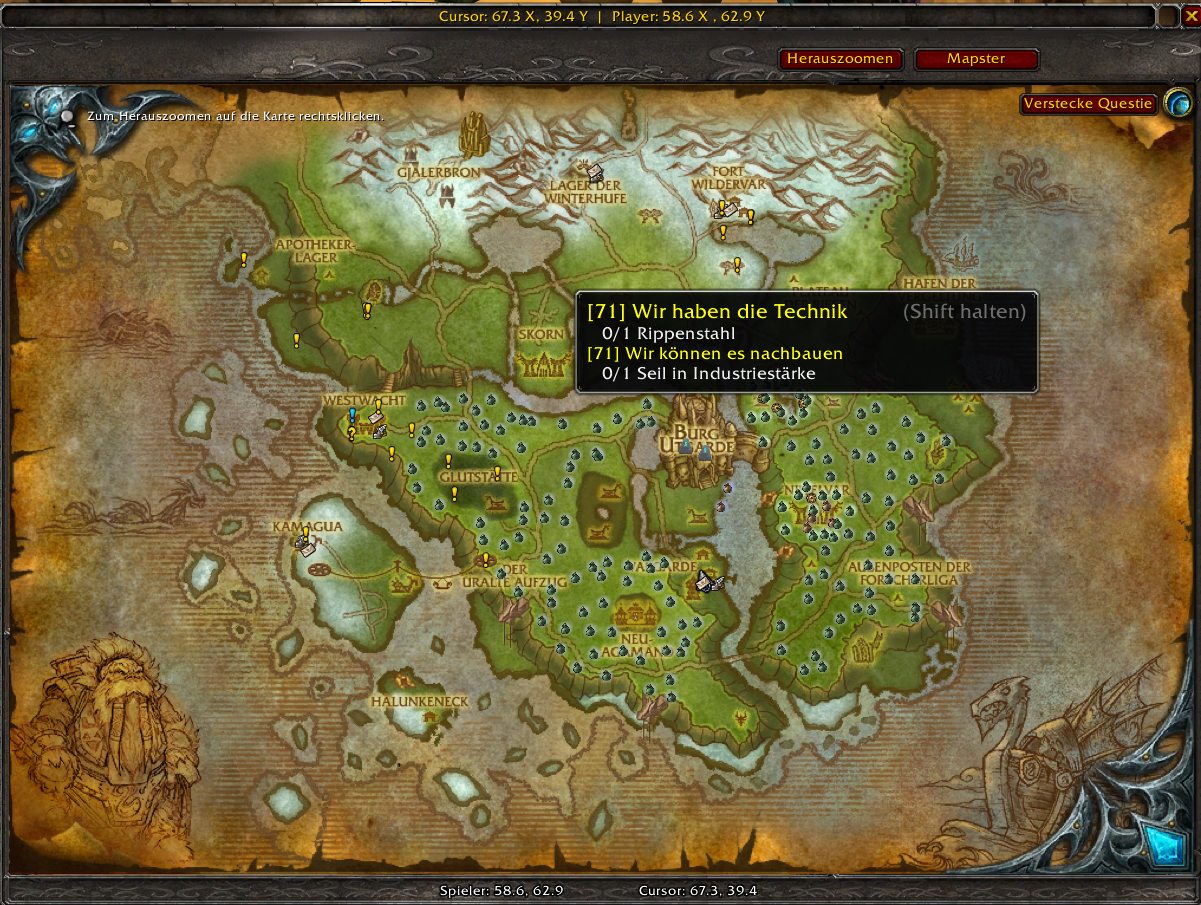
With Questie, you essentially get the quest overlay that Retail WoW already has. You will see available quests on the map, and once you accept a quest, Questie tells you where to complete it.
This saves you the trouble of reading quest texts, which however detracts from the enjoyment of questing for some players. So use Questie wisely. The addon can still be useful if the texts are hard to decipher or ambiguous.
Additionally, Questie shows you quests on the map that you might never have discovered in the last 14 years because they are so hidden.
The best addons for your interface in WotLK Classic
With some addons, you can change how WoW looks and get more information that the game does not provide by default. These expansions typically help with the visibility and organization of your interface.
TradeSkillMaster (TSM)
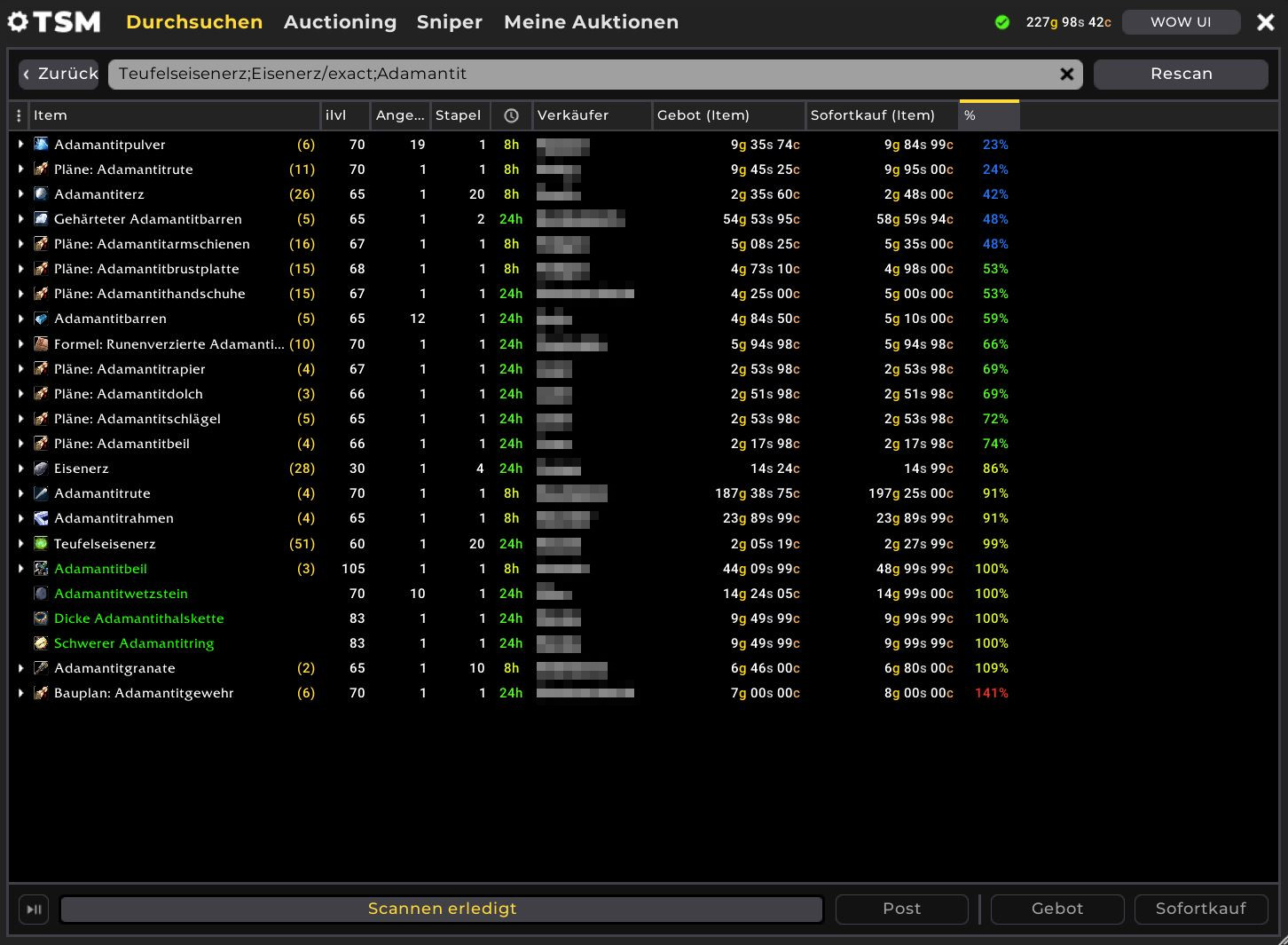
TradeSkillMaster (TSM for short) is a trade addon that gives the auction house a completely new look. With TSM, you can filter multiple items simultaneously, enter multiple parameters, and directly see the cheapest price when many items are listed. In Wrath of the Lich King, auctions are not listed as clearly as in Retail by default.
Additionally, you can see the current market price of various items either by scanning the auction house or using a companion app. Since TSM also supports your professions, you can even see how much it costs to craft an item and if selling it is worthwhile.
With advanced settings, you can also place items in “groups” and buy and sell them comfortably via macro. However, you need a good overview of your server’s market for that.
Bagnon
Bagnon combines your bags into a single inventory, allowing you to see all your collected items at a glance. This way, you save yourself the trouble of sorting and arranging bags.
Additionally, with Bagnon, you can look at your bank from anywhere without having to visit a city. In your inventory, items that you cannot use or important items are highlighted with outlines.
ThreatPlates
With ThreatPlates, you can customize the nameplates of enemies. You not only see a red bar above their heads, but you also receive information such as the enemy’s level and name. Various designs are available.
The most important feature is that next to the nameplate, you can see the current target of the enemy when you are attacked. A color code tells you how high your current threat on the target is. White means low threat, yellow means medium, and red means high threat.
This is especially useful for tanks to quickly see which of their targets is attacking one of their DPS players. DPS players can quickly see where they need to be more careful or even take a short break.
Installing addons – here’s how
If you want to install addons manually, you simply have to download the files from our linked websites and extract them in the following folder:
- […]World of Warcraft_classic_InterfaceAddOns
However, you must check each time if there has been an update and download it again. It’s easier with a manager. We recommend WoWUp, which you can get from the official website (via WoWUp.io).
With WoWUp, you can easily download and install addons from various sources, and the program can manage WoW Classic, WotLK Classic, and Retail at the same time. Through a dropdown menu, you select which version you want to install or update addons for.
Note: For some time now, Curse has denied access to the API. WoWUp now has limited access to many addons unless the authors provide them on GitHub or in WoWUp’s own database. However, most of the addons listed here should be available.

Your opinion is important to us!
Do you like the article? Then let us know!