

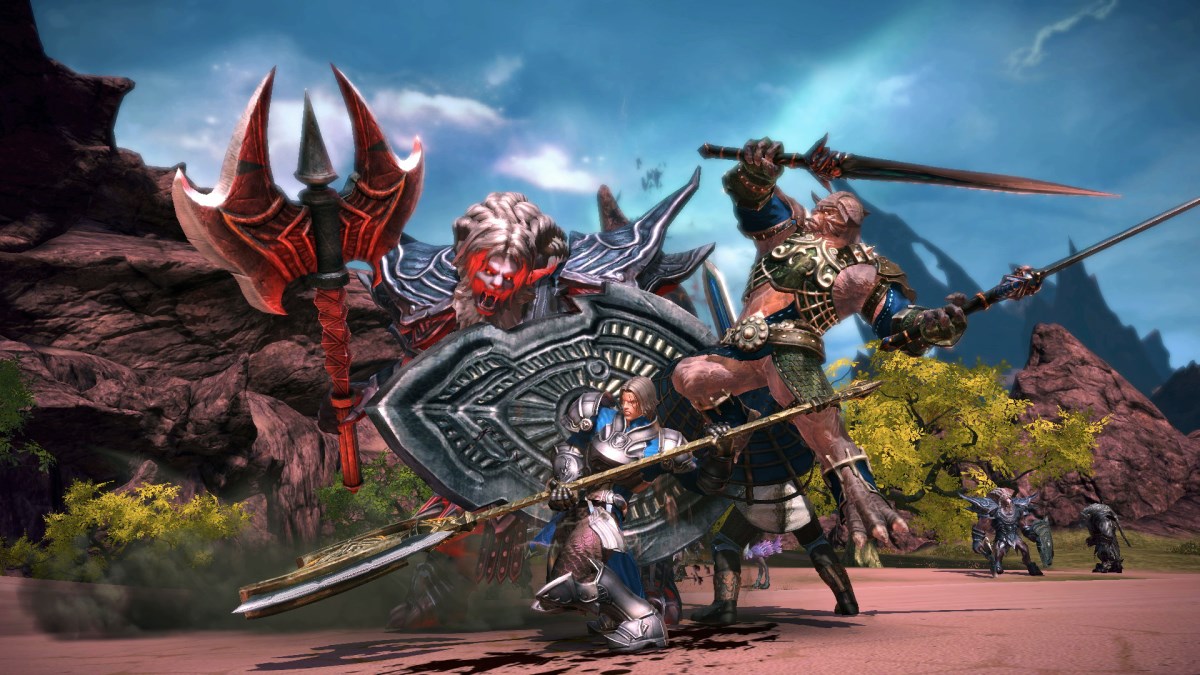
Among the most annoying things in MMOs are definitely guys trying to steal your hard-earned gold, right? Accounts for the online role-playing game Tera are also affected now and then – even in the forums, as could be seen in April. Back then, a security vulnerability in SSL encrypted data transmission was responsible for the turmoil regarding account security.
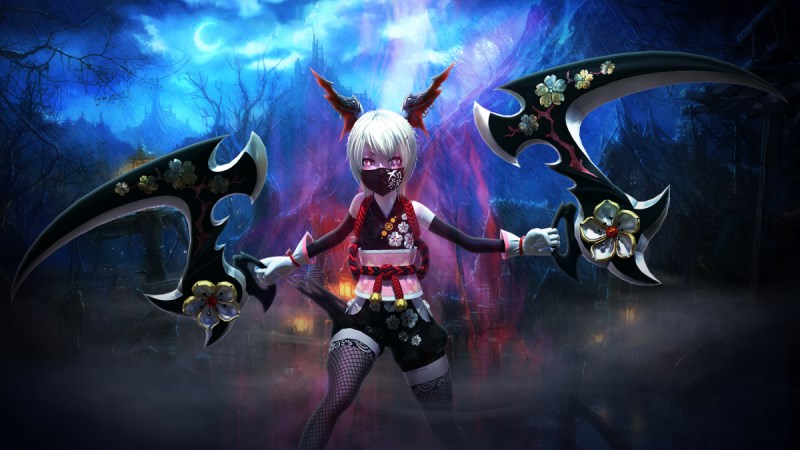
To prevent the problem, the account security system in Tera has now been activated. From now on, every time you log in with a foreign computer, you will receive an email and must authenticate the mentioned IP or computer to log in. If you want to play from a friend’s computer, you will also have to confirm it again. Moreover, the passwords of those players who have not yet used the account security system have been reset.
However, it is often less about data leaks at game developers than about the security of passwords and how they are handled. To keep your accounts secure, we have a few tips for you:
- Use different passwords for games and online services. Changing them regularly may increase your protection.
- Do not share your passwords with friends or strangers.
- Do not use names, birthdays, or other common phrases as passwords. Suitable are sentences from which you can create a password by using the starting letters, numbers, and symbols. Example: I have been a total fan of the site Mein-MMO for 3 months!1 –> Ibs4MetFdSMM!1 Or something similar! 😉
- If there is an Authenticator or similar mobile apps for your games: Use them! The (possible) one-time costs outweigh the stress in case of an account hack!
- Do not use services like power leveling, which give another party access to your game account.
- Keep your browser, including extensions like Adobe Flash Player and JavaScript, as well as your operating system up to date!
- Do not open email attachments from dubious or unknown senders; generally, you should be very careful in this regard.
- Ensure that the phishing filter for your browser is activated. This will inform you about sites that have been classified as dubious or dangerous upon entry. You can find the option for this directly in your browser settings.
- Do not enter your account data on sites (except of course the game developer’s website) or share them via email. No support staff will ask you for your password!
- Make sure your anti-virus software is always up to date and active. This will help detect viruses, malware, and other malicious things early.
Protection from hackers is also an important topic in Guild Wars 2
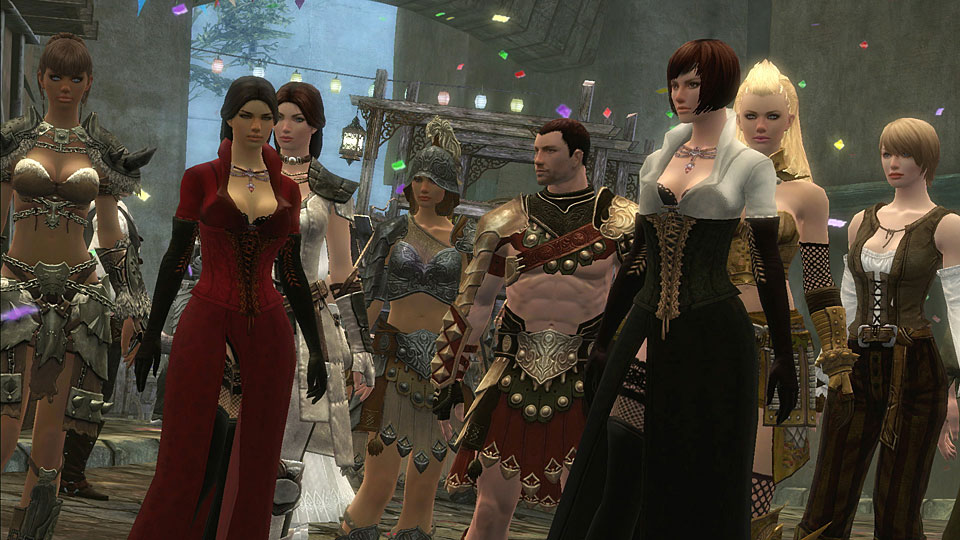
Mike O’Brien from the Guild Wars-team published an interesting article two years ago on account security and theft, in which he showed that most hacking attacks on the Guild Wars 2 databases occur through targeted user data entries. They check whether email address X works with password Y – how exactly this works, you can learn in this excerpt:
They do not guess or perform a brute-force attack to crack passwords; rather, they check very specific combinations of account names and passwords with each attempt. For instance, the account name “[email protected]” and the password “alligator101”. If they do not find a match immediately, they might try a variation like “alligator100” or “alligator102” and then move on to the next entry on their list. The interesting thing is that most passwords on these lists are actually quite strong. For every account on the hacker’s list using a password like “twilight” (a real example, ಠ_ಠ), there are dozens of accounts with good and strong passwords.
A few weeks ago, he also emphasized that it is very important to avoid using a universal password. You can find out more about the background here.
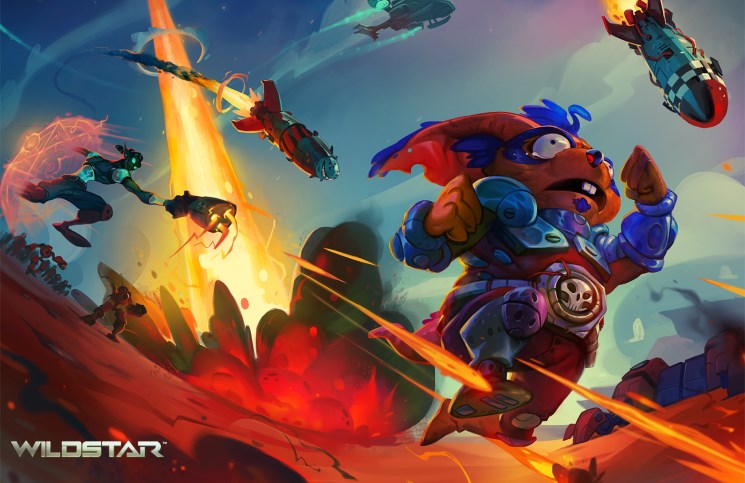
WildStar – Security is rewarded
The developers of Wildstar also care about security. Therefore, they reward all players who use two-factor authentication with bonuses. You are surely familiar with the principle, as in World of Warcraft, where you get a core hound for free when you use the mobile app. In Wildstar, you will receive the following bonuses:
- 2% increased gain in experience, fame, and prestige
- A cybernetic eye patch
- The title “YOUR NAME, officially recognized”
provided you download this mobile app for iOS or Android for free and connect it with your Wildstar account in account management. From now on, you will need to enter your account name, password, and the code from the app into the new input field on the login screen. Caution: The code is only valid for 30 seconds! So you need to act fast.
Just two notes to wrap up:
- After five failed login attempts, your Wildstar account will be locked for 15 minutes
- If you deactivate this security tool, you will lose all bonuses.
We hope these tips have helped you a bit, so you can game in peace without being bothered by hackers. Have you ever been a victim of account theft?

Your opinion is important to us!
Do you like the article? Then let us know!