


The search function in Pokémon GO offers you a wide range of options to filter for Pokémon. More and more features are being added. We have a list of all previous search terms.

What is the search function? When searching for a Pokémon in your bag, you typically enter the name of the Pokémon in the search bar at the top.
In addition to this search, there are numerous other ways to find Pokémon. For example, you can sort Pokémon that you can evolve, or search for all baby Pokémon.
The range of functions is vast. For example, at the beginning of March, additional commands were added. We present all previous search functions and explain what they are good for.
All search functions at a glance
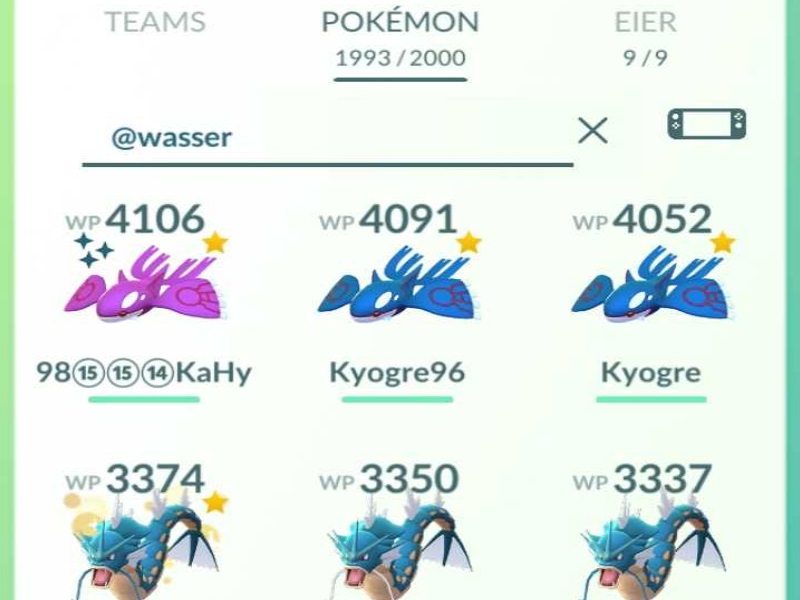
| Command | Result |
| develop | All Pokémon for which you have enough candies for evolution will be displayed |
| item | All Pokémon that you can evolve with an evolution item will be displayed |
| hatched | All Pokémon that you have hatched from eggs will be displayed |
| baby | All baby Pokémon will be displayed |
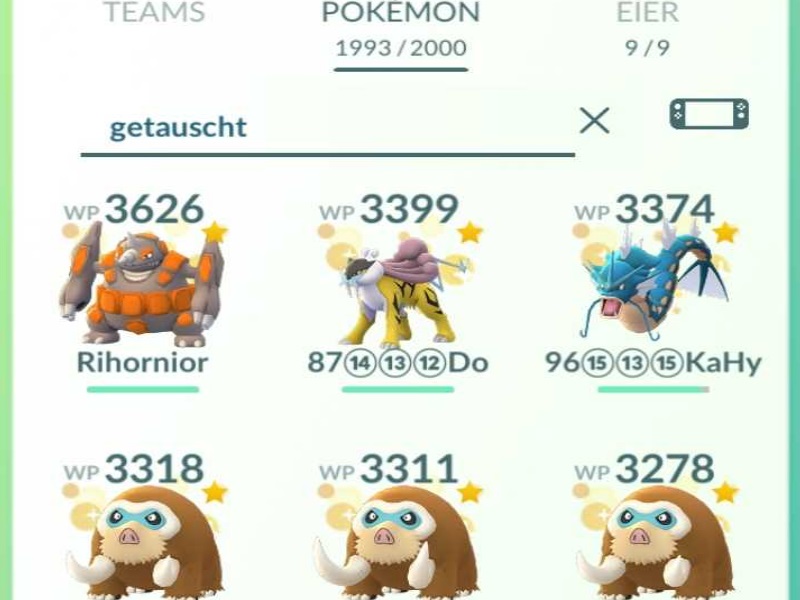
| traded | All Pokémon that you have traded will be displayed |
| lucky | All lucky Pokémon will be displayed |
| alola | All Alola Pokémon will be displayed |
| defender | All Pokémon that are in gyms will be displayed |
| legendary | All legendary Pokémon will be displayed |
| mysterious | All mysterious Pokémon will be displayed |
| shiny | All shiny Pokémon will be displayed |
| pidgey | All Pidgeys will be displayed (also applies to all other Pokémon) |
| 5 | All Pokémon with PokéDex number 5 will be displayed (also applies to all other PokéDex numbers) |
| 5-10 | All Pokémon with PokéDex numbers 5-10 will be displayed (also applies to all other PokéDex numbers) |
| 5- | All Pokémon with PokéDex numbers 5 or higher will be displayed (also applies to all other PokéDex numbers) |
| +pidgey | All Pokémon from the Pidgey family will be displayed (also applies to all other Pokémon) |
| dark | All Dark-type Pokémon will be displayed (also applies to all other types) |
| @dark | All Pokémon with a Dark-type attack will be displayed (also applies to all other types) |
| @bite | All Pokémon with the attack Bite will be displayed (also applies to all other attacks) |
| hp100 / cp100 | All Pokémon with 100 HP/100 CP will be displayed (also applies to all other values) |
| hp100-200 / cp100-200 | All Pokémon between 100 and 200 CP/HP will be displayed (also applies to all other values) |
| @weather | All Pokémon with weather bonus will be displayed |
| !shiny | All Pokémon that are not shiny will be displayed (also applies to all other commands above) |
This is also possible: You can combine commands. For example, if you enter “legendary, shiny”, all shiny and legendary Pokémon will be shown. You just need to separate the commands with a comma.
If you enter “legendary & shiny”, all legendary Pokémon that are also shiny will be displayed. An “&” connects both commands.
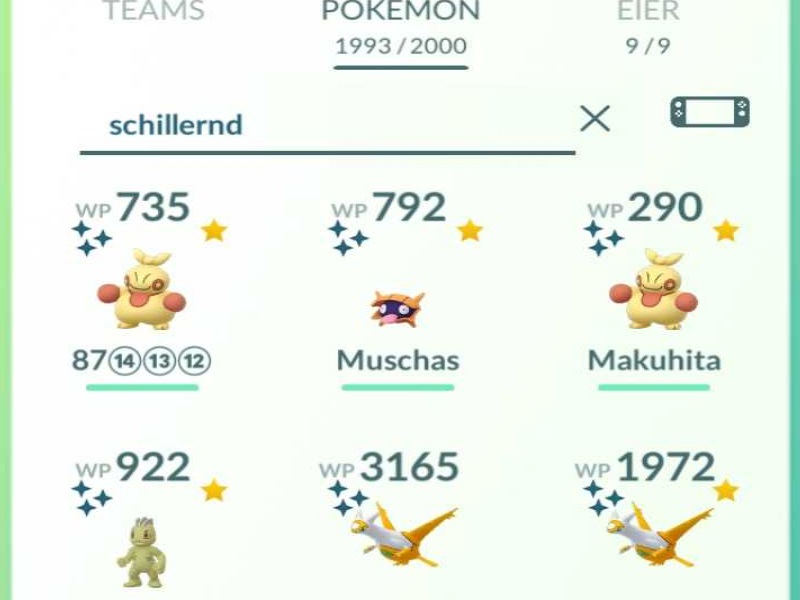
This is what the search function is good for: It makes searching easier in many ways. Here are some examples illustrating what the function is particularly good for:
- Your lucky egg is running and you want to evolve many Pokémon quickly: Enter the command “develop”. Then you can go through the list and evolve everything that is displayed.
- You have the current quest “Evolve a Pokémon using an item”: Simply enter “item” in the search bar. All Pokémon that qualify for this quest will be shown to you.
- You need strong Dark-type Pokémon for a raid but don’t know which attacks your monsters can use: Enter “@dark” in the search bar and all Pokémon with a matching attack will be displayed.
Still need a Ditto? Here you can find the complete Ditto list:


Your opinion is important to us!
Do you like the article? Then let us know!