

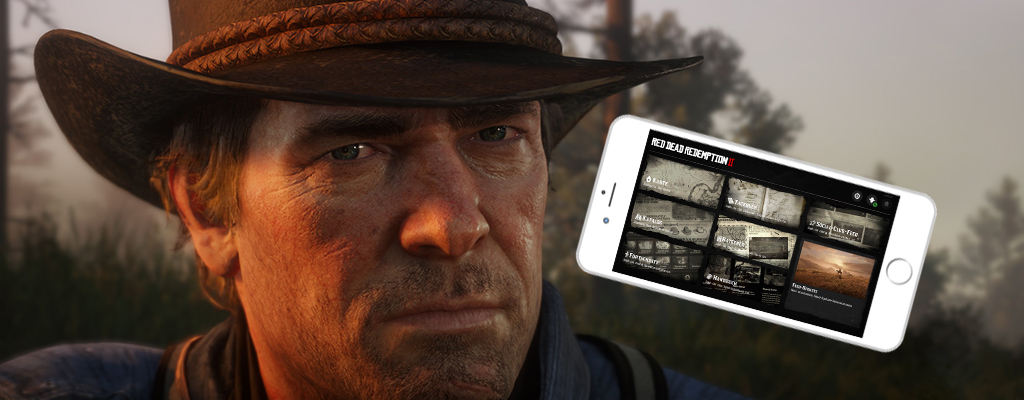
The Companion App for Red Dead Redemption 2 is available for download on iOS and Android. In this guide, you will learn how to use it.

As a help for Red Dead Redemption 2, Rockstar Games provides you with a companion app. A software for mobile devices that can assist you on your adventure.
We will show you here how to connect the app with Red Dead Redemption 2 and how to use its features.
Download of the Companion App for Android and iOS
First, you need to download the official Companion App for Red Dead Redemption 2 from your mobile store.
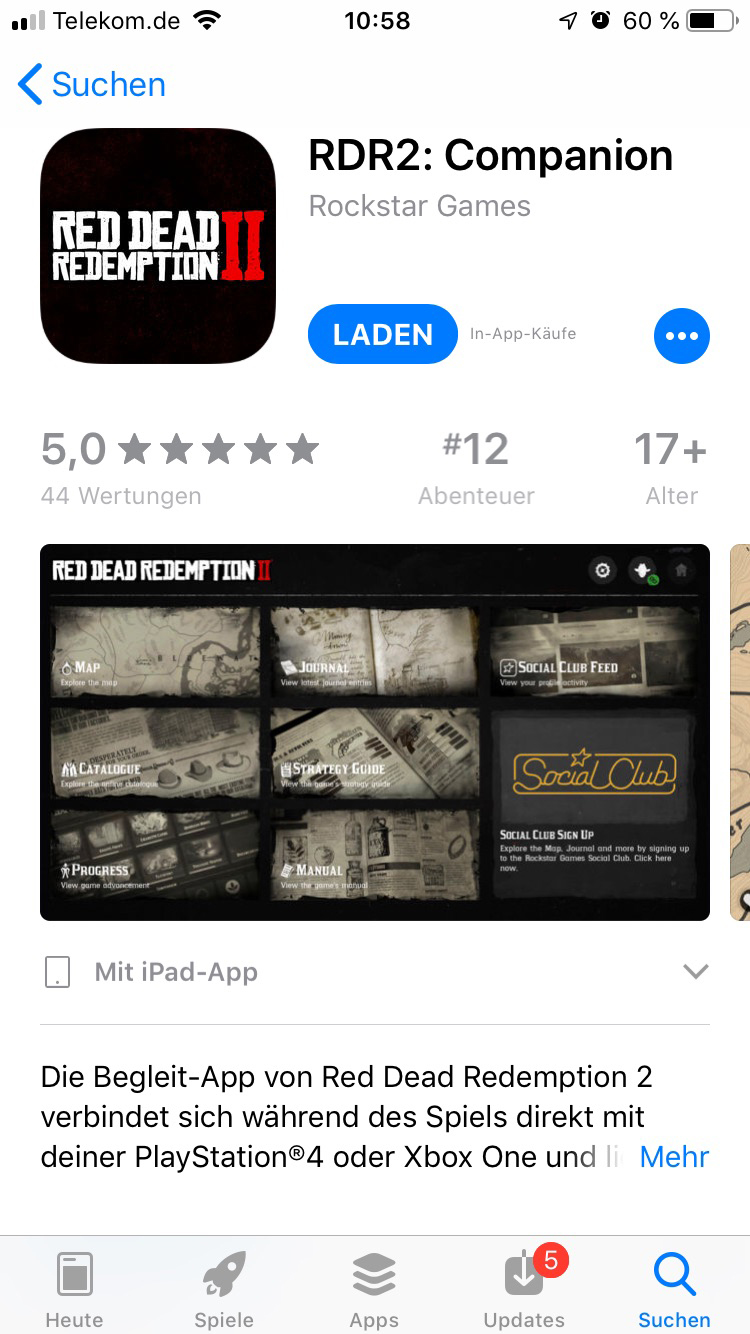
- iOS: For Apple devices, you can find the companion app here in the iTunes Store
- Android: Android users can find the companion app here in the Google Play Store
How big is the app? The app is about 210 MB for iOS devices.
Link RDR 2 with Social Club
You can link the companion app with your Social Club account.

- Connect Social Club with Red Dead Redemption 2: In the game, open the pause menu and select the second-to-last option “Social Club”. Then press the hotkey to “Join Social Club”. On Xbox, this is the Y button. You can either create a new account there or log in with your existing login credentials.
- Activate Social Club on Companion App: Select the cowboy symbol in the top right corner of the main menu. Then click on Sign In and enter your email address and password for your Social Club account. Your account will then be linked with the app.
How to connect the Companion App with Red Dead Redemption 2? If you have linked the app and the game with the same Social Club account, click in the app on “Connect” when selecting profiles (cowboy symbol). The app should now be directly connected to the game.
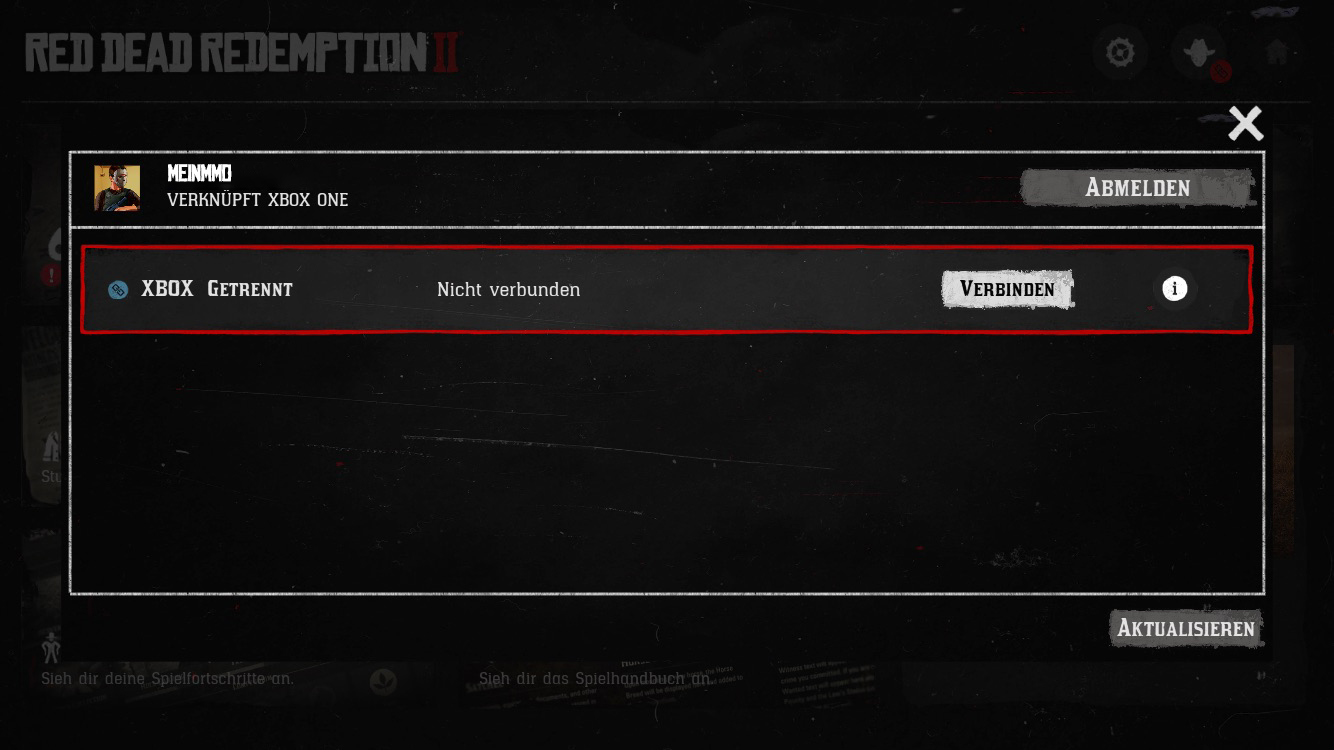
As confirmation, you will also receive a message in the upper right corner of the screen in RDR 2 when the services are linked.
The Features of the RDR 2 Companion App
In the overview of the map, you will find eight different features that you can use when the app and the game are connected.
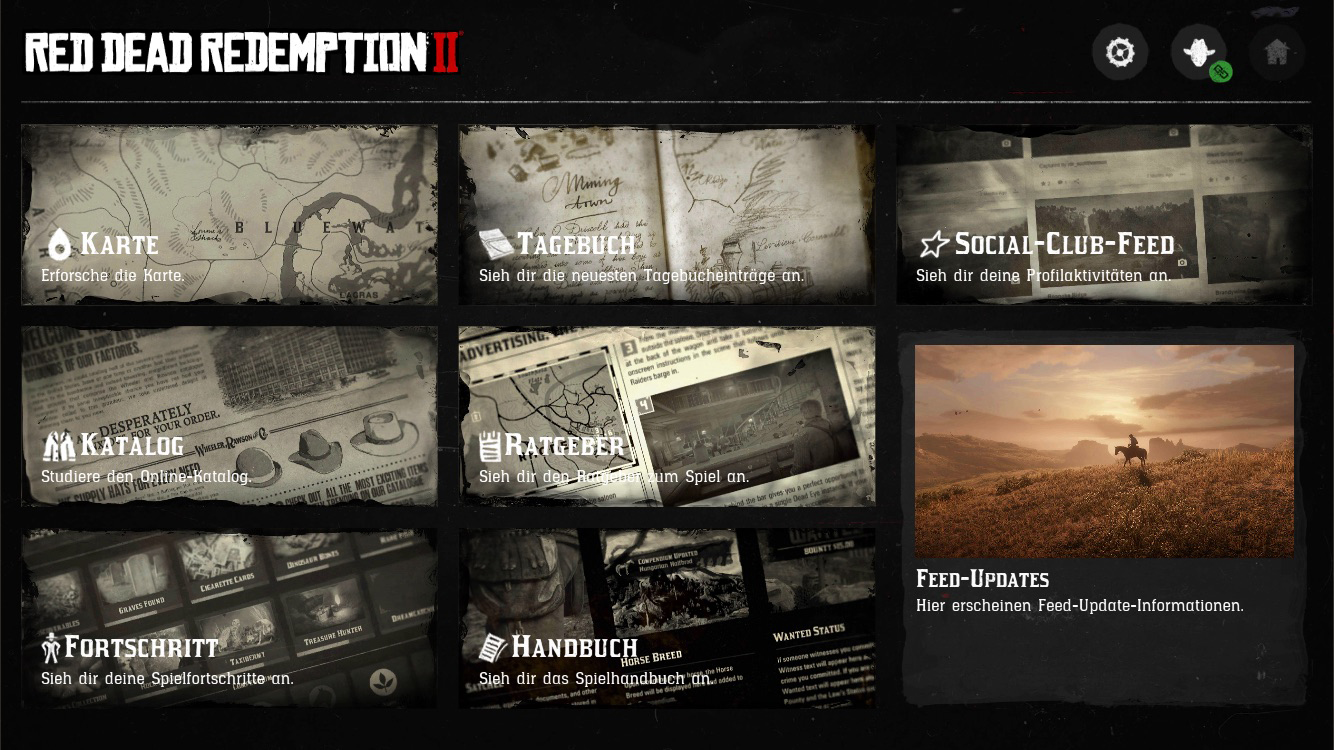
Map
How does the map help? With this feature, you get an insight into the map of Red Dead Redemption 2. You will see Arthur’s health and stamina displayed in the bottom left corner along with Arthur’s horse.

You will see interesting spots on the map marked with symbols. For example, merchants will be shown to you, just like the positions of Arthur and his horse. A button on the location symbol above the clipboard centers the camera over the player position.
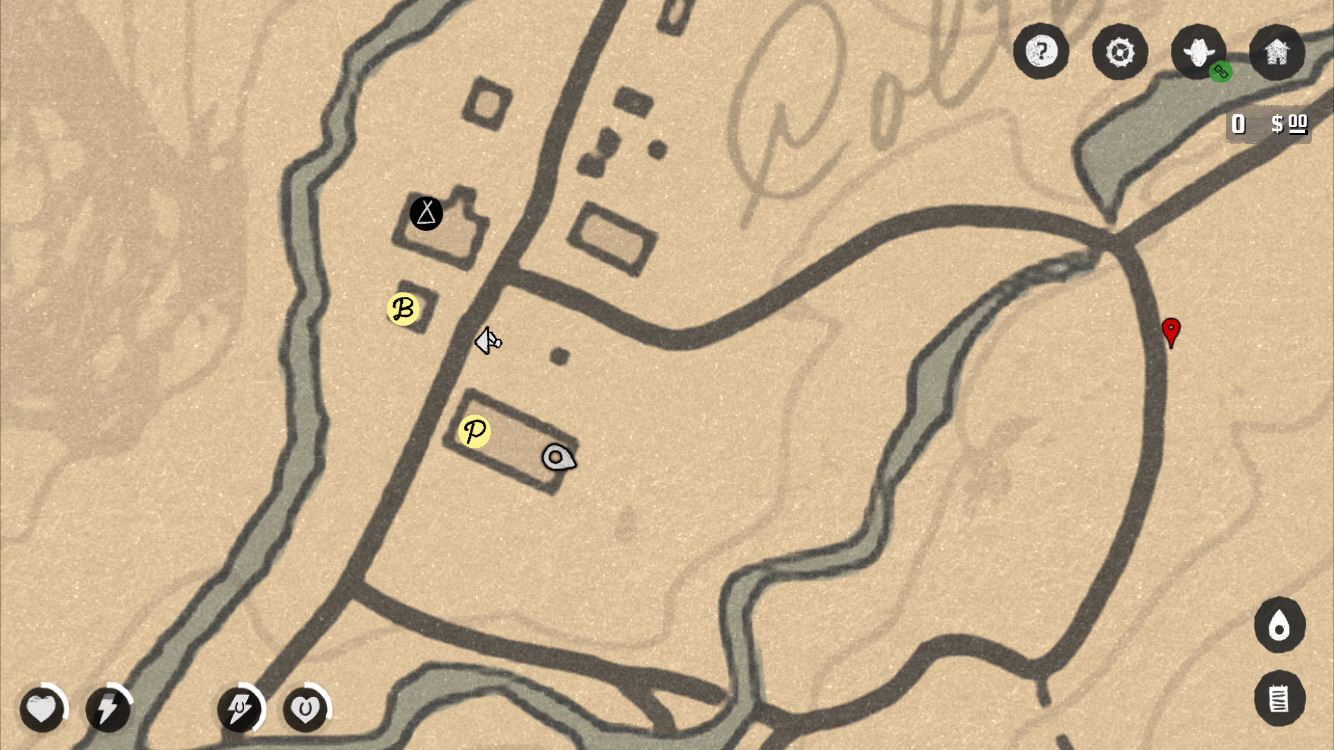
Setting a marker: To set a marker on the map, you need to tap the screen twice. A red marker symbol will appear. You will then also find it on the map in the game. On the minimap and on the large map.
Removing a marker: If you want to remove a marker that has been set, just tap it again twice.
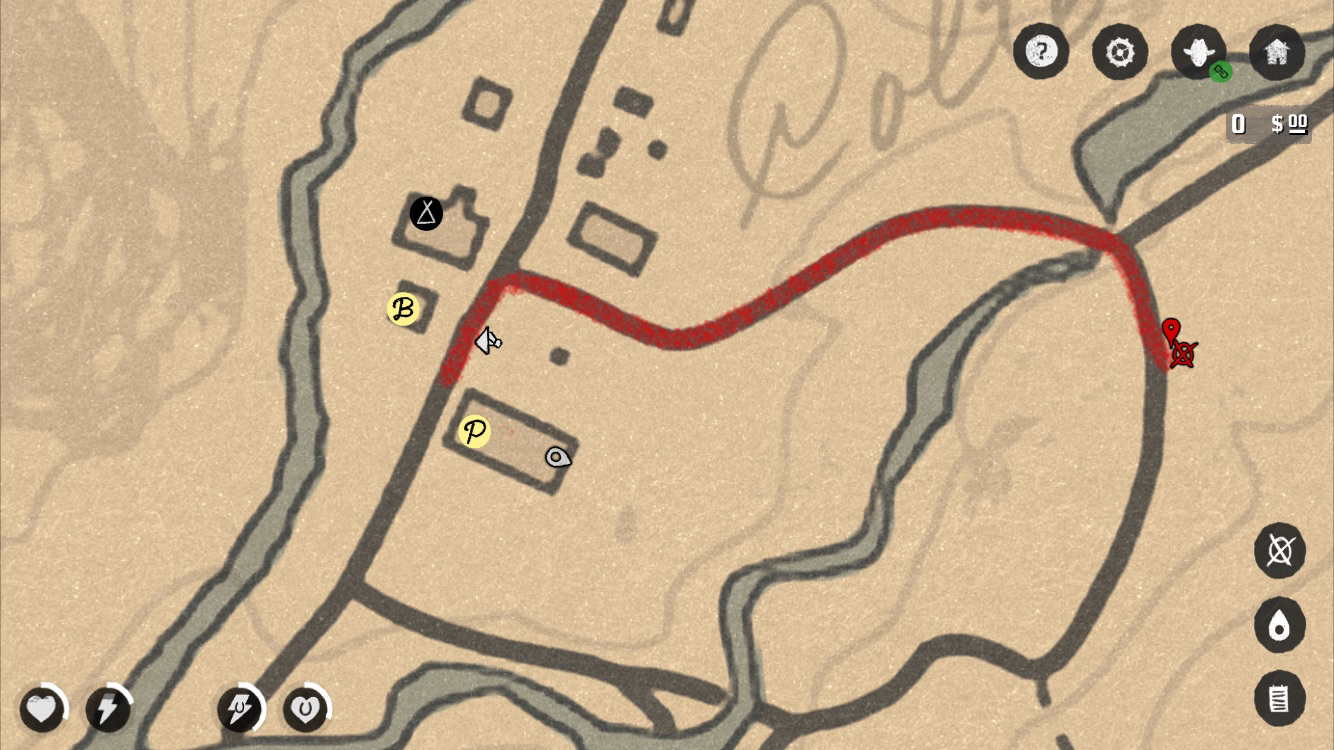
Setting a waypoint: To set a waypoint, hold your finger on a spot on the map. After about a second, the waypoint will be set.
Difference between waypoint and marker: A waypoint shows you a route to reach the set point. A marker only sets this.
Removing a waypoint: Hold the waypoint for one second with your finger to remove it.
Journal
How does the journal help? In the journal, you will find records from Arthur. These can be drawings of landscapes or buildings. Or they are texts that Arthur has written.
This way, you will find important information about places and people you encounter in the game.
This is what an entry looks like: Early on, you will find an entry in the journal with a drawing of a girl and text accompanying it.

Jenny, a sweet young girl we picked up by the roadside, and Micah, an outlaw that Dutch met somewhere in a bar. Dutch seems to have taken a liking to Micah, even though he is quite hot-headed, quarrelsome, and arrogant. Hosea and I are not so sure about him. We will see.
At some point, we made it out of the wilderness and set up camp outside of Blackwater. Sometimes I stay in town, looking for work.
Social Club Feed
This feature opens the Social Club website in the browser. There, you will be redirected to the activities immediately. You can post messages on your wall, for example.
Catalog
If you open this feature, you will see something like a newspaper in front of you. It also opens in the device’s browser.
What is shown in the newspaper? You will find offers for weapons that you can order directly there. There are also advertisements for food like peaches, carrots, and rolls.

You can also purchase clothing like hats or boots there.
Guide
If you select the point Guide, you can purchase the official guidebook there. If you want, you can grab the book for a one-time fee of 10.99€.

What does the guide bring? In the mobile version of the guide, you will find every page of the book in high-resolution quality. It is supposed to contain information on all aspects of Red Dead Redemption 2. Interactive menus are meant to help navigate.
Progress
This point brings up an overview of your progress in Red Dead Redemption 2.
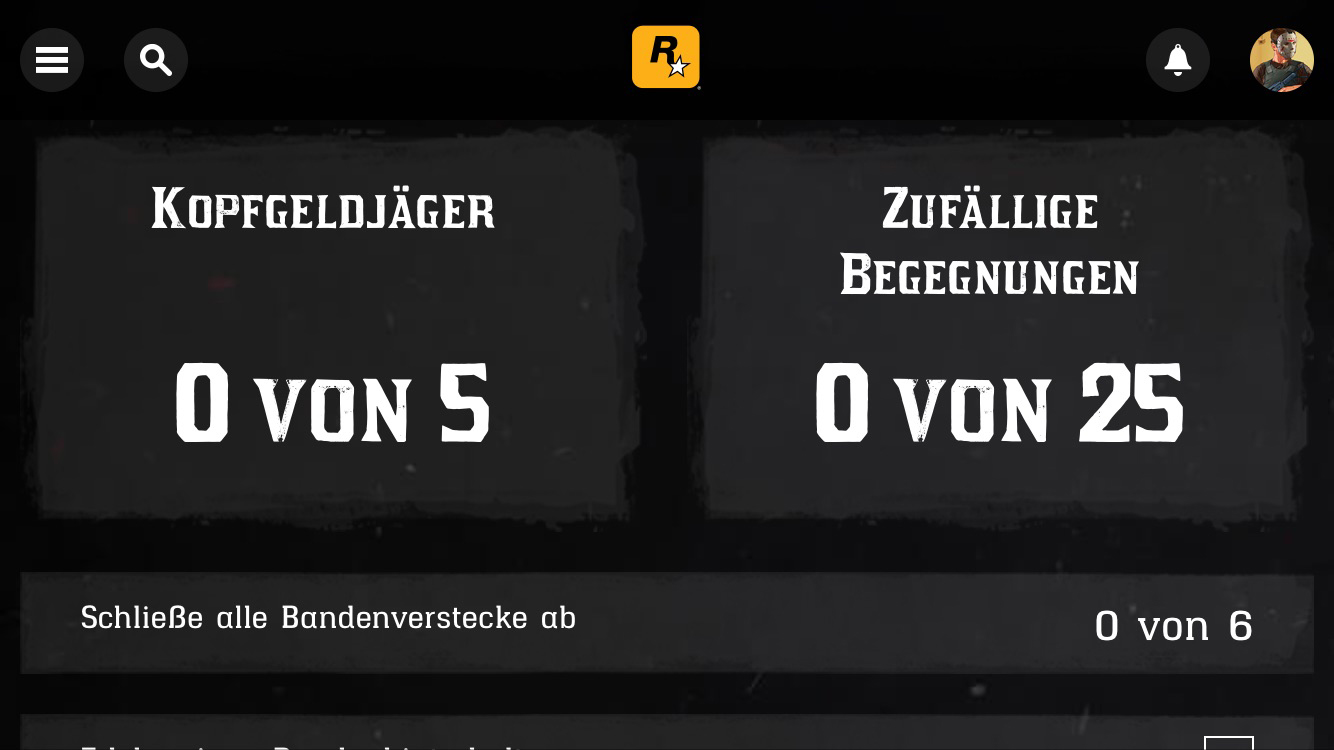
What is shown? You will find info about
- Challenges
- Your character
- Quests and events
- Achievements and more
Manual
Under this menu point, you can download the official game manual for Red Dead Redemption 2 to your mobile device for free.
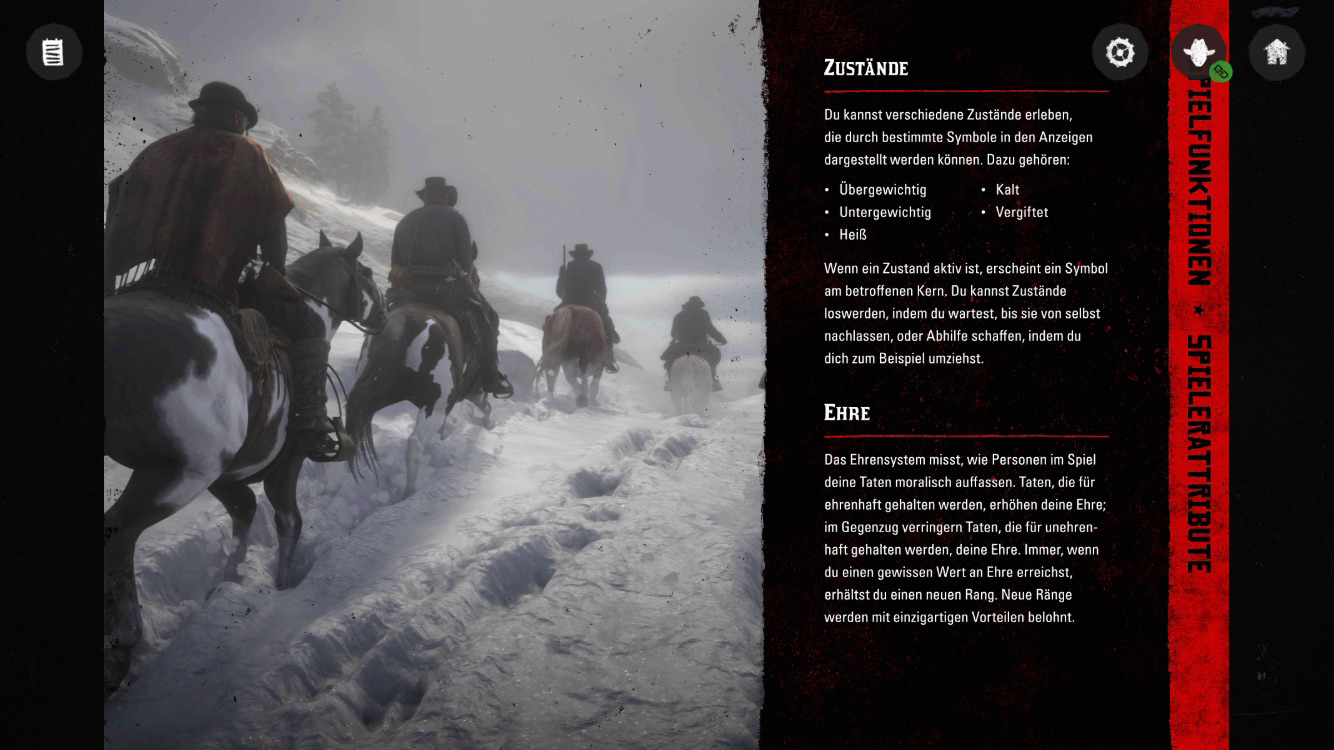
What information is in the manual? It explains the controls, the display, and other settings. Also, functions like hunting, which fans rate as brutal, are highlighted.
Feed Updates
So far, this feature links to the support webpage of Red Dead Redemption 2.
Have you downloaded the Companion App for Red Dead Redemption 2?