

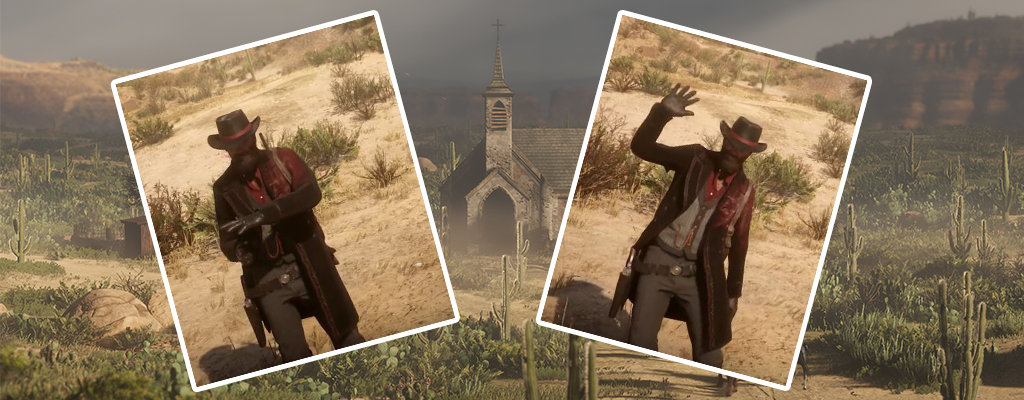
In Red Dead Online, you can use emotes to communicate non-verbally with other players. We will show you how to use and change emotes. This works in the online mode of Red Dead Redemption 2.

During your adventures in the online mode of Red Dead Redemption 2, you will encounter other players frequently. You can meet them in free roam or in game series. It is not always enough to communicate with them via voice or text chat.
An emote can easily express your mood. Without words.
Using Emotes in Red Dead Online – Buttons
To use an emote in Red Dead Online, hold L2 on PS4 or LT on Xbox. Then press R1 or RB.

You will now see which emotes you have “equipped”. The buttons you need to press are listed next to it. So if you press the button now, you will use the emote.
How to Change Emotes in Red Dead Online?
If you want to change the assignment and your emotes, you need to go to the player menu. You open it with the left arrow on the D-pad. Now select “Online Options” and then “Emotes”.
Now you can select which emotes you want to equip.
- Greetings: Thumbs up or waving
- Provocations: Funny smell or cursing
- Actions: Shooting or spitting
- Reactions: Shaking head or nodding
In the following YouTube video, you can see all the standard emotes currently available in Red Dead Online.
In the online mode menu, you can also set additional options such as your walking style. There you also set who you want to hear in voice chat.
Other important topics for the online mode:
- Honor is important in Red Dead Online, this is how it works
- Yes, Red Dead Online will get microtransactions, but only later
- These 5 things are already celebrated by players in Red Dead Online

Your opinion is important to us!
Do you like the article? Then let us know!