In Pokémon GO trainers can now add friends and send gifts. We show you how to find the trainer code and add friends with it.
The friends function: If you want to connect with other trainers in Pokémon GO, you can send them a friendship invitation. This is done with the trainer code.
Find Trainer Code
The code is important: Other trainers who want to add you as a friend need your trainer code for that. It’s a 12-digit combination of numbers that you can retrieve in Pokémon GO.
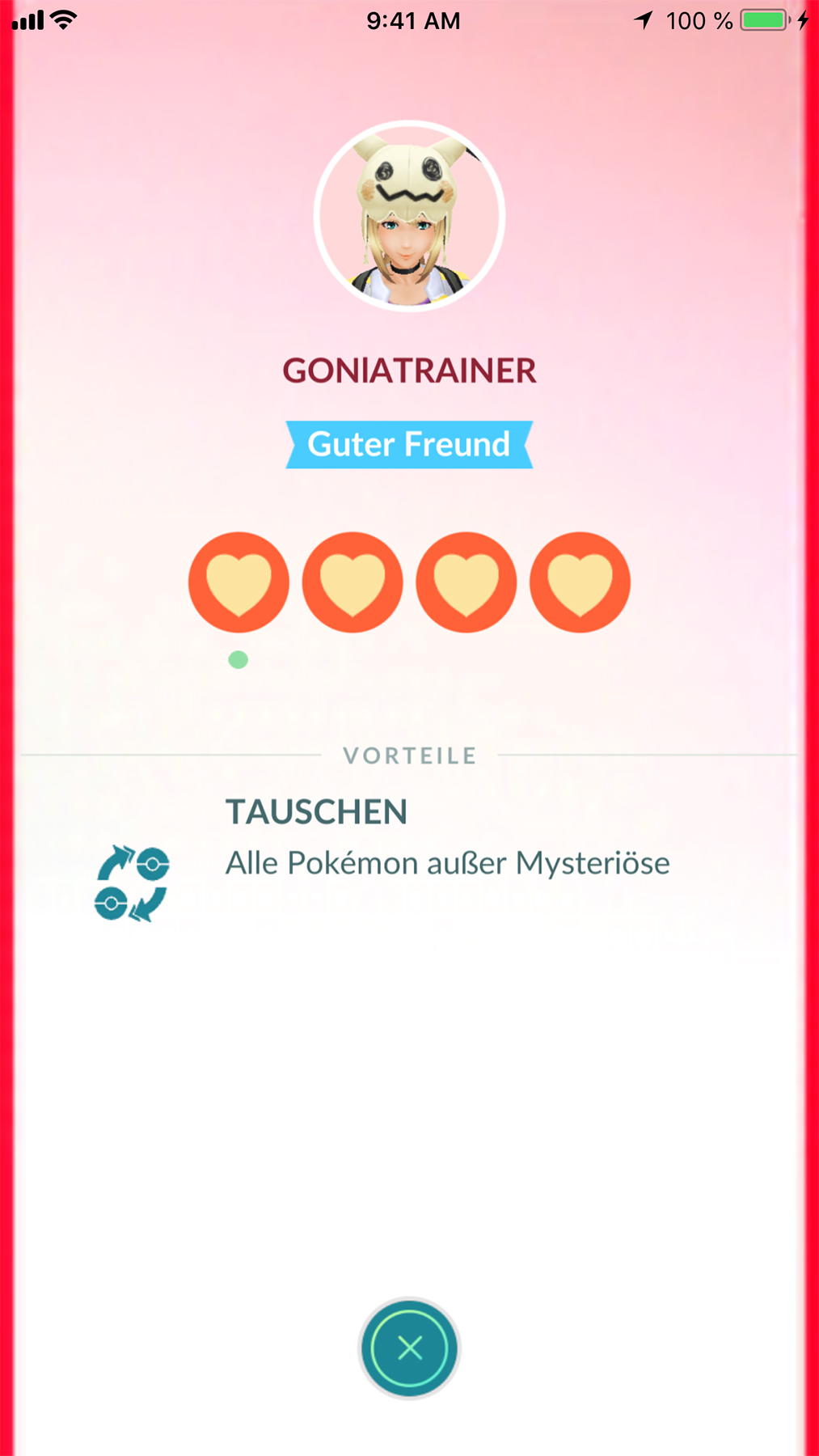
Where do I find the trainer code?
- Start Pokémon GO on your device
- Then click on your trainer picture in the lower left corner
- Now select “Friends” at the top, which is right next to “You”
- There you will find the button “Add Friend” – tap the button
- Now you will find the option to enter a friend’s code at the top, while the lower area shows your trainer name and your trainer code. With the button “Copy your Trainer Code” you have the number in the clipboard and can paste it into WhatsApp or other platforms.
Adding Friends in Pokémon GO
Here’s how to add friends: To add a friend in Pokémon GO, first ask them for their code. Then copy the number that your friend gives you. Now follow the instructions shown above up to step 4.
- Now select the empty field at “Add Friend” and enter your friend’s trainer code there.
- Instead of copying the number, you can also enter it by hand.
Afterwards, the friend request will be sent and just needs to be accepted by the other player. Once that happens, you will be friends in Pokémon GO.
Pokémon GO: Finding Friends
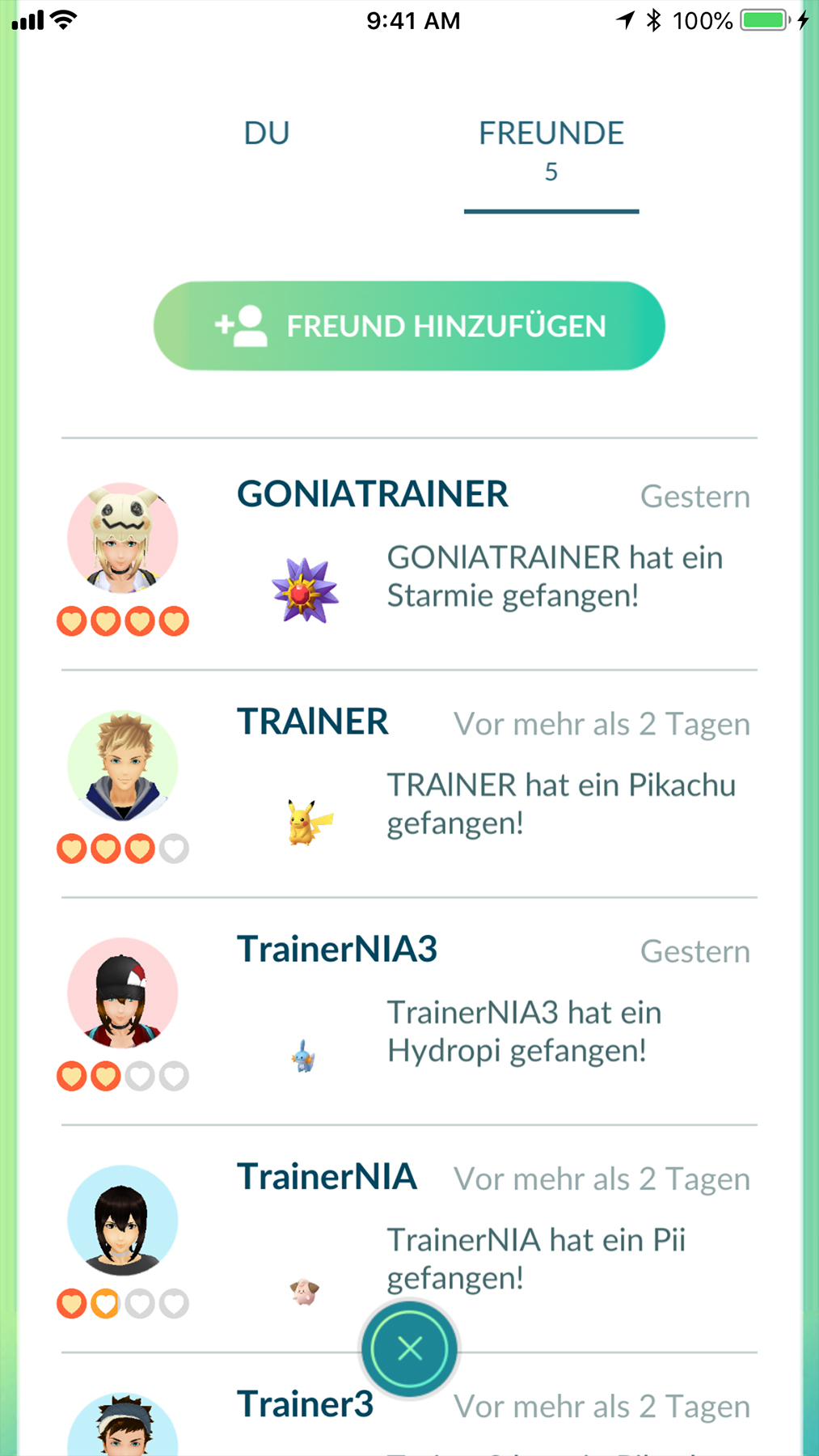
Where is the overview? Click on your trainer picture in Pokémon GO and then at the top on “Friends”. Your friends will be listed here. Simply select an entry in the list to find the options to send gifts or trade. What do friends bring in Pokémon GO? Through the friends function, you can receive gifts from players worldwide. Friendship in Pokémon GO also has advantages with local trainers. Because if you participate in raids together, you gain more attack power and even more Premier Balls.
Here you can find friends for Pokémon GO: In our Facebook group for Pokémon GO, we have created a photo album that makes finding friends easier. After you join the group, you will find the “Friend Codes” album. Comment under the respective photo with your code and maybe share if you are looking for friends to raid or just for gift exchanges.
At local events like Community Days or raids, you can also simply ask other players for their code and then add them. This way, strong raid groups can also be formed in rural areas when you utilize the attack bonus.
- How friend levels in Pokémon GO work, you can see here
- These contents can be in the gifts that friends send you