
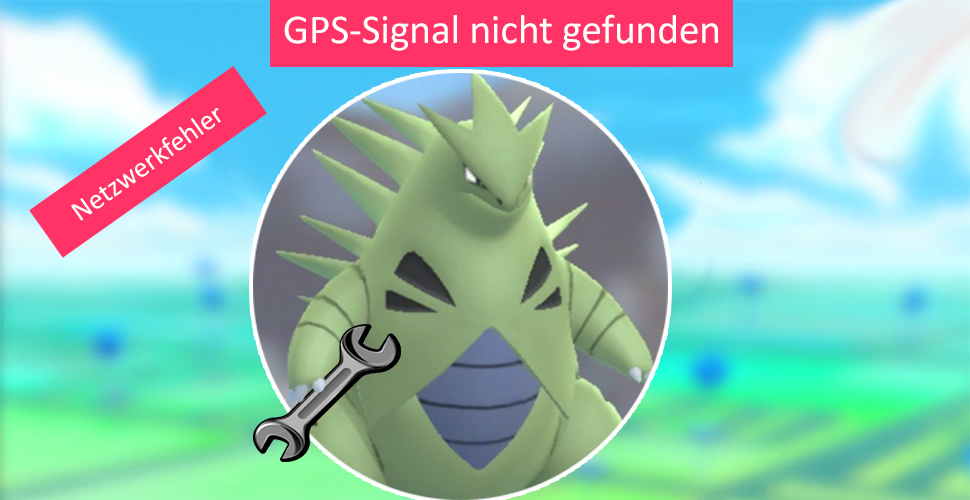
Errors such as “Network error”, “GPS signal not found” or location issues frequently occur in Pokémon GO. Some can be fixed by you.
Pokémon GO has been a popular mobile game since its release in summer 2016. However, problems and error messages also belong to it, which can occur while playing. In this overview, we want to show you the reasons for the errors and possible solutions.
This overview was compiled by the Reddit user myckol. The possible solutions come from other users in the Pokémon GO community and are small helps that may resolve the issue.
Pokémon GO Error Codes
- Error code 2 – Network error: An error message that often occurs in gyms, but generally anywhere in Pokémon GO.
- Cause: This error can occur due to a poor internet connection or connection to the Pokémon GO servers.
- Solution? You have little influence on this error. If your internet connection is stable, the error likely originates from Niantic.
- Error code 3 – Something went wrong. Please try again: You see this error when there are issues in the in-game shop.
- Cause: The exact cause varies from case to case.
- Solution? As the error suggests: Try again. If the problem occurs again, you should wait a few minutes or restart Pokémon GO.
- Error code 10 – No internet connection: You receive this error, as the name suggests, when no internet connection is available.
- Cause: Wi-Fi connection is unstable or you have no available data volume.
- Solution? Find another location where you have a better internet connection.
- Error code 11 – GPS signal not found – Pokémon GO has problems recognizing your location.
- Cause: Poor reception.
- Solution? Try changing your location. You should also check if your smartphone has the correct GPS settings.
- Error code 12 – Location could not be determined
- Cause: A poor GPS signal may also be responsible for the error.
- Solution? Check your GPS settings and your internet connection. If the error persists, you should move to another location.
- Error code 22 – Error
- Cause: Occurs when players are thrown out of a gym because a raid starts. Also occurs when a monster that is no longer in a gym is to be fed.
- Solution? Leave the gym or restart the app.
- Error code 23 – Error
- Cause: This error probably occurs during server issues.
- Solution? Wait, possibly restart the app.
- Error code 25 – Error
- Cause: Occurs when trying to catch a wild Pokémon that no longer exists.
- Solution? Catch another Pokémon.
- Error code 26 – Error
- Cause: Likely arises due to server lags.
- Solution? Wait, possibly restart the app.
- Error code 29 – Error
- Cause: Occurs when a player disconnects from a gym battle and then tries to rejoin. The game thinks the trainer is already in battle.
- Solution? Wait about 10 minutes and then try to rejoin.

- Error code 30 – Error
- Cause: Occurs in gym battles. The reason is still unknown.
- Solution? A solution to the problem is not yet known.
- Error code 31 – Error
- Cause: This error occurs when trying to place a Pokémon in a gym that was recently neutralized but has since been occupied by another team.
- Solution? Defeat the defenders and retake the gym.
- Error code 32 – Error
- Cause: Occurs when attempting to turn a gym disc while in motion. Could be related to GPS problems.
- Solution? Check your internet connection and GPS.
- Error code 33 – Error
- Cause: The error occurs when entering raids. The reason could be different times between the phone and Pokémon GO server.
- Solution? Set your smartphone’s time to “automatic”.
Regional Pokémon of the 3rd generation? Here are our suggestions


