

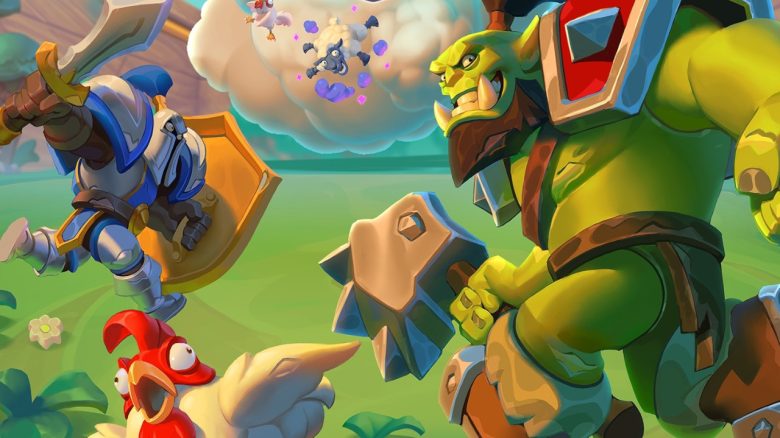
Warcraft Rumble is a resounding success – but unfortunately only playable on smartphones. However, you can also play it on PC using software.

Mobile games are not for everyone. But by now, everyone should have realized that Warcraft Rumble is quite fun. However, many cannot deal with the small display of a phone, and not everyone has a tablet on hand. However, it is possible to play Warcraft Rumble on PC – even if you need to install additional software for that.
We will show you how to play Warcraft Rumble on PC using BlueStacks 5.
However, please note that this option is not officially supported by Blizzard and must therefore be used at your own risk. However, it worked flawlessly in our test.
What is needed? The setup only takes a few minutes. Before you can play Rumble on PC, you need:
- BlueStacks 5 (Link to the official site)
- A Battle.net account
- A Google Play Store account (or the corresponding Apple Store)
After installing BlueStacks 5, you just need to start the application. In the settings, you can choose which smartphone model you want to appear as – but this is usually not very important. Log in here with your corresponding Google or Apple account and just search for “Warcraft Rumble” in the store and install it.
It may happen that BlueStacks switches to a different player version at this point, but that is quite normal.
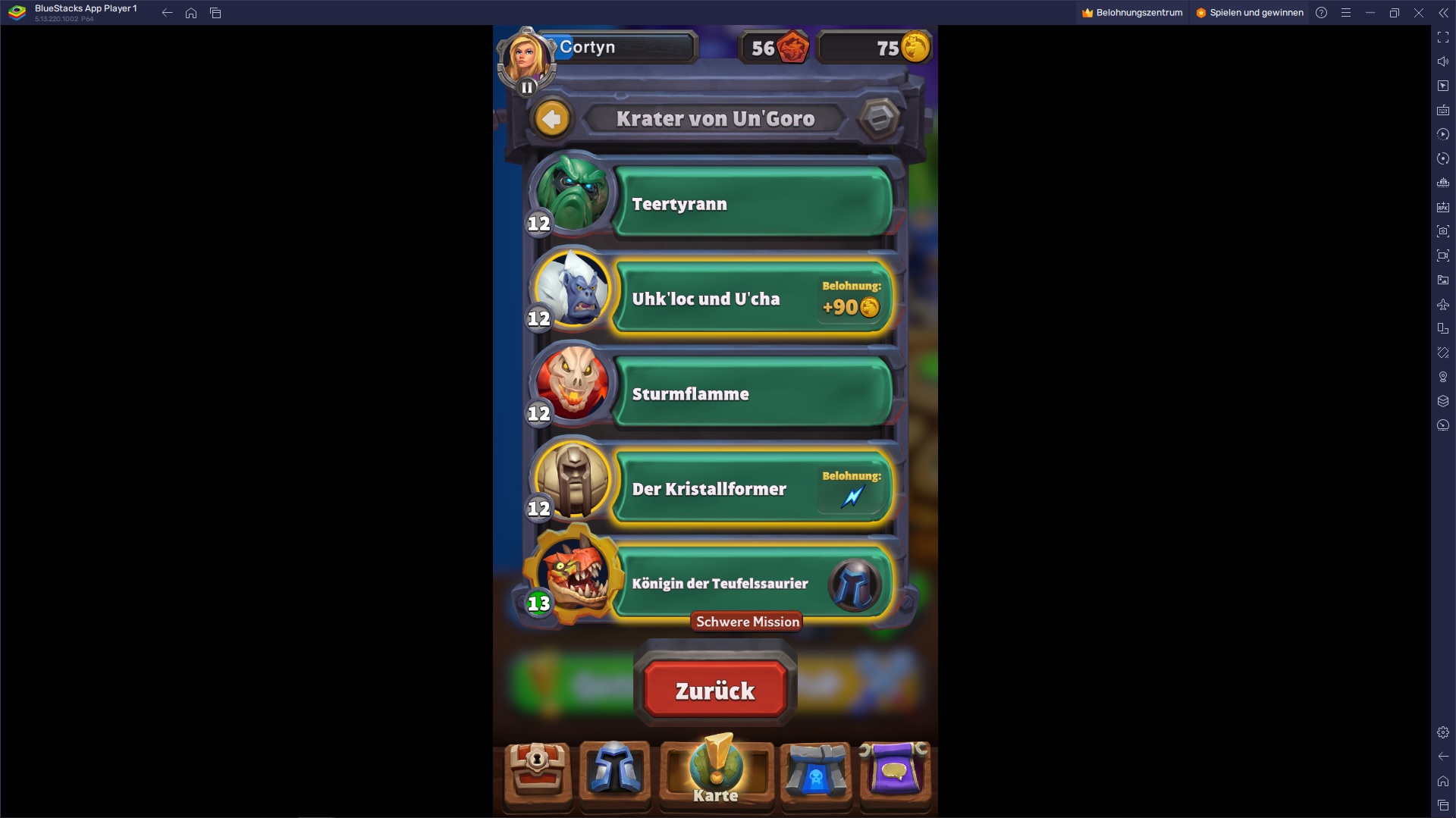
What problems can there be? It may be that BlueStacks says when starting Warcraft Rumble that CPU virtualization must be enabled. In that case, you need to enable this on your PC first. How this works is a bit different for each PC. Usually, this can be done in the basic settings of your motherboard (often also called “BIOS”). You can access it by holding down a key when starting your PC – depending on the manufacturer, this is often F1, F2, or F4.
After you have enabled CPU virtualization, restart Rumble again via BlueStacks and it should work.


How does BlueStacks finance itself? The program constantly displays ads in its various players to be offered for free. However, you can simply deactivate these in the options if they bother you too much. Generally, the ads are not very disruptive as they are located outside of the “emulated” phone display.
Have you played Rumble yet – whether on mobile or on PC?
We have a tier list for all minis from Warcraft Rumble here for you.

Your opinion is important to us!
Do you like the article? Then let us know!