A gamer receives a gaming PC as a gift. However, many players shake their heads at the reason for the gift.
A player bought a new gaming PC and gifted his old system to a colleague. The new owner explained that the colleague only gifted him the device because he had major problems with it. The PC had become far too hot.
However, the heat problem could have also been solved by the colleague, as the user explains. After all, he can now enjoy a new gaming PC that has decent hardware installed.
Gaming PC overheats because it has not been properly maintained
What is the problem with the PC? A gamer told on reddit that he received a gaming PC as a gift from his work colleague. The latter wanted to buy a new PC instead because his old one was constantly overheating.
In the thread, he also posted some pictures, and it quickly becomes clear why the gaming PC is overheating: The fans are dirty and partially blocked, and the thermal paste on the processor has not been applied properly. Some speculate that the colleague is a heavy smoker and has always blown his smoke directly into the PC.
Others believe that the old owner simply did not have the nerve to clean the gaming PC thoroughly from time to time.
What hardware is in the PC? An Intel i7 8700 and an Nvidia GeForce GTX 1070. Intel’s first six-core with hyper-threading is still powerful today.
Some explain that he only needs to swap the aging GTX 1070 for a GeForce RTX 3060 or Radeon RX 6700 XT. Then he would have enough power for the next few years. And he could already get these two graphics cards for under 400 euros.
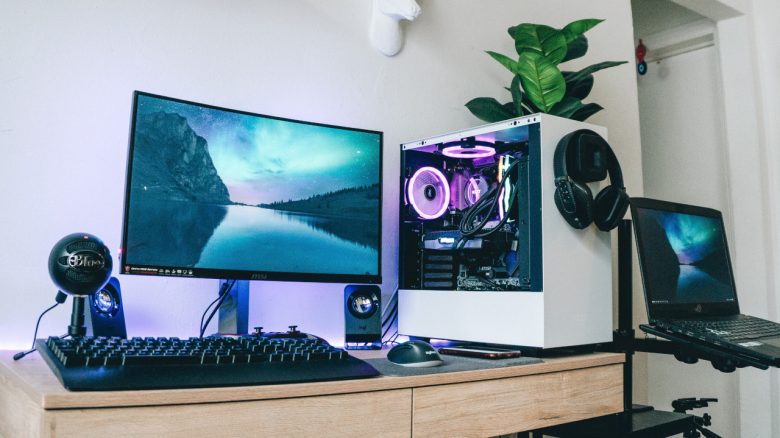
By the way, our cover image is just a symbolic image; the gifted PC is also a solid device that makes quite an impression.


Regular cleaning can be worthwhile
How often should you clean your gaming PC? In principle, you should take the time and clean your gaming PC regularly. How often depends on the position of the computer and your living situation:
- If the PC is on a carpet, which we would not recommend, and you are a heavy smoker, you need to clean the PC more often.
- Having dogs and cats in the household is also an indication to clean your hardware more frequently.
- If you have your computer in a heavily occupied room, such as in the bedroom or living room, regular cleaning is also recommended.
Dust filters that can be installed in your computer are also recommended. But even with dust filters, you need to clean your PC. They only prevent dust and dirt from entering your computer. You still need to clean the dust filters regularly. If they become clogged, no fresh air will reach your hardware, leading to heat build-up inside.
Why is overheating problematic? Severe contamination can cause your installed hardware to overheat in the worst case. The processor and graphics card normally throttle back to manage high temperatures.