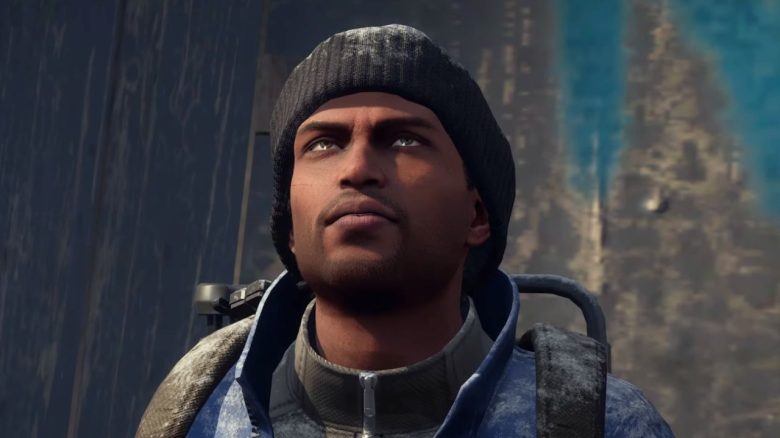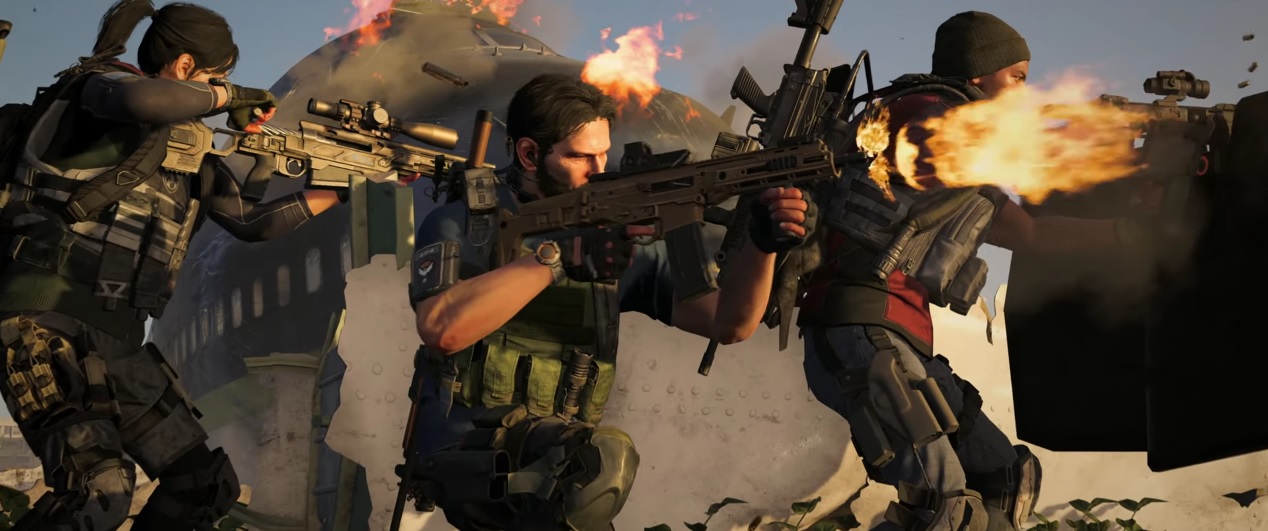
Today marks the beginning of the free weekend for the online shooter The Division 2. The free play weekend offers you a complimentary look at the entire game from now on. The free-to-play weekend runs on PC, PS4, and Xbox One until June 17. We tell you how to start the download and get started.
When does it start? According to Ubisoft, the free weekend started today, June 13 at 9:01 AM our time. So you can already start right away.
The start date applies to all platforms – so for PC, PS4, and Xbox One.
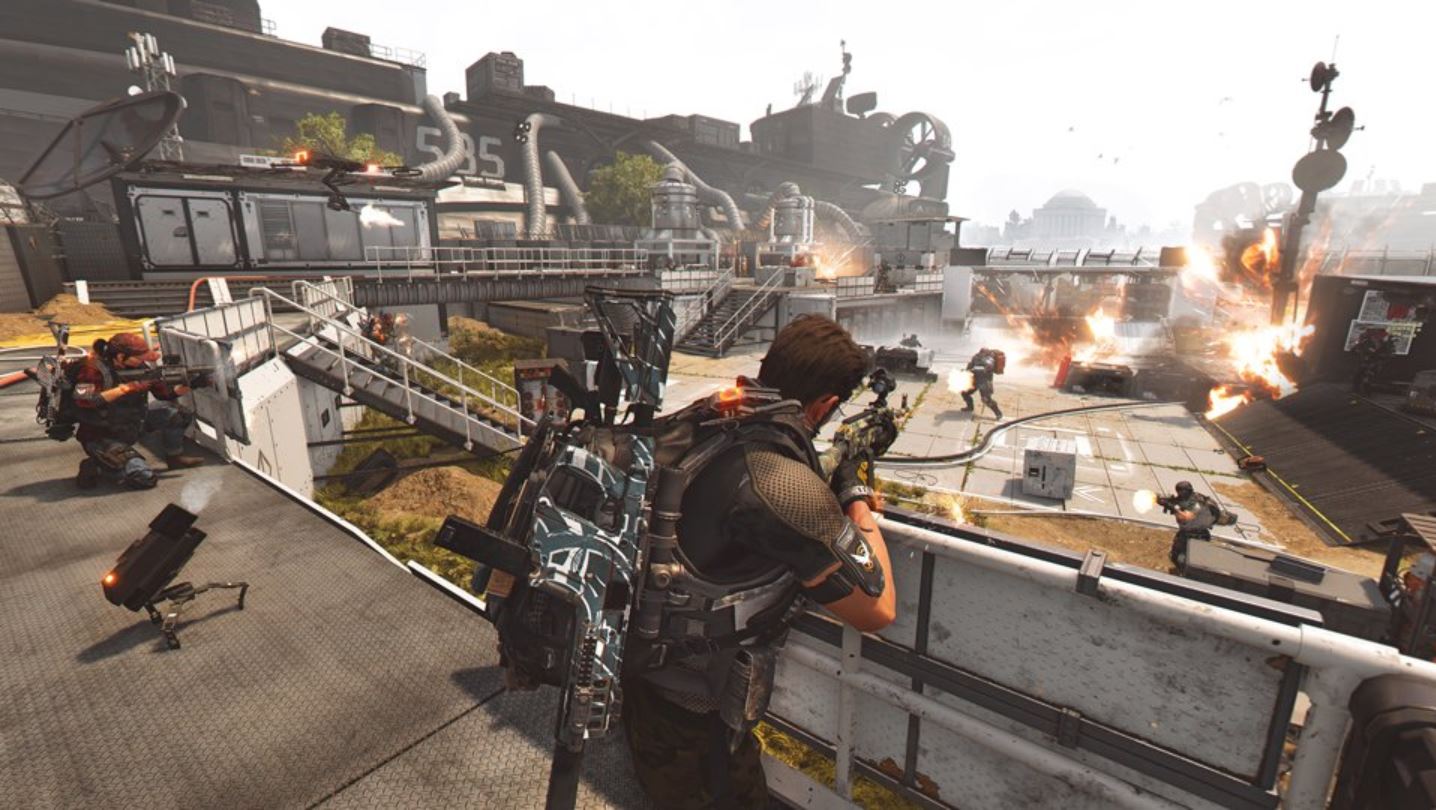
When does the free trial end? The free trial for PC, PS4, and Xbox One ends on June 17 at 8:59 AM our time.
How do you join? Depending on which platform you play on, you can join in a different way:
- PC users play via UPlay, where they gain access to the free weekend. Click the button “Play for free this weekend” for that.
- Users of a PlayStation 4 access the free version on PS4 through the product page of The Division 2 in the PlayStation Network. A PS+ membership is not required.
- Those playing on Xbox One can find the free version when they access the product page in the Xbox Store through the console. However, an Xbox Live Gold membership is required to play online.
Can you continue playing after the free weekend? Yes, you will need to purchase The Division 2 to continue. Your progress will be carried over, and you won’t have to start over. Additionally, you will receive a 35% discount for a limited time if you purchase the game through the respective digital store.
Some tips for getting started in The Division 2
Here’s how to make your start easier: We have some tips for you that should make it easier to get into the game:
- Do not invest credits in equipment before level 30; it is not worth it. Save your credits instead.
- You unlock perks using SHD Tech, which you can find during missions and in containers throughout the game world.
- You improve skills using skill points, which you earn by completing story missions. Visit the quartermaster in the White House for that.
- Unlock these perks at the quartermaster to level up faster: Headshot Award, Multi-Kill Award, Weak Point Award, Tactical Kill Award, and Survivor.
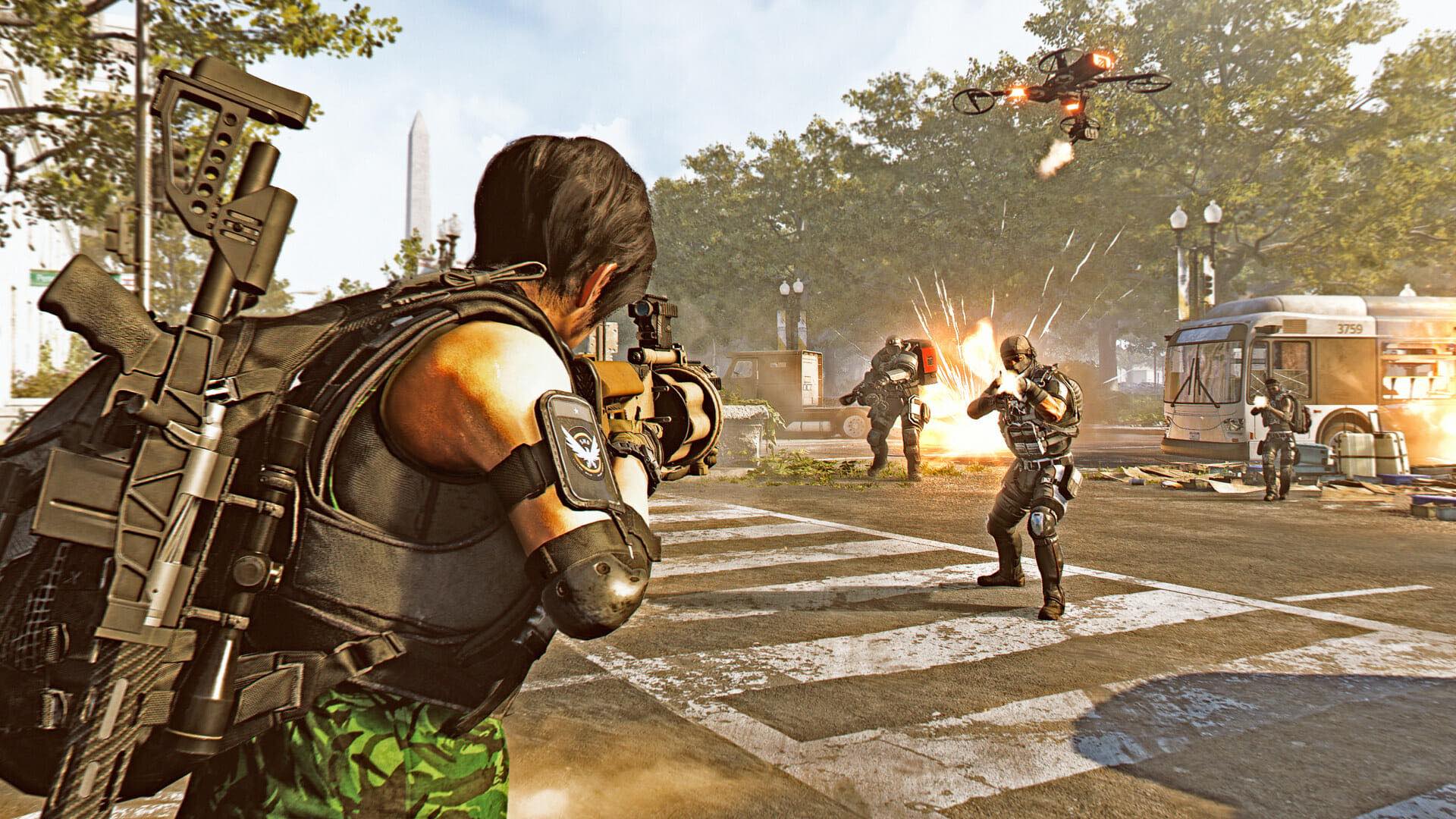
- Since the EXP from side quests is adjusted to your level, you should do these missions later. This way you can earn more experience points.
- Capture control points to gain better equipment.
- Visit the safe houses. There, at the computer, you’ll receive information about all missions and SHD containers in the respective district. The locations will be marked on your map.
- If you experience connection issues, switch the server via the menu and “Social”. Click on your name, and you’ll get the option to search for a better server on the right-hand side.
- Do not use fast travel too often, as you can find many interesting and useful things along the way.
- If you find faction keys for the respective containers, save them for the endgame, as they will provide better loot.
This should make it easier for you to get started during the free weekend of the online shooter Tom Clancy’s The Division 2.
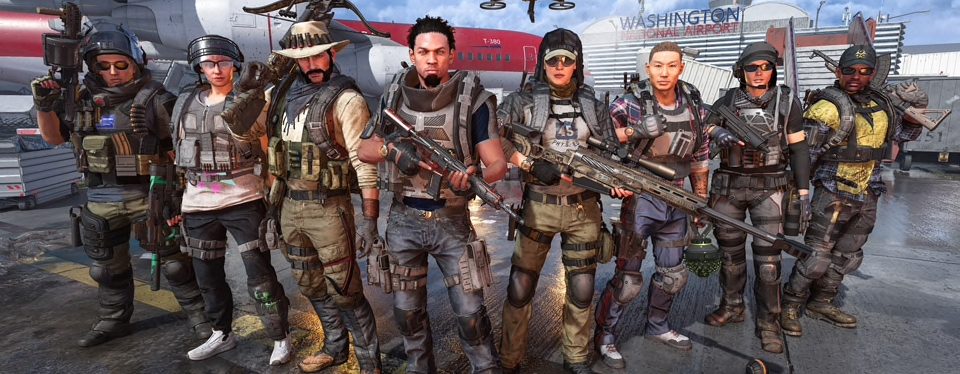
How is The Division 2 received? Ubisoft managed to convince players and also the press with The Division 2 at launch. The fact that a PvP mode, loadouts, and a clan system are included right from the start shows fans that the developers have learned from the first game.
The online shooter is described as a good continuation of part 1, is fun, and has had a smooth launch. The summery scenario in Washington D.C. is particularly well received.
However, there have been some negative voices. Some find The Division 2 too difficult, especially on console, and there is, of course, a demand for new content.