


Some Terms: Response Time, Hz, Contrast, and Co.
Viewing Angle: The higher this value, the more side-on one can look at the device without compromising image quality. The maximum possible value is 180°. A low angle can still be advantageous if several people work in the room and one should not be able to see the neighbor’s screen.
Response Time: This value indicates how quickly a pixel can change its color. Since the TN panel (more on this below) is the most widely used, this value is not an issue. 6ms is sufficient; the lower, the better. For image editing, 10ms is acceptable. Values over 15ms should be avoided.
However, manufacturers often mislead with numbers to make them seem as low as possible. When two very low numbers are given, it usually refers to “rise” and “fall” values. These must be added together to determine the actual response time. Also, sometimes the time from black to white is not provided, but from gray to gray. The latter gives a lower number.
Input Lag: This is often confused with response time. It refers to the delay between the moment the image is sent from the graphics card to the monitor and then displayed on the monitor. This delay occurs, for example, when the device’s image enhancement features are active. This phenomenon typically only affects televisions.
Refresh Rate: This indicates how many images are displayed per second. Most monitors operate at 60Hz, meaning 60 images per second. 3D devices operate at 120Hz. Since both eyes receive different images, having two times 60Hz makes sense. The corresponding value of the graphics card is FPS:
- FPS less than Hz: The single image is simply shown longer.
- FPS greater than Hz: Individual images are skipped.
- FPS equal to Hz: The ideal case, enabling correct representation.
In games, one regularly finds the setting vSync. This is useful when FPS is higher than the Hz value of the monitor. This limits the frame rate so that no images are skipped. When discussing 30/60/120 FPS, opinions differ regarding Hz numbers. Some find 60 Hz sufficient and notice no difference; others need at least 120.
Adaptive-Sync: As an alternative to vSync, the Adaptive-Sync technology is available. This offers an even smoother image, especially at lower fps values. The condition is a compatible monitor and the right graphics card. G-Sync is available for Nvidia, Free-Sync for AMD. Thus, one ties oneself to the manufacturer’s graphics cards when choosing a monitor.
However, since the investment is very high, one should be sure of whether it is really needed. Those who see no difference between 30 and 60 fps will also not need Adaptive-Sync. The same applies to those who primarily use the device for image editing.
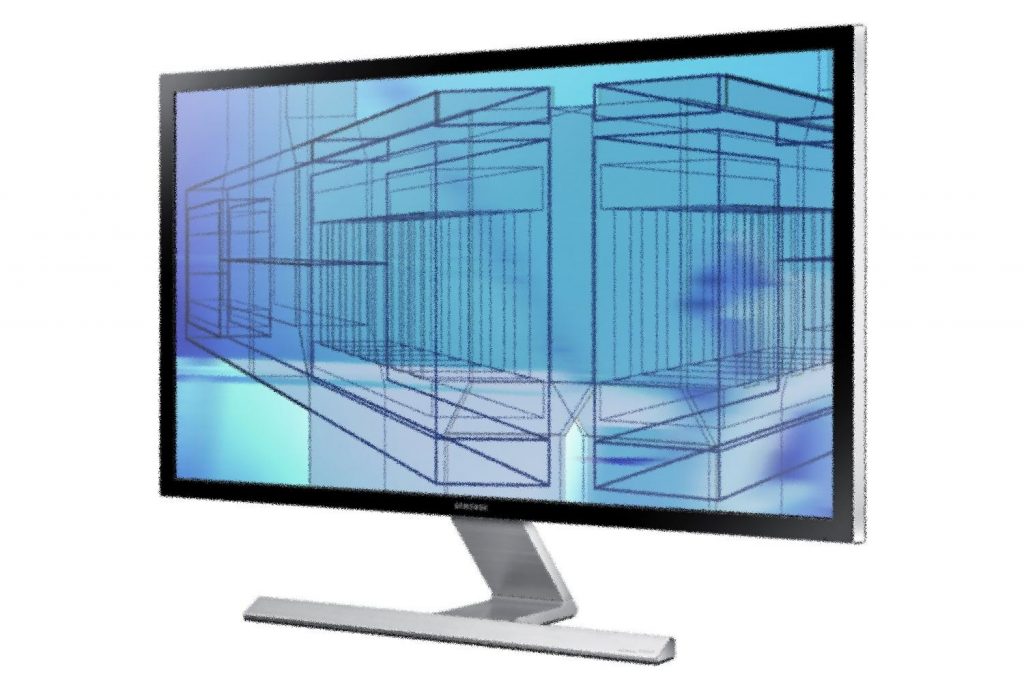
Screen Diagonal: This is measured in inches, 1 inch = 2.54 cm. For a long time, 17 inches was common, but this value is steadily increasing. Particularly for image and video editing, a higher diagonal is very practical. For gaming, it should be considered that the program achieves the high resolution associated with the diagonal. Otherwise, the graphics card will upscale the view, thus deteriorating image quality.
Resolution: This refers to the number of pixels that make up the display. The higher the number, the sharper the image. While resolution usually increases with screen diagonal, there are also small screens with the already common Full HD resolution of 1920×1080 pixels. Nowadays, there is also Ultra HD (3840 x 2160 or 7680×4320). Incorrectly, this has also been referred to as 4K (4096 x 2160) or 8K (8192×4320). Thus, these specifications differ between PC monitors and televisions. Especially in the 4K range, there are often confusions; in the 8K range, it has converged to 7680×4320.
Aspect Ratio: The common ratio is 16:9 (1920×1080), which is ideal for most videos. If the vertical is too low, as someone perhaps used to 4:3, they can choose the 16:10 (1920×1200) alternative. In gaming, however, there may be problems, as this format is not always supported. The result is black bars or a cut-off image. 21:9 (2560×1080) is also becoming increasingly popular, as it presents movies without borders.
Contrast: This describes the luminance ratio of black to white pixels. Many monitors now use LED, resulting in a ratio of several million to 1. For older devices, 350 to 1 is normal, 1000 to 1 is better.
On the next page, you can expect purchase recommendations for monitors.

Your opinion is important to us!
Do you like the article? Then let us know!