On reddit, a PC gamer surprisingly realized that he had been using the wrong setting for years. The particularly annoying thing is that he only noticed this mistake after 4 years of gaming. Now, reddit is having a laugh about his error.
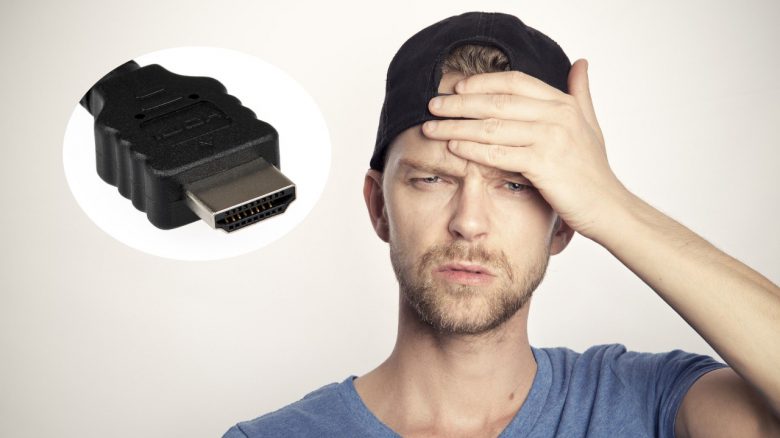
What happened? Without realizing it, the thread starter had probably been gaming for almost 4 years on an integrated graphics chip instead of his dedicated graphics card, even though he had a graphics card installed in his computer. This was because he had kept his HDMI cable connected to the wrong port for years.
In a later comment, he explains that he has an AMD Ryzen 5 2400G, 16GB RAM, and a GTX 1050 Ti installed in his gaming PC. Red Dead Redemption 2 ran quite well with “FPS Boosting Mod” on the integrated graphics chip, without him ever questioning why he had such low FPS.
So he has a graphics card installed in his computer, but the 1050 Ti has probably been quite bored for the last 4 years. He himself writes quite perplexedly: “I’ve been playing on the integrated graphics [of my CPU] since 2017 and had no idea.”
When did he notice the mistake? He never noticed the issue, as his games seemed to work perfectly fine.
But a few days ago, he came across a thread on reddit. Here, a user complained that he suddenly had abysmal framerates. One user pointed out to him that he likely plugged his HDMI cable into the motherboard instead of the graphics card.
At that point, the PC gamer probably had a suspicion and had to think about his own PC. Because he writes:
So I plugged the HDMI into the GPU and holy crap, I have never felt so stupid in my life.
His comment in the subreddit “buildapc” has caused great amusement. Besides the laughter and mockery, there are also some users who can definitely relate to the mistake.
Where does the problem come from? Many motherboards offer various built-in HDMI ports. If you use a processor with an integrated graphics chip, you can plug your HDMI cable directly into the motherboard and get a display.
However, dedicated graphics cards have their own HDMI and DisplayPort connections. Once you install a graphics card on your motherboard, you need to connect your cable to one of the graphics card’s ports; otherwise, you won’t get a display, or you will continue using the chip on your motherboard.