

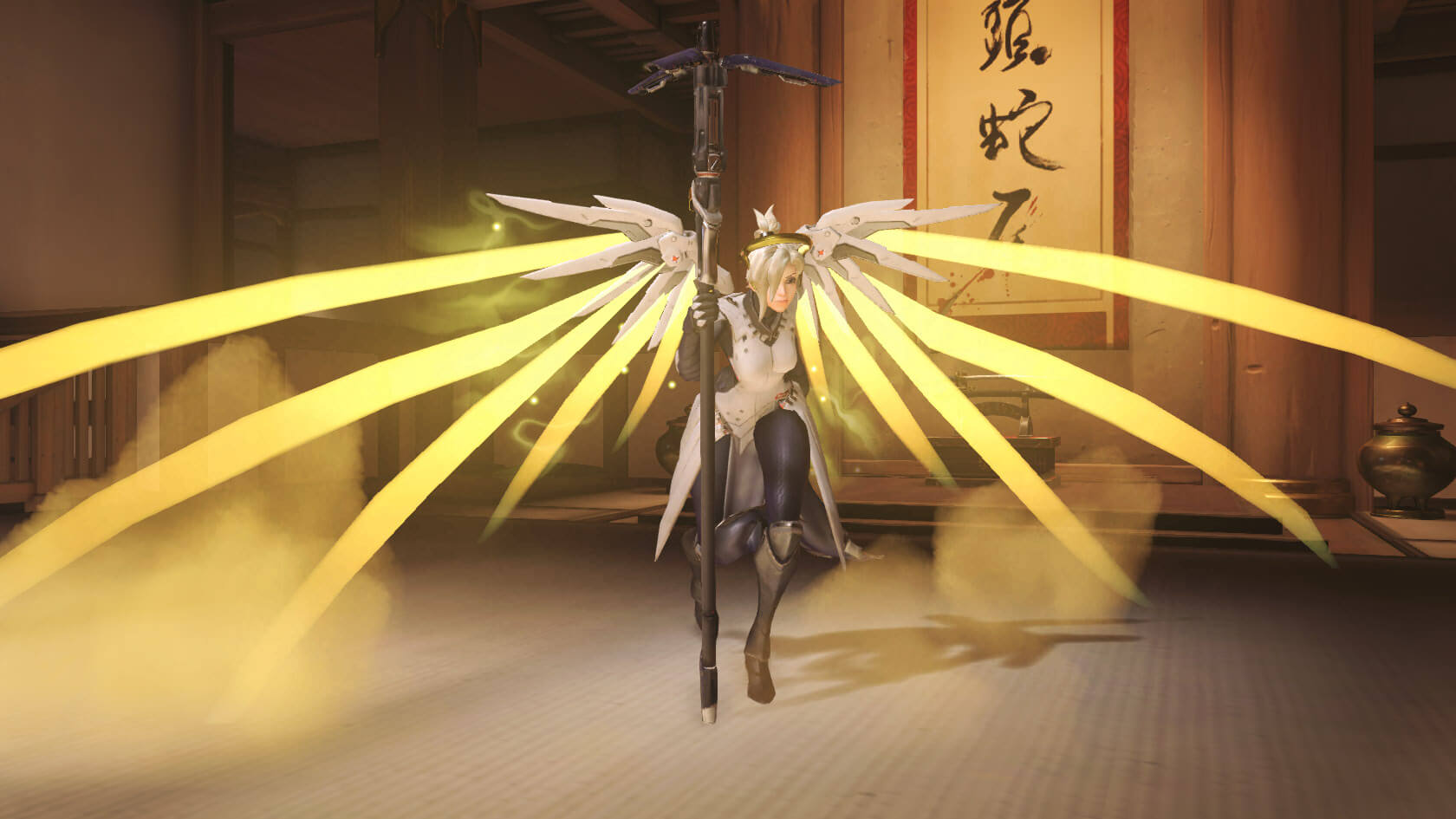
Communication and fun are the be-all and end-all in Overwatch. The emote wheel can save a lot of frustration.
Cool poses and clear announcements at the push of a button

Since there is no way to customize the characters in Overwatch through talents or traits, Blizzard has taken a different approach here. There are numerous skins, victory poses, highlight intros, and also spray logos. Additionally, there are emotes and voice lines that can be presented in the game.
By pressing the “C” key on PC or “down” on the D-pad on consoles, the communication wheel (or “emote wheel”) opens. The bottom left shows the option for the voice line, which is a specific phrase that the character delivers (For Mei, “You have to let it go!” is recommended). At the top, there is the option to show a character-specific emote to the world. Here, the view switches to third-person, and you can admire your hero yourself. But be careful! While performing an emote, you count as stunned and cannot defend yourself. Anyone who wants to look particularly “cool” needs to find the perfect timing.
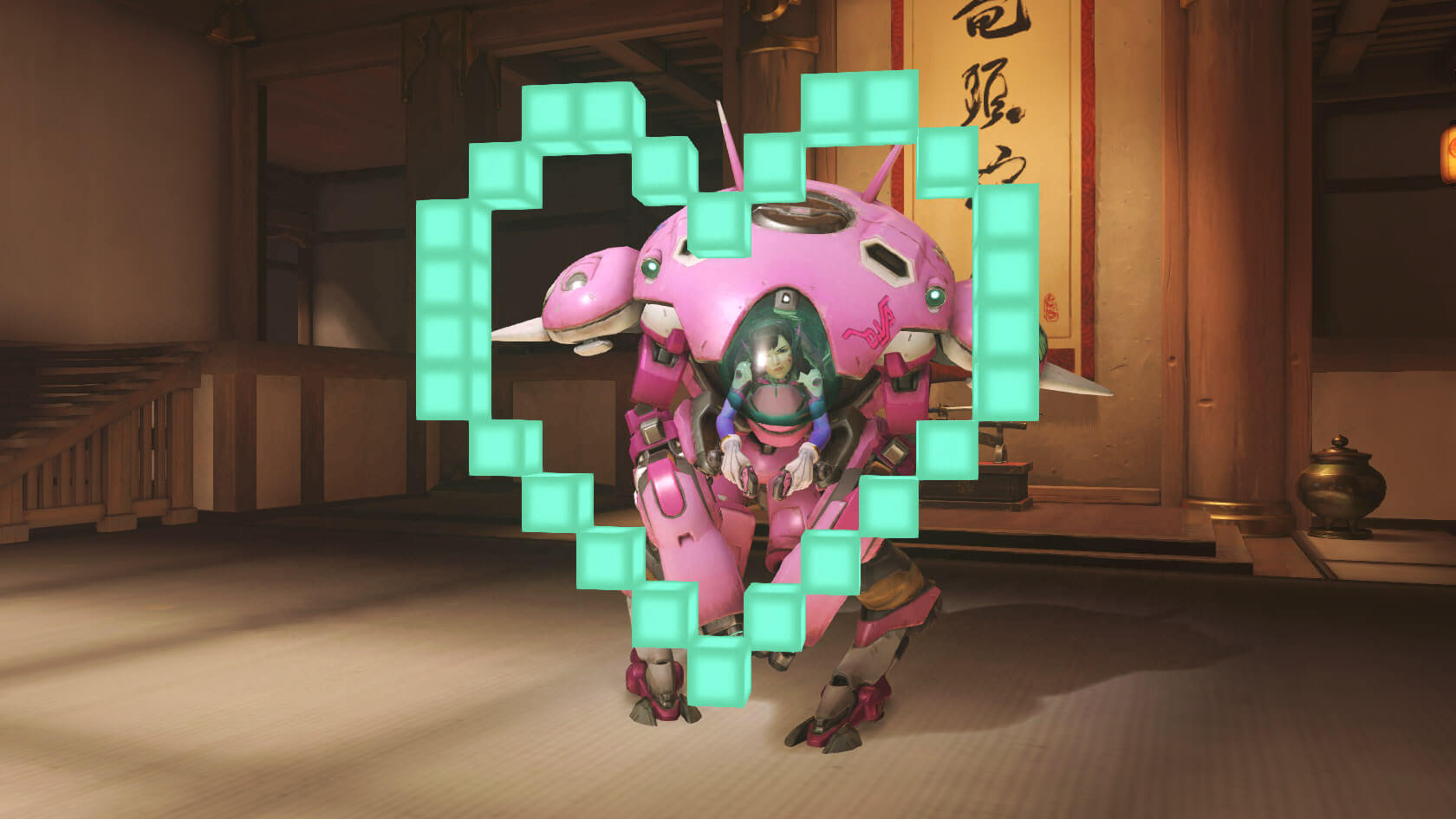
However, important announcements can also be found on the emote wheel beyond these two fun features. At the bottom, you find an option to let the entire team know how far your ultimate ability is charged. On the sides, there are further announcements, such as a request for healing or the possibility to thank someone or confirm instructions with “Understood”. Sometimes it can also help to initiate a new attack with a “Group up” when teammates are constantly walking to their deaths individually.
Anyone who firmly opposes voice chat can still give quick and clear announcements in the heat of battle to maintain at least a basic level of communication.
For more news, updates, and articles about Blizzard’s hero shooter, visit our Overwatch game page.

Your opinion is important to us!
Do you like the article? Then let us know!