

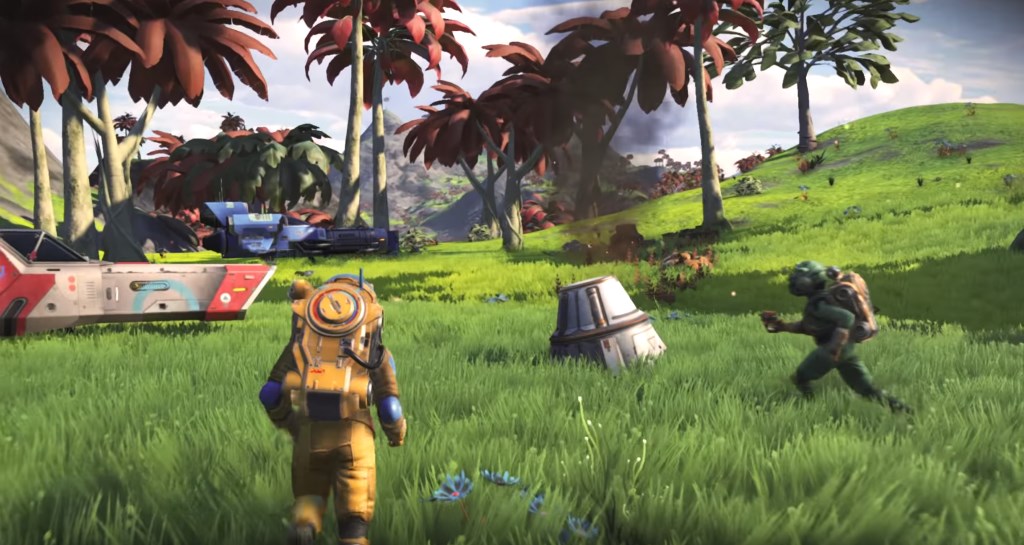
The great NEXT update for the space online game No Man’s Sky was very well received by players and allows you to play in third-person perspective, among other things. This way you can switch between first-person and third-person view.
How to play NMS from the third-person perspective
Finally see the hero. While you could only play No Man’s Sky from the first-person perspective before, with NEXT it is now possible to see your hero as well.
This is especially fun when you customize your character’s appearance at one of the Appearance Modifier Terminals on a space station .
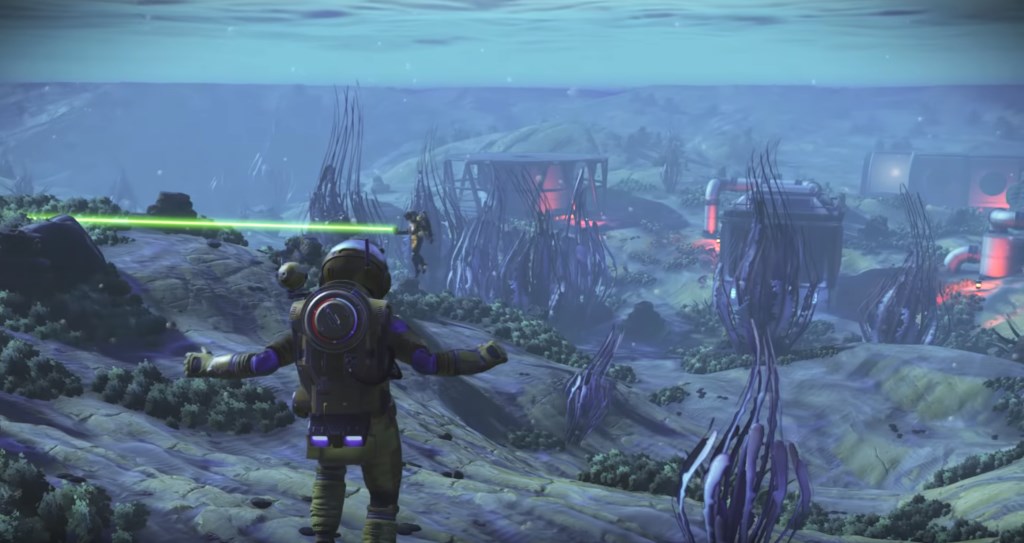
How to change the perspective. To switch between first-person and third-person view, you need to change the camera perspective in the options.
Here’s how:
- Press the “down” button on the D-pad on PS4 and Xbox One controllers. On PC, press “X” on the keyboard. This will open a menu.
- Look for “Utilities” in here.
- Scroll down to it and select this option.
- Now look at the available options. You will find “Camera Mode”.
- With this option, you can now switch between first-person and third-person view.
Play how you want. It is possible to change the camera perspective for both planet explorations and space flights. You can set the perspective separately for both situations. So if you want to see your hero in third-person view on a planet in No Man’s Sky but want to zoom around in space in first-person view, you can combine this as you like.

Your opinion is important to us!
Do you like the article? Then let us know!