

Despite falling prices, not everyone can or wants to buy a more powerful graphics card to enjoy current titles in good quality and without stuttering.
We show you how to achieve more graphics performance immediately while maintaining almost the same image quality.
In new games, the demands on your graphics card are constantly increasing. Diablo 4 is a prime example with its hordes of enemies and many spell and ability effects on the screen.
Usually, Nvidia and AMD deliver updated graphics card drivers to players shortly before the release of new AAA games. These bring not only the usual bug fixes but also quality and, above all, performance optimizations for new titles. Therefore, it is advisable to regularly update your graphics driver to the latest version.
Wonder Technology: Nvidia “DLSS” and AMD “FSR”
For several years, Nvidia and AMD have been working on their respective real-time upscaling technologies and continuously improving them.
While AMD is currently vying for buyers with FSR 2.0, Nvidia is already enticing buyers of its RTX 4000 series graphics cards with DLSS 3.0, which is supported at the launch of Diablo 4, for example.
For many players, this technique can be a blessing, as it allows a game to finally be played smoothly. Others see it as a reason for poorly optimized games and jerky console ports.

DLSS Makes Diablo 4 Hot
What setup did we test Diablo 4 with? The following metrics come from my gaming laptop with an Nvidia RTX 3080 Ti and show how the various options of DLSS 2.0 affect the FPS in the game.
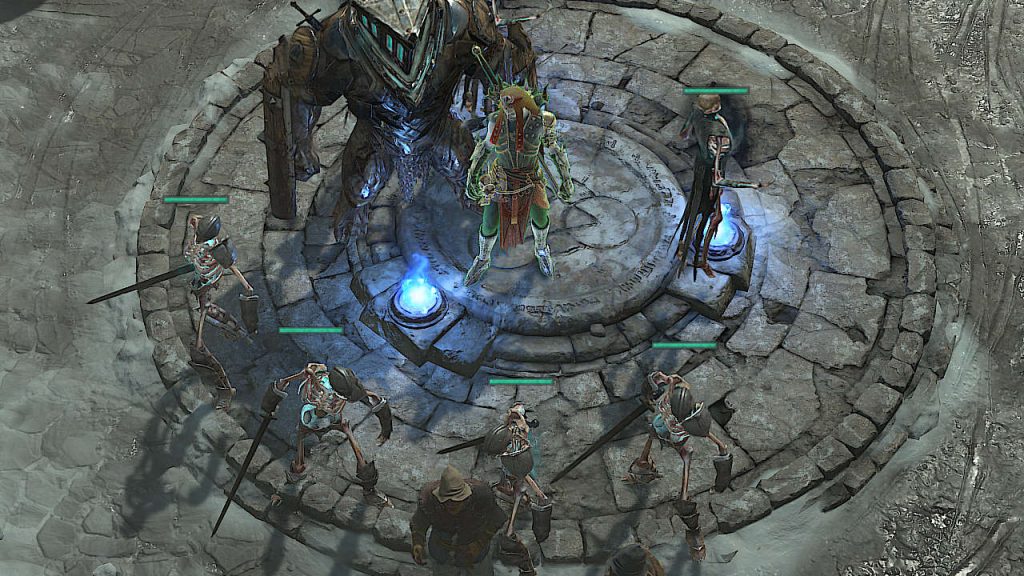
We chose the waypoint in the capital Kyovashad to ensure a consistent starting point for my measurements. My necromancer with his army of the undead adds many details to be rendered on the screen. In the open world and especially in dungeons, these values can vary significantly.
How good is the performance? We obtained the following results at a monitor resolution of 2560×1440 and with the quality preset set to “Ultra”:
| DLSS Off: | 100-110 FPS |
| Ultra Performance: | 150-170 FPS |
| Performance: | 150-160 FPS |
| Balanced: | 140-150 FPS |
| Quality: | 130-140 FPS |
| DLAA: | 90-100 FPS |
What is DLAA?
The option DLAA (Deep Learning Antialiasing) has a special role here. It is not the upscaling function known from DLSS, but rather the ability to improve image quality with AI assistance. This enhances details on the screen in the same way as known antialiasing techniques.
This option can be used if you already have a powerful graphics card and achieve enough performance in games without DLSS.
As you can see, you can achieve a noticeable performance gain with the different options of DLSS and always have a performance advantage compared to turning off DLSS. In systems with weaker graphics cards, this can make the difference between unplayable and playable.
Because not everyone has a chance to buy the currently fastest graphics card on the market at an unbeatable price:
A gamer got lucky and bought an RTX 4090 for 913 euros using a trick on Amazon – How did he do that?
Now it’s your turn. Are you already actively using DLSS? And if so, what are your experiences with this feature?

Your opinion is important to us!
Do you like the article? Then let us know!