

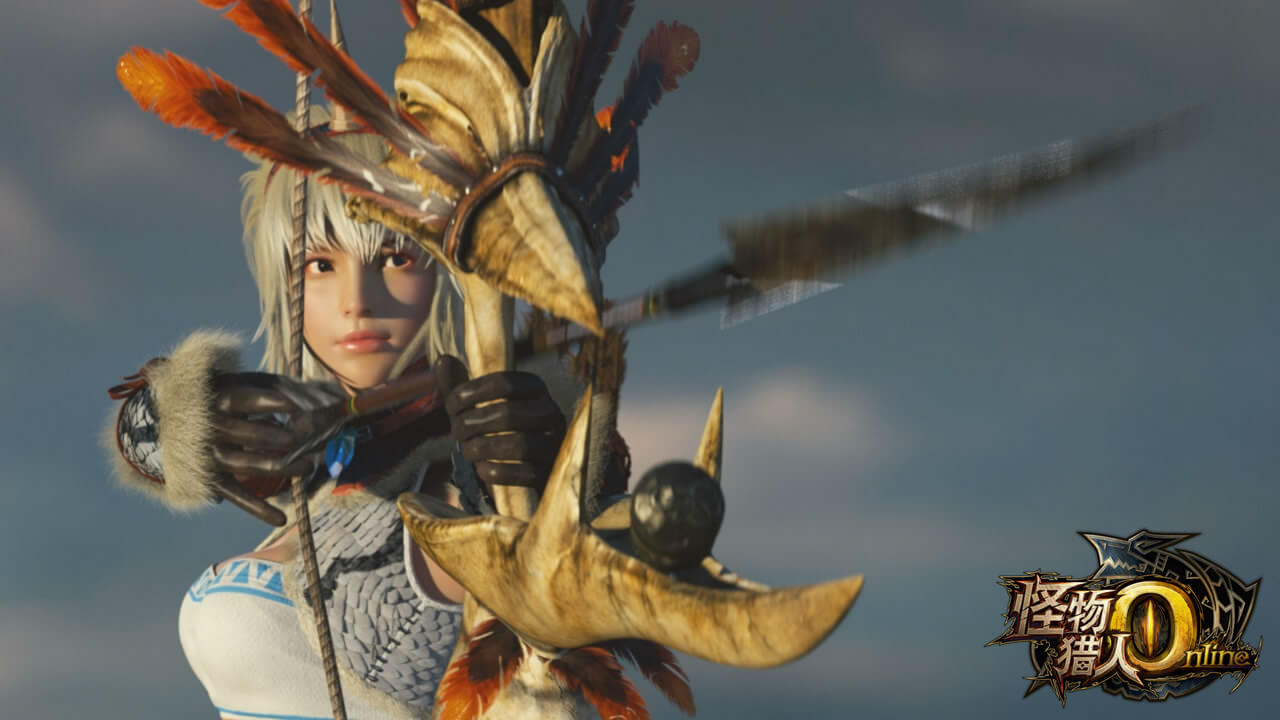
For a few days now, you can also play Monster Hunter Online in English. We will tell you how that works.
Monster Hunter Online – The English Fan Patch
After a wild back and forth, the group “Team HD” around Aslind Samure has kept their promise and created an English fan patch for the Chinese game “Monster Hunter Online”. Thus, European fans also have the opportunity to take a look into the game and complete their first quests, improve their weapons, and of course, make new friendships to put an end to the monster threat – and ultimately to obtain even better equipment.
How does the patch for MHO work?
If you think that installing and setting up an account is witchcraft, you can breathe easily. In just a few steps, you can create a game account and install the English patch, and then you can also download and play Monster Hunter Online from Germany.
3 Simple Steps to Play Monster Hunter Online in English
To be able to play Monster Hunter Online, you will need a QQ account. This is quite a popular chat program in China, similar to Skype here.
- Follow this link, select “QQ Account” and enter all the necessary data. You will then receive a confirmation code via SMS, which you also enter.
- Follow this link and click the red button, after which you can start downloading the client. Then open the downloaded file and start the complete installation of the game (approx. 8 GB).
- Follow this link to Team HD’s page. There you can download the English patch. Use the updater and run the patch in the path where you installed the game.
That’s it – afterwards you can start the game and see for yourself how good the work is that Aslind Samure and Team HD have put into the patch.
If there are any problems during installation, it might be worth taking a look at the extensive, illustrated guide from 2p – you can find it in our sources.
For more news and articles about the Chinese game, visit our Monster Hunter Online news page.

Your opinion is important to us!
Do you like the article? Then let us know!