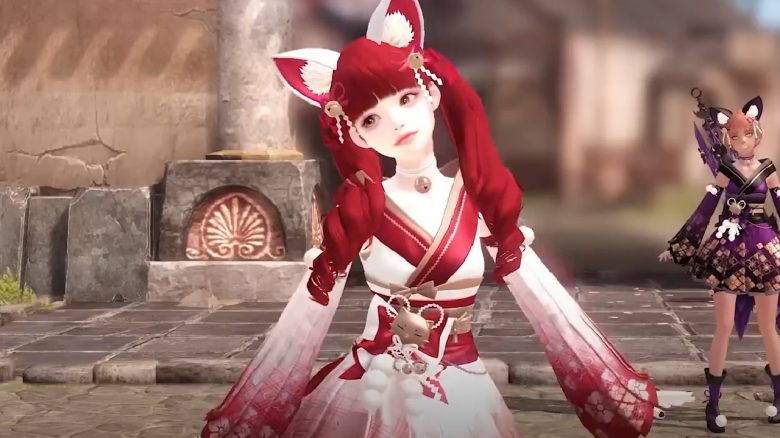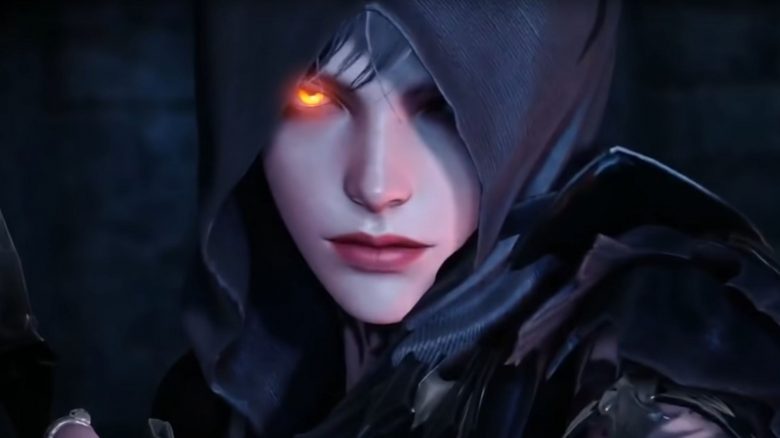
With the release of Lost Ark, there were temporarily Twitch Drops with special rewards. These are returning now. If you have not yet secured the free pet, mount, and the other rewards, you should urgently tune into Twitch now.
What rewards are there for the viewers? The following four items will be available for viewers. Once the rewards are unlocked, you need to watch for 4 hours to receive a drop.
- Battle Item Chest – A chest with in-game currencies
- Paper Hat Chest – A chest with 5 different headgear skins (you get one randomly)
- Helgaia Pet Chest – A chest with 4 different pets (you get one randomly)
- Curiosity Mount – A special mount
When will each drop be available? The return of the drops started today, on February 25 at 18:00. For exactly 24 hours, you will receive the Battle Item Chest. Starting Saturday at 18:00, there will be the Paper Hat Chest, and so on.
You can see the exact schedule again in this tweet:
Which streamers should I watch? All those who participated in the “Legends of Lost Ark” event. The German streamers are:
- AresLPs
- Meashi12
- Dhalucard
- jessirocks
Additionally, there are several international streamers, including Fextralife, Zoltan, Towelliee, or Luckyghost. You can find the complete list on the Lost Ark website.
Can I receive the drops a second time? No, if you have already redeemed the drops at the release, you cannot claim them again.
How do I redeem the Twitch Drops? As soon as you have earned a drop, you need to link your Twitch account with your Lost Ark account:
- Click on “Redeem Now” for the drop.
- Select Connect and then Drop. The Lost Ark Twitch Drops page will be displayed afterwards.
- Select “Log in with Twitch”.
- Log in with your Twitch account.
- Log in with your Steam account.
- Select Activate, to add Lost Ark Twitch Drops to your account.
Have you already secured the drops at the start? Or are you excited that they are returning a second time?
MeinMMO author Mark Sellner is, by the way, very enthusiastic about Lost Ark:
After 15 years with MMORPGs, Lost Ark feels like my first one