

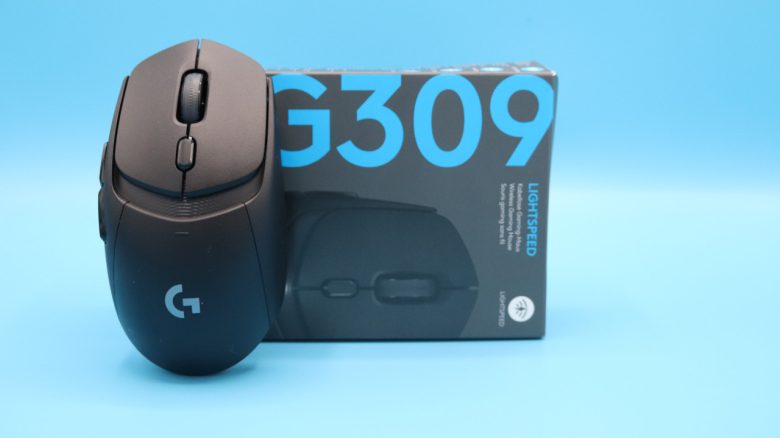
Logitech has launched a new gaming mouse, the G309, for around 70 euros. The 5-button mouse is primarily targeted at shooter players. MeinMMO editor Benedikt Schlotmann has tested the mouse and reveals for whom the mouse is worthwhile.
What device is it? With the G309, Logitech introduced a symmetrical gaming mouse: Logitech compares the mouse to the affordable G305 (around 40 euros), but it also shares similarities with the G Pro X Superlight (to the test). Because all three are symmetrical mice.
In my test, I looked at how well the new G309 performs in direct comparison with other mice.
The test at a glance:
- Scope of delivery, design, and build
- Processing
- Software
- Weight, ergonomics, and battery life
- Mouse buttons, scroll wheel, and sensor
- Conclusion
Who tested it?
I currently own over 20 gaming mice and have tested more than 15 keyboards. Personally, I also own over 10 sets of in-ear headphones. At MeinMMO, I have been testing hardware for our readers since 2019. Besides the PC and PS5, I am now also using the Steam Deck.
Disclosure notice: I ordered our review sample myself on Amazon.

Benedikt Schlotmann
Hardware editor MeinMMO
Details
| Sensor | Hero 25K sensor |
| Resolution | Up to 25,000 DPI |
| Switches | Optical-mechanical Lightforce switches |
| Buttons | 5 buttons |
| Design | Black or white mouse. Symmetrical right-handed mouse. |
| Glide feet | 2 |
| Cable | Detachable 2.0 m USB-C cable |
| Weight | 86 grams (with AA battery) or 68 grams (with Powerplay) |
| Price (RRP) | 89.99 euros |
Scope of delivery, design, and build
What does the scope of delivery look like? In addition to the gaming mouse, a AA battery, a USB-C cable, a manual, and grip tape for the mouse are included in the scope of delivery.
How is the mouse built? You can buy the mouse in different colors, I am using the black model in the test.
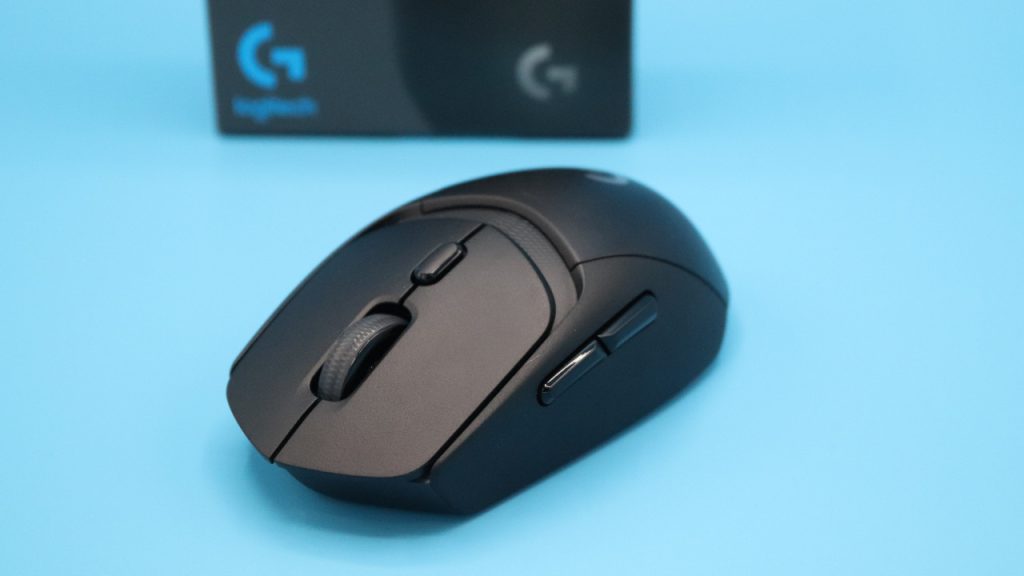
- On the top of the mouse, you will find the main buttons and between them, the scroll wheel. In front of the scroll wheel on the top, there is another button with which you can change the DPI. Alternatively, you can reassign the button.
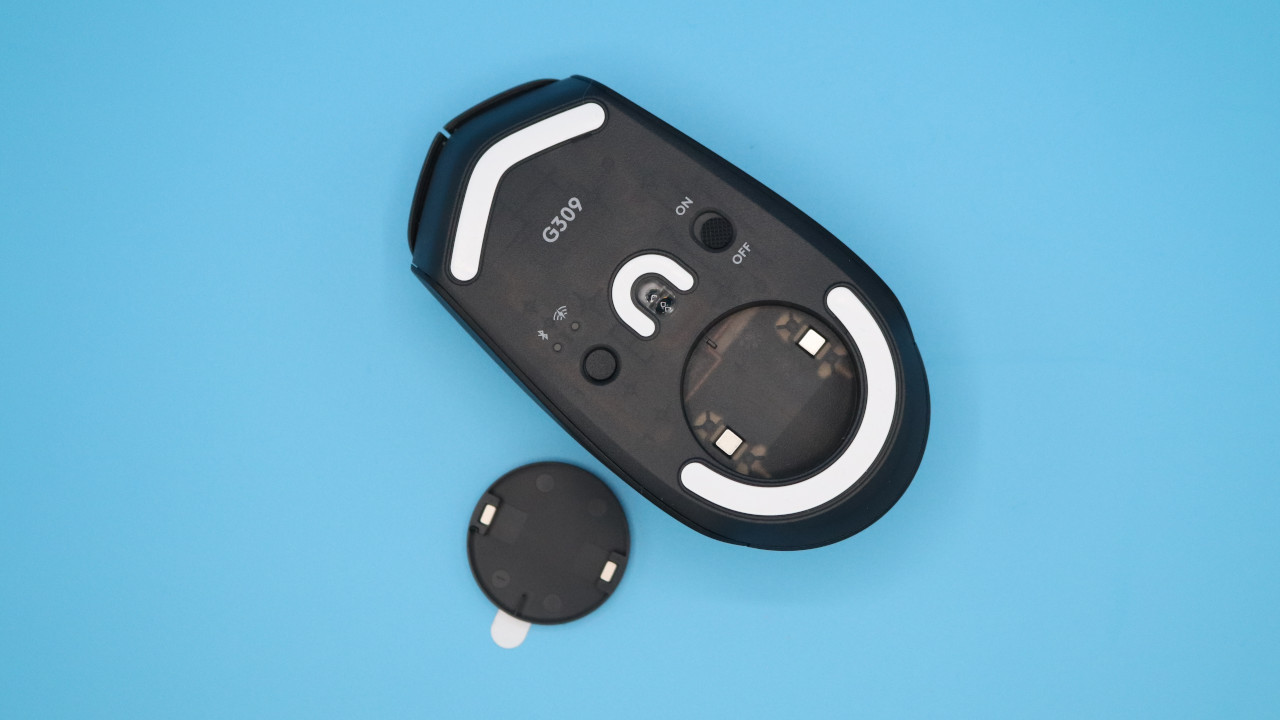
- On the underside, there is a switch to turn the mouse on or off or switch between Bluetooth and USB receiver.
- There is also space for a Powerplay adapter on the underside. This is not included in the scope of delivery.
- Inside the mouse, you can also store the wireless USB adapter in the battery compartment.
What is special? The mouse offers you two options when you want to charge it: Either you insert a AA battery or rechargeable battery into the mouse, or you use Logitech’s Powerplay system: Powerplay is a charging chip that is inserted into the underside of the mouse. The mouse is then charged wirelessly on a Powerplay series mouse pad. Cost: Around 100 euros if it is on sale.
If you are ready to pay an additional 100 euros, then the mouse will also be significantly lighter. An advantage that especially benefits shooter players.
Processing
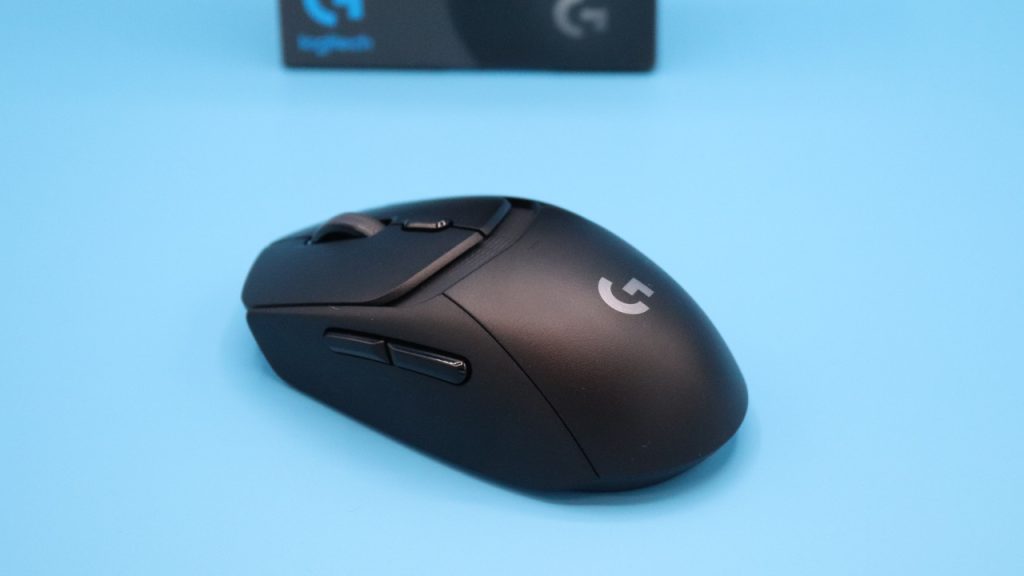
What worked well? In principle, you get a well-processed product: The mouse feels high-quality, even though it is made almost entirely of plastic, apart from the circuit board, battery, and switches inside.
This is less successful: The cover for the battery compartment is only held on by thin plastic hooks on the mouse. How much these hooks wear out over time when I regularly remove the battery compartment, I do not know yet.
Also annoying: There is a recess on the top between the mouse buttons and the back. After a while, dirt, such as cat hair, collects here. While this may look cool, it is anything but practical for daily use.
Software
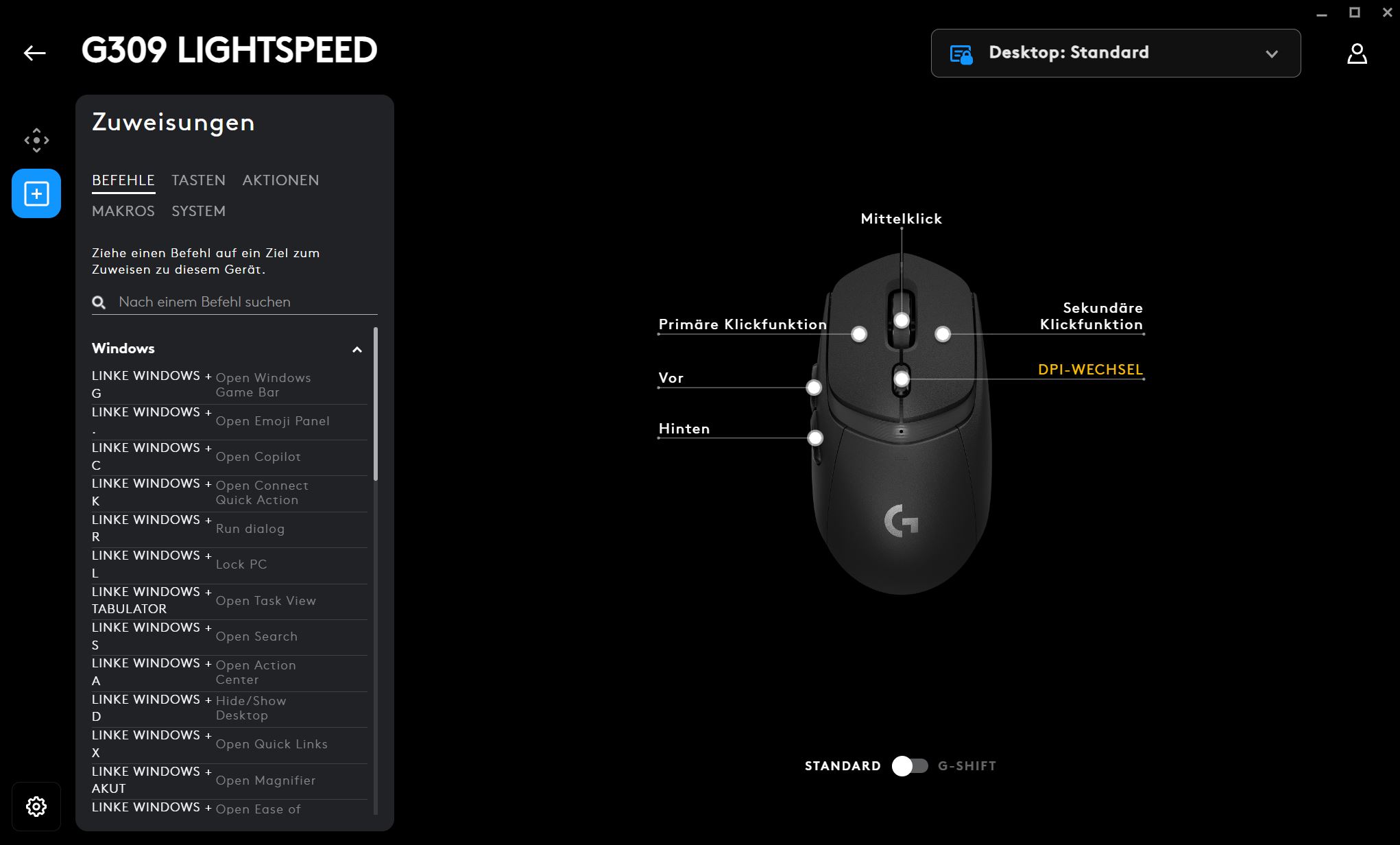
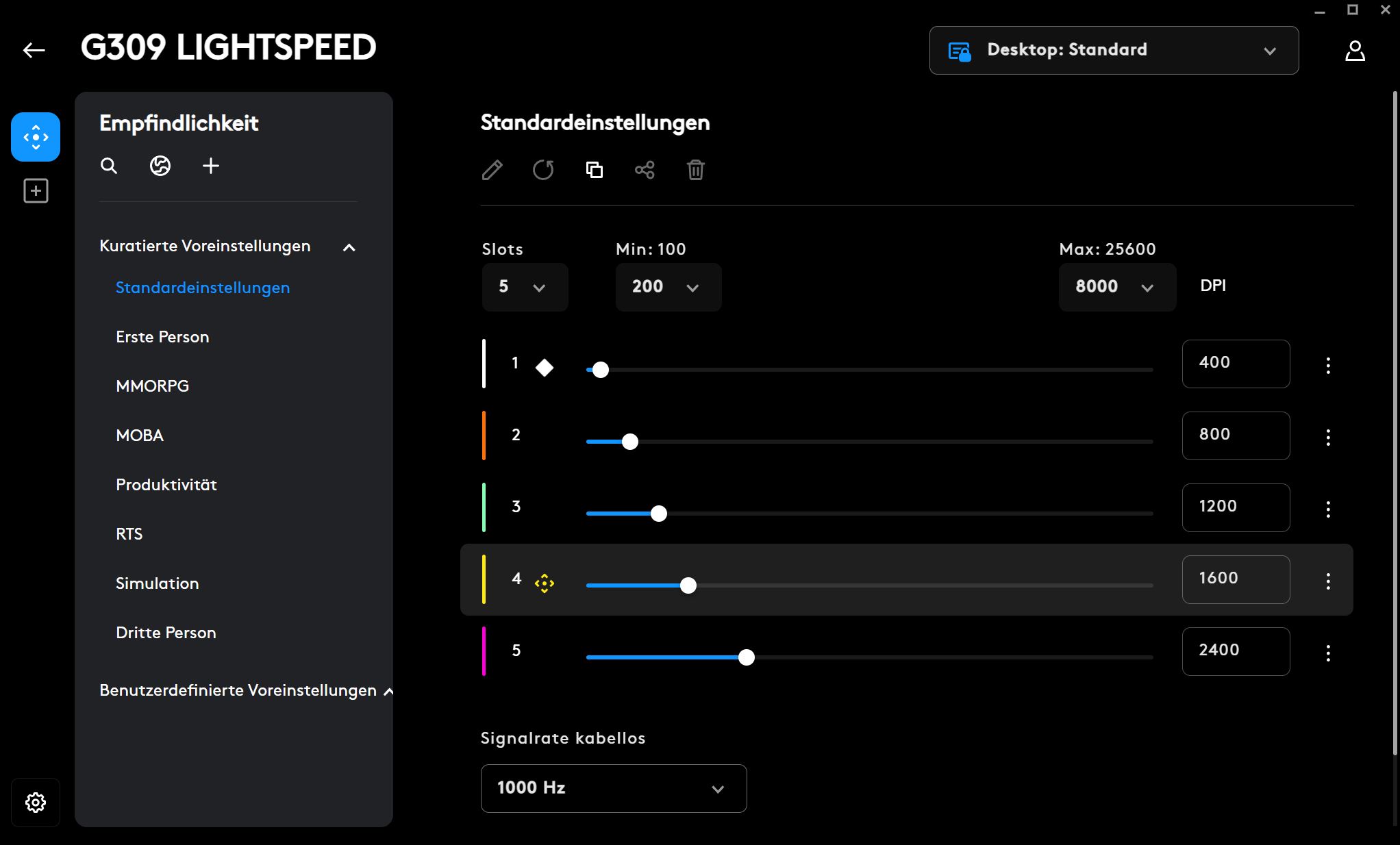
Logitech relies on the G Hub software, as with all gaming products. While it is not my declared favorite software, it works correctly, and I find all settings in the familiar interface. Compared to other manufacturers, such as SteelSeries, Logitech also avoids aggressive advertising for its own products and does not try to integrate numerous additional features into the software.
Weight, ergonomics, and battery life
The weight: The G309 has a special feature, as it weighs very differently depending on the variant. And here it depends on whether you use a battery or the Logitech Powerplay system:
- You can use the mouse with a AA battery. Then the weight of the mouse is 89 grams.
- Or you can insert a Powerplay adapter on the underside and use the official charging pad. Then the weight drops to 69 grams. This makes it hardly heavier than the significantly more expensive G Pro X Superlight, which weighs 63 grams.
And this is, in my opinion, my biggest criticism of the mouse: Ergonomically, I like the G309 significantly better than the G Pro X Superlight, and the G309 easily beats the Superlight in price (RRP: 159.99 vs 89.99). However, the G309 can only compete with the Superlight in weight when you buy the Powerplay system from Logitech for around 100 euros. However, the battery life will also be lower than with the AA battery.
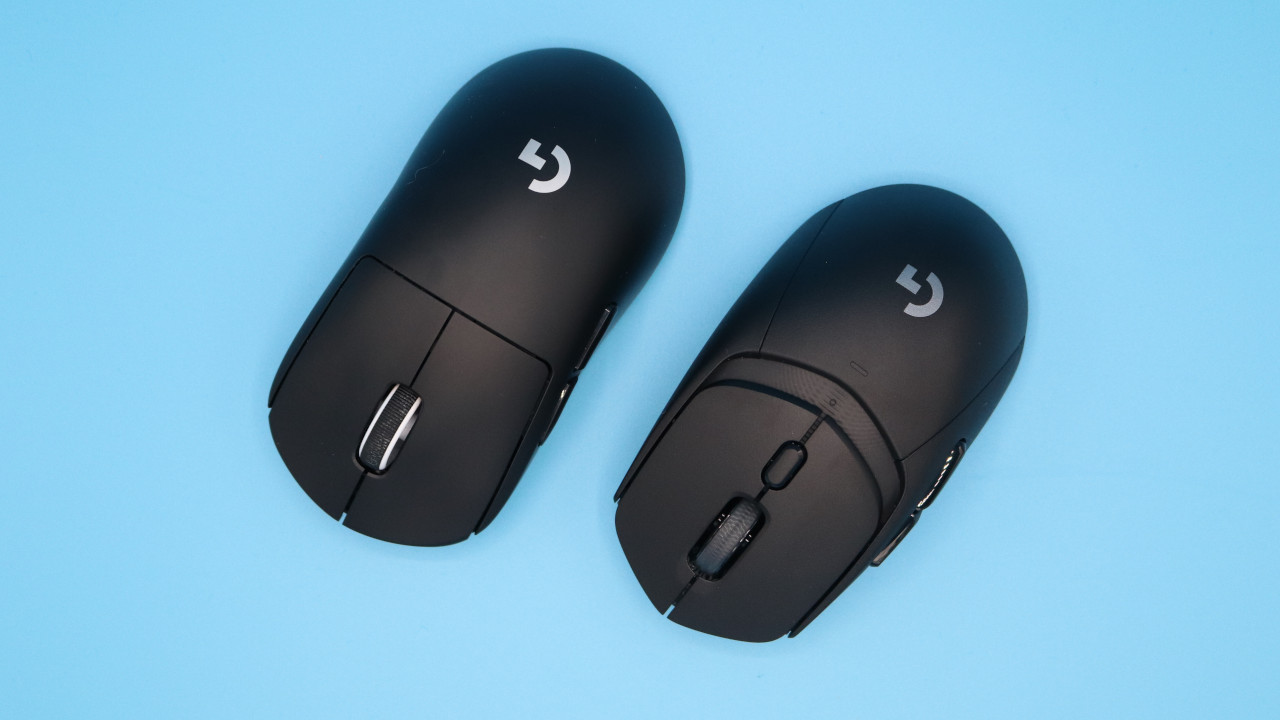
The ergonomics: I have very large hands with a size of 19 centimeters. And the G309 fits very well in my right hand due to its compact size.
- It is smaller than the G Pro X Superlight, as the rear of the G309 is shorter than the Pro model.
- It is also smaller than Corsair’s M75 Air. Corsair’s mouse is also significantly longer at the back than the G309.
Battery life: The manufacturer specifies the battery life as around 300 hours with a AA battery. With Powerplay, the mouse’s battery life is theoretically infinite, as you keep the mouse on the corresponding mouse pad constantly.
The mouse buttons, scroll wheel, and sensor
The mouse buttons: Under the buttons are Logitech’s proprietary Lightforce switches. And the switches feel really excellent here as well. You can literally feel the clicks of the mouse under your fingers, which provides very good feedback for accuracy.
Another positive point: The Lightforce switches are no longer as loud, bright, and unpleasantly clattering as with the G502X Lightspeed (to the test), which could really be bothersome. At least my partner always hated the “clattering” of the G502X. The G309 operates at a significantly lower noise level.
The scroll wheel: Unfortunately, Logitech misses the opportunity to equip its G309 with a continuous scrolling wheel, like the G903 or G502 series. While I find this disappointing, it is forgivable. Compared to its internal competitors, the scroll wheel of the G309 feels significantly better than that of the G Pro X Superlight, but I still prefer the scroll wheel of the G502X Lightspeed.
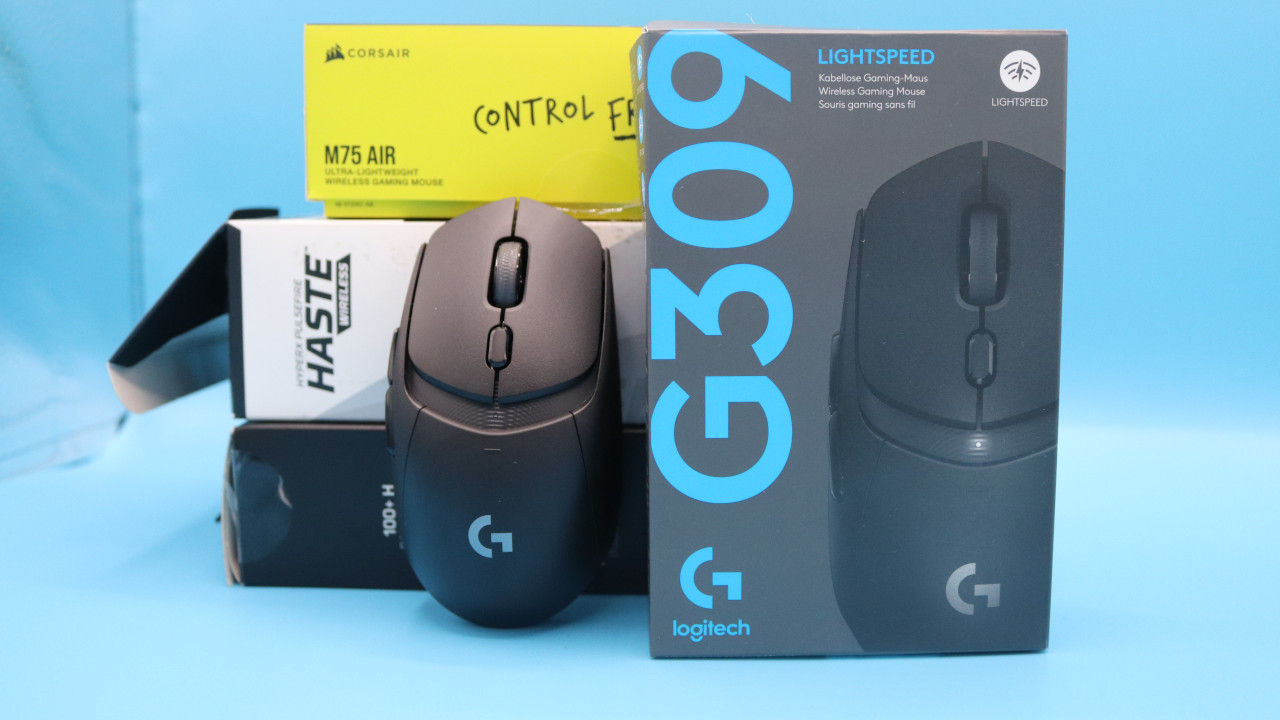
In comparison with other mice, the click of the scroll wheel on the HyperX Pulsefire Haste still feels more satisfying, while compared to the Corsair M75 Air, it is more finely adjustable.
Sensor: The G309 features Logitech’s Hero sensor, which is used in all modern gaming mice from Logitech. In everyday life, I had no problems with the sensor and the mouse.
Conclusion: Cost-performance tip if you don’t mind 89 grams
Who is the mouse suitable for? With the G309, Logitech offers a really good gaming mouse for shooter fans and players looking for a symmetrical mouse. The G309 mercilessly competes with the in-house G Pro X Superlight, as it offers about the same features, weighs a bit more, and costs 20 to 30 euros less on sale. Compared to the RRP, there is a difference of around 70 euros.
If you care about every gram of your mouse and don’t want to pay 100 euros extra for Powerplay, there are better mice than the G309. Such as the Lamzu Atlantis Mini (to the test), which colleague Dariusz Müller always raves about.
What alternatives are there?
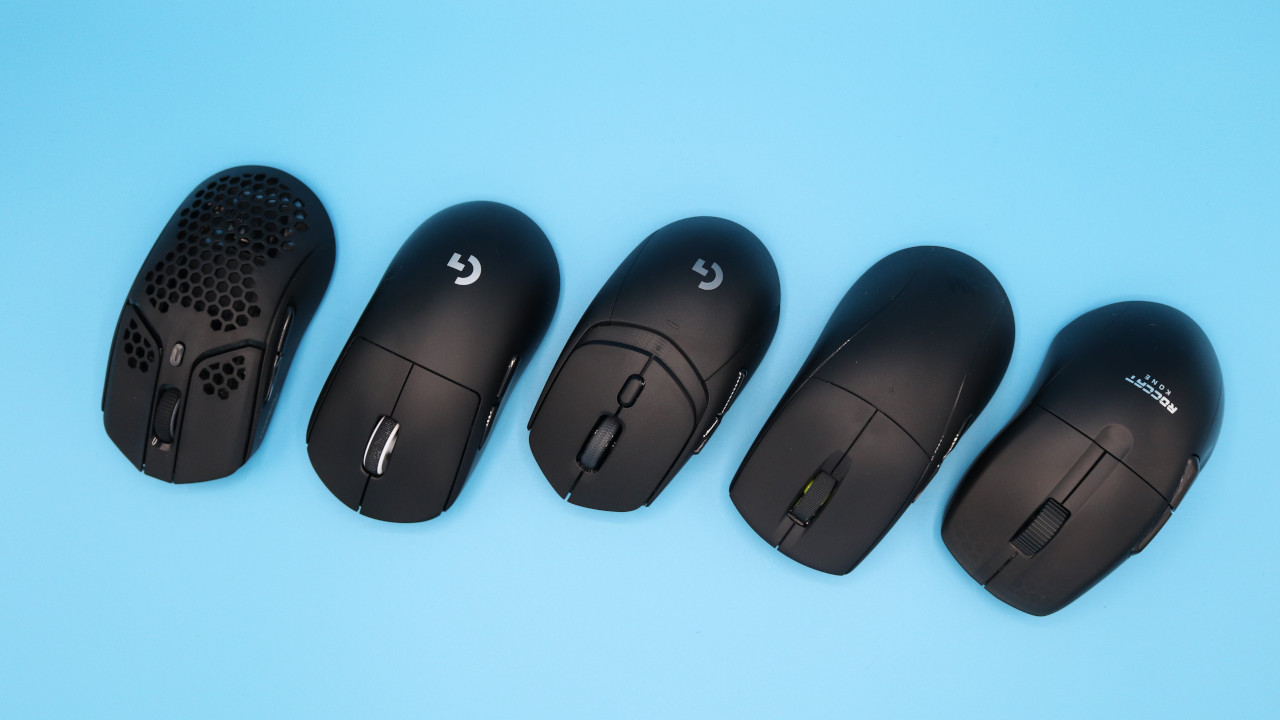
- The G Pro X Superlight offers you more or less the same features as the G309, but weighs 63 grams even without the Powerplay upgrade. However, the Superlight also costs you 30 euros more. Based on the RRP (159.99), it’s actually 70 euros more.
- The Roccat Kone Pro Air is also a fair offer between 70 and 80 euros. At 75 grams, it ranks in the middle, but it feels good in the hand and offers subtle RGB lighting.
- The HyperX Pulsefire Haste remains a hidden gem for a good shooter mouse, and you can often find this mouse for around 50 euros. There is also now a successor available.
More gaming mice on MeinMMO: If you are looking for more recommended gaming mice, take a look at our buying guide on MeinMMO. There you will find the best gaming mice currently available: The best gaming mice for shooters that you can currently buy

Your opinion is important to us!
Do you like the article? Then let us know!