

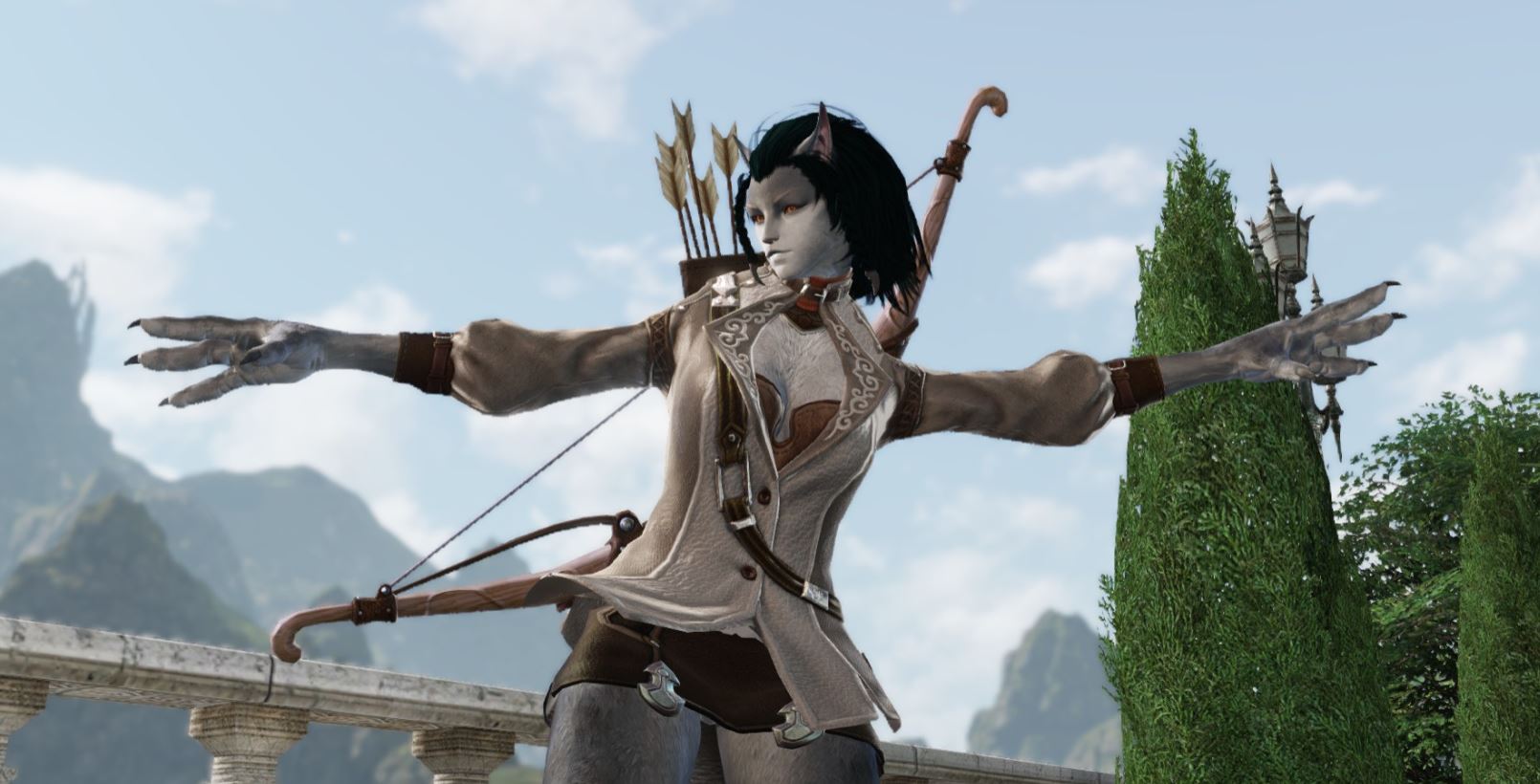
In Bless Online, you can use various emotes with your character, such as laughing or dancing. We show which gestures are available and explain how to use them.
Emote Commands: Type these commands in the chat

The following emotes have been tested by me in the game and work without a doubt:
- Love: /love
- Sadness: /sad
- Laughter: /laugh
- Waving: /wave
- Dancing: /dance
- Teasing: /tease
- Sleeping: /sleep
- No: /no
- Yes: /agree
- Taunting: /taunt
- Anger: /rage
- Saluting: /salute
- Showing off: /show off
- Shy: /shy
- Confessing: /confess
- Strength: /strength
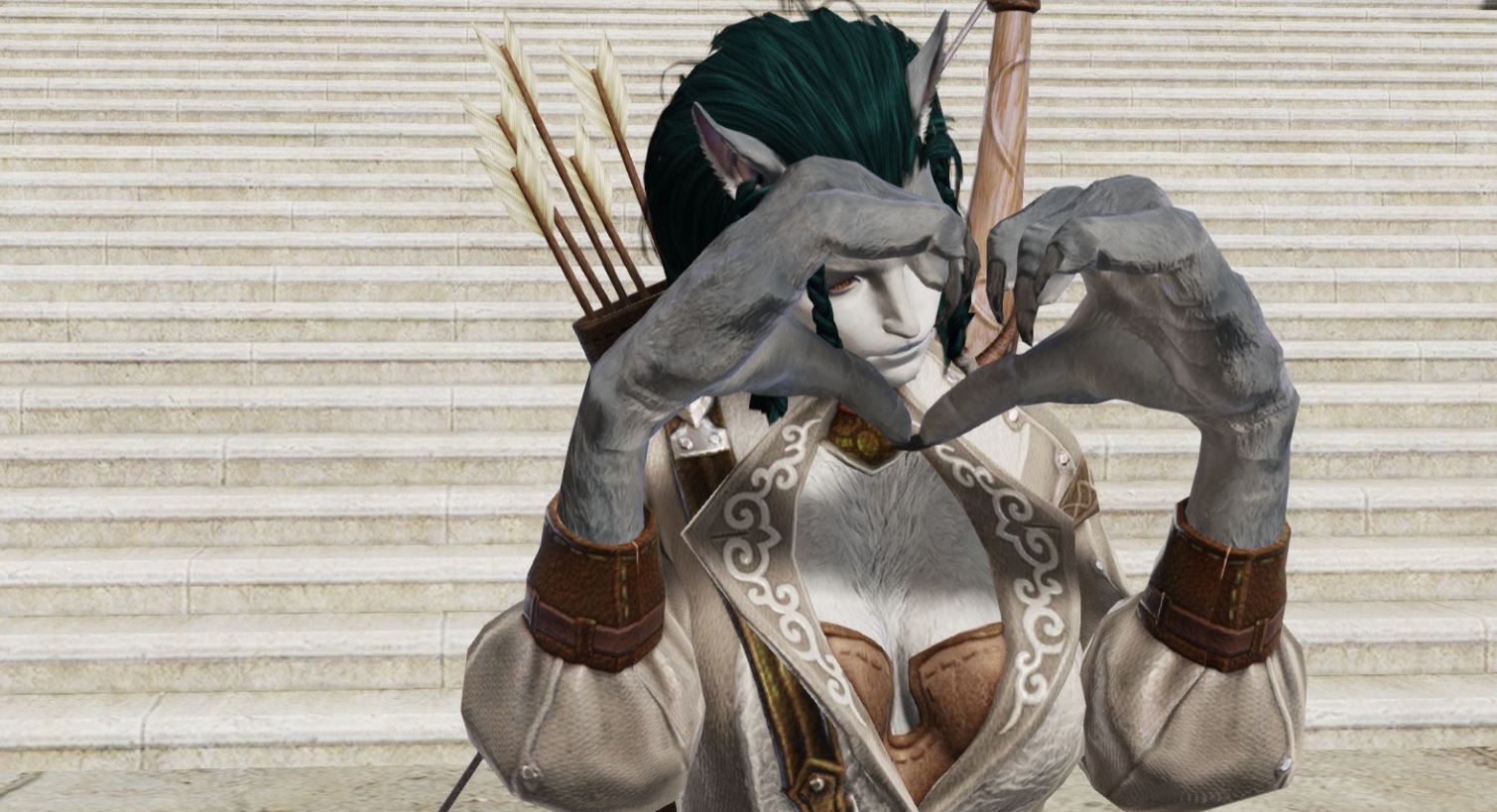
More useful commands:
- Make your mount roar: Space bar – You don’t need to open the chat for this.
- Hide HUD: F11 – This hides the interface and allows you to take nicer screenshots of your gestures!
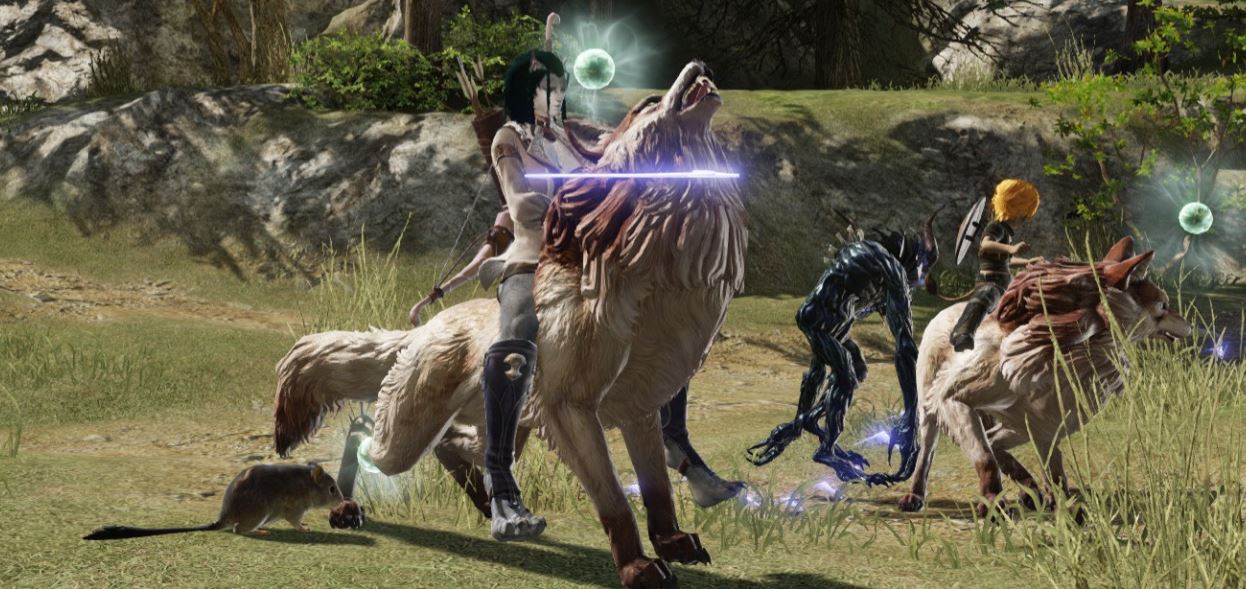
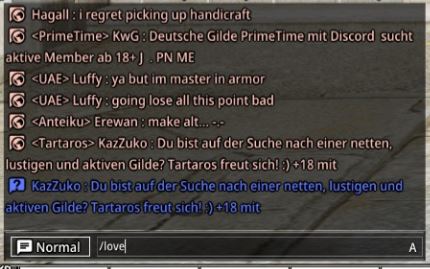
How to use an emote?
In the bottom left of the image, you will find the chat. Here, you simply need to enter the command of the emote you wish to use. Just type slash followed by the corresponding command.
Want to apply an emote to another person? In this case, you just need to click on the character of the other player. Now a bar will appear above your head with the name of the player.
If you then execute the command of a gesture in the chat, the emote will go directly to that person. Otherwise, nothing changes.
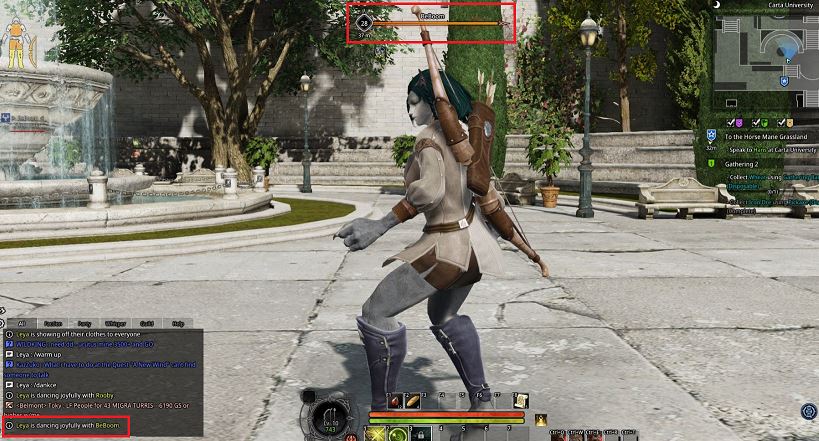
Now you can give your characters more expression and communicate with your teammates through gestures.
If you know more emote commands that are not mentioned in this list, let us know in the comments. Then we can add them.
Want more guides for Bless? Then check this out:
- Bless Online Guide – Find stone and craft taming scrolls
- Bless Online: Taming Guide – How to correctly tame 660 pets and mounts!
- Bless Online Beginner Guide: How to really get started!

Your opinion is important to us!
Do you like the article? Then let us know!