Lineage 2 Revolution (iOS and Android) is a complex mobile MMORPG that can be quite confusing at the beginning. Find out here in our Beginners’ Guide how the gameplay works, how to level up items, and how auto-play works.
Anyone who thinks that all mobile games and smartphone games are simple click-fests without depth has not seen Lineage 2 Revolution. This successful mobile MMO from Netmarble is so complex that at first, you sit quite confused in front of your smartphone and only understand “Elf Forest”.
But don’t worry, we will show you in our Beginners’ Guide how to optimally start the game and understand everything from the beginning.
Controls & Interface
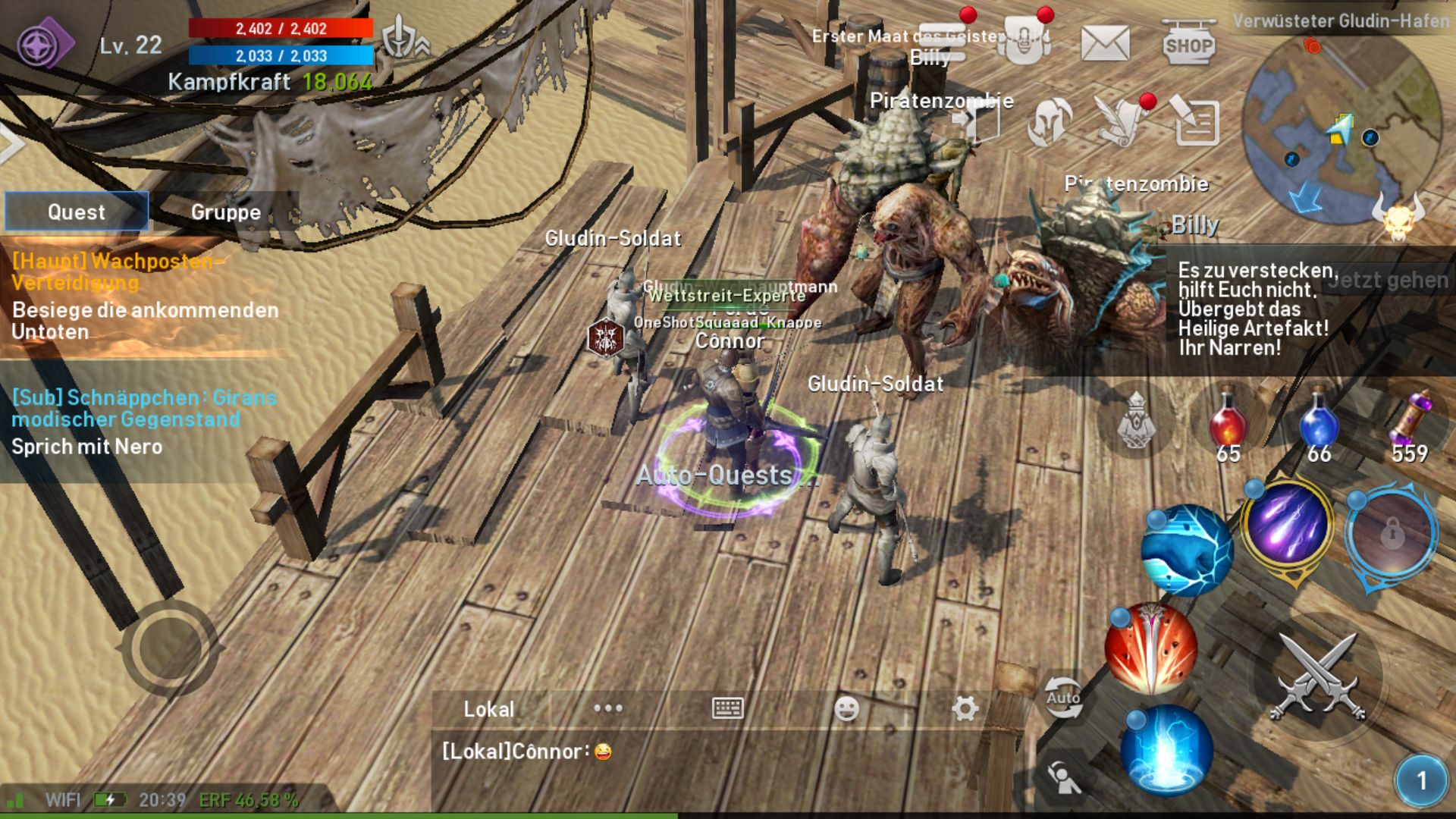
When your hero appears in the starting area for the first time, you will be confronted with an unusually complex interface. Lineage 2 Revolution is on par with a big MMO on PC or console.
Controls and Skills
- You control your hero with the control button at the bottom left.
- On the right side is your skill menu.
- The icon in the middle (at the bottom right of the screen) is your standard attack. You simply use your equipped weapon to attack and do not consume resources and have no cooldowns.
- The five smaller circles around the standard attack indicate your skills. The three circles on the left of the standard attack are regular skills. The two upper circles are reserved for special abilities that you will need to find in the game. The special skills are powerful but have long cooldowns.
Map, Potions, and Menus
- Above the skills is a display that shows you how many health potions, mana potions, and “soul shots” you currently have. Soul shots increase your damage per hit but are consumed per attack. So save them for bosses. If you run out of any of these items, you can immediately and without a merchant buy more by simply clicking on the empty space.
- In the top right is the mini-map. Red dots indicate enemies, yellow dots indicate NPCs. The skull below shows the available world bosses in the area. Clicking on the map will let you see a larger version of it.
- To the left of the map are icons that allow you to open the various menus of the game – such as the character menu, inventory, mailbox, or shop.
Energy Display, PvP Settings, and Quest Log
- In the top left, you will find your health and mana display. You will also see your “battle power”, a display of your hero’s overall strength.
- Using the dove icon to the left of the mana and health bars, you can set how you want to behave in open PvP (if allowed in the area). Do you want to be unable to attack anyone, only defend yourself against attacks, or are you bloodthirsty and set the display to “Attack all players”?
- Using the sword & shield icon on the other side, you can see if you currently have active buffs.
- Below the health and mana display is a small arrow. When you click on it, a window will pop up where you can claim rewards for level-ups or check the notice board.
- Finally, there is the quest log which shows you all currently active quests. Tip: You can scroll down on the list for multiple quests.
Lineage 2 Revolution: Quests and Auto-Play
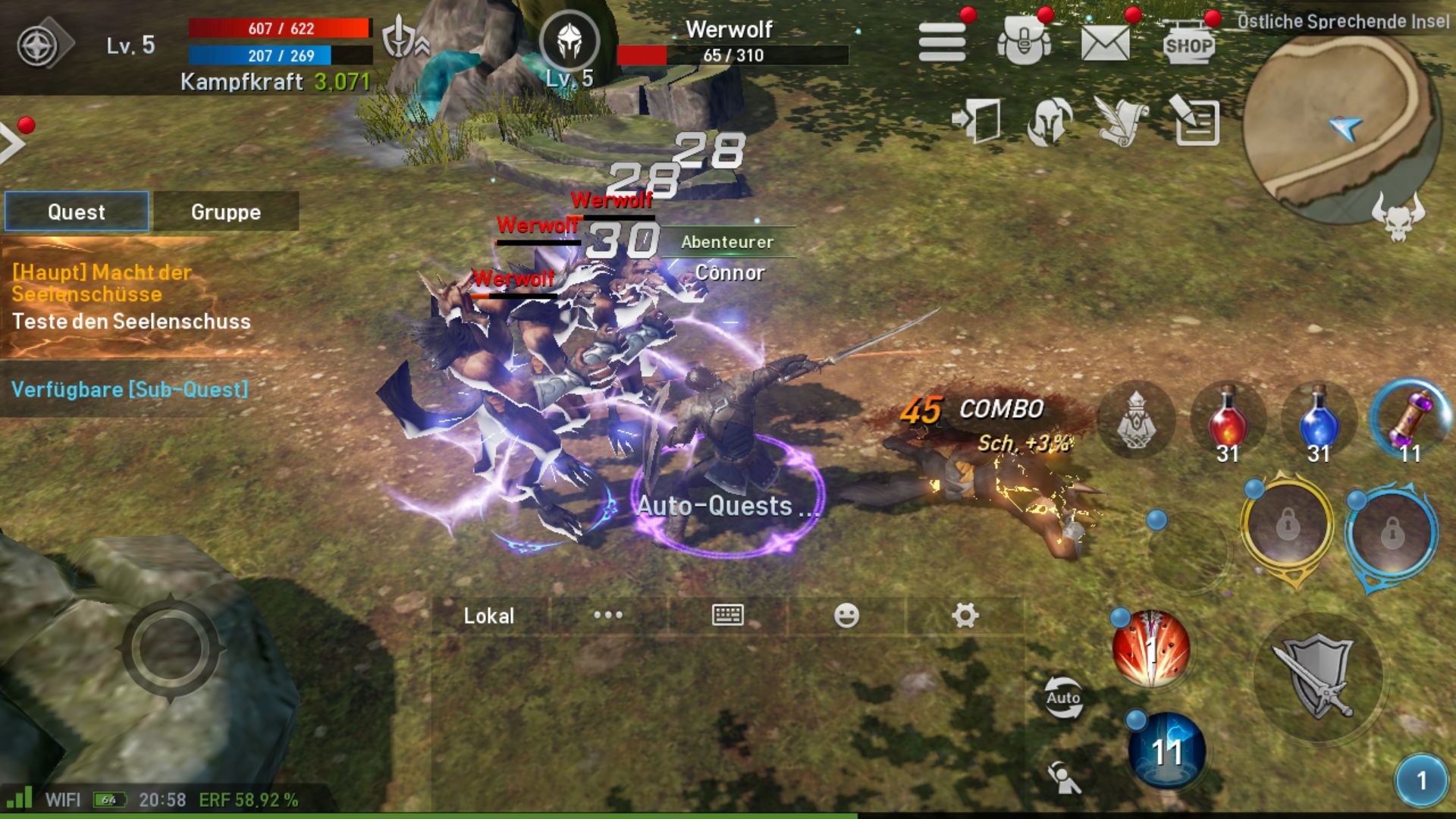
Quests in Lineage 2 Revolution are quite simple. You go to a quest giver and get a task. Then your hero automatically runs off, finds the appropriate area, and slaughters through the enemies.
He will keep doing this until he fulfills the mission objective. Then he runs back to the quest giver. If you want to turn off this autopilot and want to fight and run yourself, just click on the current task in the quest window on the left side of the interface.
Auto-Play Mode in Detail
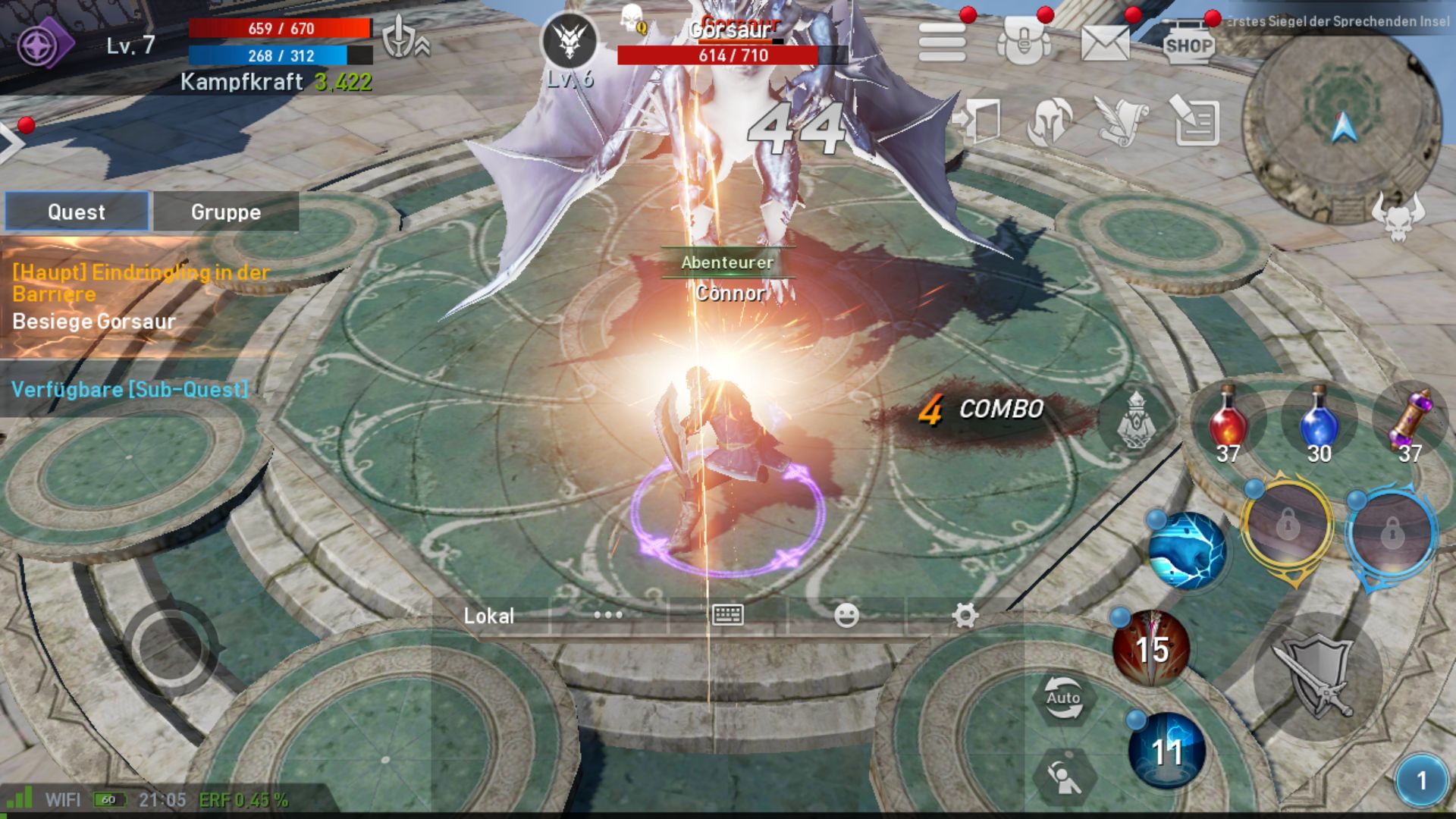
By the way, you can still control your hero in auto-play mode, but as soon as you take your hands off the buttons, your hero will go back to his standard program. You can indicate how your hero behaves in auto-play using the button labeled “Auto” to the right of the chat screen.
If the button is outlined in blue, your hero will unleash all the skills he has and also consume potions if needed. A yellow outline shows that the hero only uses standard attacks and does not invest any resources. Ideal if you want to time your special powers in auto-combat or do not want your hero to waste valuable potions while grinding.
Daily and Weekly Quests
Later in the game, in addition to your main quests, you will also receive daily and weekly quests.
- Every day you can complete up to 12 daily quests for big rewards. You can accept up to three quests at the same time. If you complete all 12 in one day, there’s extra pay. If you cannot finish a quest, you can automatically check it off after a while and claim the reward without doing anything!
- Weekly quests are similar; you need to complete a total of 70 within a week. Then a special reward awaits. However, you can only complete 10 quests a day. With the auto-quest function, you can automatically send your hero on the way to the next weekly quest.
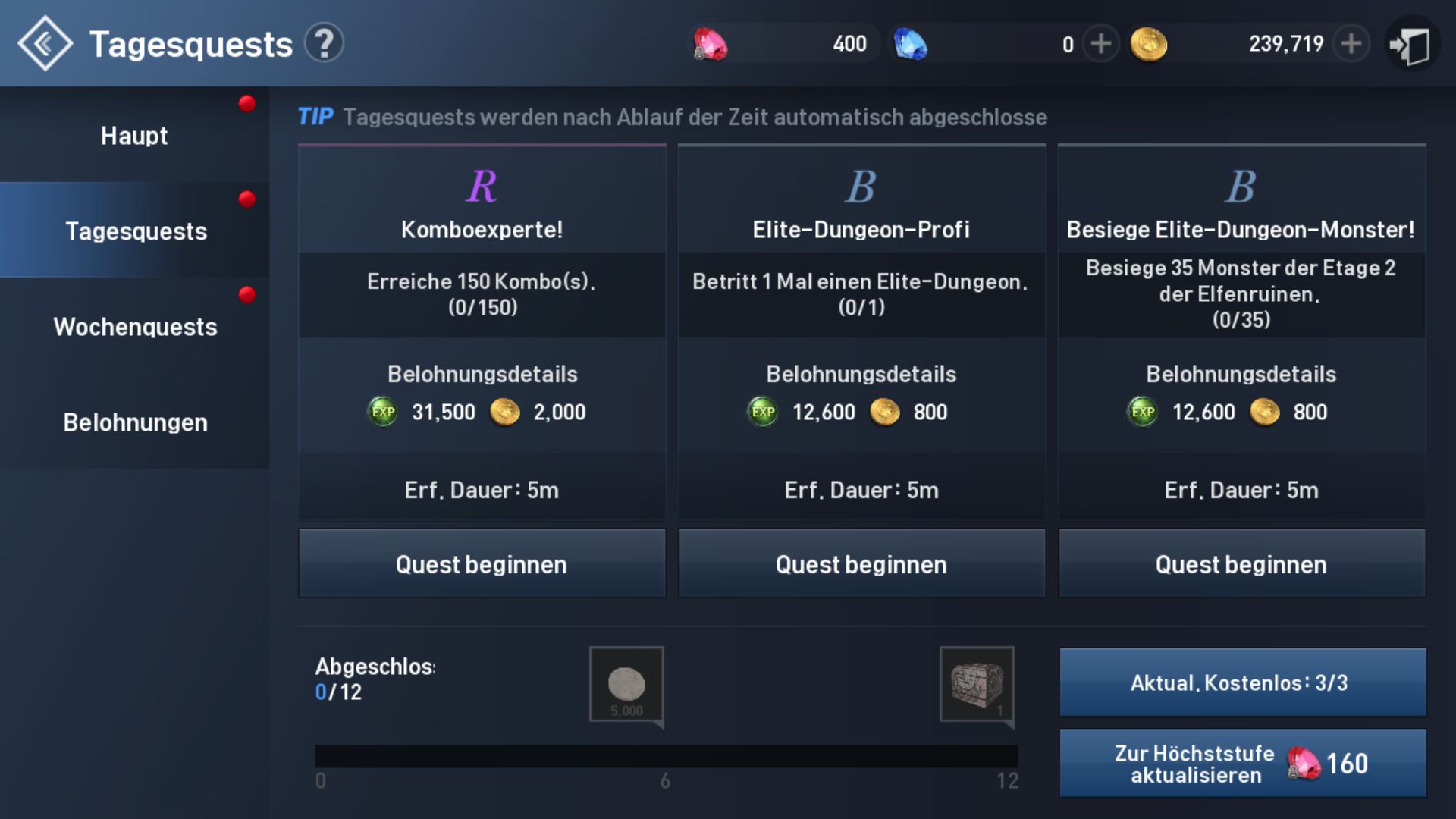
Tip: Complete your daily quests and the 10 weekly tasks whenever possible. The rewards are extremely useful, especially at the beginning of the game! Additionally, these tasks can be optimally completed via auto-play, and you can do something else in the meantime.
Battle Power, Equipment & Runes
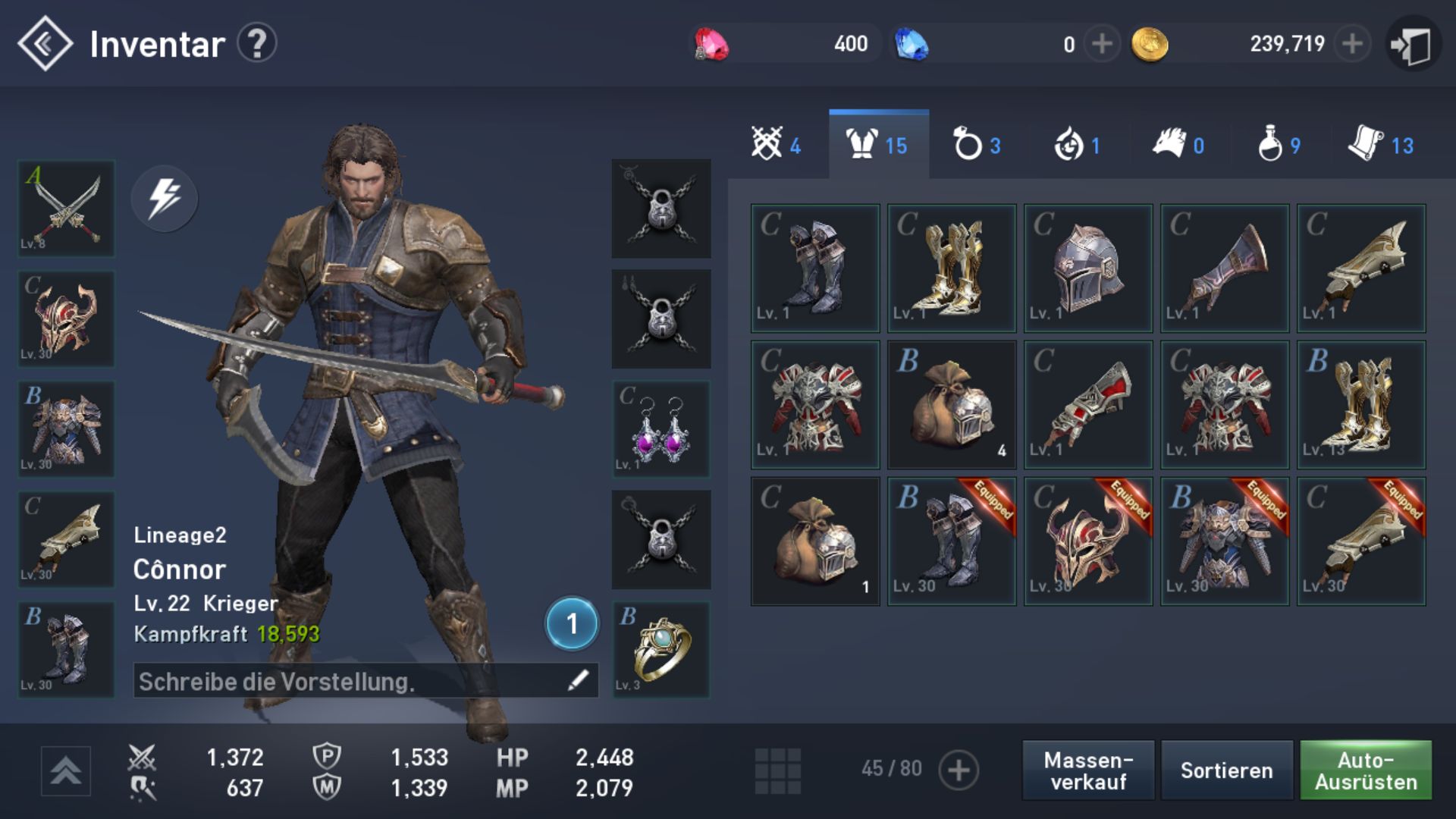
The higher your battle power, the tougher challenges your hero can tackle. And you increase battle power most effectively through your equipment. Items are categorized by letters. C-level items are total junk, while A-items are extremely good at the start of the game.
You can easily boost your equipment by “feeding” other items to the item you want to upgrade. Go to the “Forge Menu” and select all lower-quality items you want to use. Also, make sure you have enough gold, as each upgrade costs in-game currency.
Tip: Do not upgrade C-items, only B or better. Use C-level junk only for leveling up better items.
Increase Item Quality Level
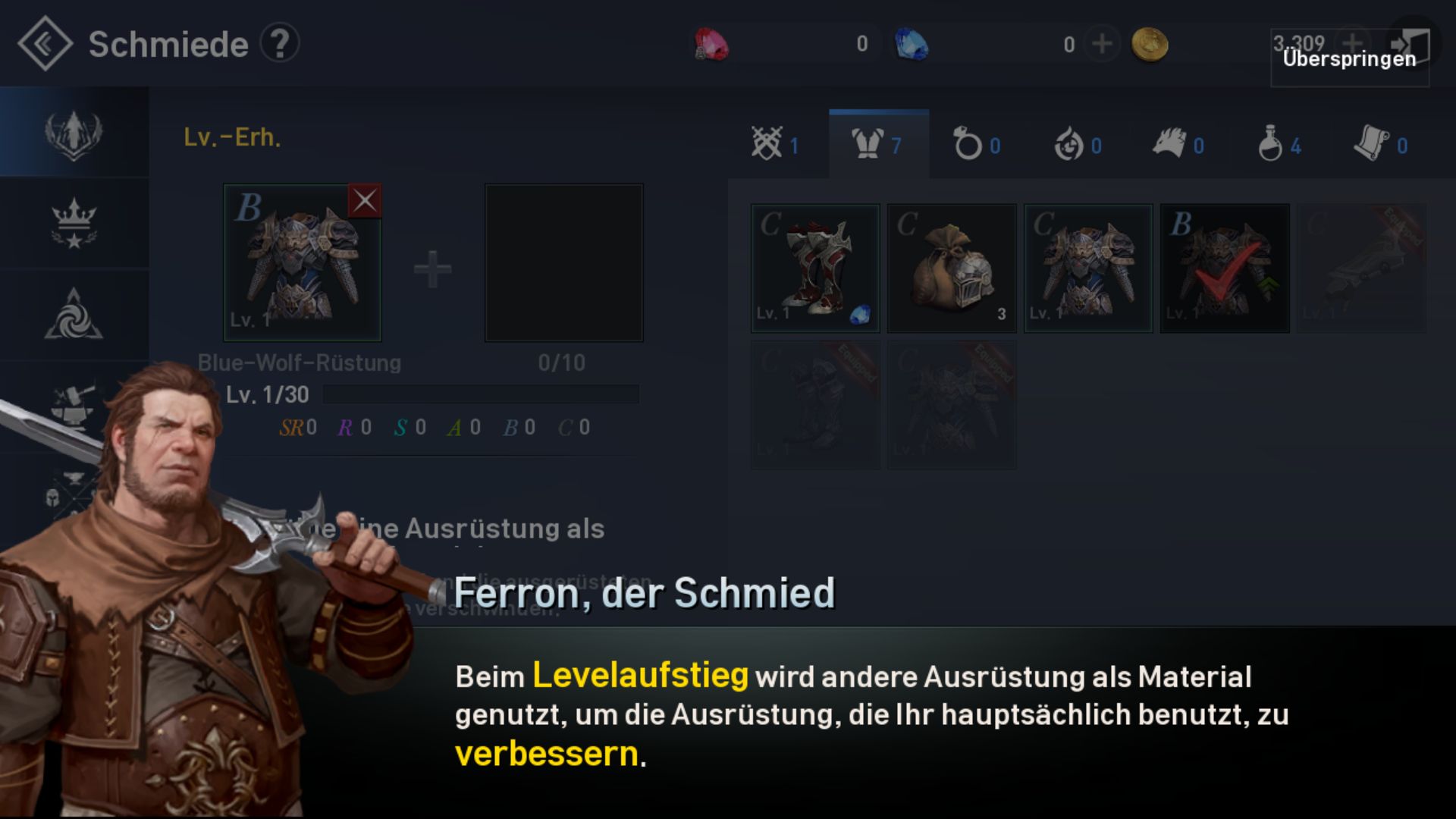
If you want to bring an item to the next quality level, you need the item at the maximum level 30 and another item of the same quality that is also level 30.
So if you want to upgrade a B-quality helmet to A-quality, you need to sacrifice another level 30 B item via the “Combine” menu in the forge. Then the helmet will return to level 1, but it will be at A-quality.
Increase Your Battle Power Through Runes
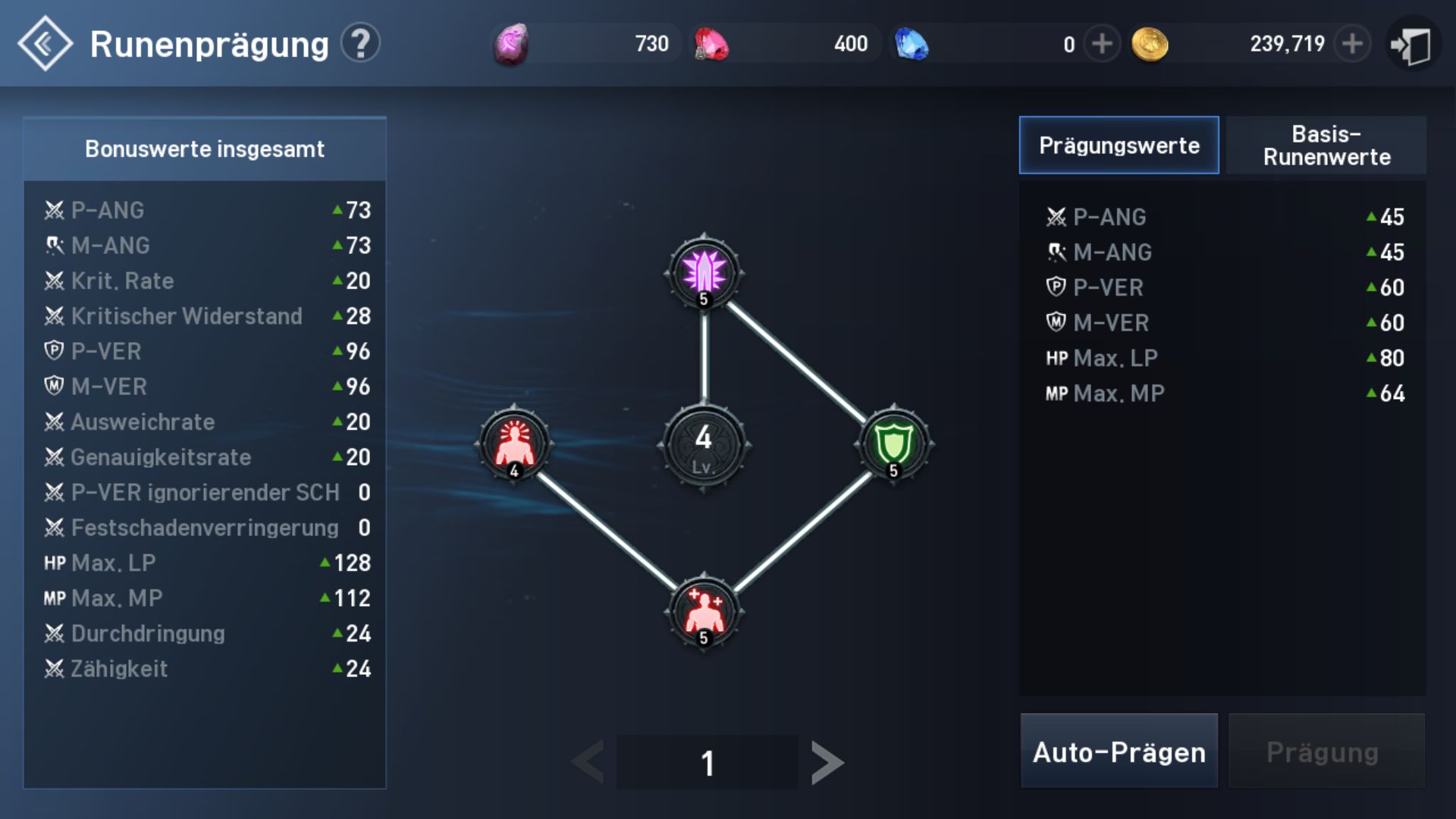
Once you are able to enter the “Tower of Triumph”, you can enhance your runes. Runes are a separate menu under “Character”. There you can enhance four sub-runes (each gives you a bonus) with rune stones. Once you have enhanced all four runes, the central rune levels up and gives you additional bonuses.
The necessary resources for rune enhancements can be obtained in the Tower of Triumph. However, be aware that rune enhancement does not work automatically. There is a chance that it will fail, and the resources will be wasted.
Tip: Check Your Rewards!
Lineage 2 Revolution wants to make you happy! Therefore, the game regularly gives you cool stuff. You get rewards for the following things:
- Logging in
- Online time
- Achievements
- Waiting offline in cities
- Redeeming loyalty points in the shop
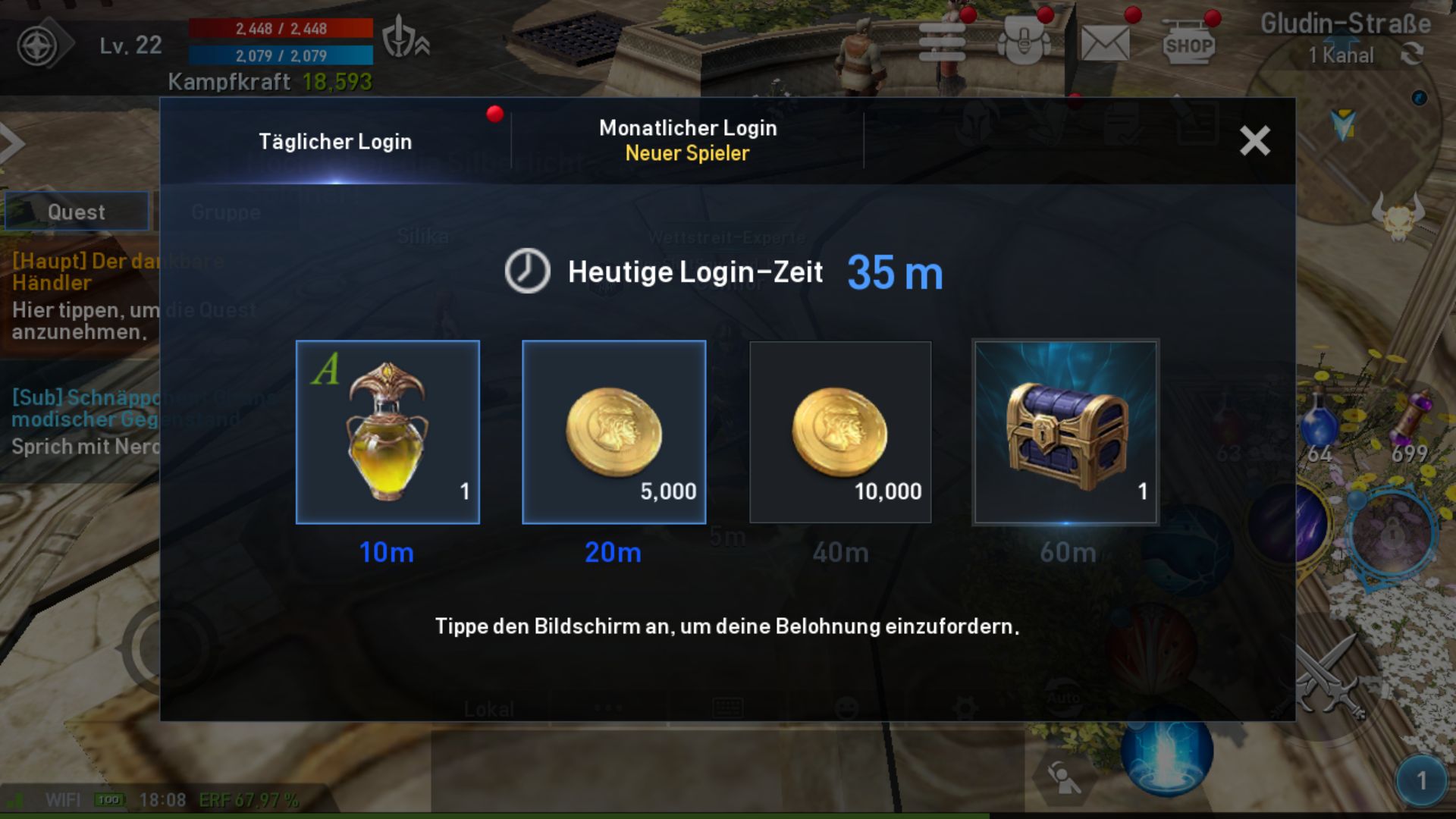
So make sure to check the “Event” menu every day and claim your free stuff. Ensure that you collect all these goodies daily. Keep in mind that your rewards usually end up in the mailbox, and go to the inventory often to unpack all those loot chests.
Dungeons, Tower of Triumph, and the Arena
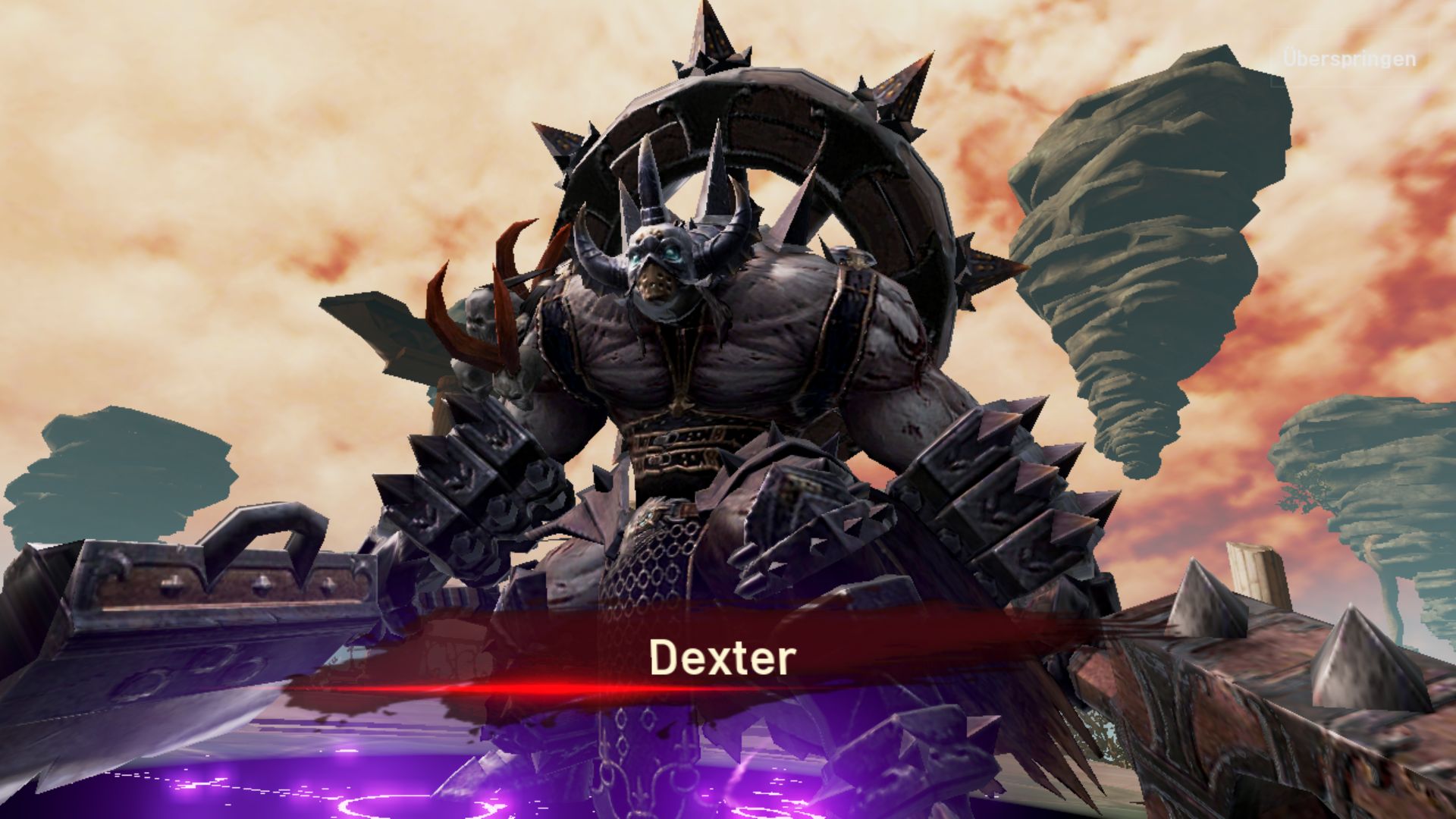
Early in the game, you can complete a solo dungeon. In it, you will face a single boss, whom you will defeat. Depending on how quickly you win, the better the loot you will receive, so use your best skills and items. Once you’ve achieved your best time, you can skip the fight in the future and automatically finish the dungeon with your current best time and loot.
Tower of Triumph
After the dungeons, the Tower of Triumph comes a bit later in the game. In it, you fight through a number of monsters that appear in waves on each floor. You have limited time, and the faster you are, the better the loot.
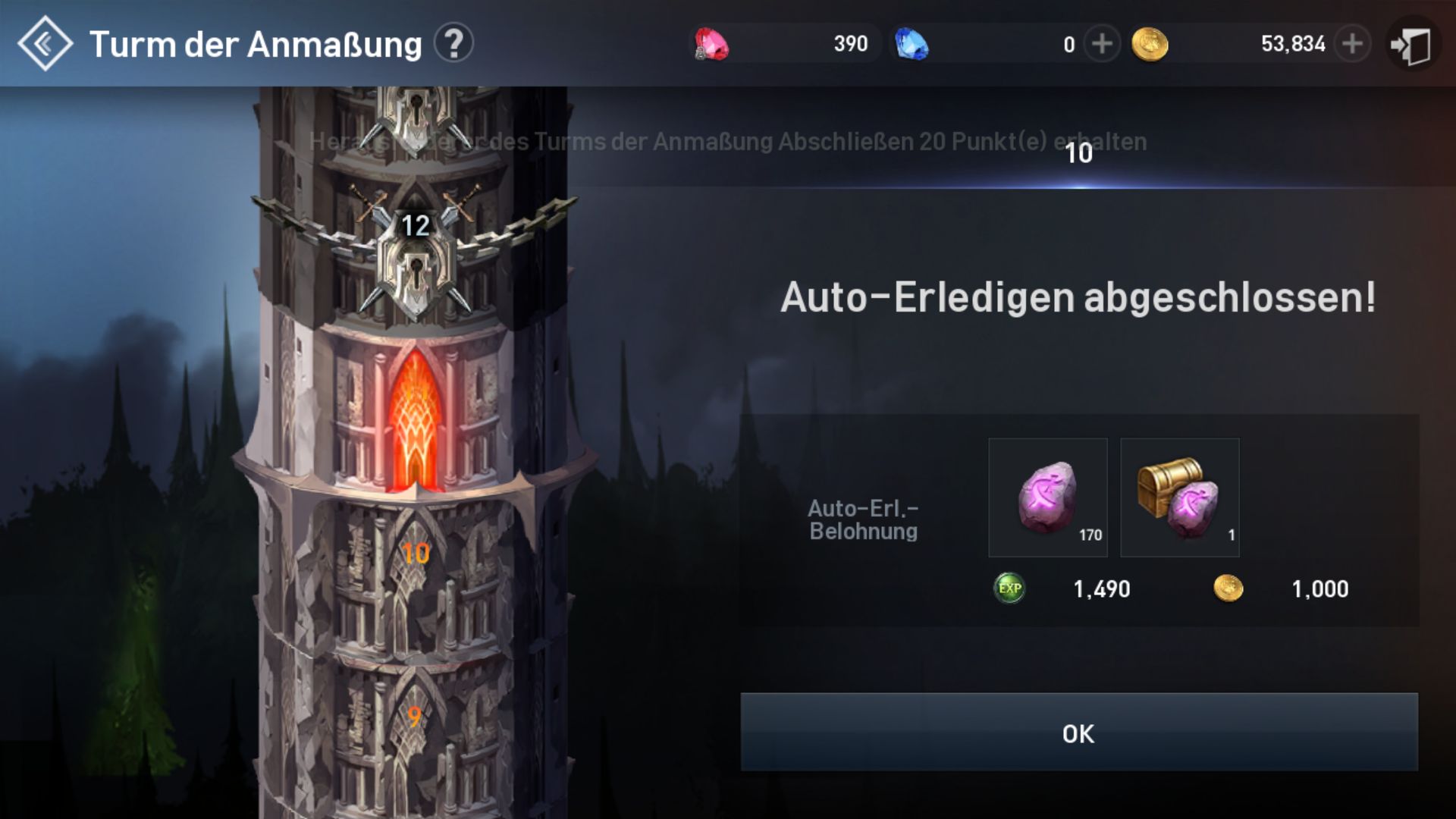
Every 5 levels comes a special level where only bosses appear. In the tower, you receive loot and rune fragments on each level that you need to upgrade your runes. Once a day, you can automatically clear all the levels of the tower you’ve completed so far and claim a huge amount of loot without any further action.
Offline PvP in the Arena
In the arena, you can duel against other players. However, these are AI-controlled player characters that you select from a list. You can have 5 arena battles per day and earn PvP honor. Ideally, fight against weaker opponents that you can defeat. Tip: Upgrade your equipment as much as possible before entering the arena and use soul shots for extra damage.
Elite Dungeons
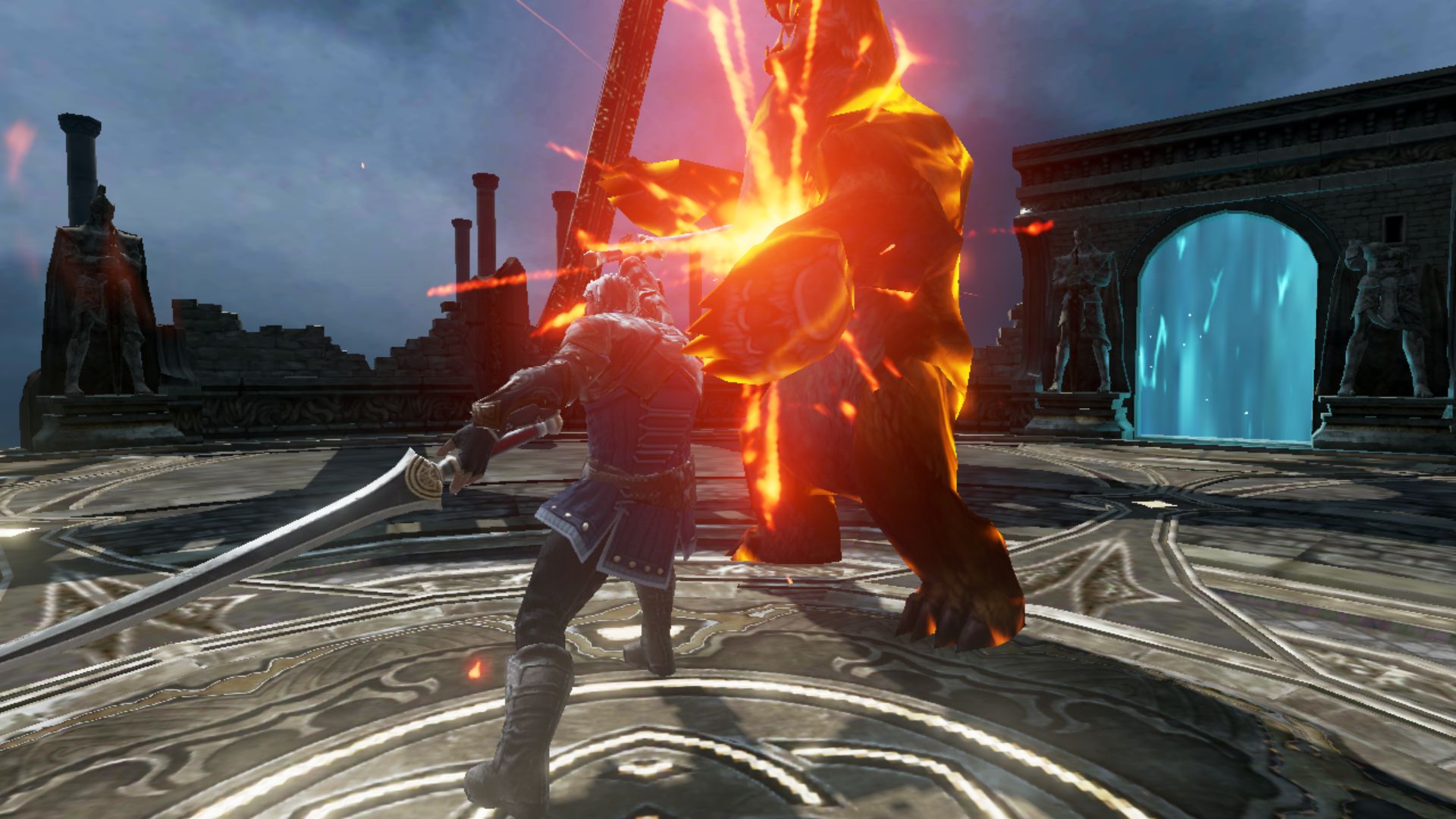
Elite dungeons feature particularly tough opponents that are best tackled in a team with other players. You can automatically look for a group through the dungeon menu and then start grinding.
The grind is especially worthwhile during the so-called “Bonus Time (Hot Time)”, during which monsters drop even more loot and give extra experience.
You can sign up for Lineage 2 Revolution for free here
Here you can find our guide to the 10 best classes in Lineage 2 Revolution.